 Vove AI
Reference example
Picture a classic ceremony, coastal celebration, garden portrait or vintage scene. Bring two adult faces and choose the setting that feels right together.
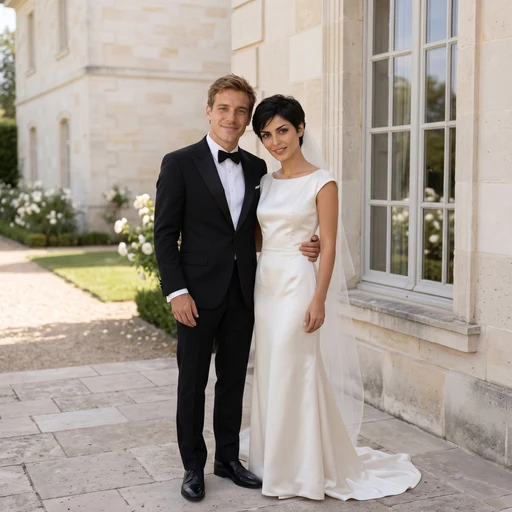
Reference media from the source site shows the creative direction. It is not a result generated by this service; your output may differ.
These source examples explain the scene directions. Your newly generated result will vary.
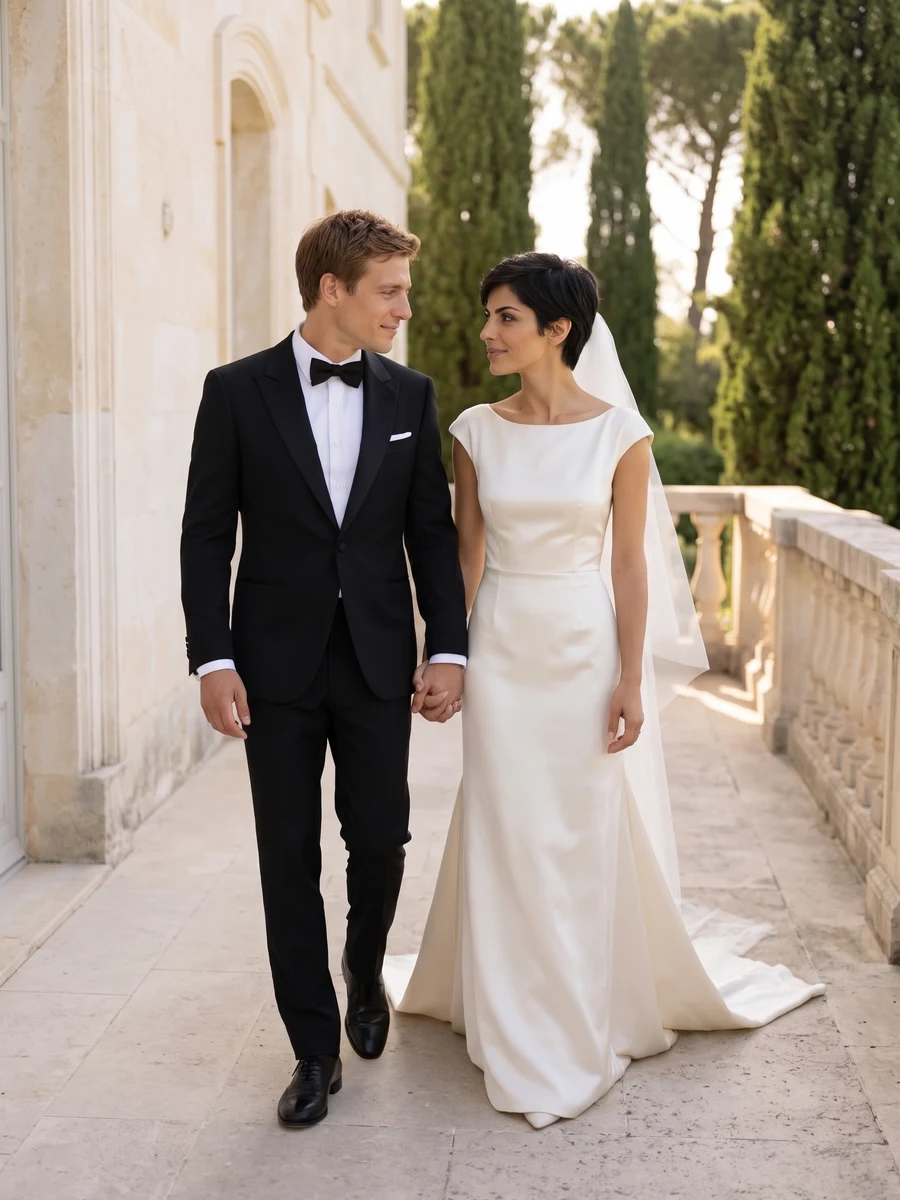
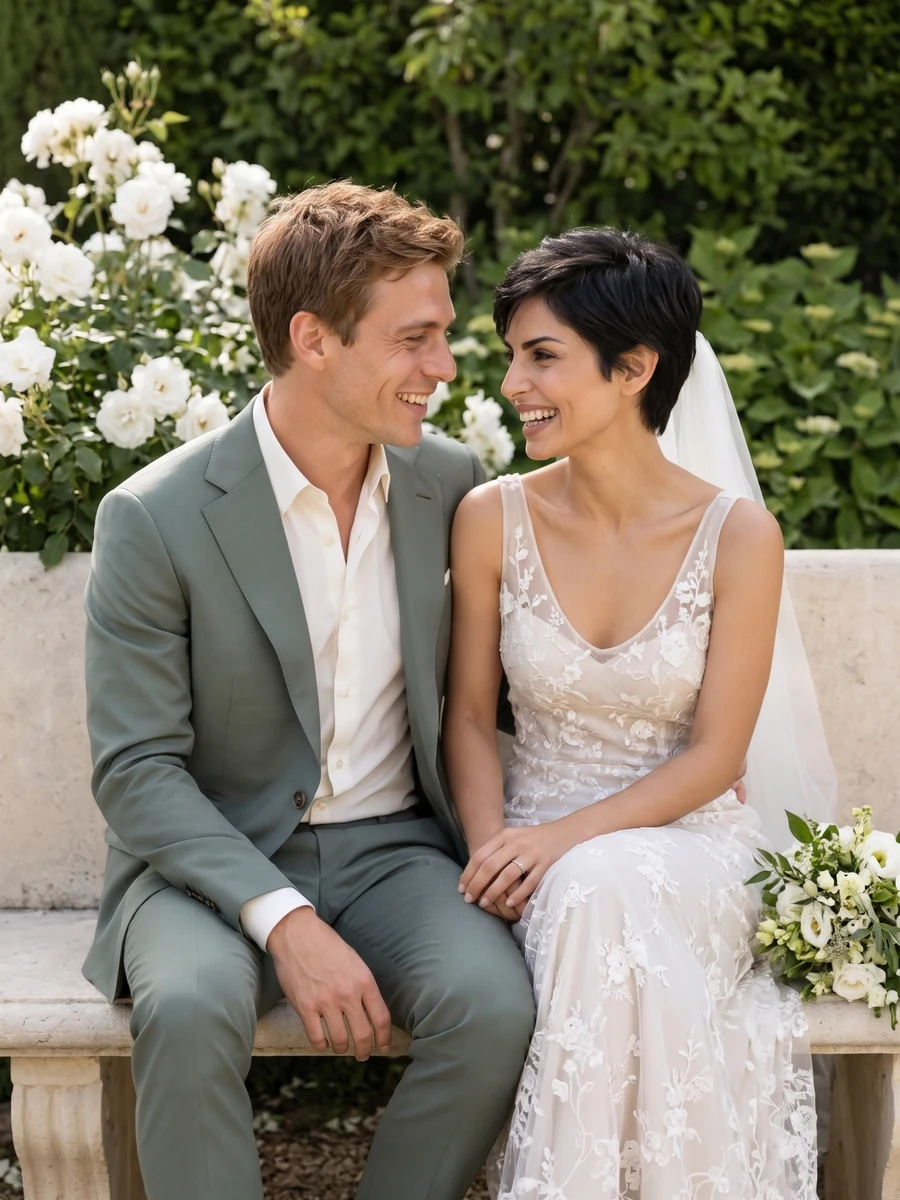
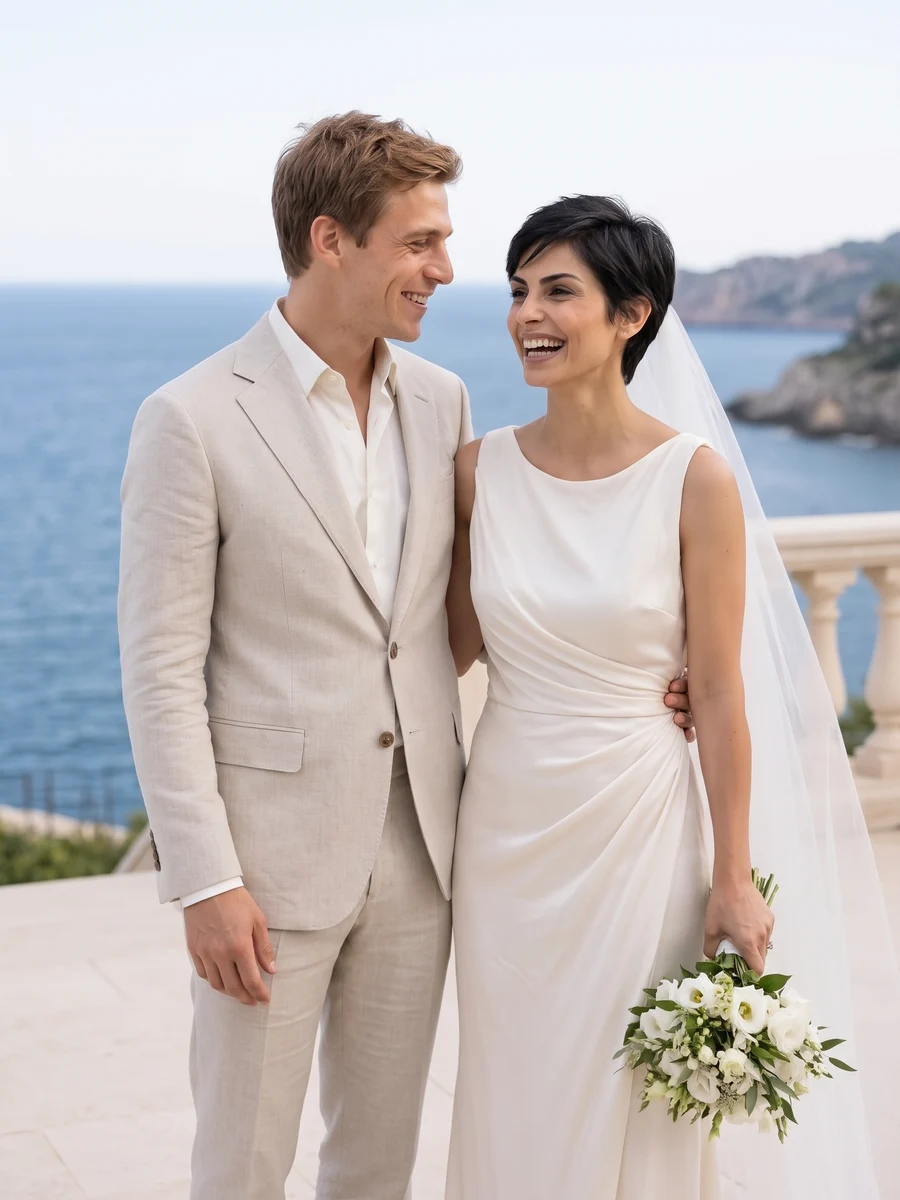
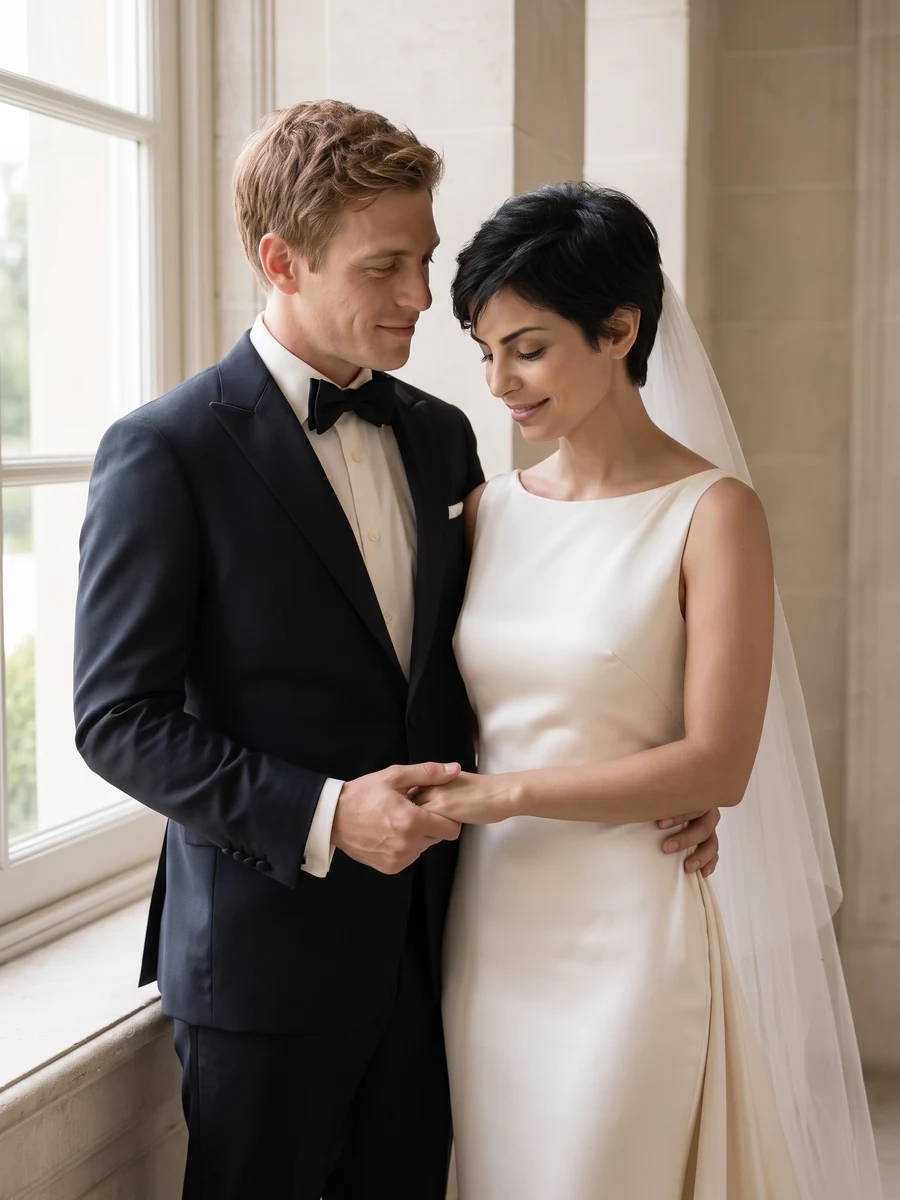
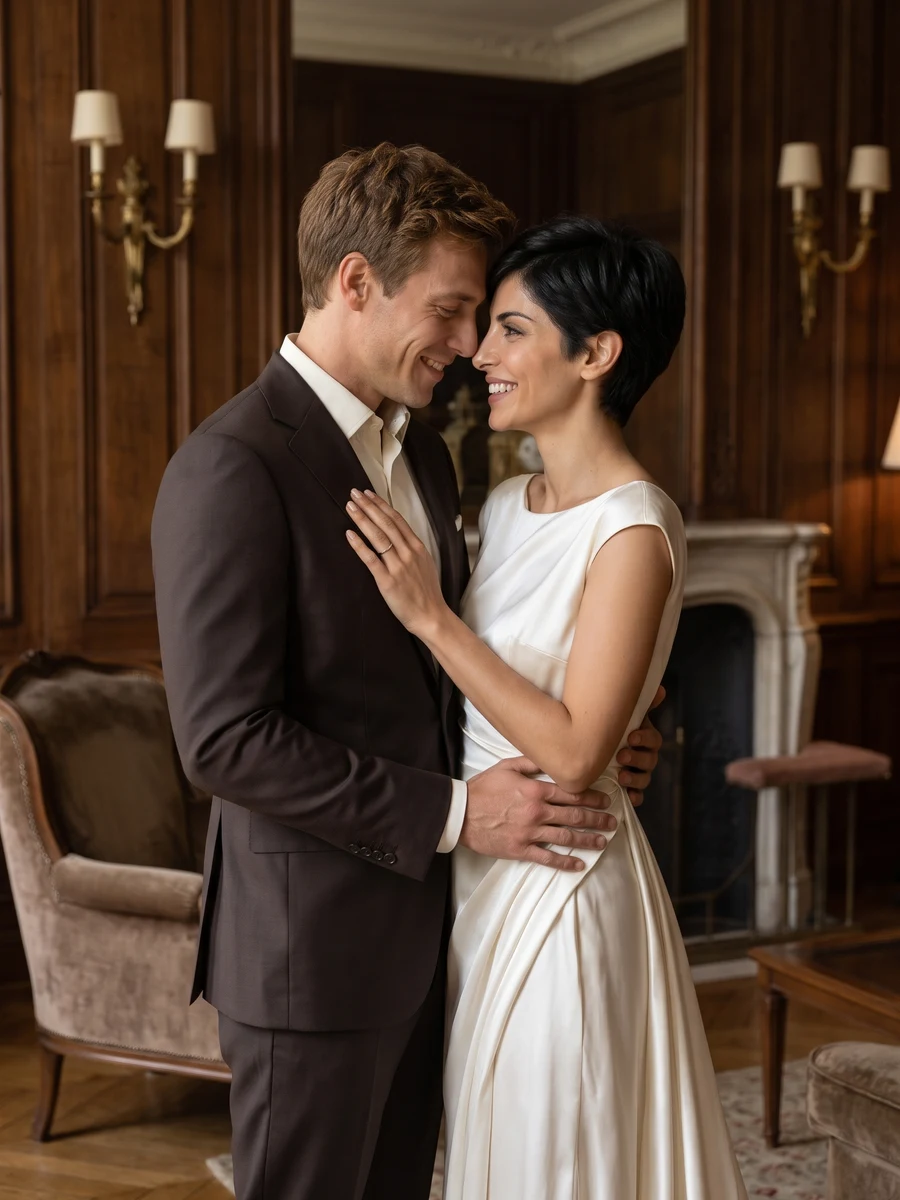
Reference media from the source site shows the creative direction. It is not a result generated by this service; your output may differ.
Wedding clothes are optional in the references. Start with clear faces and describe the desired attire only when it matters.
Wedding clothes are optional in the references. Start with clear faces and describe the desired attire only when it matters.
Inspect veils, bouquets, hands and the boundary between formal clothing and skin.
These are imagined wedding portraits, not documentary photographs of a ceremony. Each request creates one image.
Choose the reference and direction, then check your settings before submitting.
Wedding clothes are optional in the references. Start with clear faces and describe the desired attire only when it matters.
Select a direction and the available model settings above. Review the current credit quote.
Inspect veils, bouquets, hands and the boundary between formal clothing and skin.
Wedding clothes are optional in the references. Start with clear faces and describe the desired attire only when it matters.
Inspect veils, bouquets, hands and the boundary between formal clothing and skin.
These are imagined wedding portraits, not documentary photographs of a ceremony. Each request creates one image.
The credit quote follows the current model, output size. Check the settings panel and use the existing credit plans for top-ups.
Picture a classic ceremony, coastal celebration, garden portrait or vintage scene. Bring two adult faces and choose the setting that feels right together.
Add the photos requested by your selected direction. JPG, PNG or WebP, up to 2 MB each. Wedding clothes are optional in the references. Start with clear faces and describe the desired attire only when it matters.
These are imagined wedding portraits, not documentary photographs of a ceremony. Each request creates one image.
The settings panel shows the current credit quote. Sign in to submit, then follow the task here or in My creations and download the completed result.
Choose a direction above and start with a photo of your own.
Start creating