 Vove AI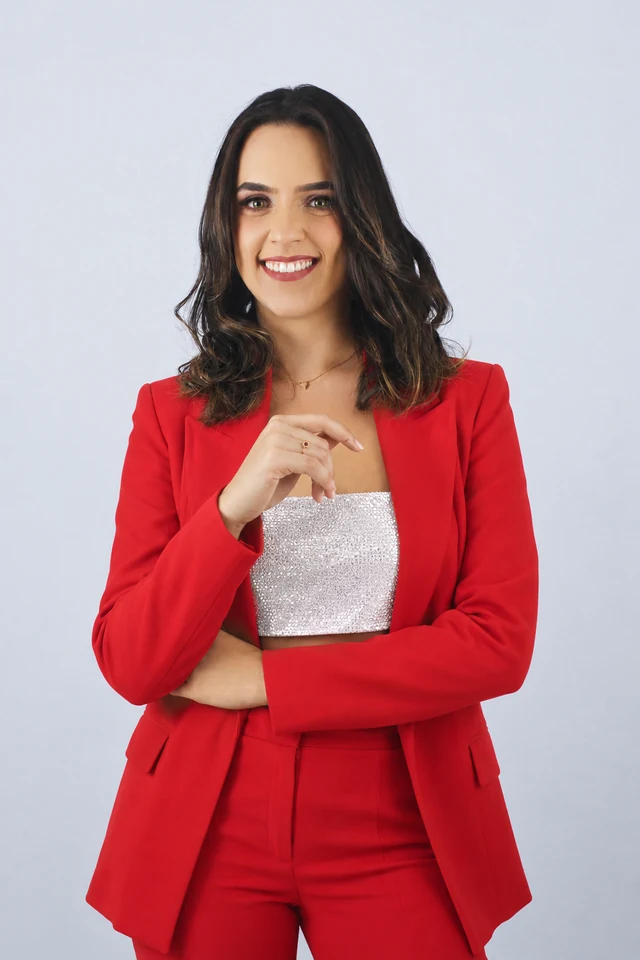
Reference example
Add a person photo and a clothing reference. Request a complete outfit or one garment, then inspect the result before using it in a style board or a post.
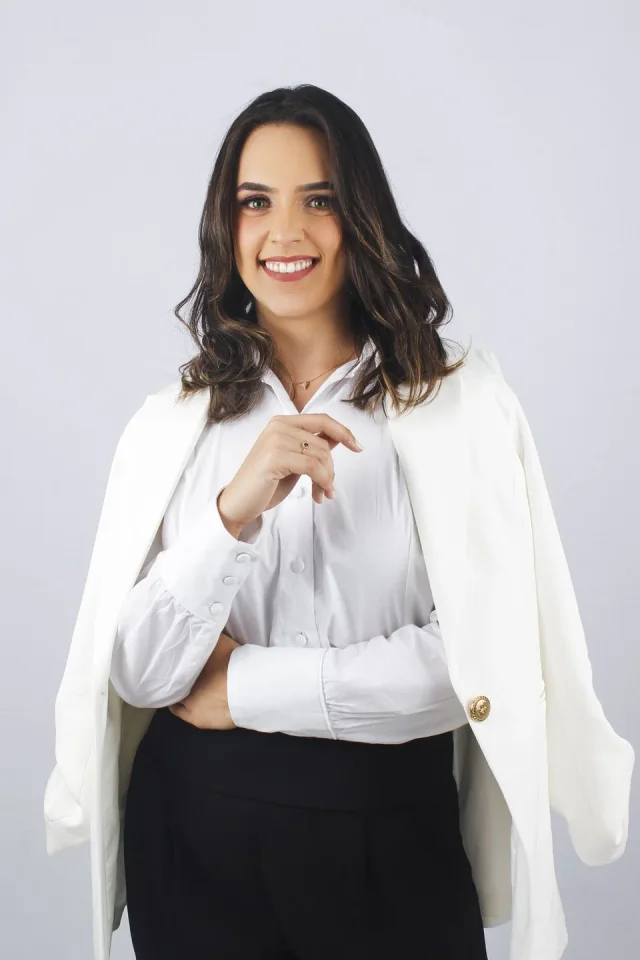
Reference media from the source site shows the creative direction. It is not a result generated by this service; your output may differ.
Browse the reference media, then choose the direction you want to make your own.
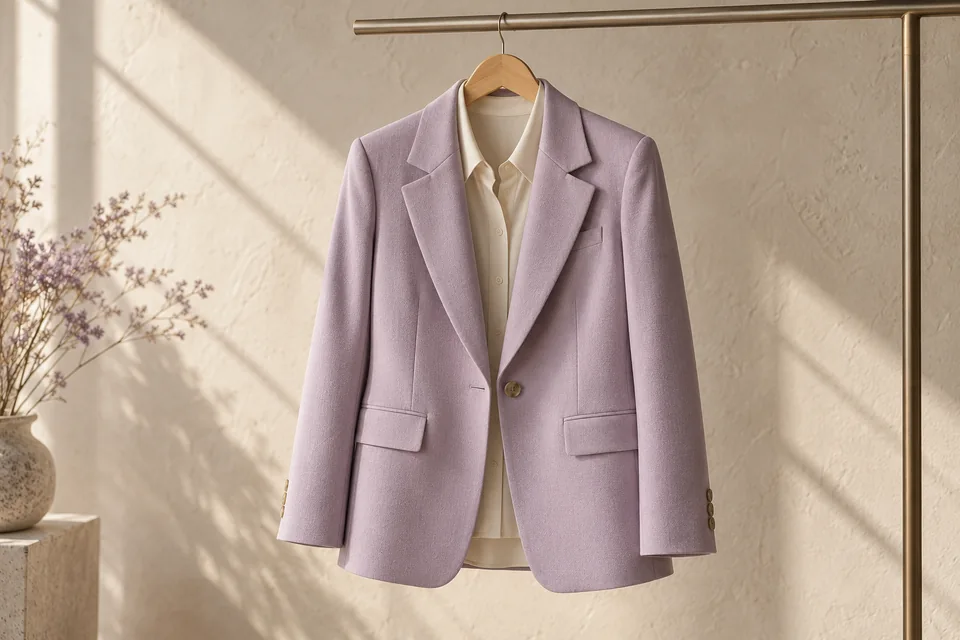
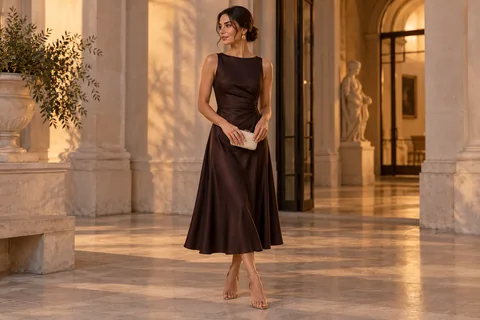
Reference media from the source site shows the creative direction. It is not a result generated by this service; your output may differ.
The first image tells the model who to keep; the second shows the clothing to borrow. A focused instruction can ask for a jacket-only edit or a full look. The saved source comparison illustrates the task, while your own result appears in the workspace.
Keep the person in the first slot and the outfit in the second.
State which garments may change and which details should stay.
Inspect face, hands, seams and printed details at full size.
Person photo + outfit reference
Keep the person in the first slot and the outfit in the second.
Slot 1: the person. Slot 2: the garment or complete look. JPG, PNG or WebP, up to 2 MB each.
Inspect face, hands, seams and printed details at full size. Find the saved task and download in My creations.
Avoid hidden sleeves and cropped hems when those parts matter to the edit.
Faces, fingers, folds and logos may be redrawn. Compare them with both source photos.
An image preview cannot predict measurements, comfort or how a real garment will fit.
The quote follows the image model and output size you choose. Check it beside the create button, then use the current credit plans if you need to top up.
Add a person photo and a clothing reference. Request a complete outfit or one garment, then inspect the result before using it in a style board or a post.
Slot 1: the person. Slot 2: the garment or complete look. JPG, PNG or WebP, up to 2 MB each.
The image model can redraw fabric, logos, seams and body details. Compare the result with both references. A generated styling preview does not predict garment measurements or real-world fit.
Check the credit quote beside the create button and the current plans on Pricing. After signing in and submitting, follow the task here or in My creations. Download the completed result from your account.
Choose one direction above and give it a photo of your own.
Start creating