 Vove AI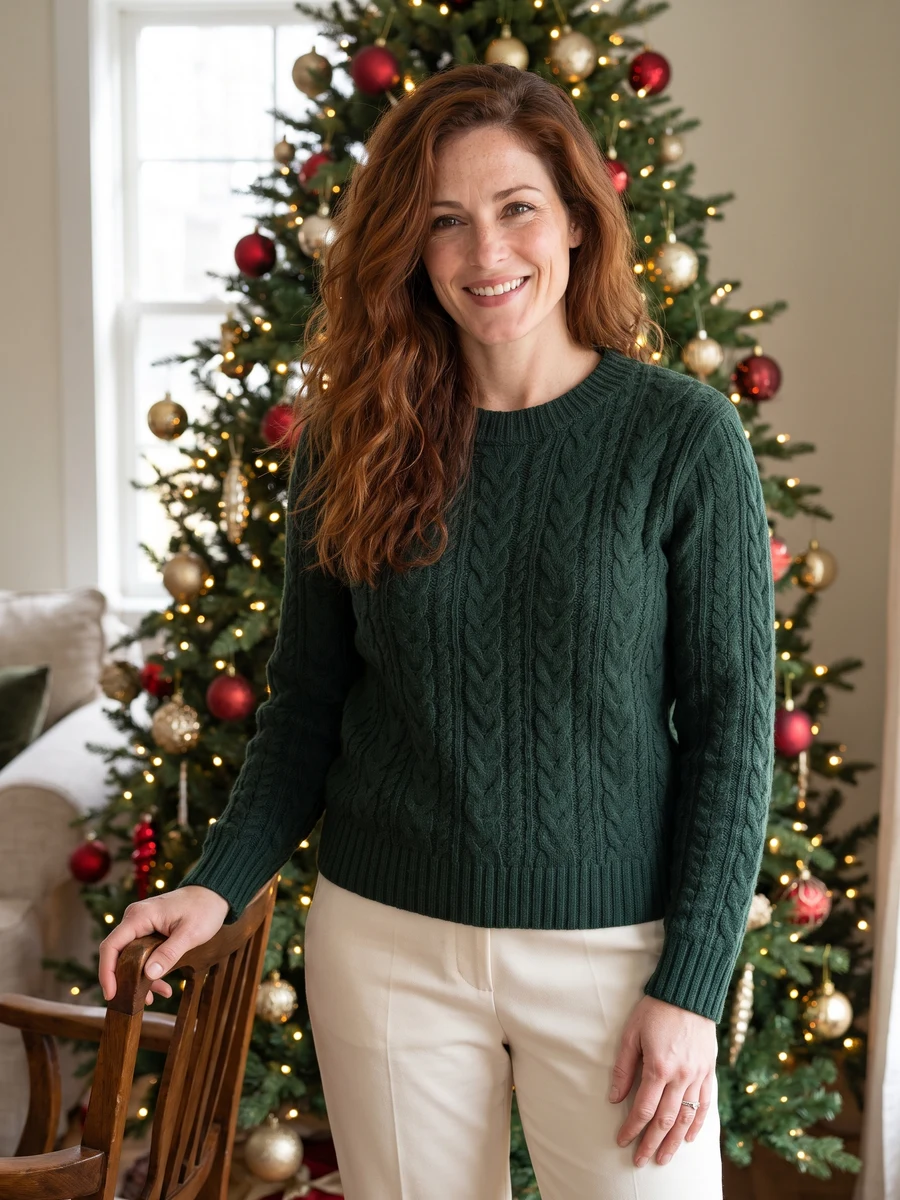
Reference example
Explore classic red, Nordic textures, golden light or a nostalgic Christmas setting. One clear selfie becomes the starting point for a warm seasonal portrait.
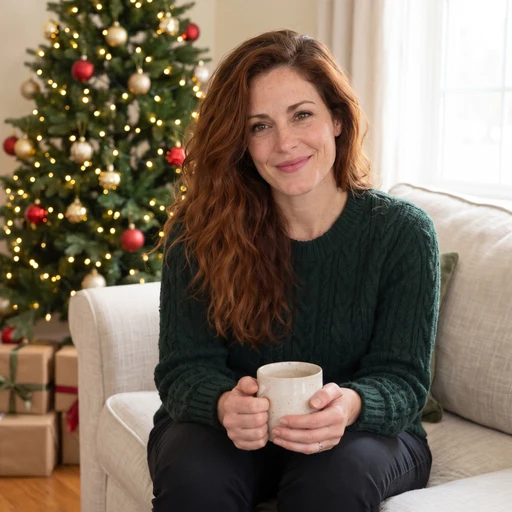
Reference media from the source site shows the creative direction. It is not a result generated by this service; your output may differ.
These source examples explain the scene directions. Your newly generated result will vary.
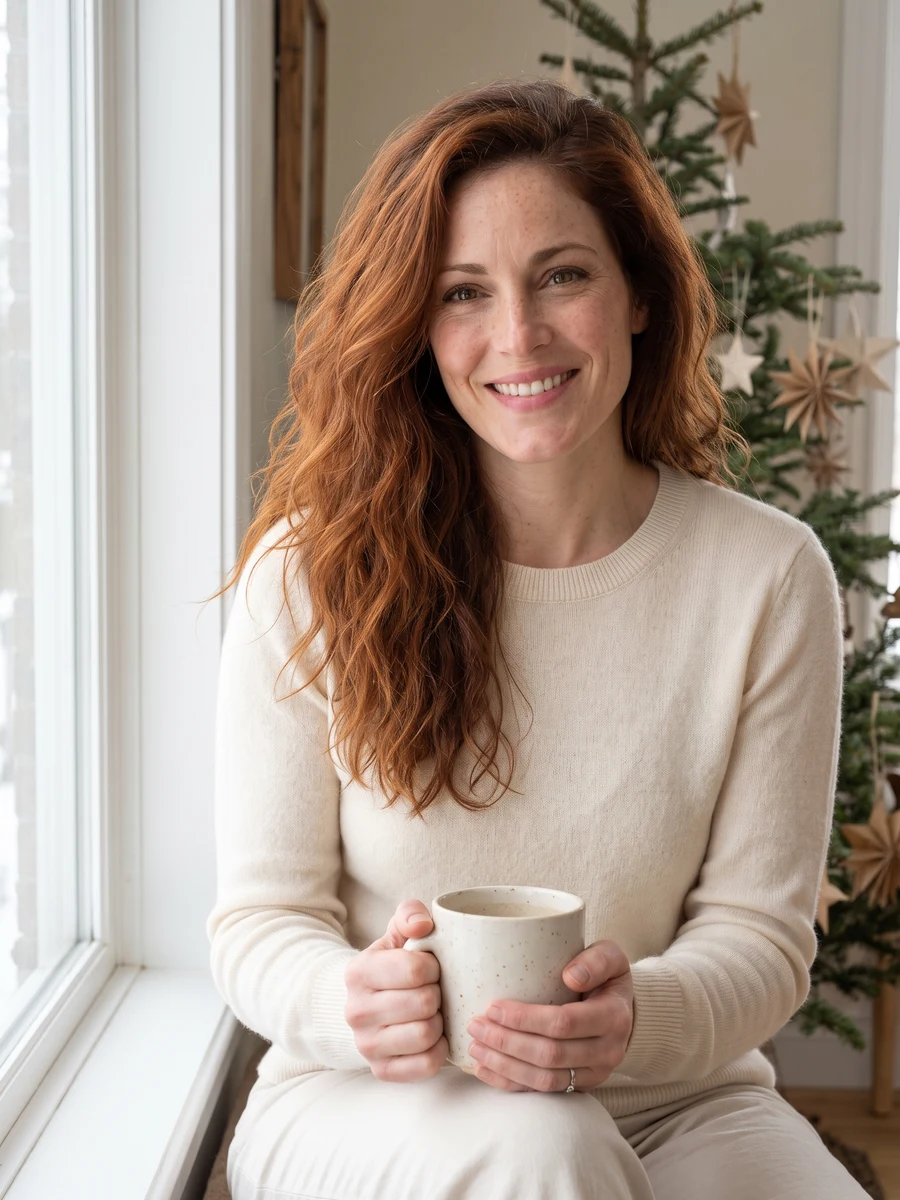
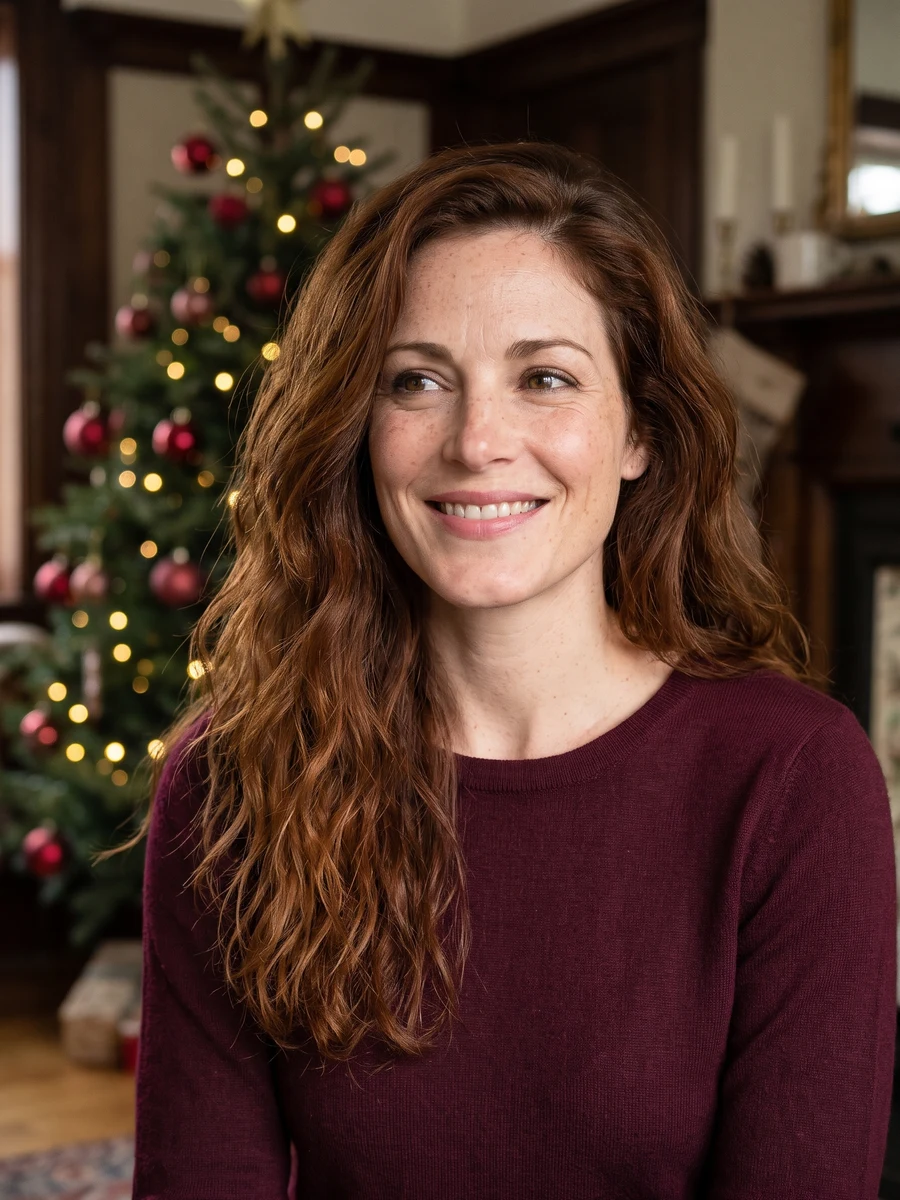
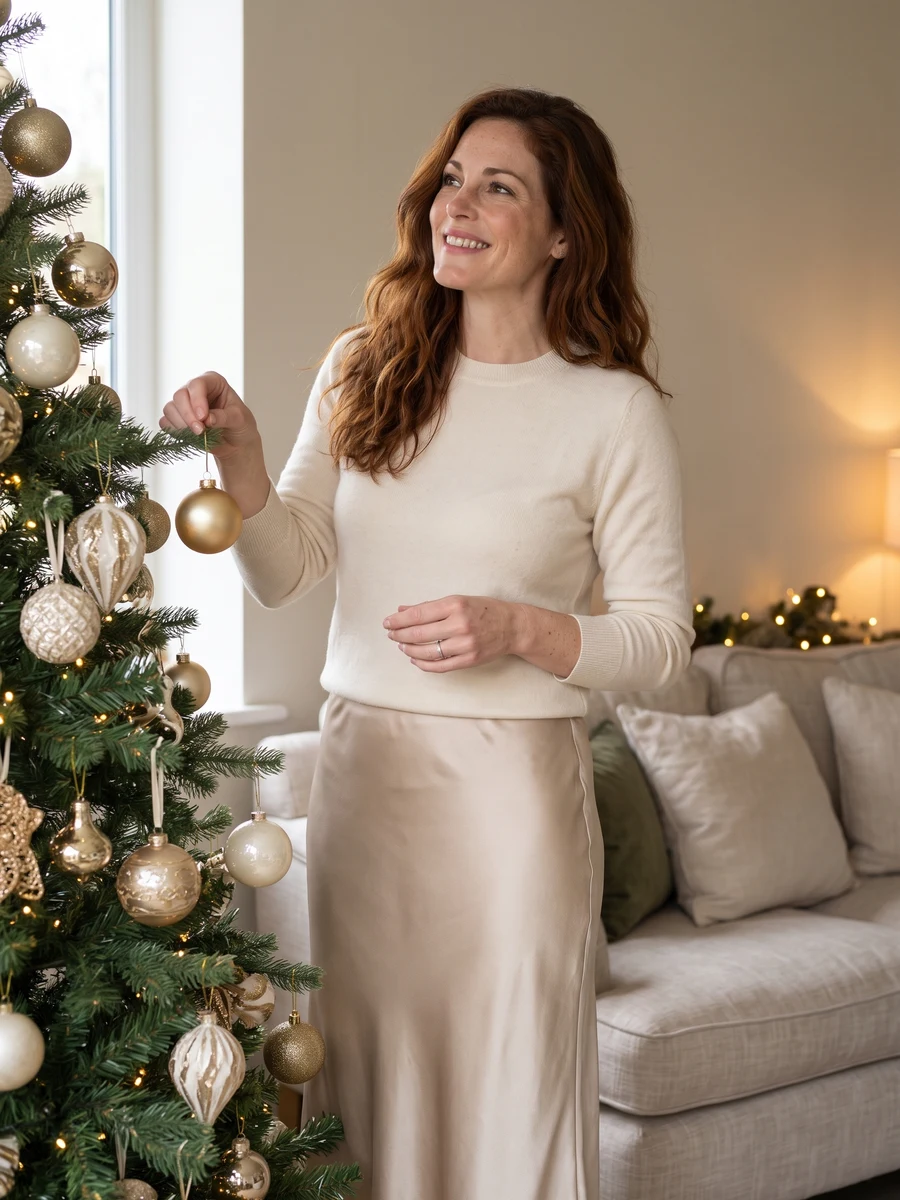
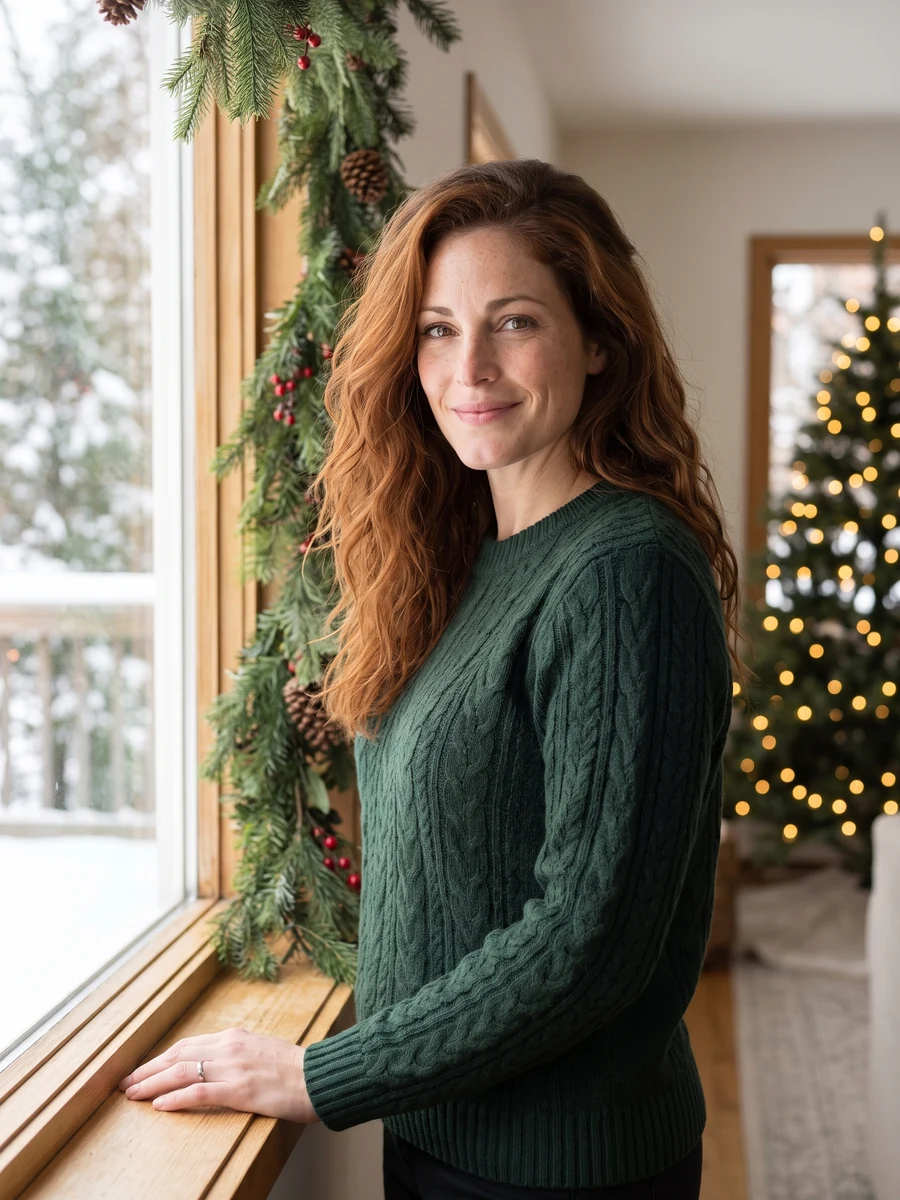
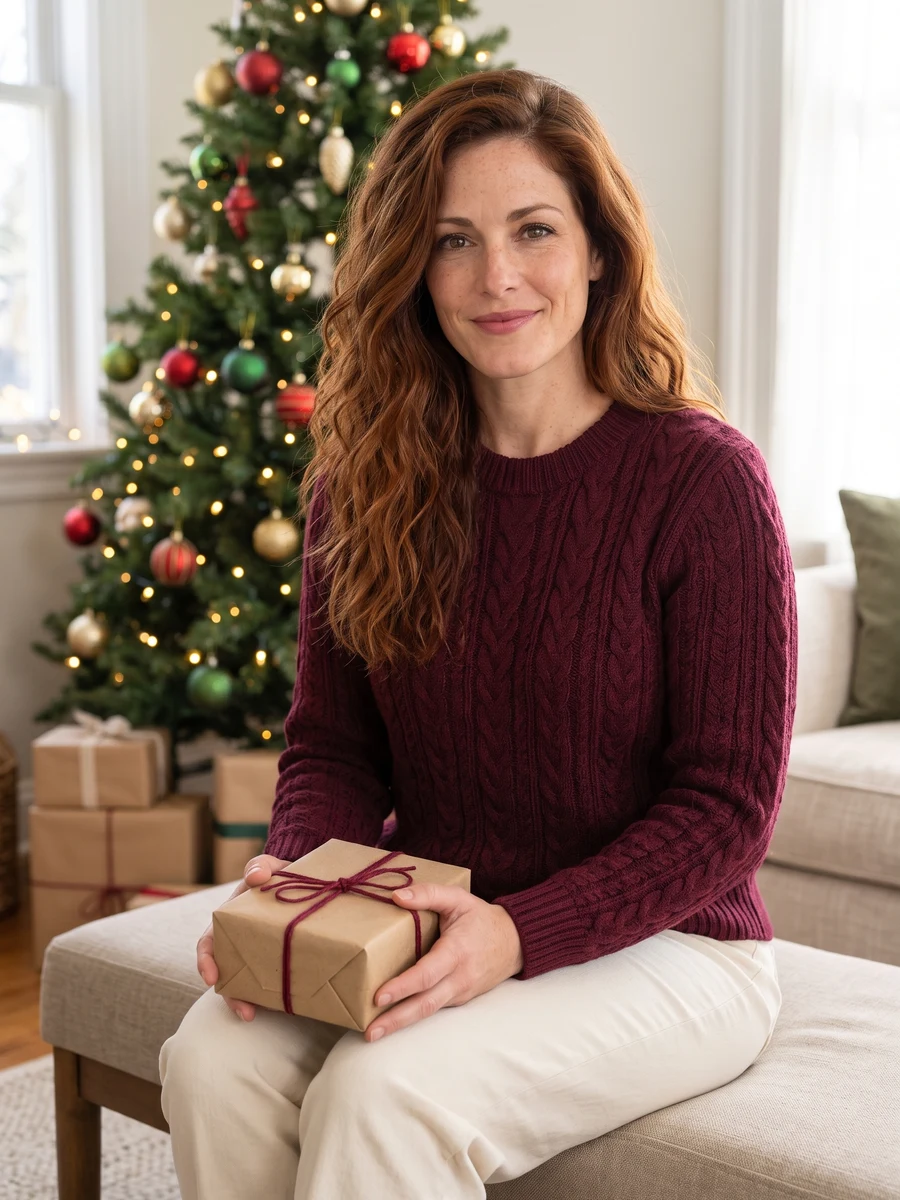
Reference media from the source site shows the creative direction. It is not a result generated by this service; your output may differ.
Use daylight rather than colored party light in the reference. Keep decorations away from the face so the model has a clean starting point.
Use daylight rather than colored party light in the reference. Keep decorations away from the face so the model has a clean starting point.
Check bright tree lights, sweater patterns and the detail around eyes and hair.
This page makes single-person seasonal portraits. For a portrait together, use the Christmas AI or couple portrait page.
Choose the reference and direction, then check your settings before submitting.
Use daylight rather than colored party light in the reference. Keep decorations away from the face so the model has a clean starting point.
Select a direction and the available model settings above. Review the current credit quote.
Check bright tree lights, sweater patterns and the detail around eyes and hair.
Use daylight rather than colored party light in the reference. Keep decorations away from the face so the model has a clean starting point.
Check bright tree lights, sweater patterns and the detail around eyes and hair.
This page makes single-person seasonal portraits. For a portrait together, use the Christmas AI or couple portrait page.
The credit quote follows the current model, output size. Check the settings panel and use the existing credit plans for top-ups.
Explore classic red, Nordic textures, golden light or a nostalgic Christmas setting. One clear selfie becomes the starting point for a warm seasonal portrait.
Add the photos requested by your selected direction. JPG, PNG or WebP, up to 2 MB each. Use daylight rather than colored party light in the reference. Keep decorations away from the face so the model has a clean starting point.
This page makes single-person seasonal portraits. For a portrait together, use the Christmas AI or couple portrait page.
The settings panel shows the current credit quote. Sign in to submit, then follow the task here or in My creations and download the completed result.
Choose a direction above and start with a photo of your own.
Start creating