 Vove AI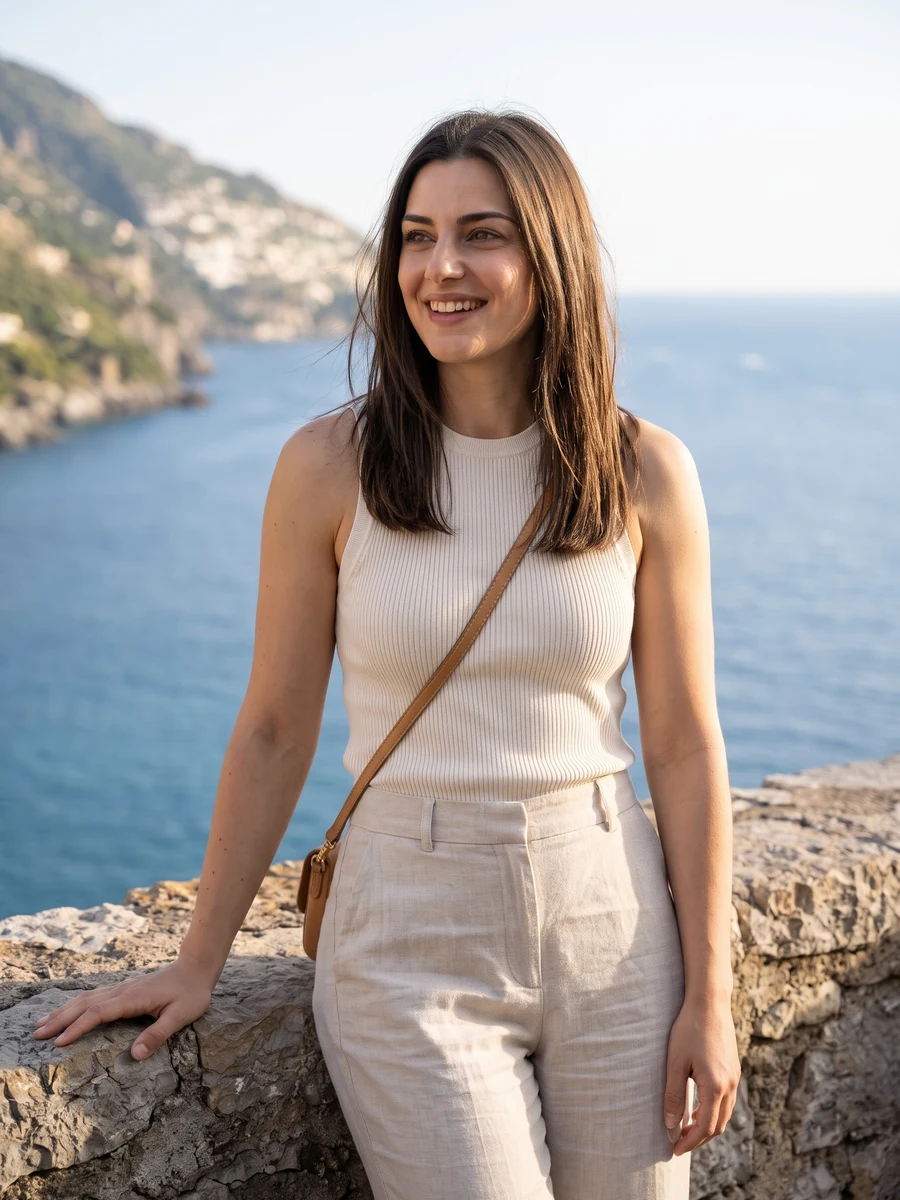
Reference example
Try a professional headshot, an editorial portrait or a special-occasion look from your own photos. Choose a scene and create one image at a time.
Reference media from the source site shows the creative direction. It is not a result generated by this service; your output may differ.
Browse the reference media, then choose the direction you want to make your own.
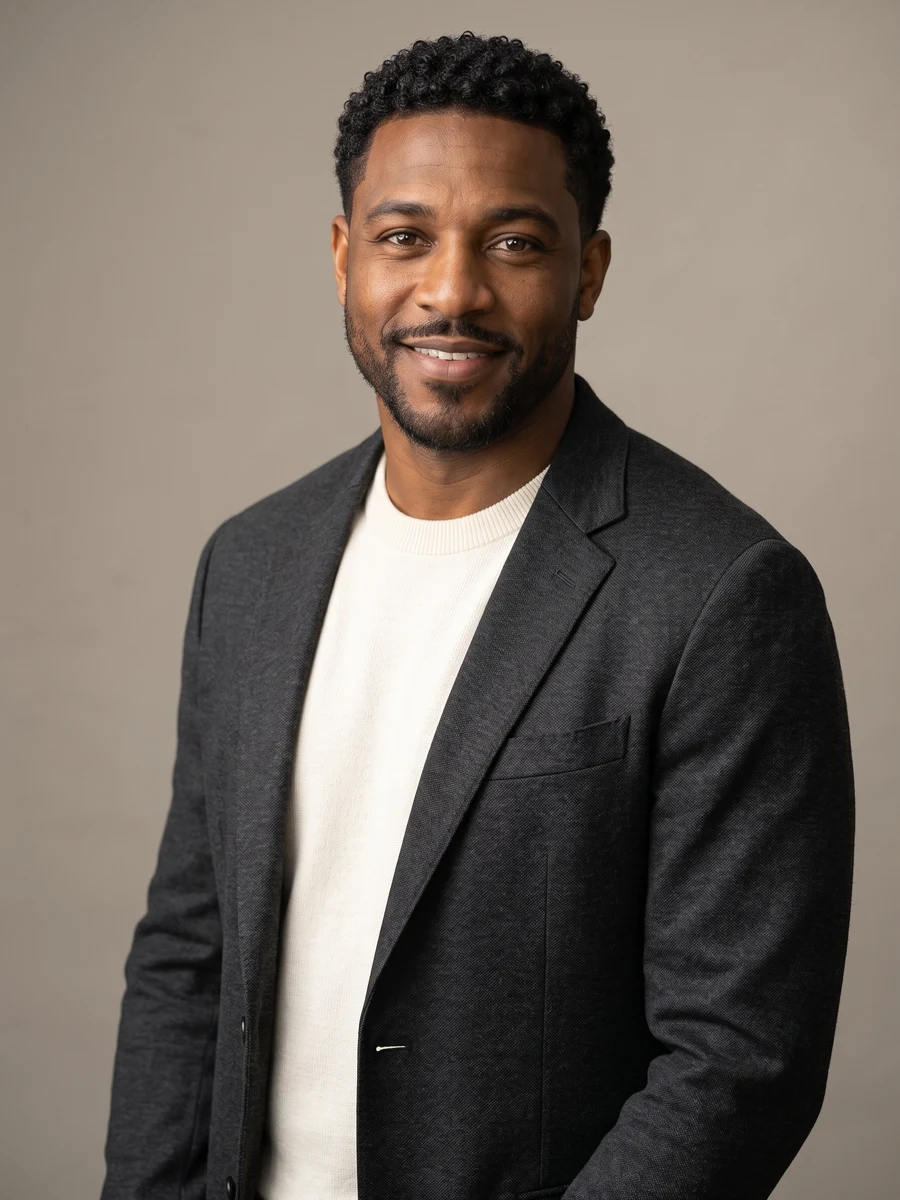
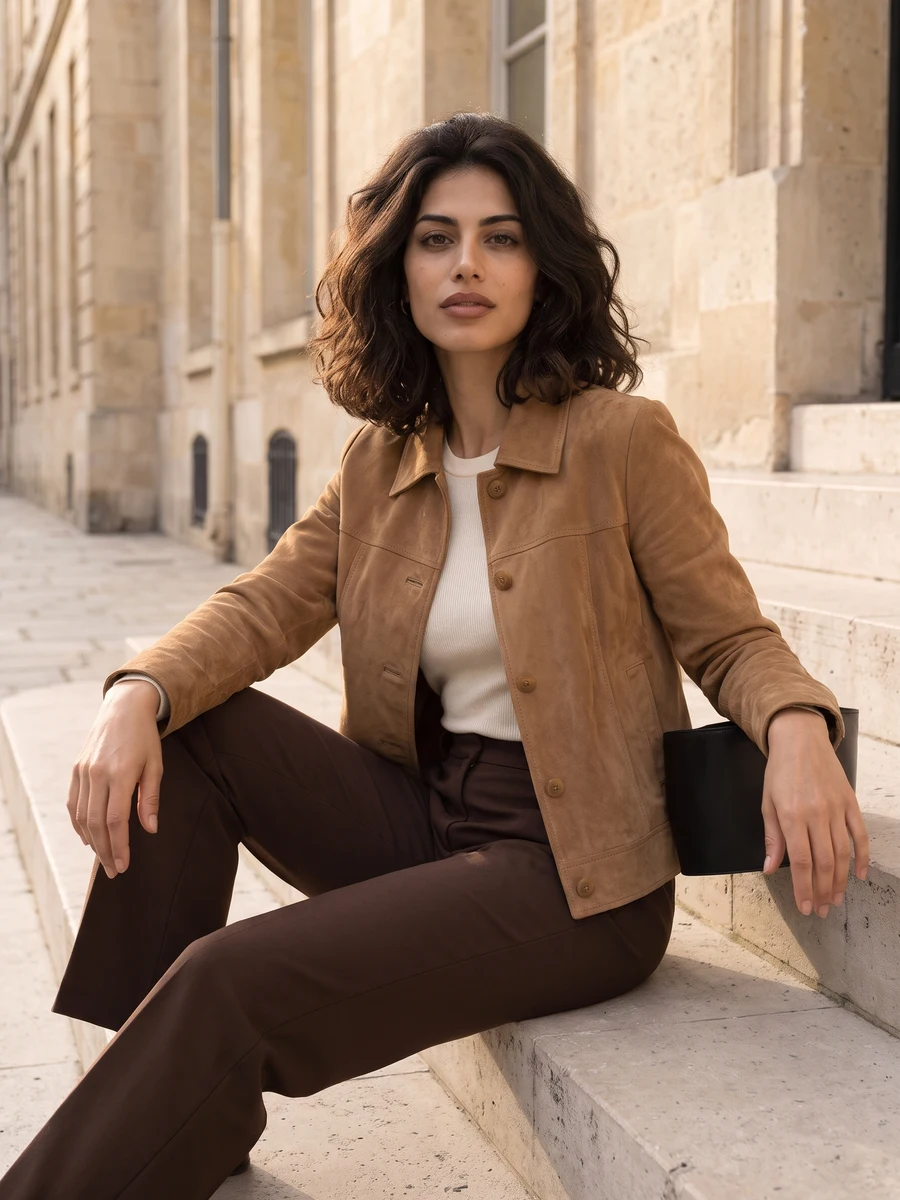
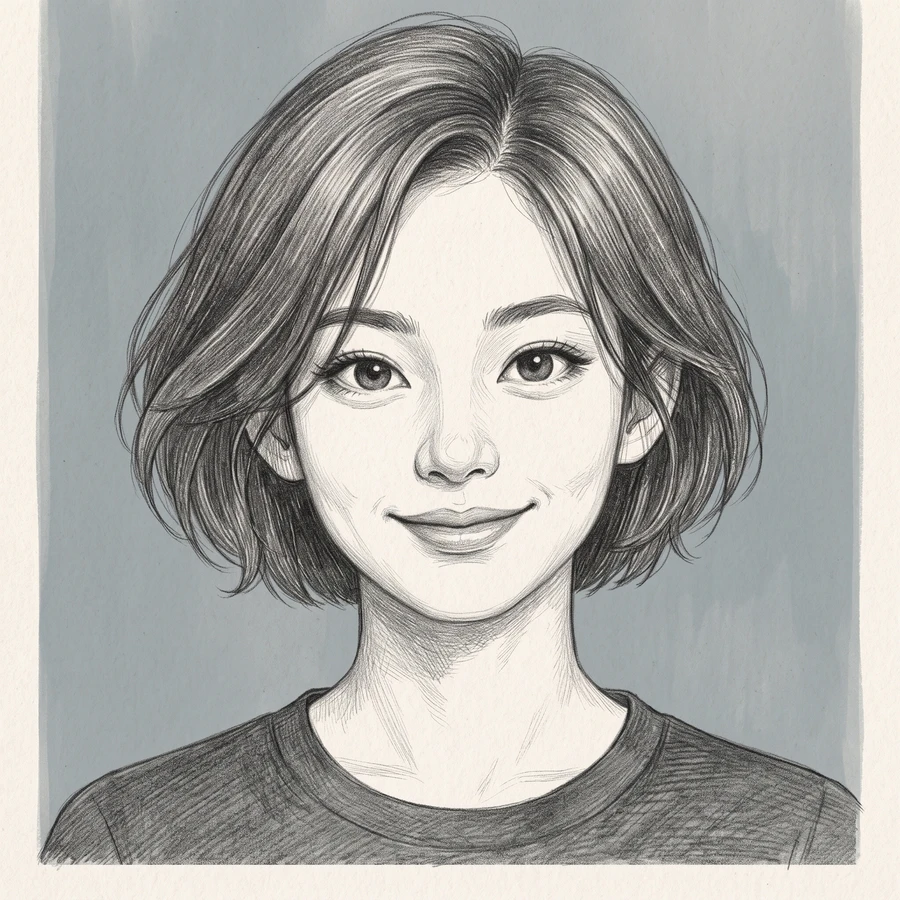
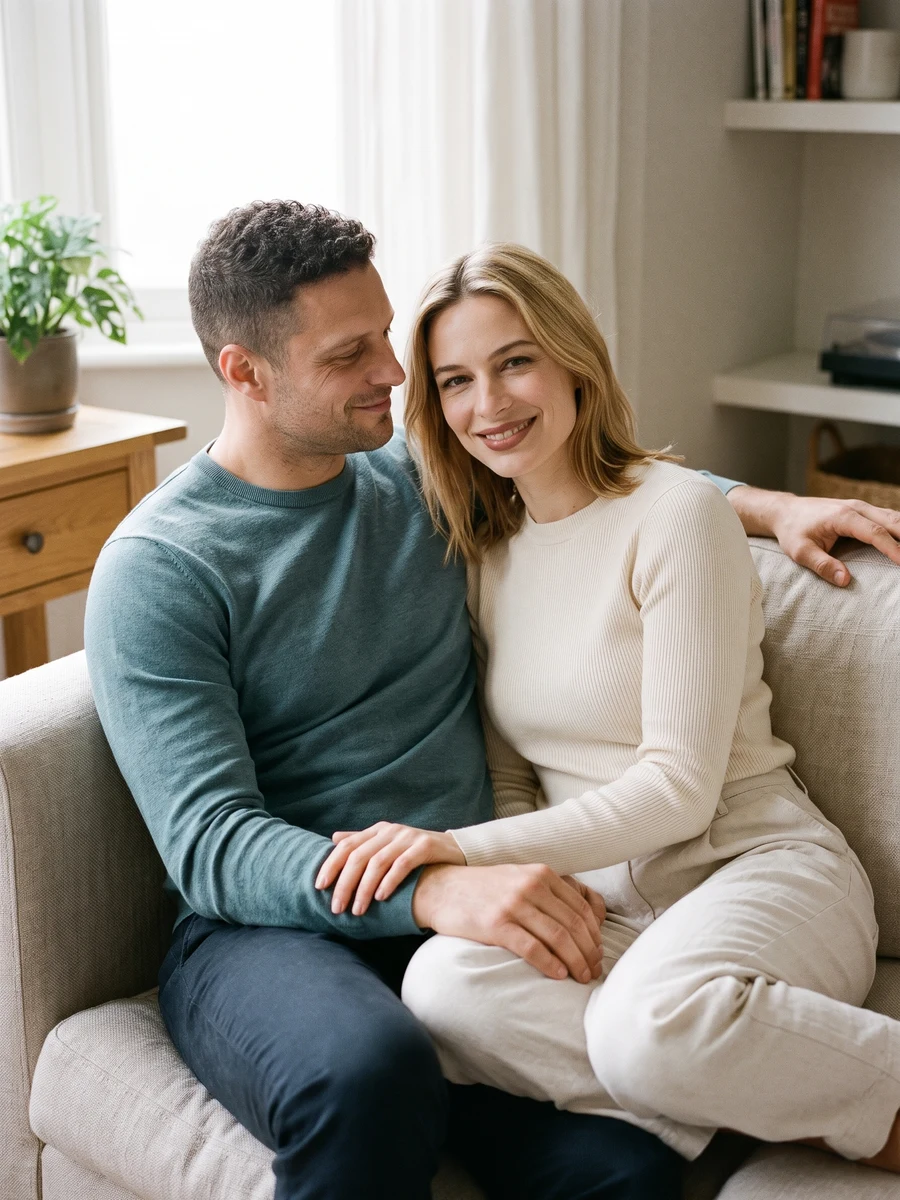
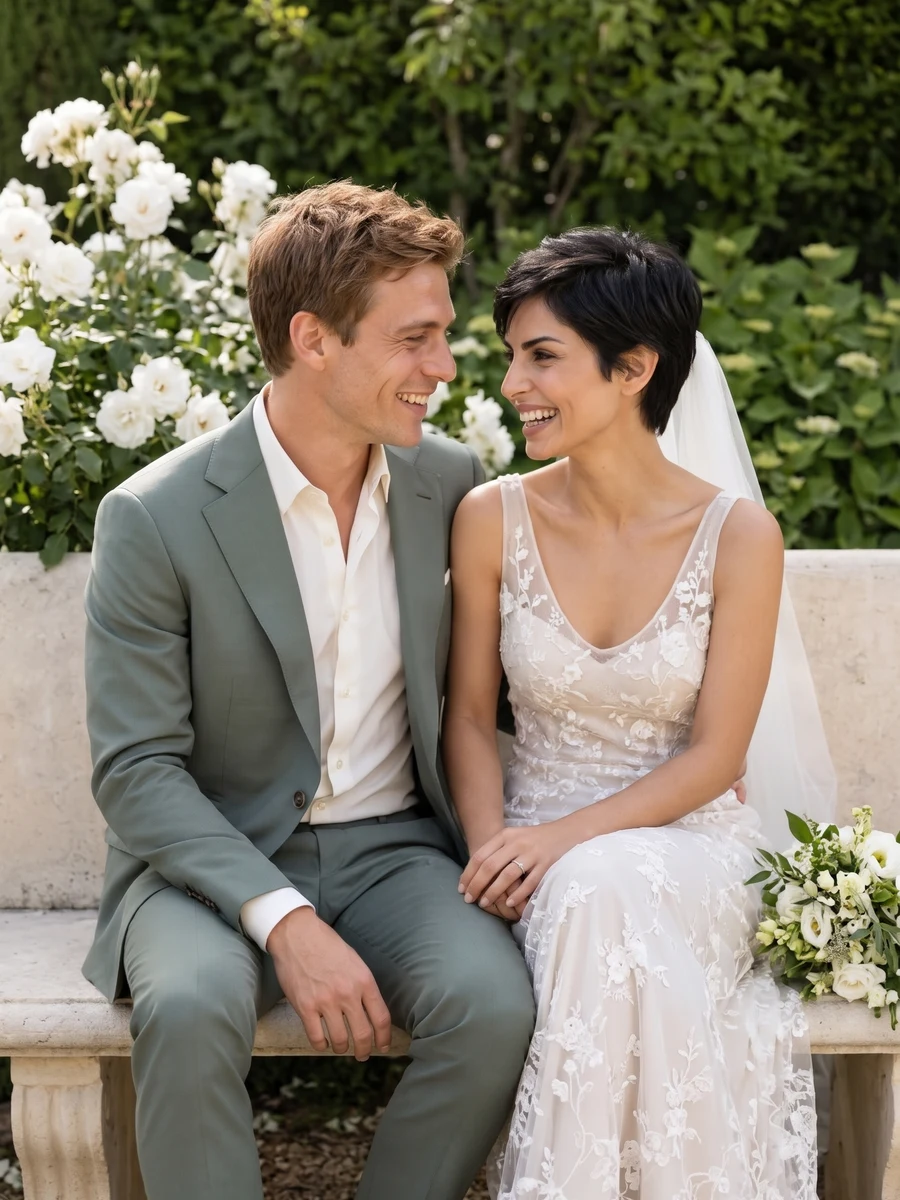
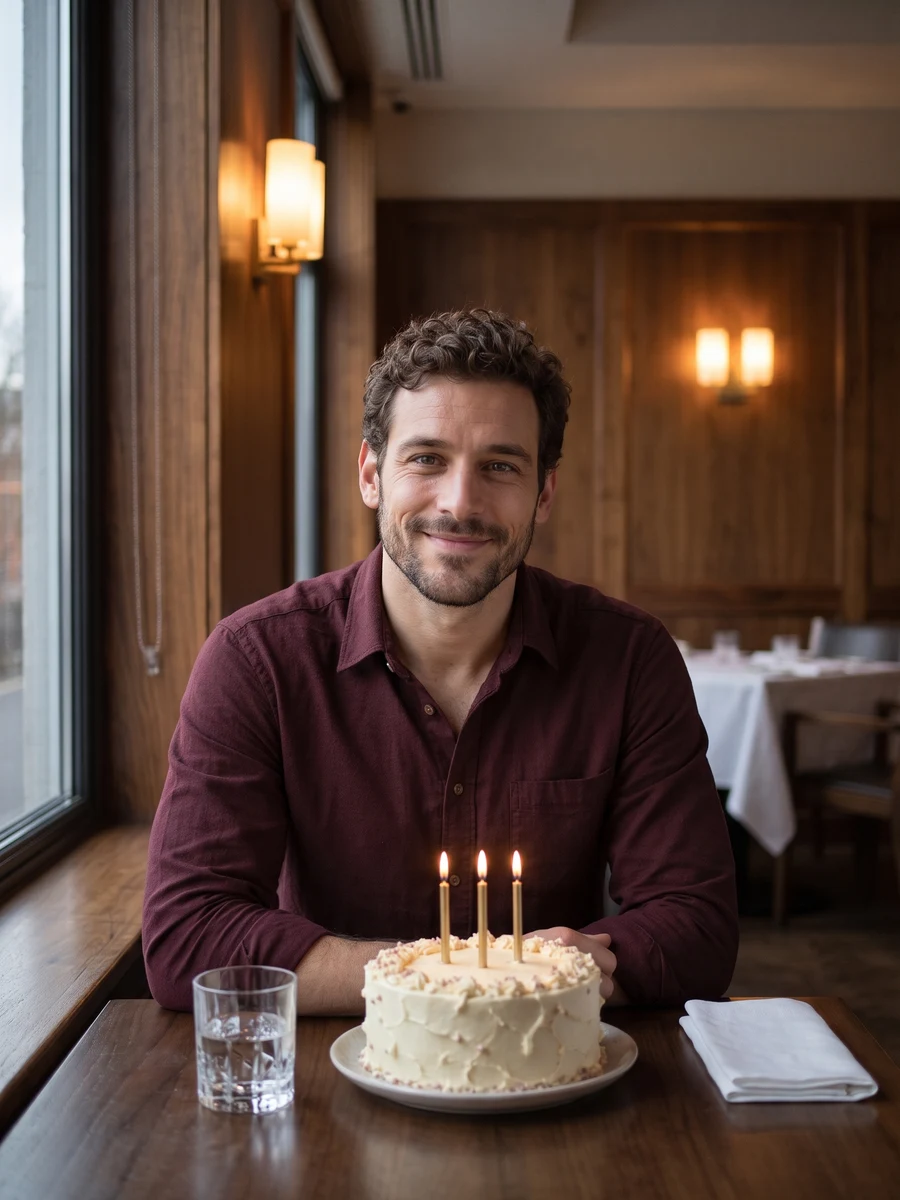
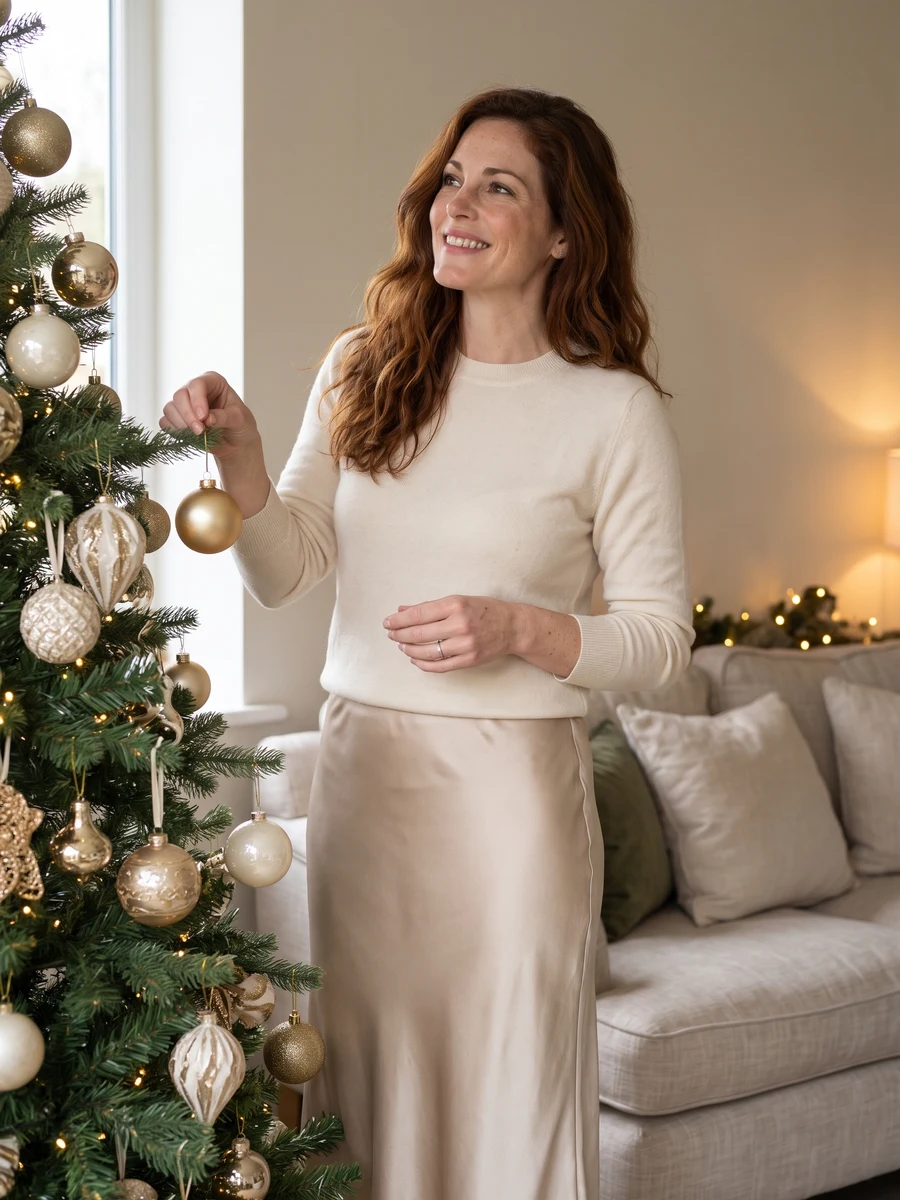
Reference media from the source site shows the creative direction. It is not a result generated by this service; your output may differ.
A new setting changes the story a portrait tells. The scene library covers everyday light, work, celebrations and shared moments. Each request creates a single image; couple and wedding directions use two reference photos.
Choose the occasion before adding extra styling.
Use one clear selfie, or two for a shared portrait.
Keep the images you like after checking likeness and detail.
Bring a clear selfie
Choose the occasion before adding extra styling.
One adult selfie for most scenes; two portraits for couple or wedding images. JPG, PNG or WebP, up to 2 MB each.
Keep the images you like after checking likeness and detail. Find the saved task and download in My creations.
Avoid sunglasses, strong beauty filters and hair covering the eyes.
A headshot and a fashion portrait ask for different framing and expression.
This page creates one image per request, so assess a first look before spending credits on another.
The quote follows the image model and output size you choose. Check it beside the create button, then use the current credit plans if you need to top up.
Try a professional headshot, an editorial portrait or a special-occasion look from your own photos. Choose a scene and create one image at a time.
One adult selfie for most scenes; two portraits for couple or wedding images. JPG, PNG or WebP, up to 2 MB each.
Your selfie guides the result, but the model may change likeness, hair or small details. Start with one image and inspect the face at full size before spending credits on another scene.
Check the credit quote beside the create button and the current plans on Pricing. After signing in and submitting, follow the task here or in My creations. Download the completed result from your account.
Choose one direction above and give it a photo of your own.
Start creating