 Vove AI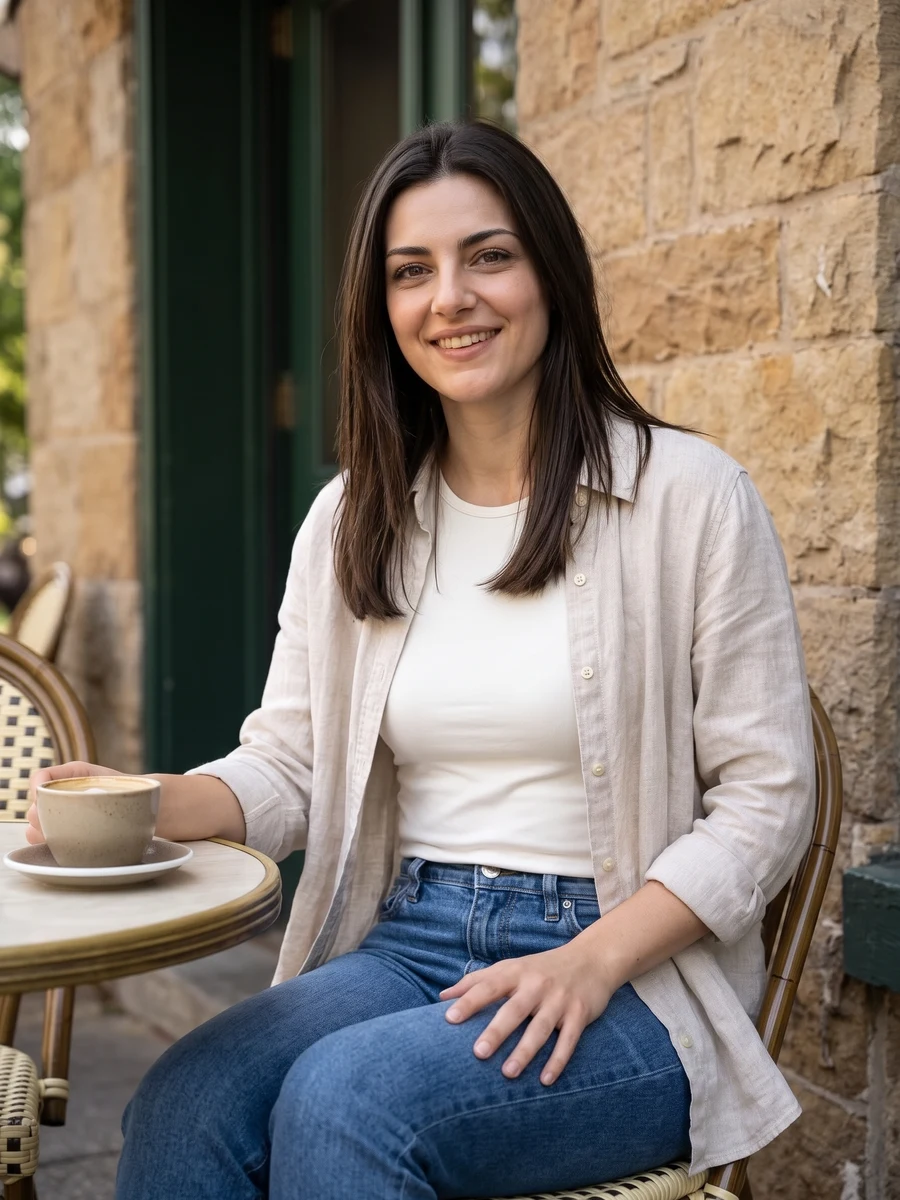
Reference example
Make a relaxed profile portrait for everyday sharing. Choose casual, active, travel or home styling, then set a crop that gives your face room.
Reference media from the source site shows the creative direction. It is not a result generated by this service; your output may differ.
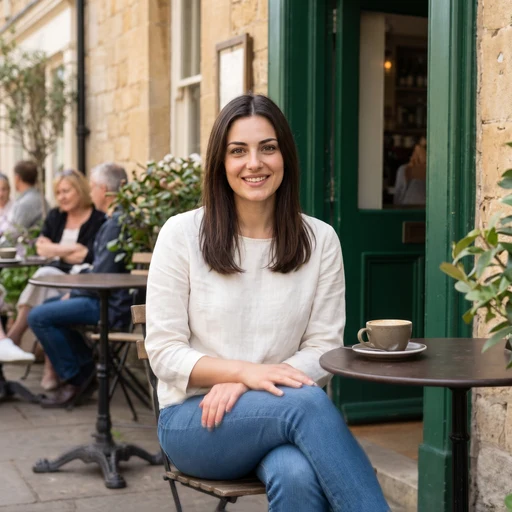
These source examples explain the scene directions. Your newly generated result will vary.
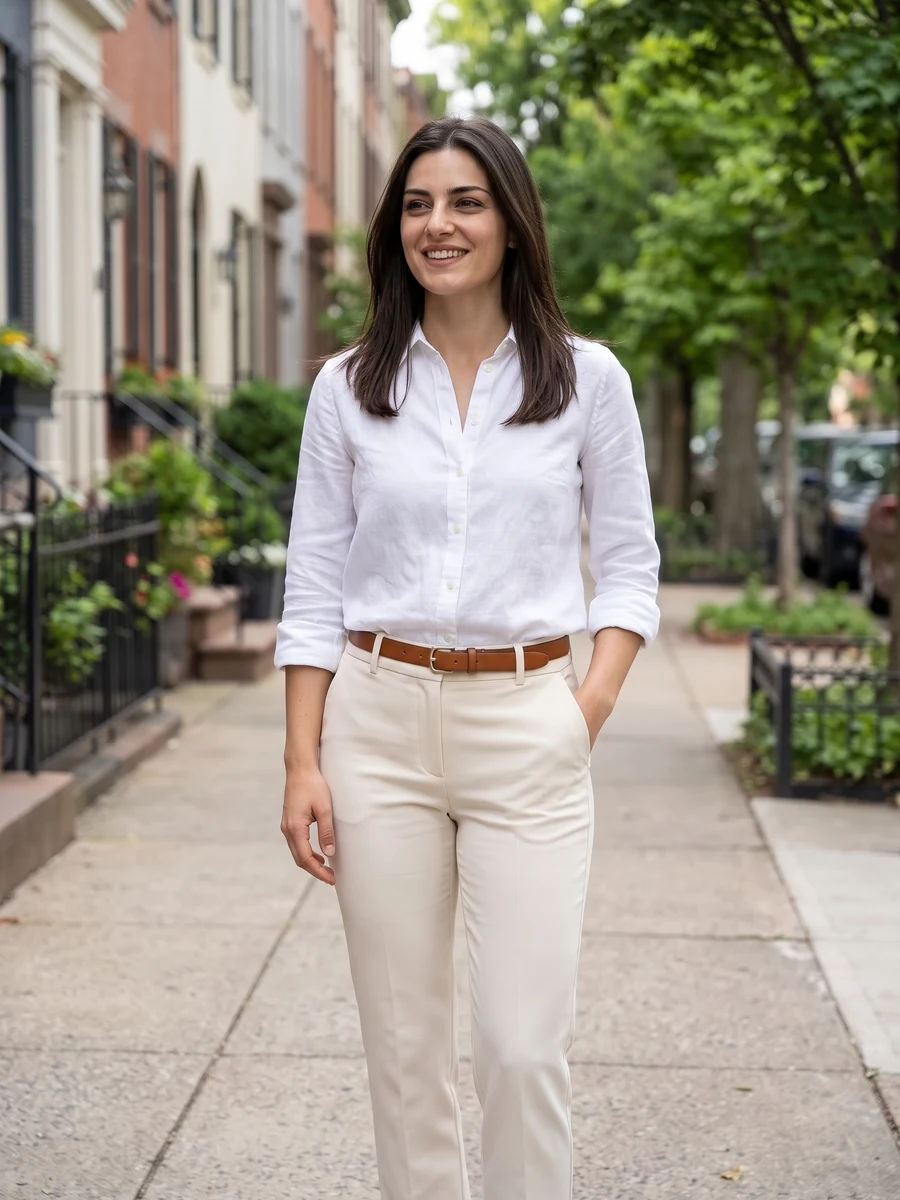
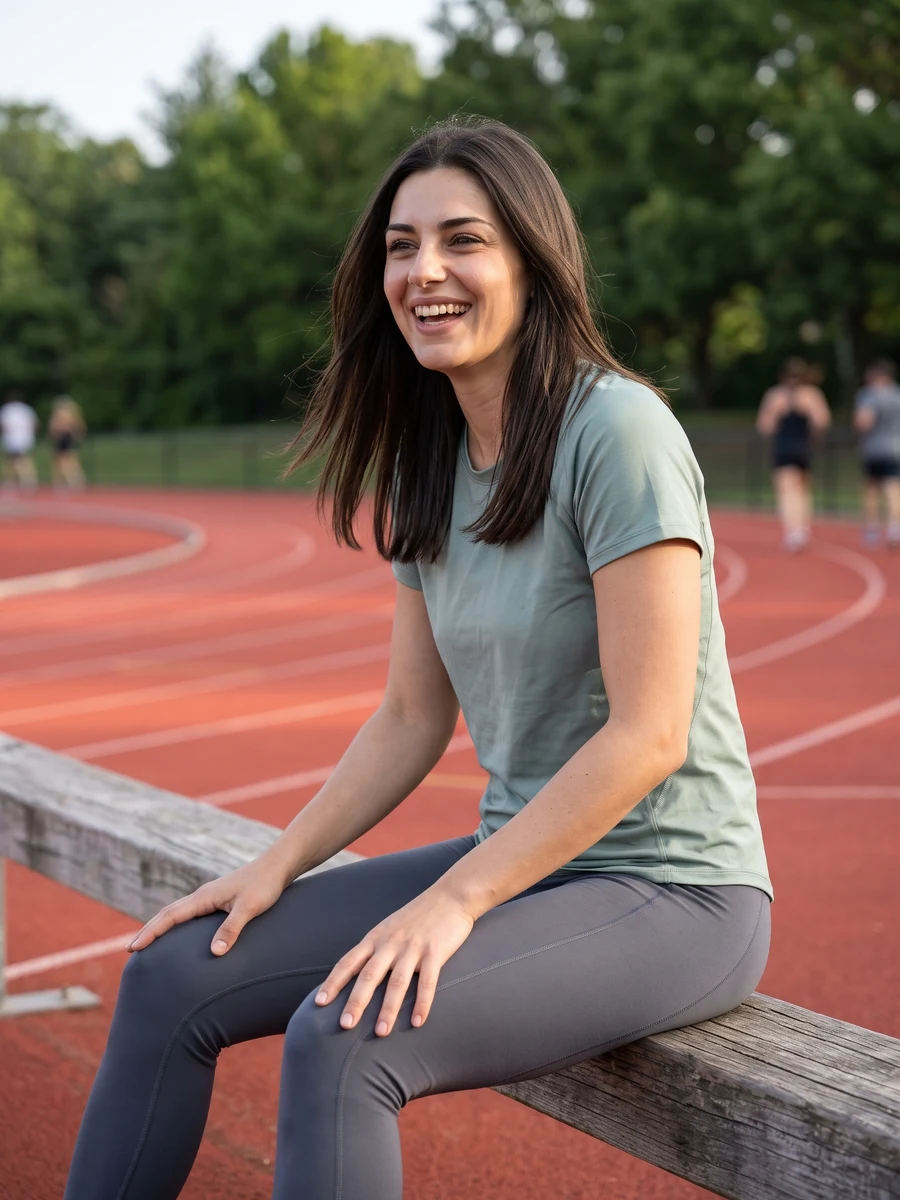
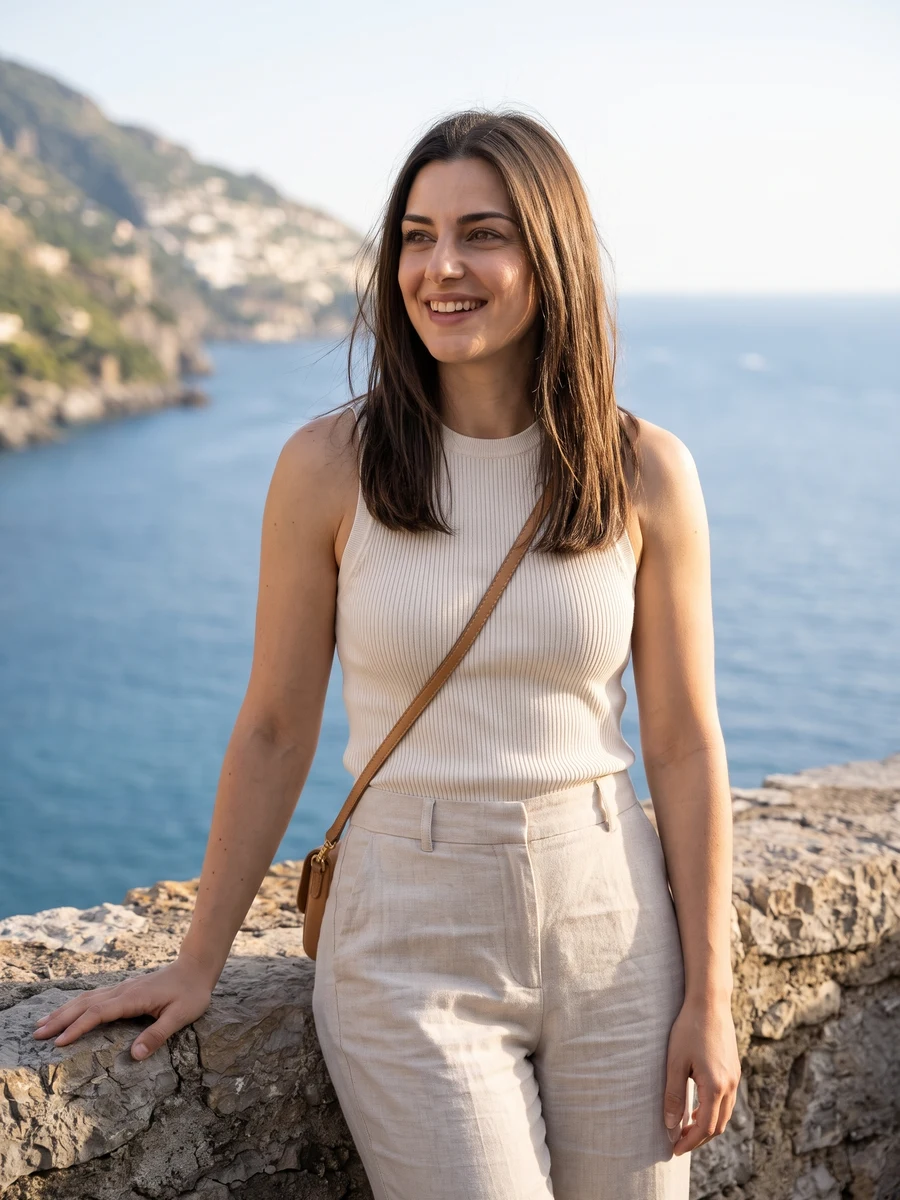
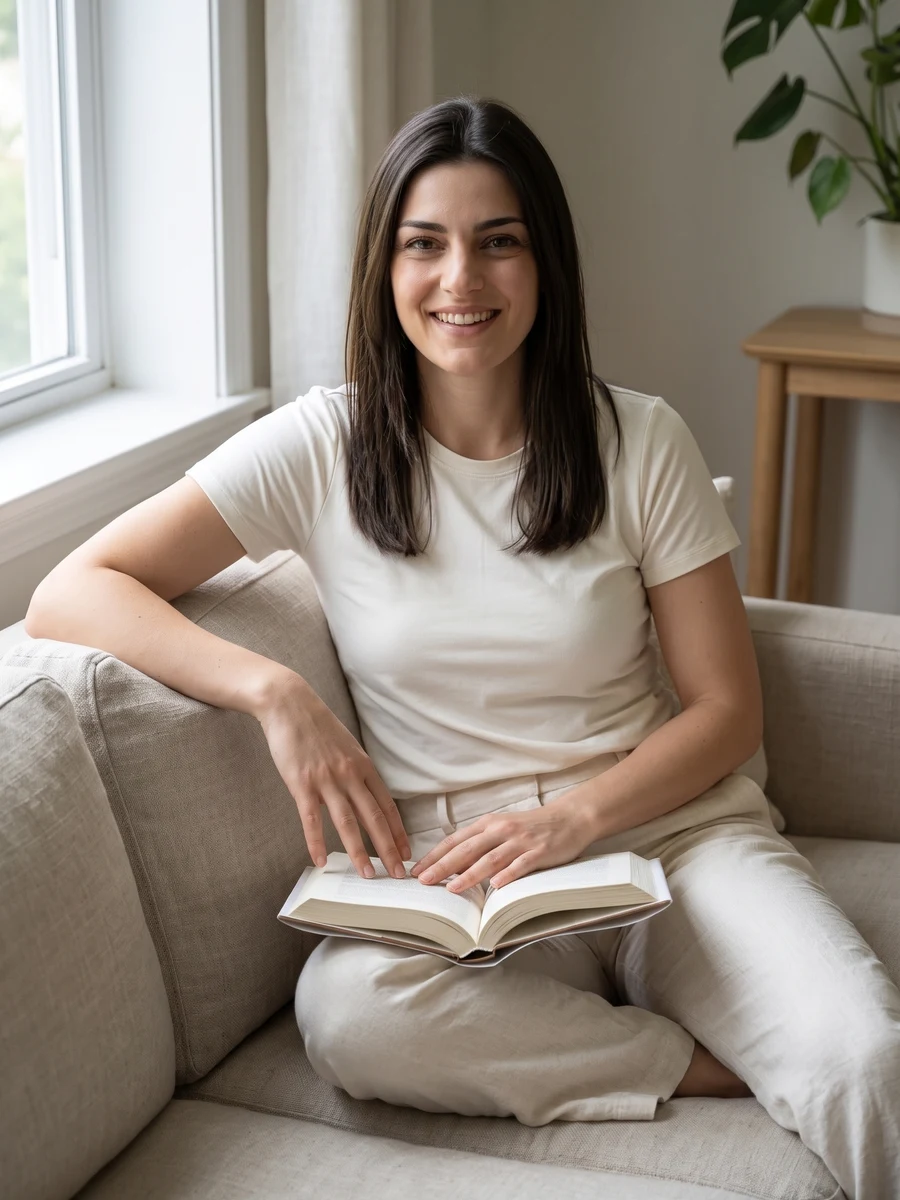
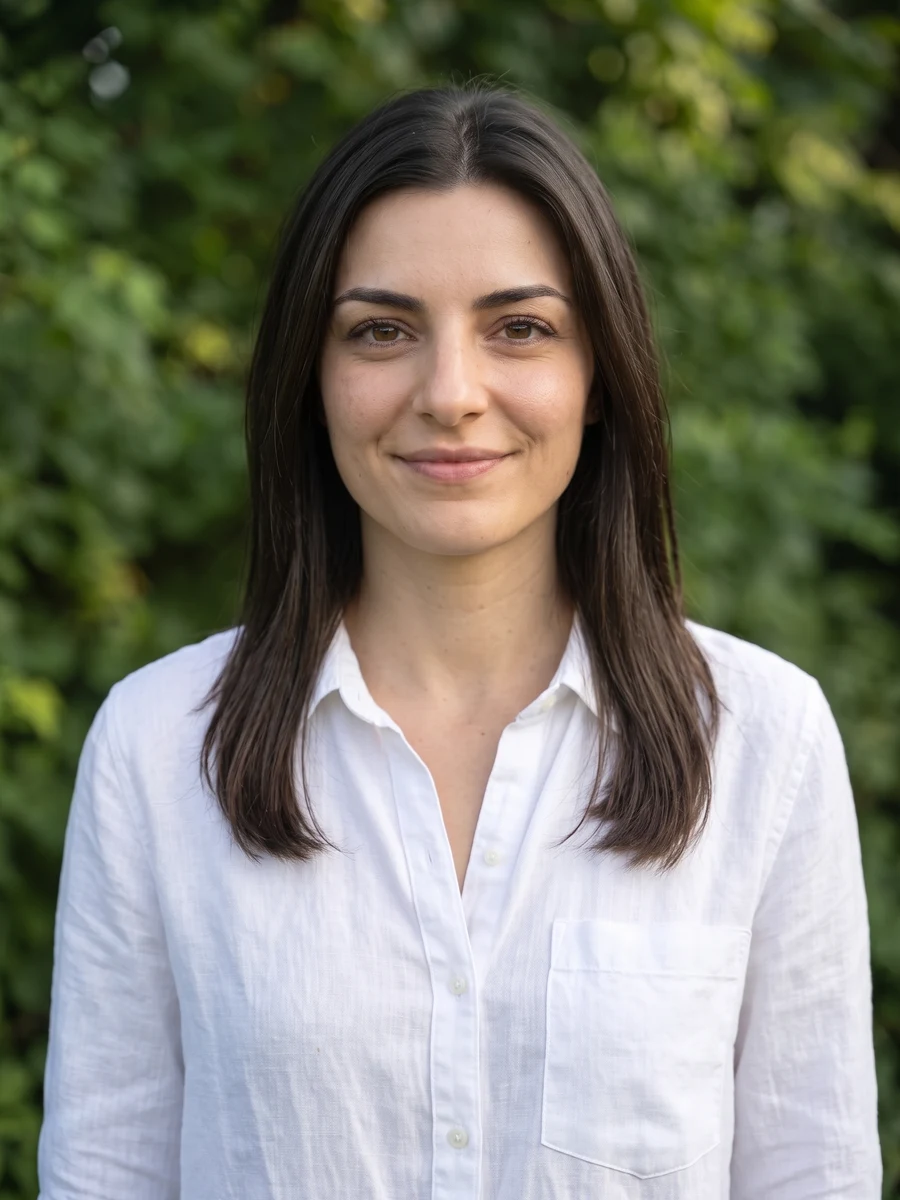
Reference media from the source site shows the creative direction. It is not a result generated by this service; your output may differ.
Keep your expression natural and your eyes uncovered. A recent selfie makes a better reference than a heavily edited profile photo.
Keep your expression natural and your eyes uncovered. A recent selfie makes a better reference than a heavily edited profile photo.
Preview the face at small size as well as full size; profile pictures often appear inside a circle.
Create one shot at a time. Generated backgrounds and clothing can change; check that the result still feels like you.
Choose the reference and direction, then check your settings before submitting.
Keep your expression natural and your eyes uncovered. A recent selfie makes a better reference than a heavily edited profile photo.
Select a direction and the available model settings above. Review the current credit quote.
Preview the face at small size as well as full size; profile pictures often appear inside a circle.
Keep your expression natural and your eyes uncovered. A recent selfie makes a better reference than a heavily edited profile photo.
Preview the face at small size as well as full size; profile pictures often appear inside a circle.
Create one shot at a time. Generated backgrounds and clothing can change; check that the result still feels like you.
The credit quote follows the current model, output size. Check the settings panel and use the existing credit plans for top-ups.
Make a relaxed profile portrait for everyday sharing. Choose casual, active, travel or home styling, then set a crop that gives your face room.
Add the photos requested by your selected direction. JPG, PNG or WebP, up to 2 MB each. Keep your expression natural and your eyes uncovered. A recent selfie makes a better reference than a heavily edited profile photo.
Create one shot at a time. Generated backgrounds and clothing can change; check that the result still feels like you.
The settings panel shows the current credit quote. Sign in to submit, then follow the task here or in My creations and download the completed result.
Choose a direction above and start with a photo of your own.
Start creating