 Vove AI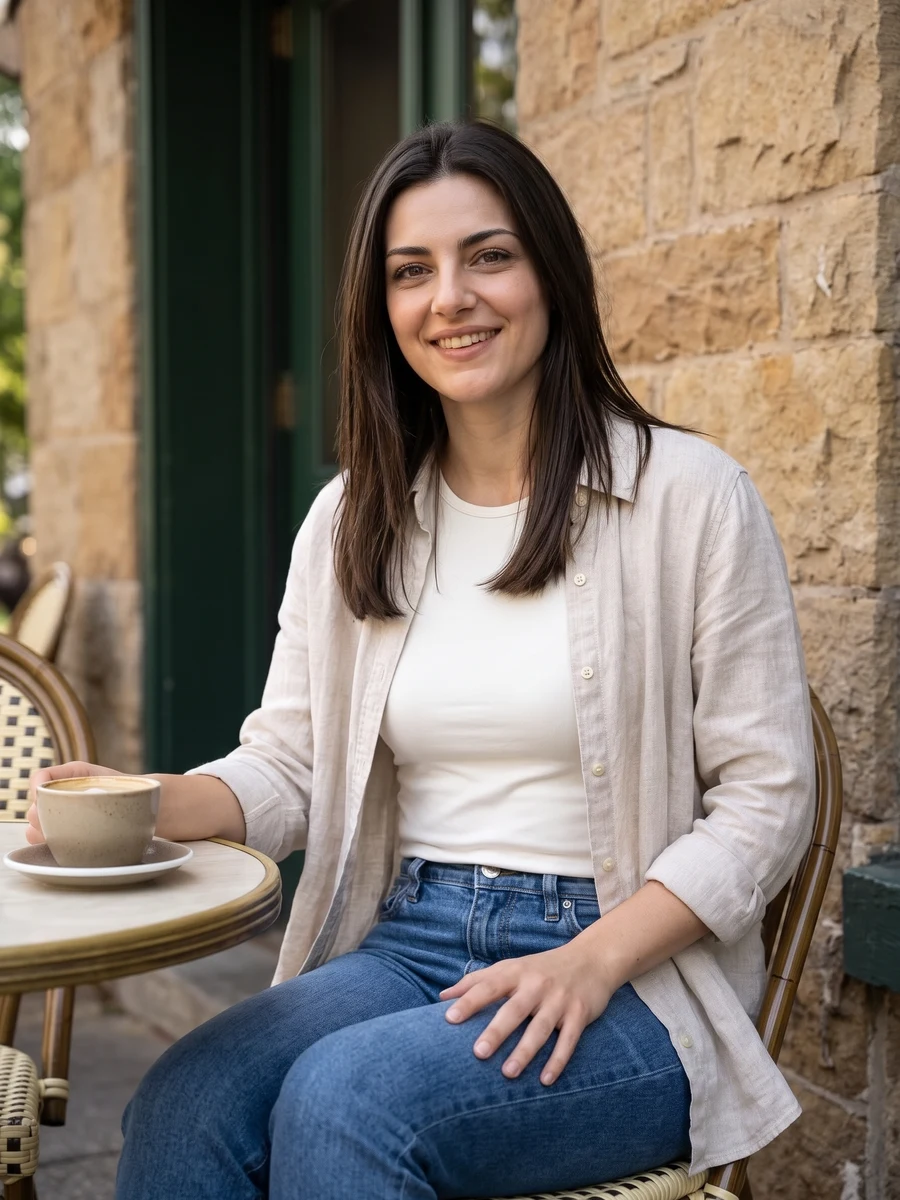
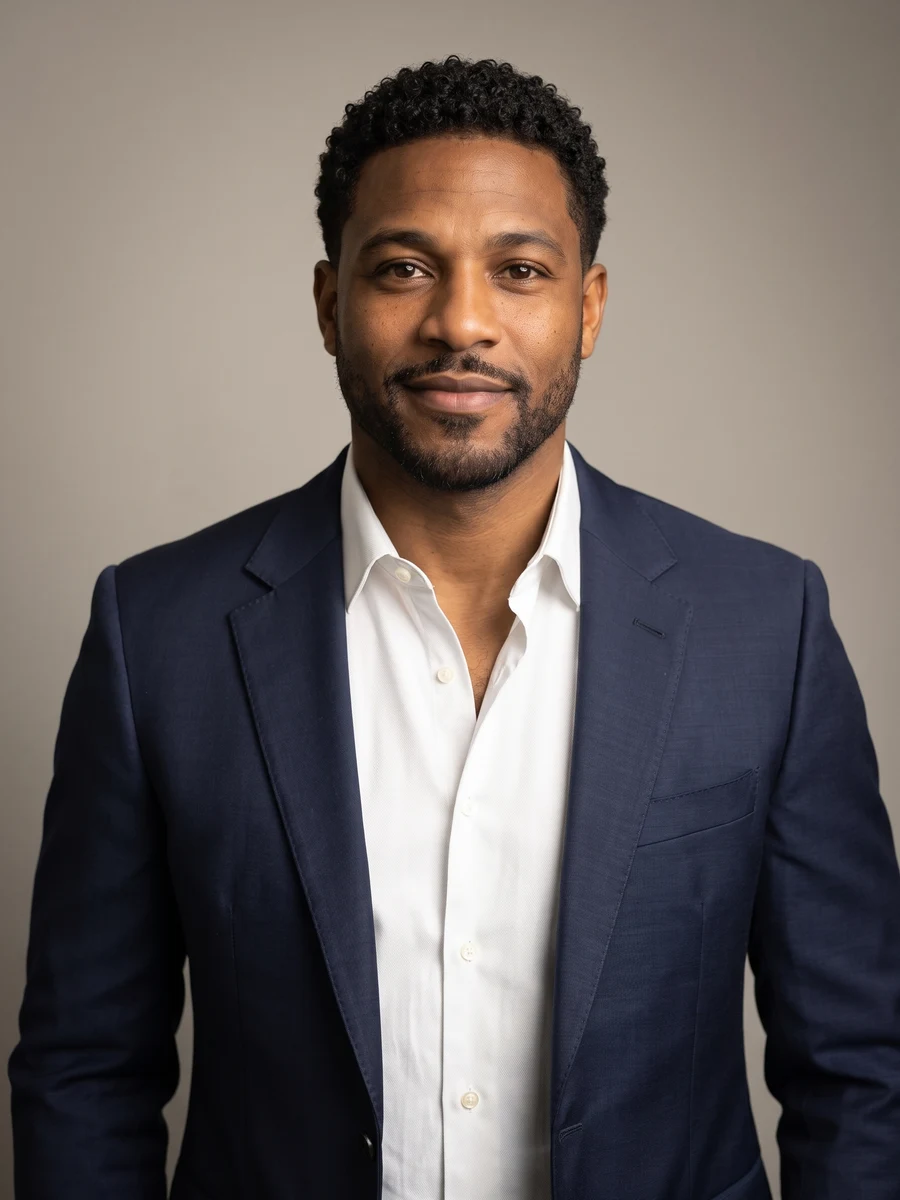
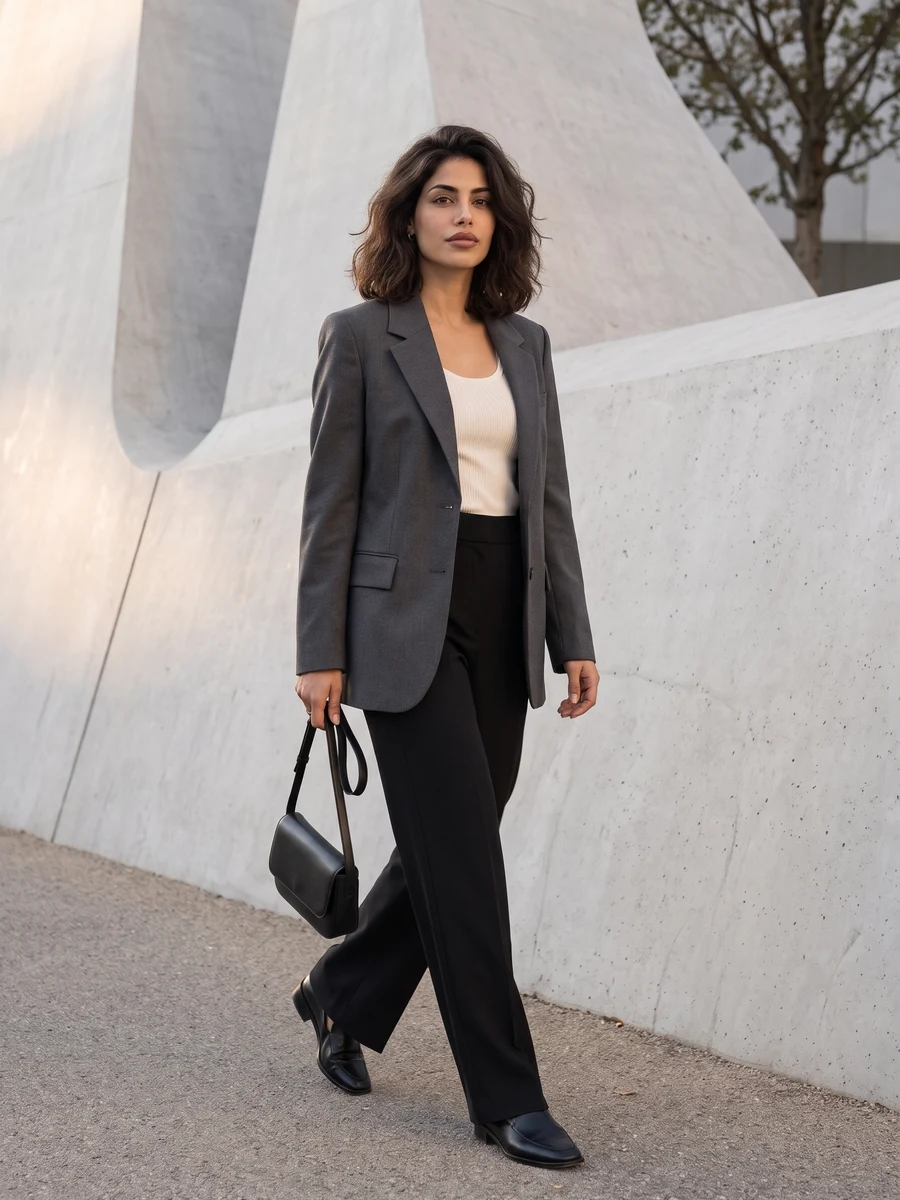
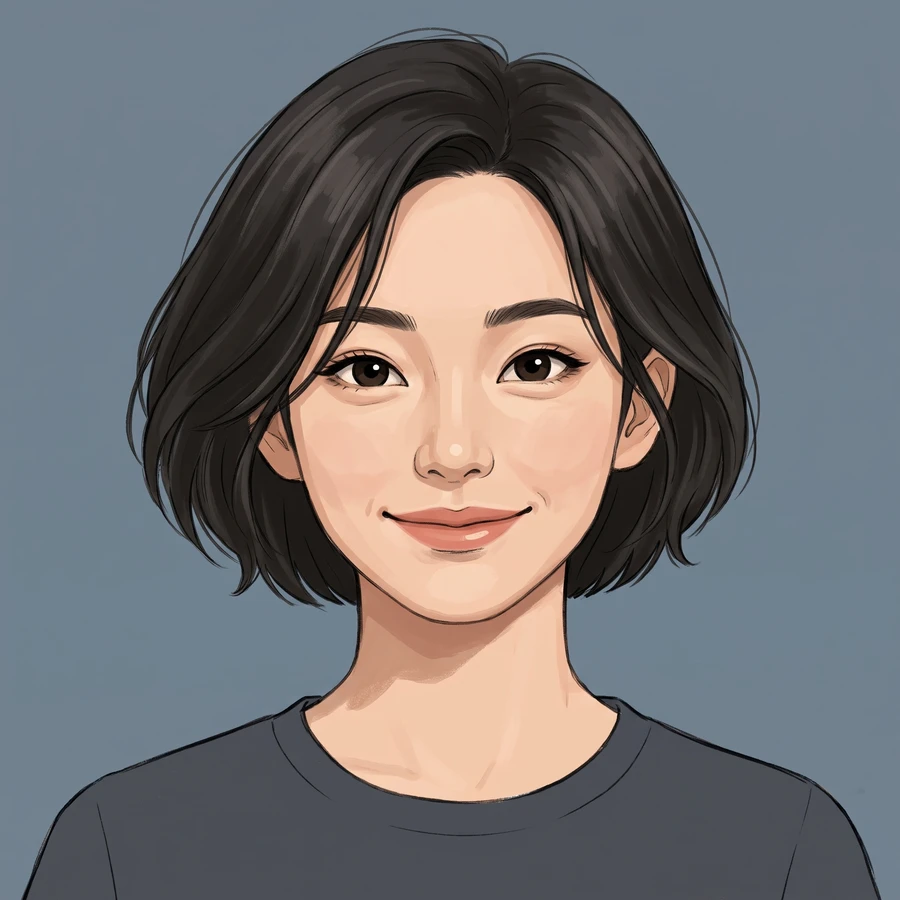
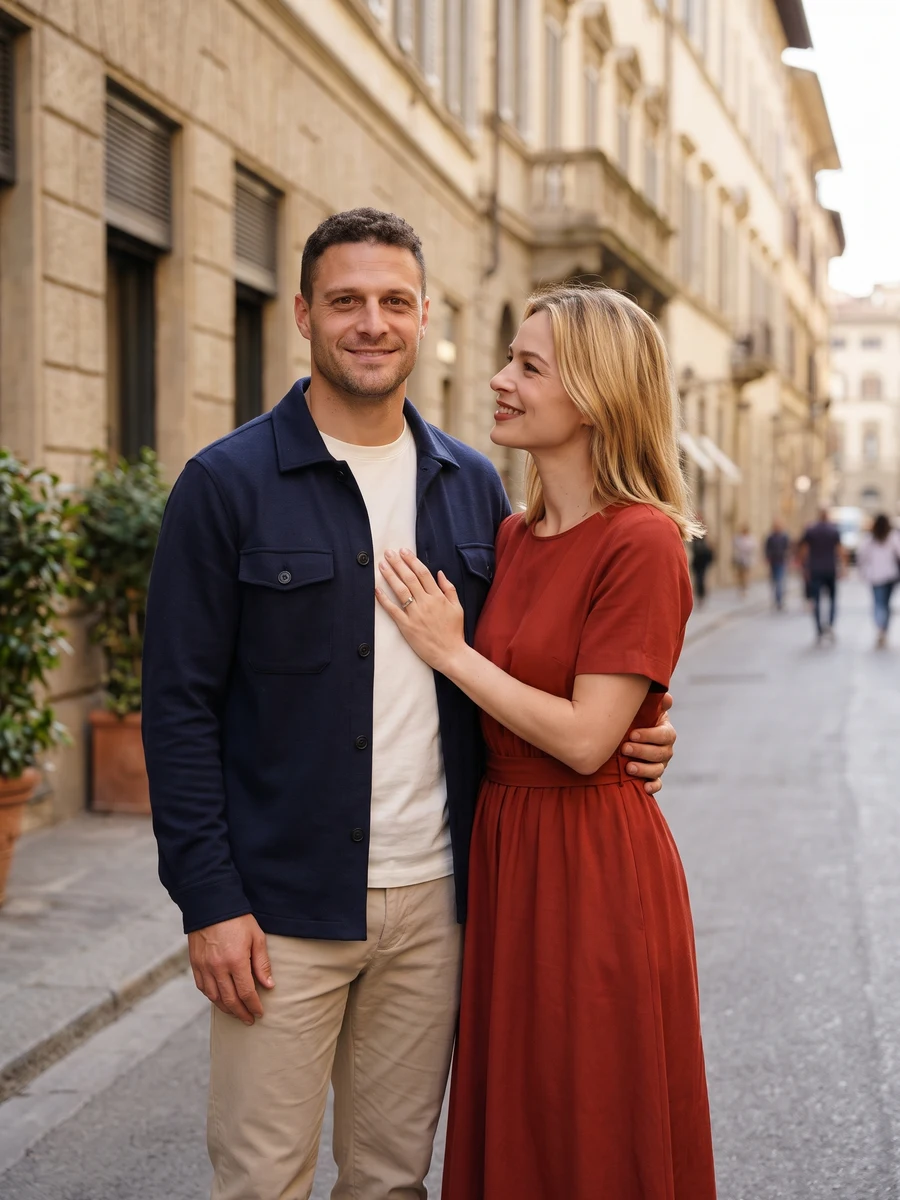
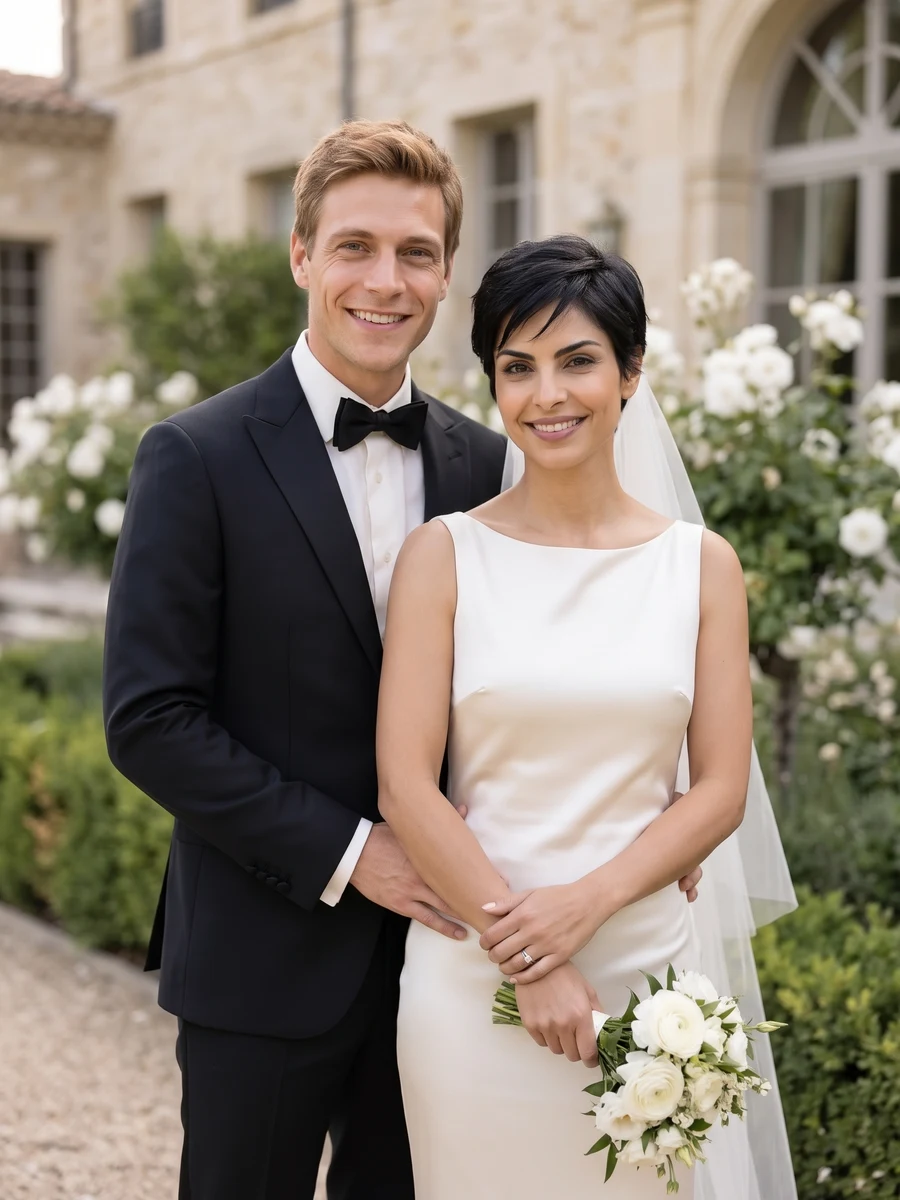
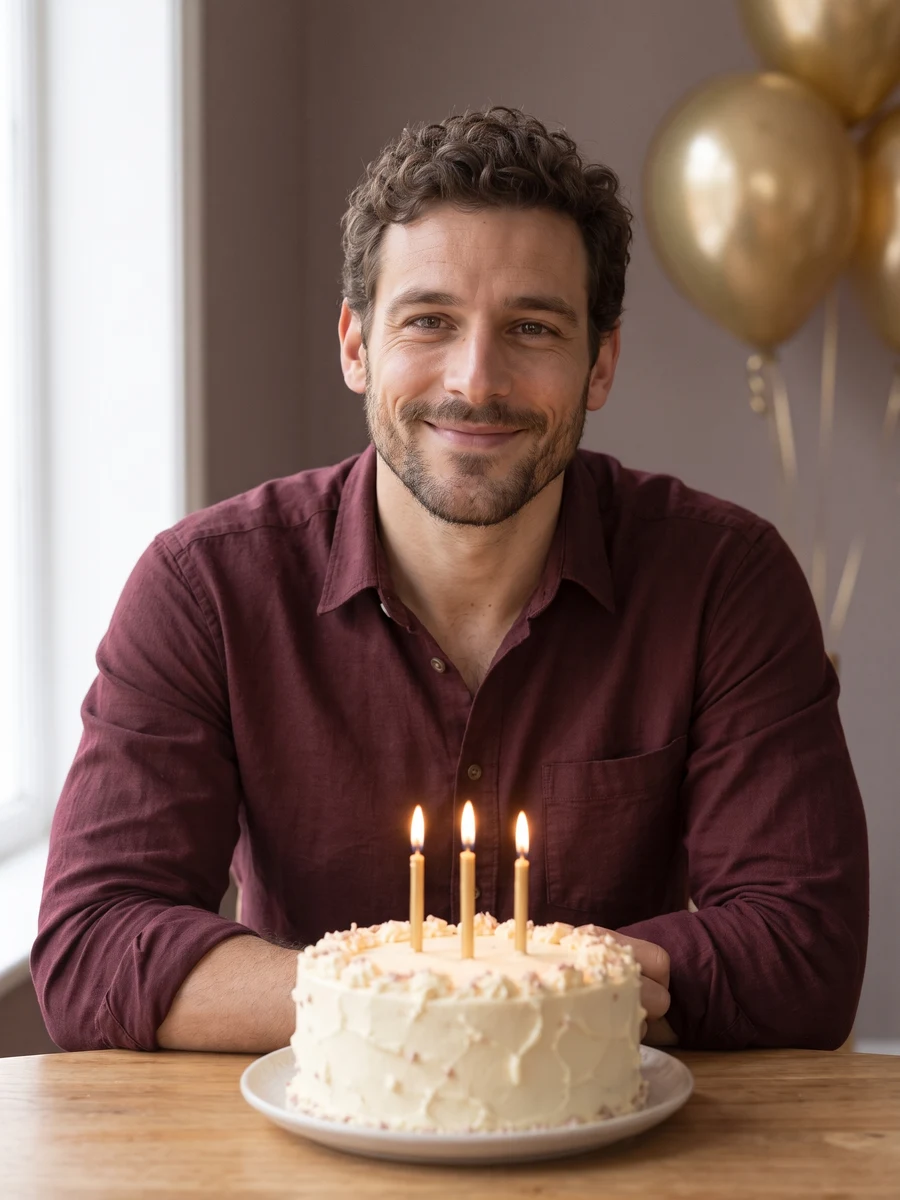
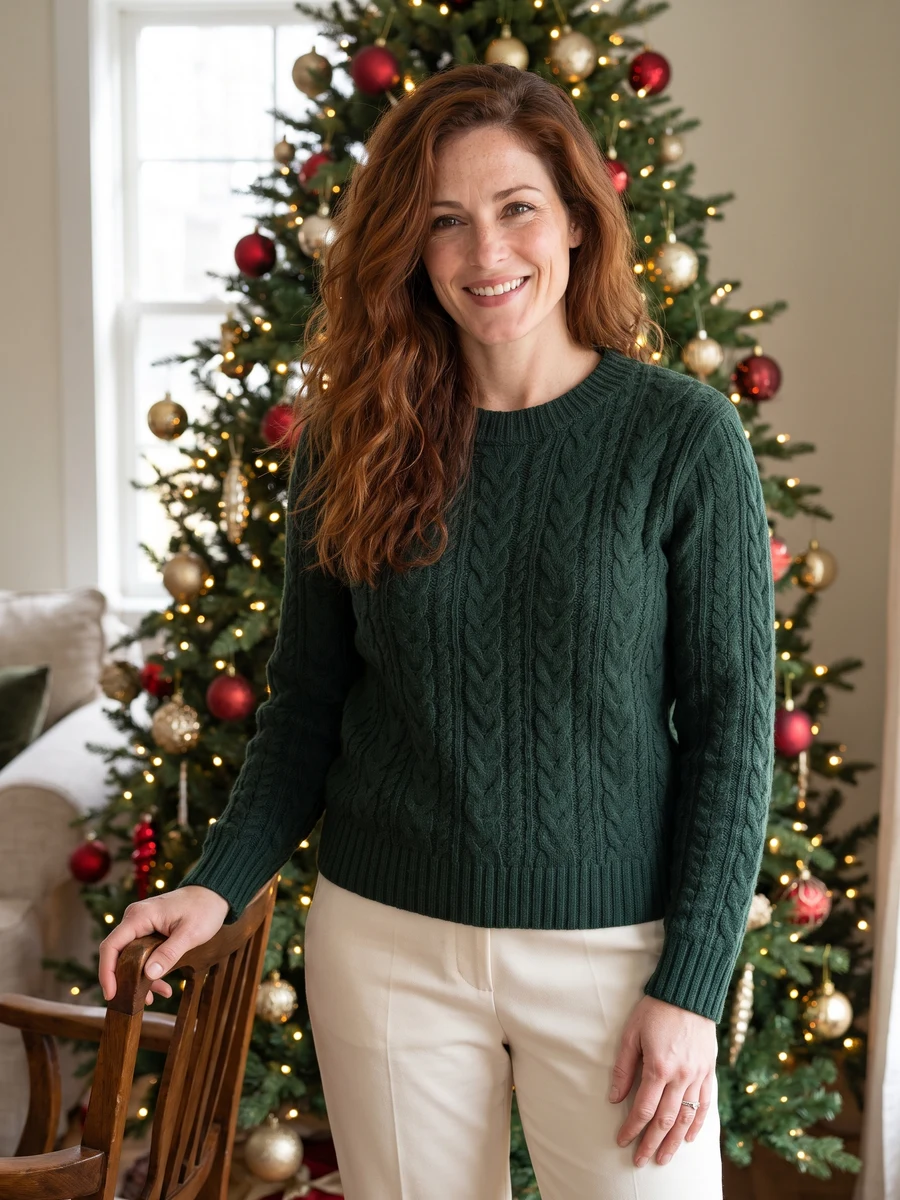
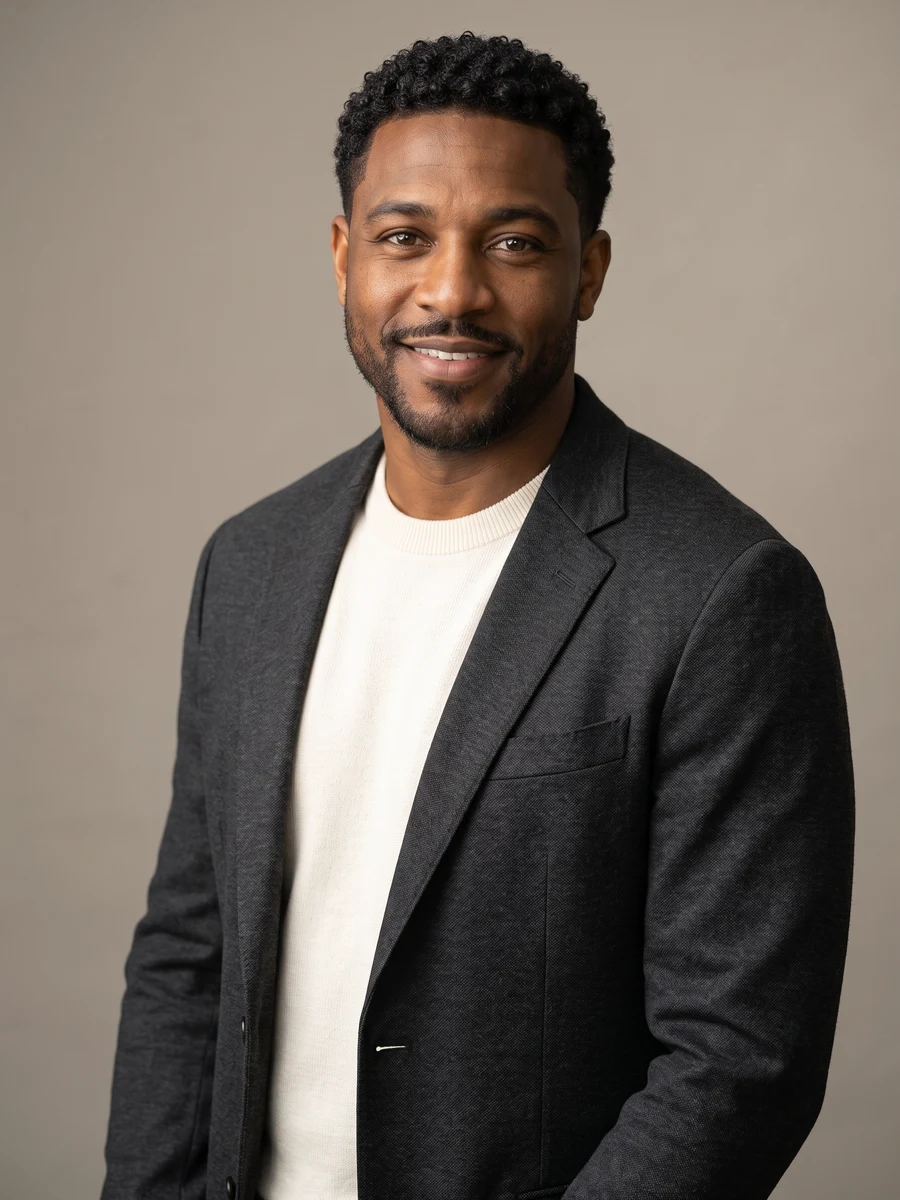
Reference example
Start with a professional headshot, then explore everyday portraits, editorial looks and special occasions. Each scene has its own styling choices and photo guidance.
Reference media from the source site shows the creative direction. It is not a result generated by this service; your output may differ.
From a work profile to a shared occasion, each studio has its own style choices.
These source examples explain the scene directions. Your newly generated result will vary.
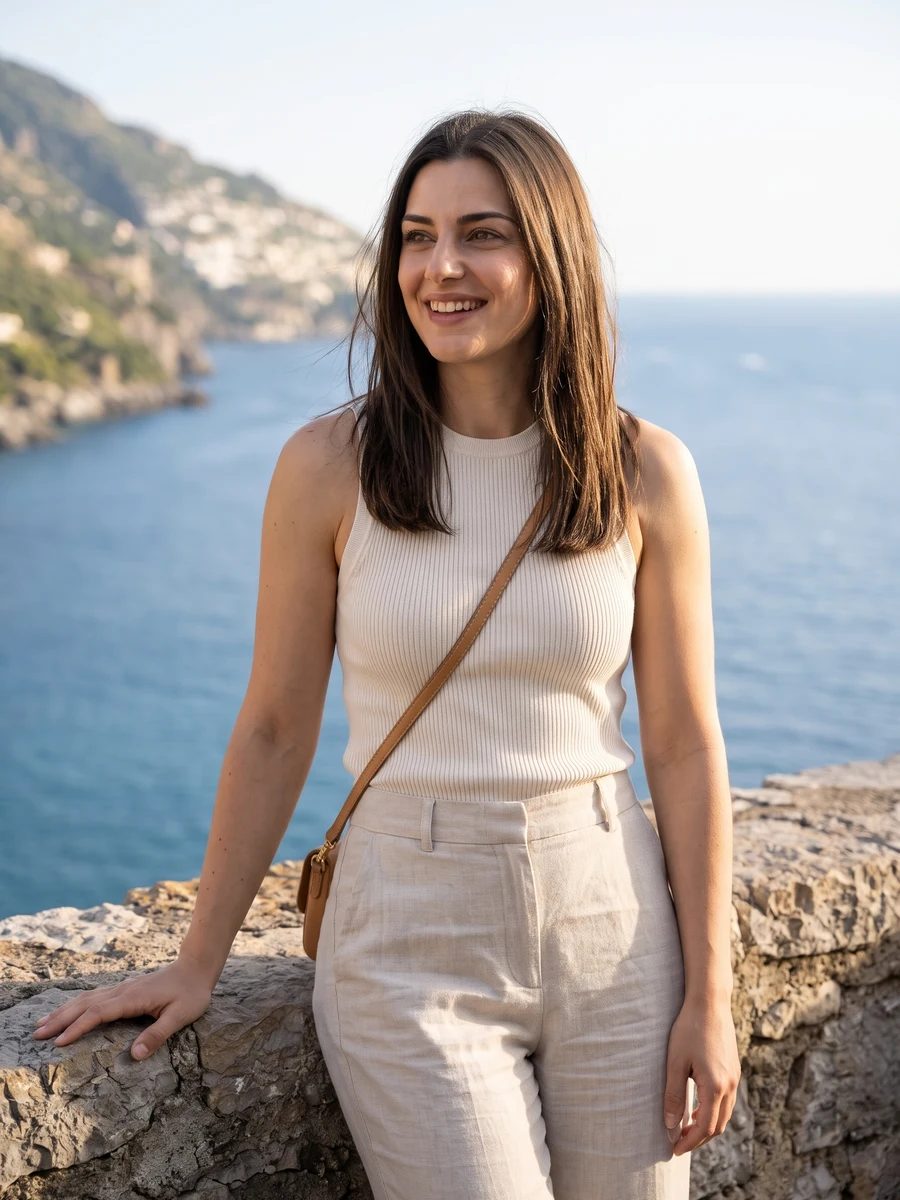
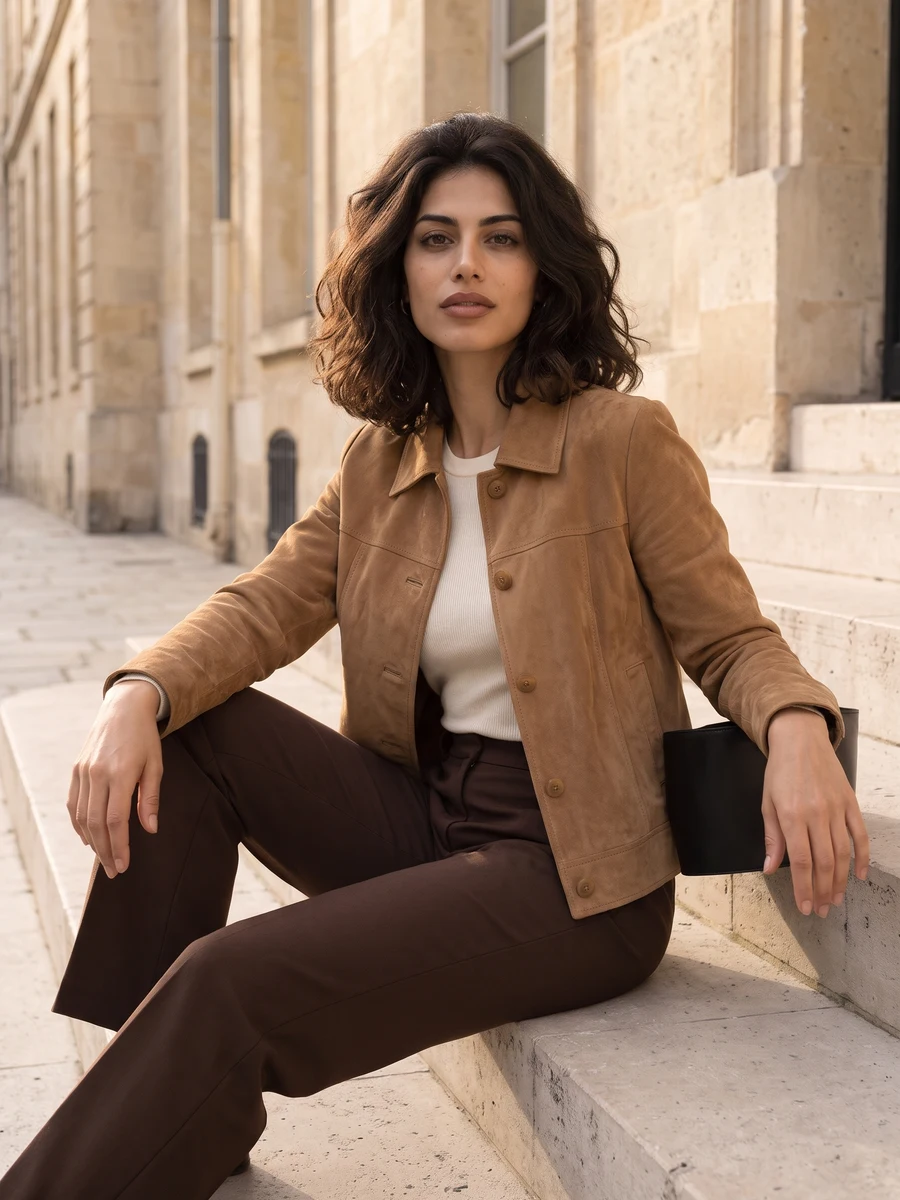
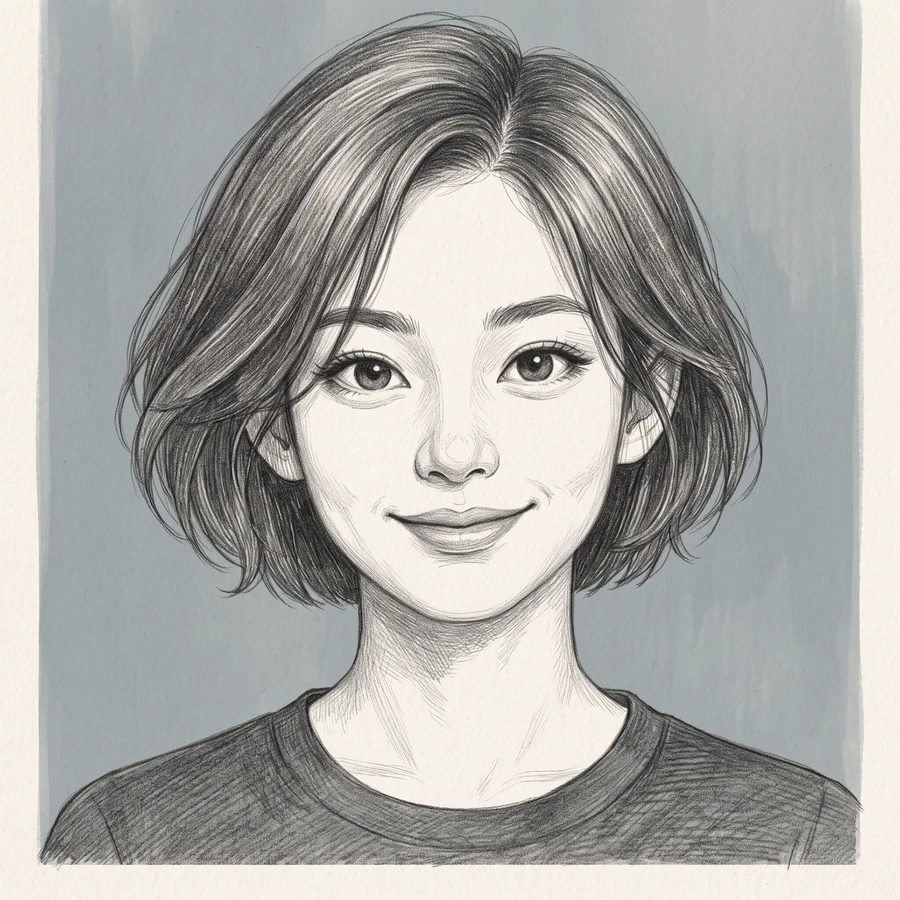
Reference media from the source site shows the creative direction. It is not a result generated by this service; your output may differ.
Choose the destination first: a work profile needs different framing from a fashion portrait or a shared celebration.
Choose the destination first: a work profile needs different framing from a fashion portrait or a shared celebration.
Zoom in on the eyes, hairline and clothing edges before using the result.
Each request creates one image. This studio does not train a permanent personal model or promise a six-photo set.
Choose the reference and direction, then check your settings before submitting.
Choose the destination first: a work profile needs different framing from a fashion portrait or a shared celebration.
Select a direction and the available model settings above. Review the current credit quote.
Zoom in on the eyes, hairline and clothing edges before using the result.
Choose the destination first: a work profile needs different framing from a fashion portrait or a shared celebration.
Zoom in on the eyes, hairline and clothing edges before using the result.
Each request creates one image. This studio does not train a permanent personal model or promise a six-photo set.
The credit quote follows the current model, output size. Check the settings panel and use the existing credit plans for top-ups.
Start with a professional headshot, then explore everyday portraits, editorial looks and special occasions. Each scene has its own styling choices and photo guidance.
Add the photos requested by your selected direction. JPG, PNG or WebP, up to 2 MB each. Choose the destination first: a work profile needs different framing from a fashion portrait or a shared celebration.
Each request creates one image. This studio does not train a permanent personal model or promise a six-photo set.
The settings panel shows the current credit quote. Sign in to submit, then follow the task here or in My creations and download the completed result.
Choose a direction above and start with a photo of your own.
Start creating