 Vove AI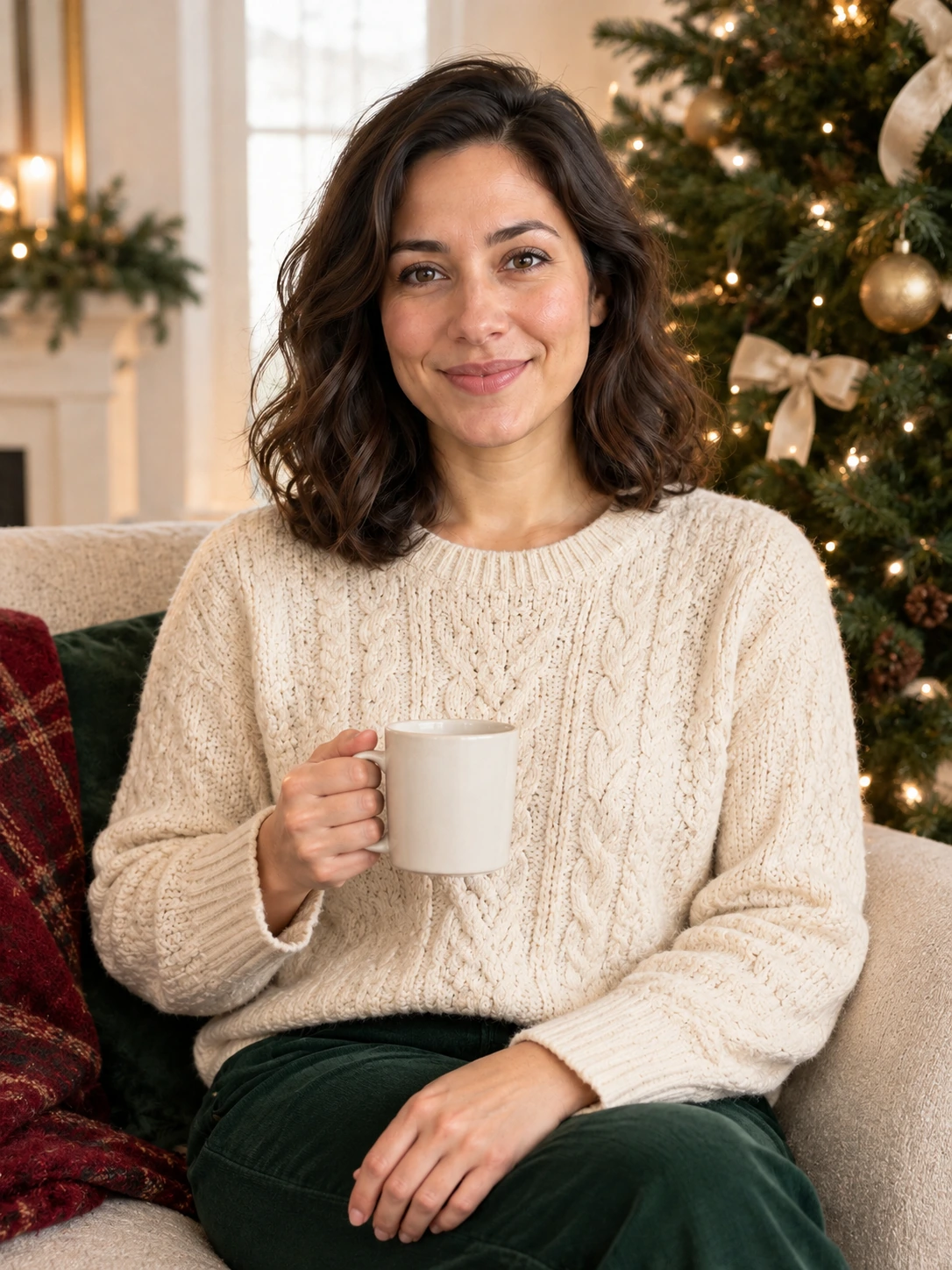
Reference example
Explore fireside light, knitted layers, a miniature snow globe or a portrait for two. Bring your own faces and choose a Christmas setting worth sending.
Reference media from the source site shows the creative direction. It is not a result generated by this service; your output may differ.
These source examples explain the scene directions. Your newly generated result will vary.
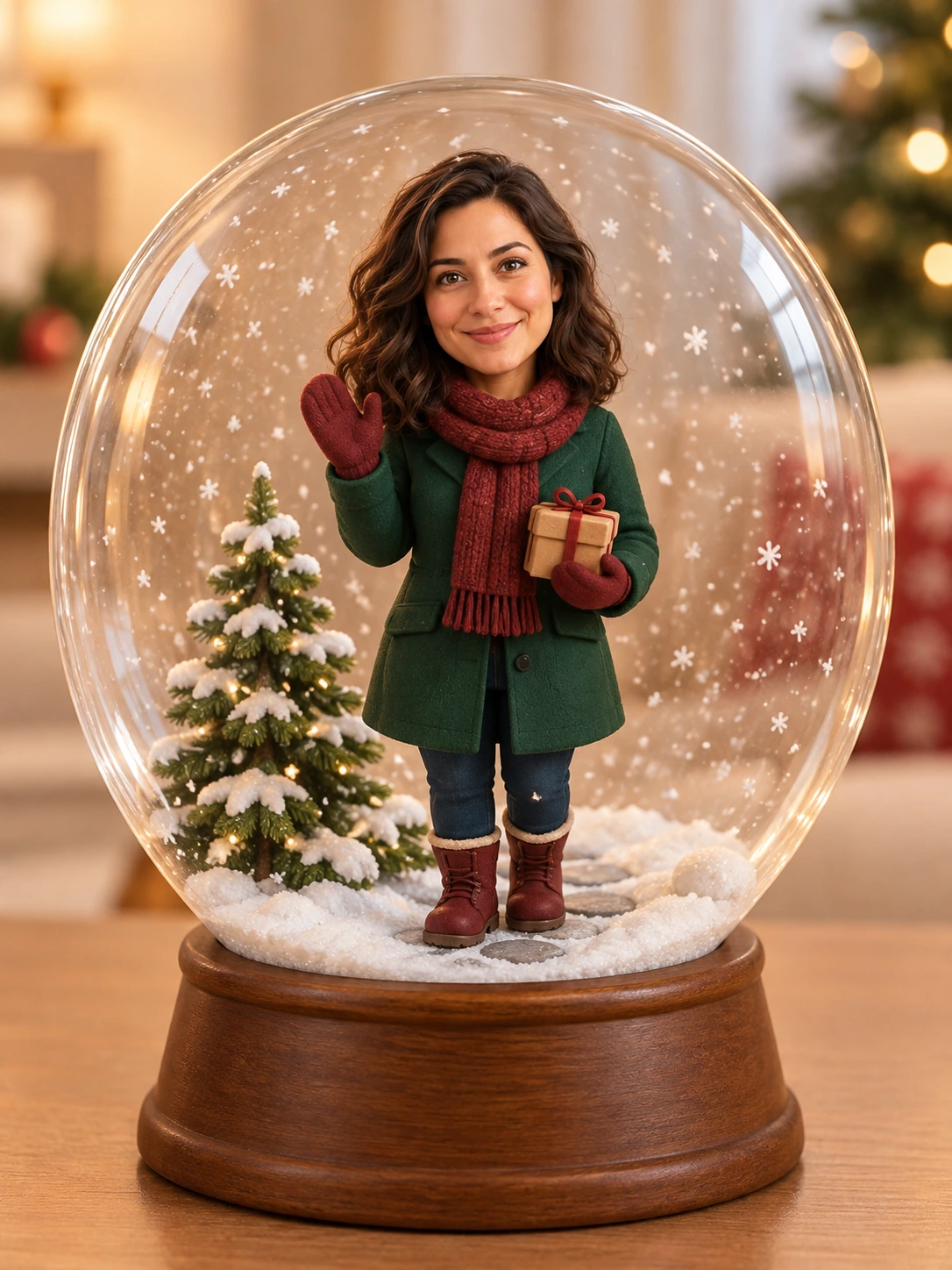
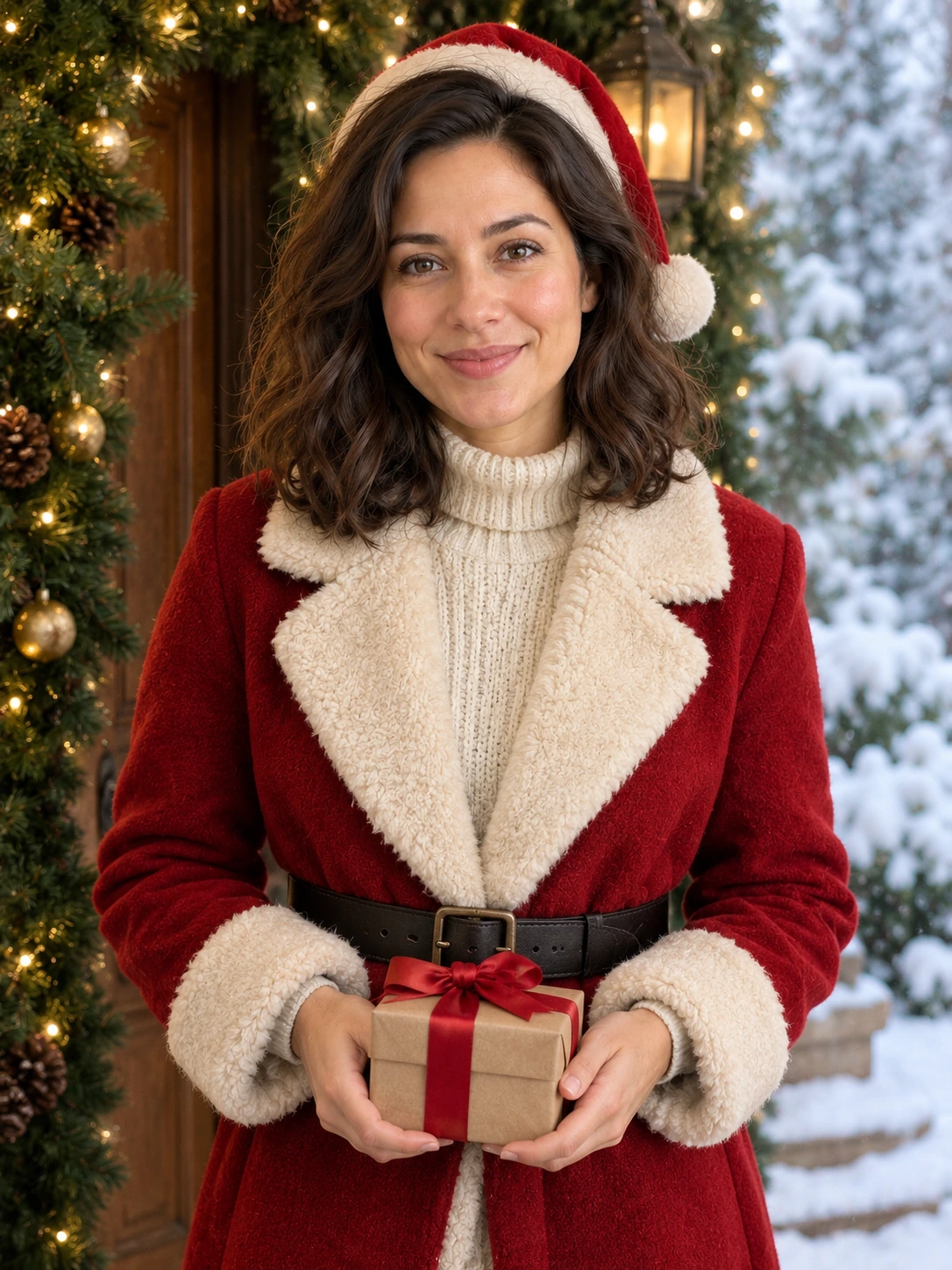
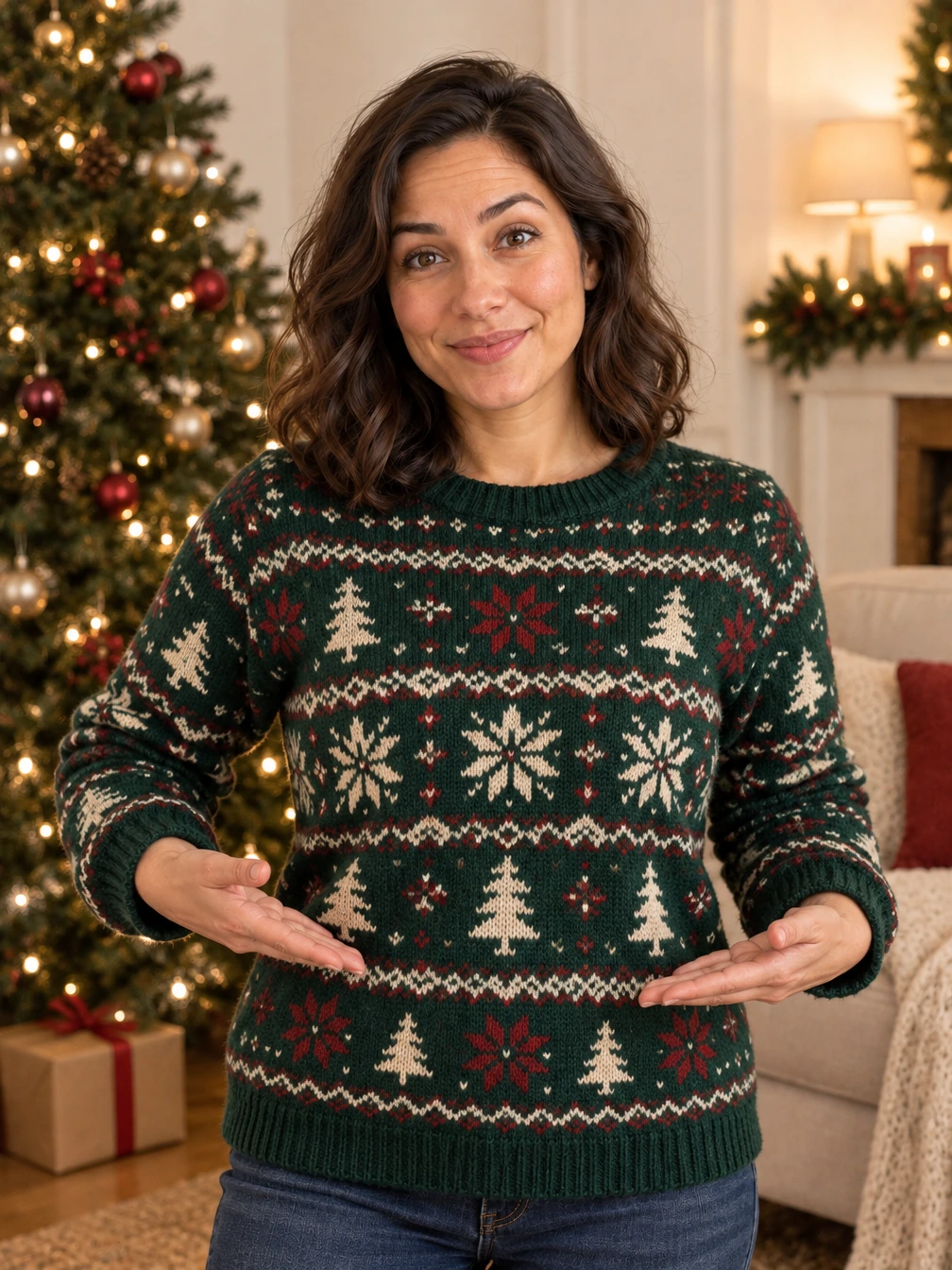
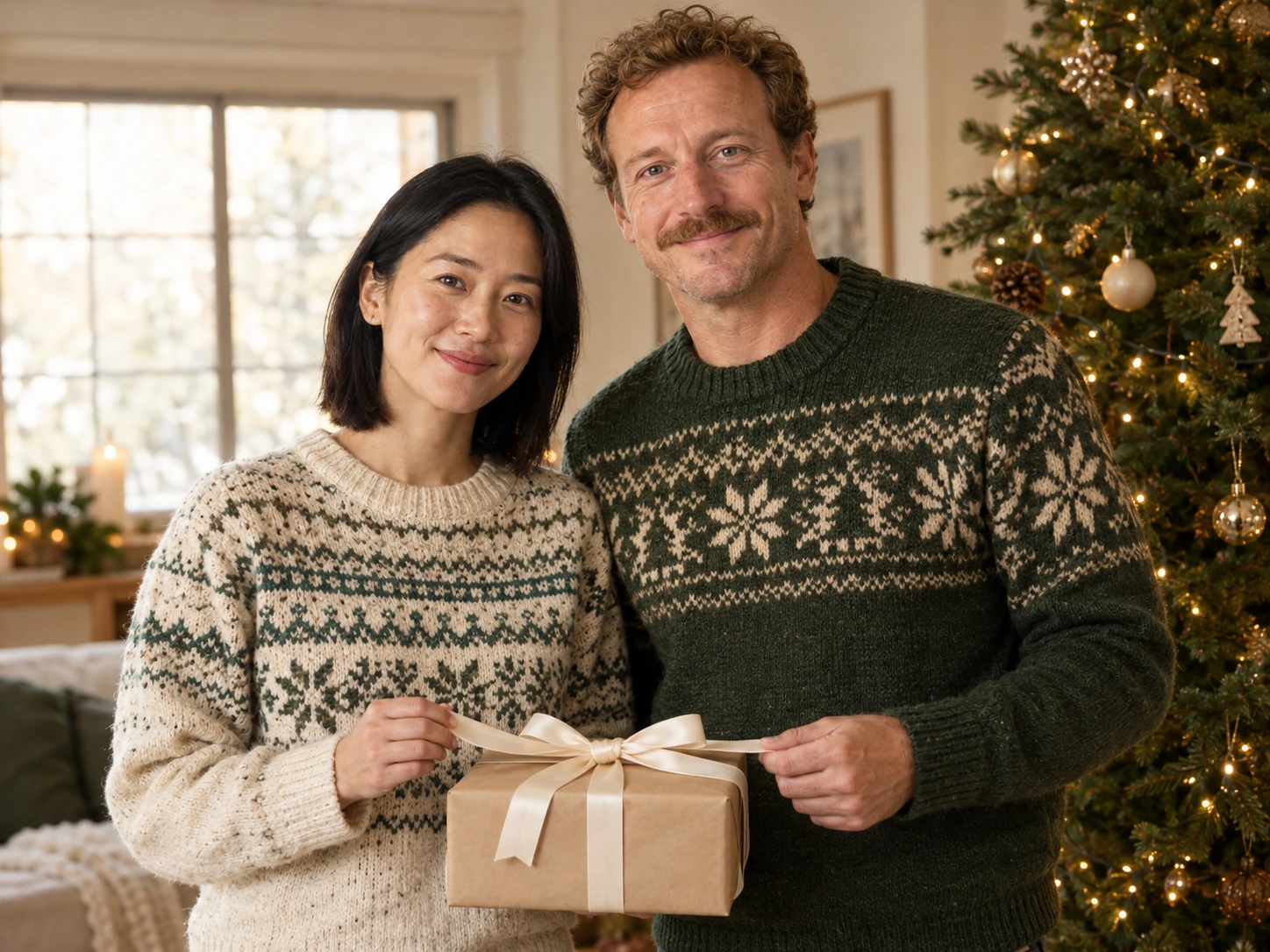
Reference media from the source site shows the creative direction. It is not a result generated by this service; your output may differ.
Choose a solo look or the two-person holiday scene. A simple daylight photo leaves more room for the new lighting and outfit.
Choose a solo look or the two-person holiday scene. A simple daylight photo leaves more room for the new lighting and outfit.
Check tree lights, facial details and small decorations at full size.
This page makes one image per request. Add names or greeting-card text in an editor after checking the portrait.
Choose the reference and direction, then check your settings before submitting.
Choose a solo look or the two-person holiday scene. A simple daylight photo leaves more room for the new lighting and outfit.
Select a direction and the available model settings above. Review the current credit quote.
Check tree lights, facial details and small decorations at full size.
Choose a solo look or the two-person holiday scene. A simple daylight photo leaves more room for the new lighting and outfit.
Check tree lights, facial details and small decorations at full size.
This page makes one image per request. Add names or greeting-card text in an editor after checking the portrait.
The credit quote follows the current model, output size. Check the settings panel and use the existing credit plans for top-ups.
Explore fireside light, knitted layers, a miniature snow globe or a portrait for two. Bring your own faces and choose a Christmas setting worth sending.
Add the photos requested by your selected direction. JPG, PNG or WebP, up to 2 MB each. Choose a solo look or the two-person holiday scene. A simple daylight photo leaves more room for the new lighting and outfit.
This page makes one image per request. Add names or greeting-card text in an editor after checking the portrait.
The settings panel shows the current credit quote. Sign in to submit, then follow the task here or in My creations and download the completed result.
Choose a direction above and start with a photo of your own.
Start creating