Loading…
Paste a product URL as context and add your own source brief. Choose a video direction and supply the details, references and claims the clip should follow.
Turn URLs into social videos, product videos, short explainers, ad creatives, education clips, and campaign drafts without collecting every asset by hand.
Start with a product page, blog post, landing page, article, or ad URL. Choose whether the video should sell, explain, summarize, educate, or promote.
Supply a valid HTTPS product URL as context, then write the product description and desired shot yourself. The page does not fetch product details or create scripts, narration or captions.
Write a useful product description of at least 10 characters. Include the visible product, setting and one action you want the clip to show.
Add your own image reference when it helps explain the product. A URL is context and does not replace a supplied product asset.
Vove AI can route copy, image, and video steps to models suited for each part of the job, then compare variants so stronger hooks and scenes move forward.
Keep the video aligned with brand tone, source-page claims, product visuals, colors, and messaging while still exploring different hooks and formats.
Choose a video model and inspect its available duration, resolution and ratio controls. The estimate updates with the selected settings.
Focus the brief on one short shot. Keep the product details accurate and avoid asking for several unrelated scenes.
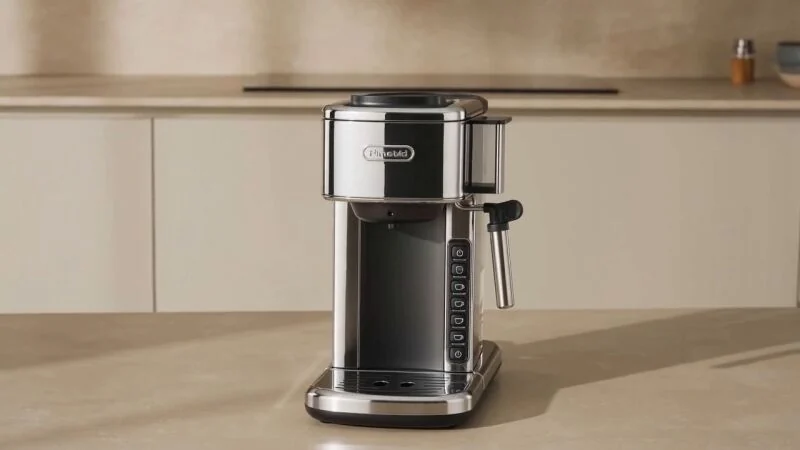
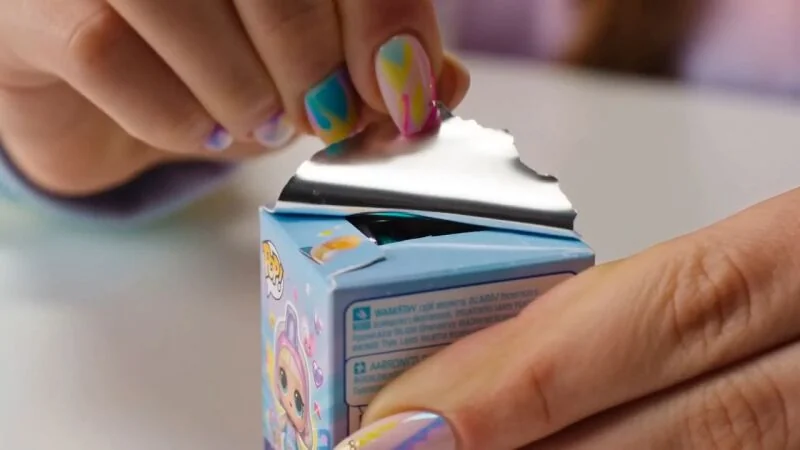
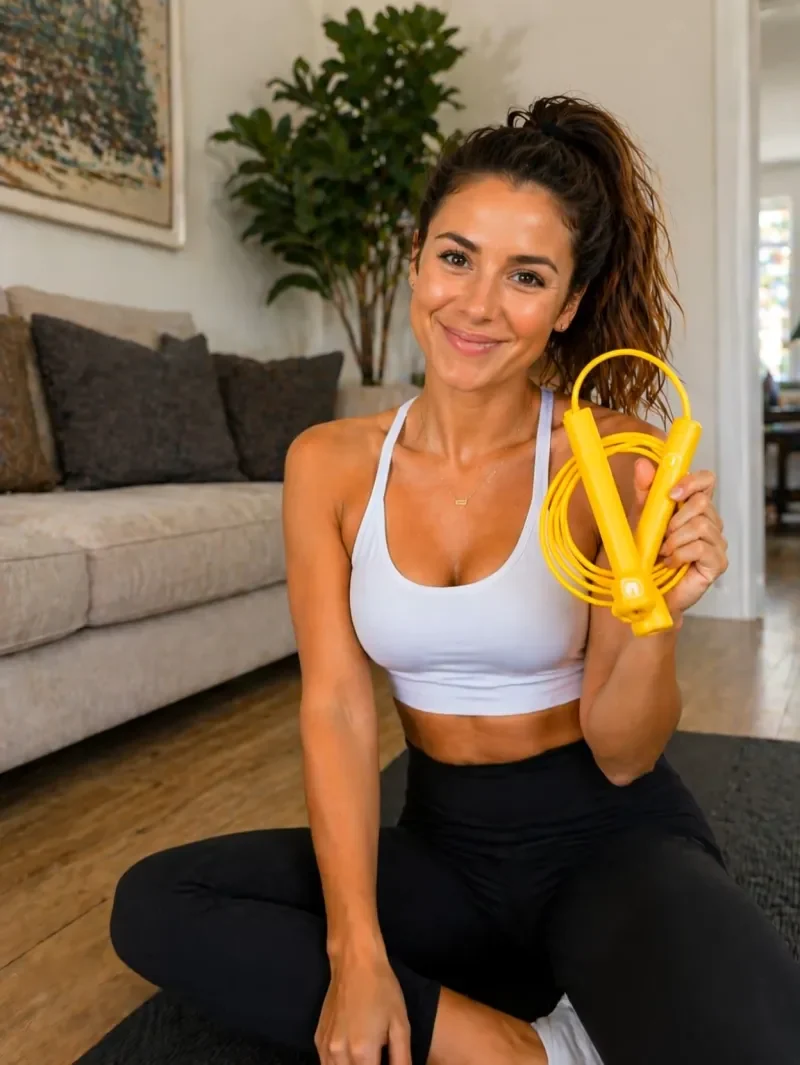
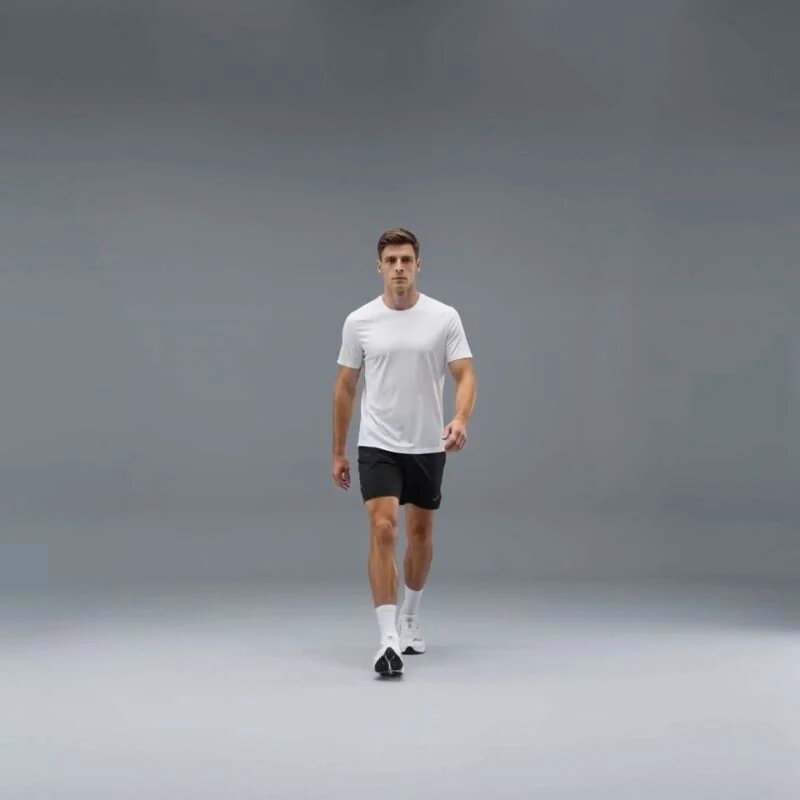
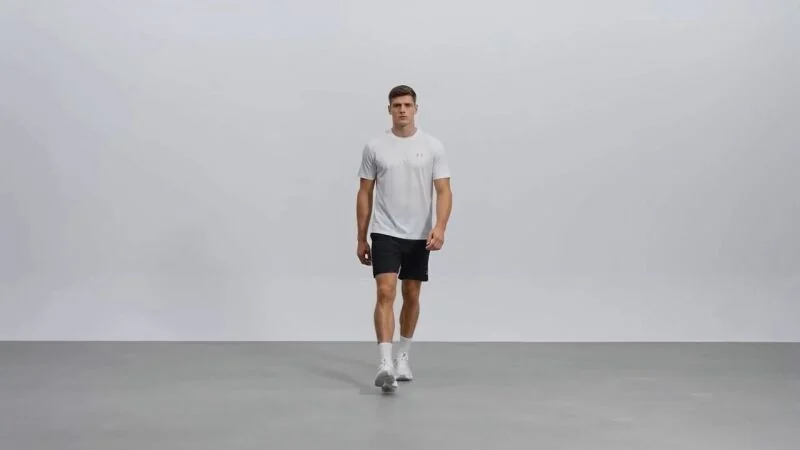
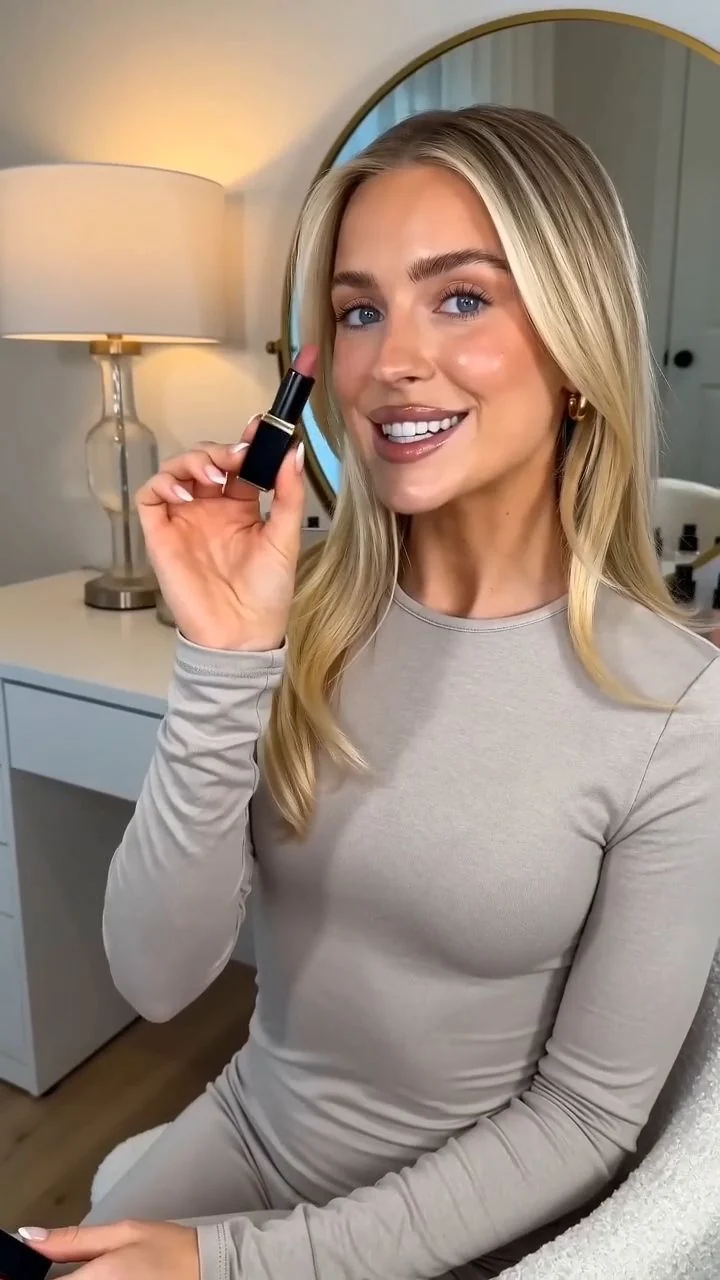
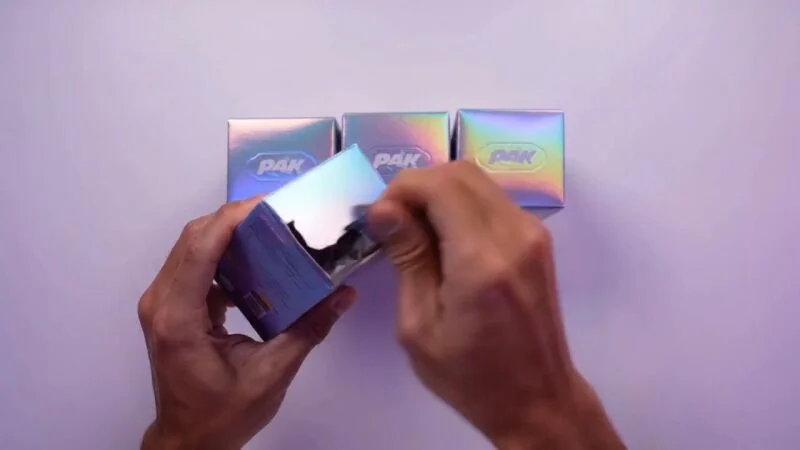
Paste a product page and create UGC-style reviews, product demos, unboxing clips, launch videos, listing gallery videos, and social ads from the page context.
Review the generated clip in Assets or Creation history. Check product shape, labels and movement before downloading it.
Transform campaign pages, SaaS offers, event pages, and lead-gen pages into concise video ads that highlight the promise, proof points, and CTA.
Summarize source pages into explainers, learning clips, internal updates, and quick knowledge videos while keeping the original key points visible in the brief.
Use one source link to create practical videos for marketing, ecommerce, education, sales, and social content.
A new brief or reference starts another generation. Compare variations, then use a separate video editor for final assembly.
Use product pages to create demos, reviews, launch clips, unboxing videos, listing modules, and paid social ads.
Turn articles, blogs, and knowledge pages into easy-to-share video summaries for education, sales, and internal communication.
Convert landing pages and offers into first-pass video concepts that are ready for testing, iteration, and production polish.
Paste a product page, blog post, article, landing page, or ad URL and create a short-form video direction in one AI workspace.