Loading…
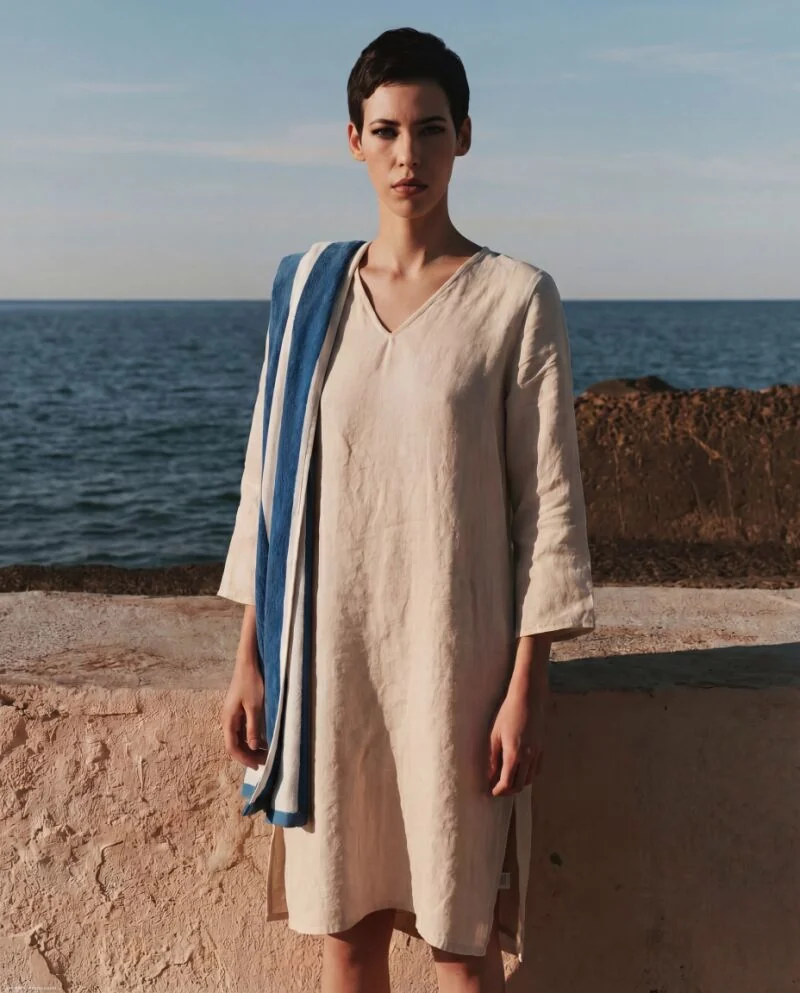
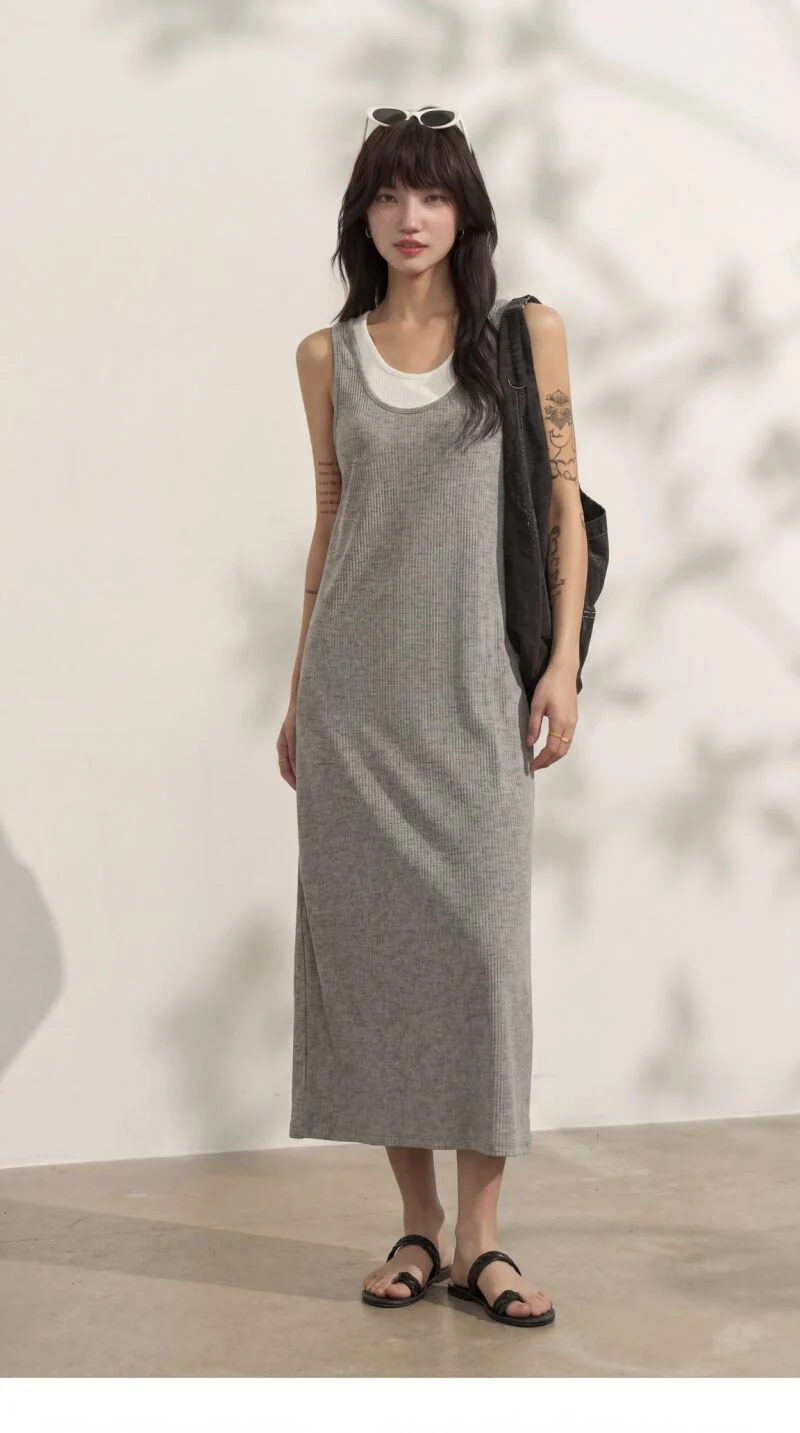
Start with a flat lay, hanger shot or catalog photo. Add a model reference and describe the pose, setting and garment details to preserve.
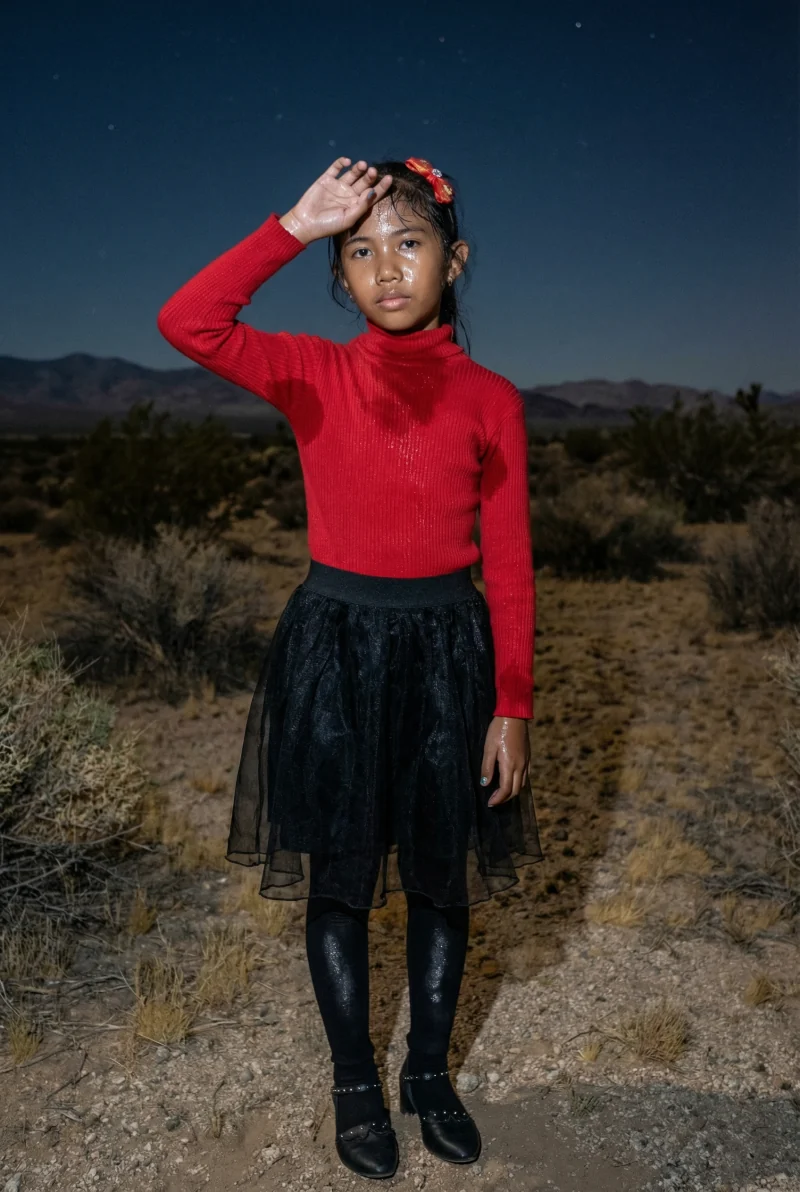
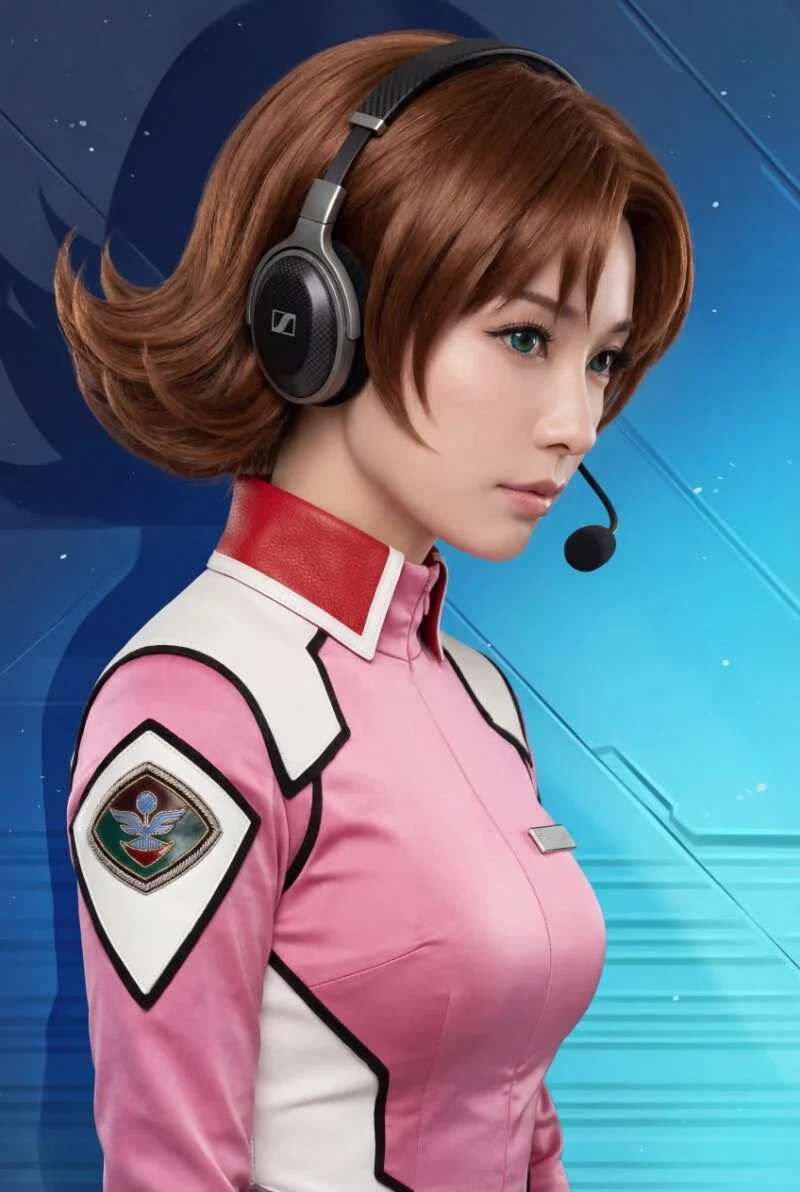
Browse reference examples for composition and style ideas. Select a card to apply its reference image and brief, then adapt the inputs to your own project.
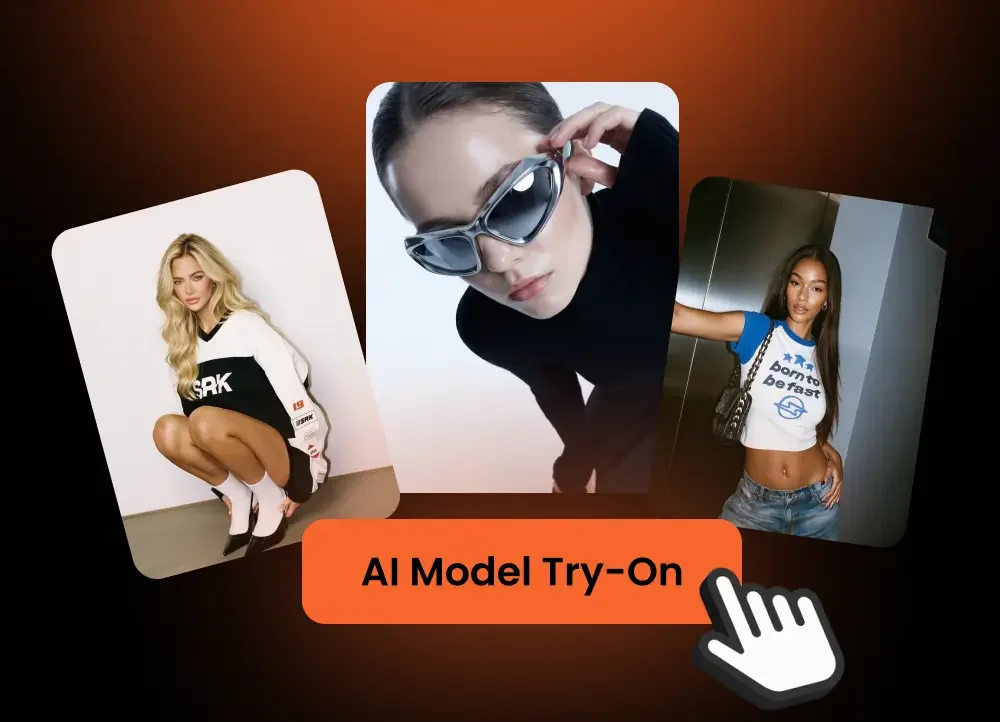
Start with a flat lay, hanger shot, mannequin image, or catalog photo. Clean edges and accurate color make it easier to preserve the garment.
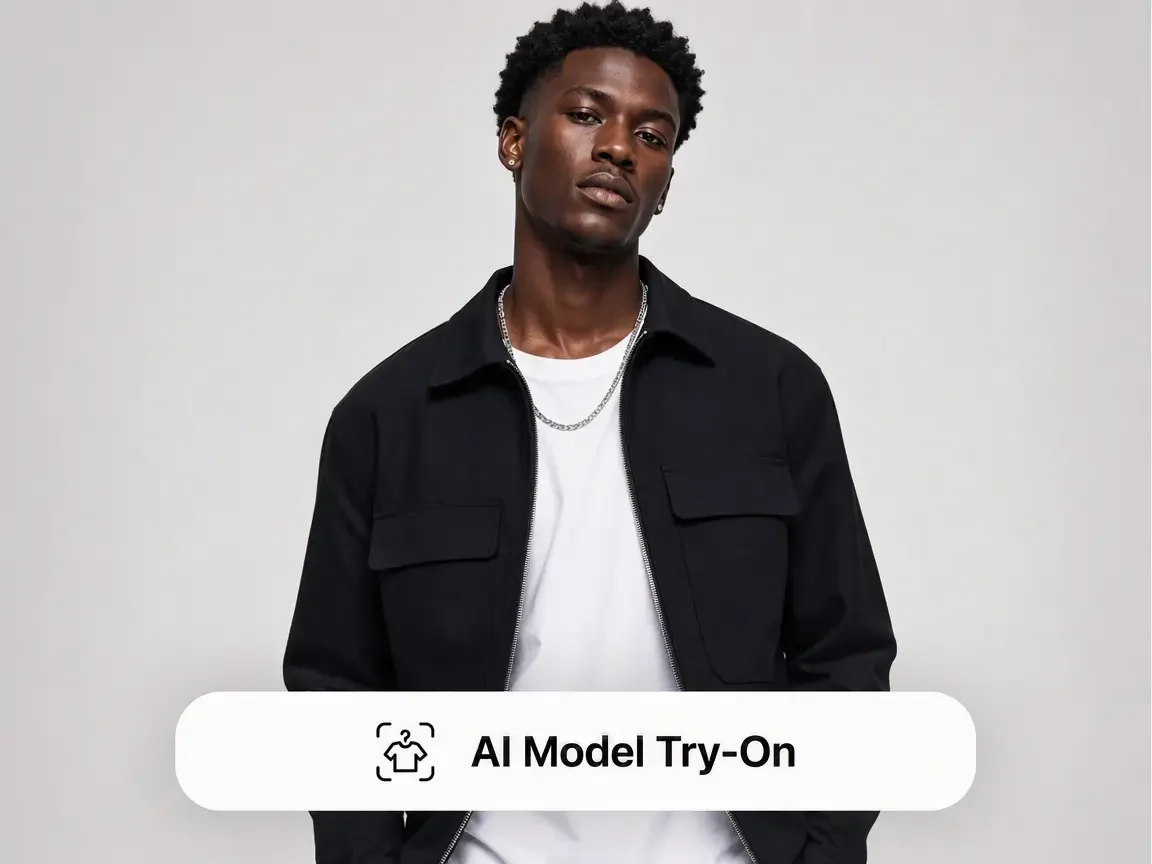
Specify the model look, pose, styling, season, background, and target market. Add references when you want a consistent campaign mood.
Review and download the generated image. For manual image-and-text composition, open Canvas separately and add the image; Canvas exports a PNG.
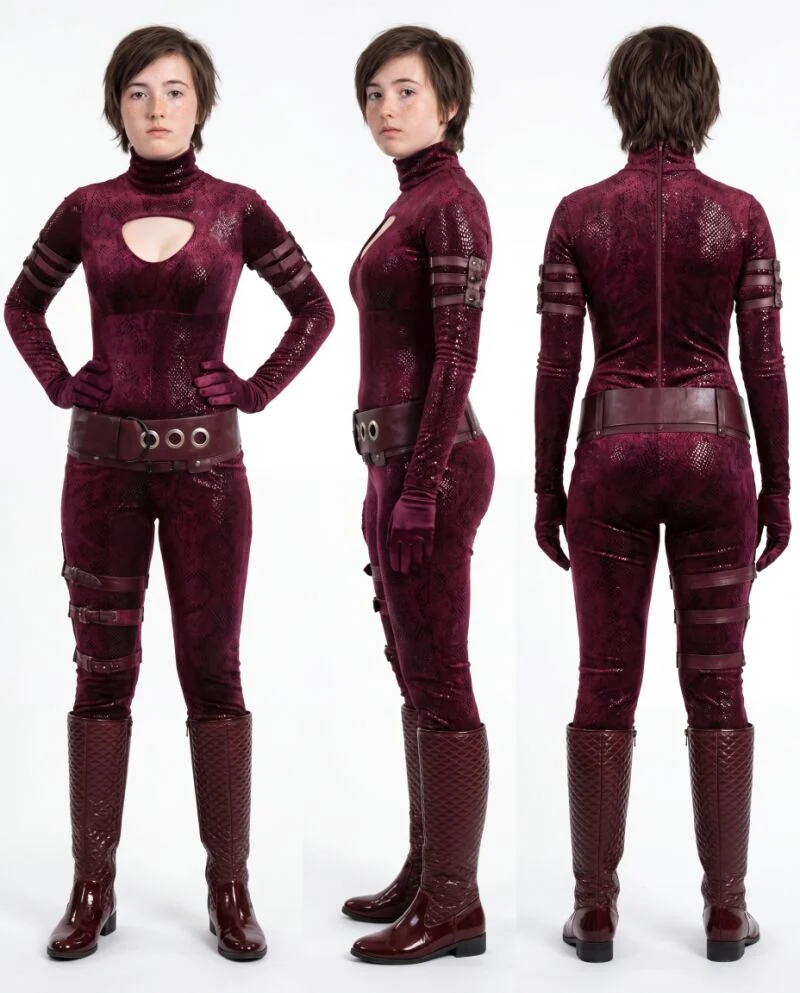
Keep prints, seams, silhouette, sleeve shape, neckline, and fabric texture readable so the product stays the hero.
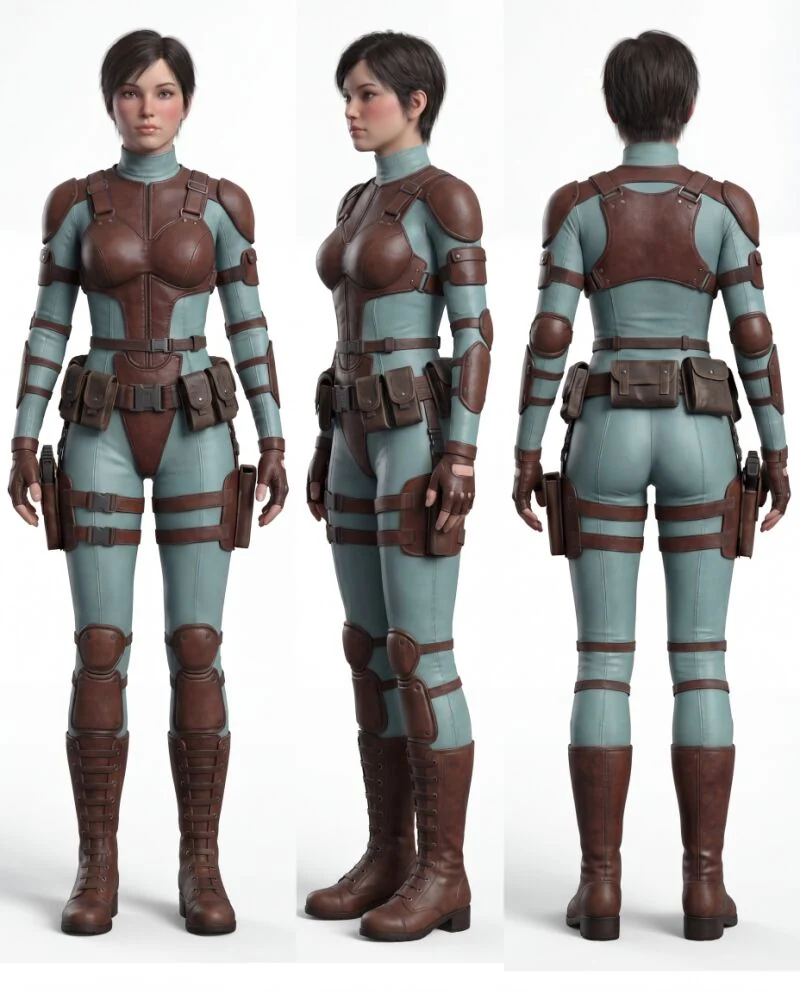
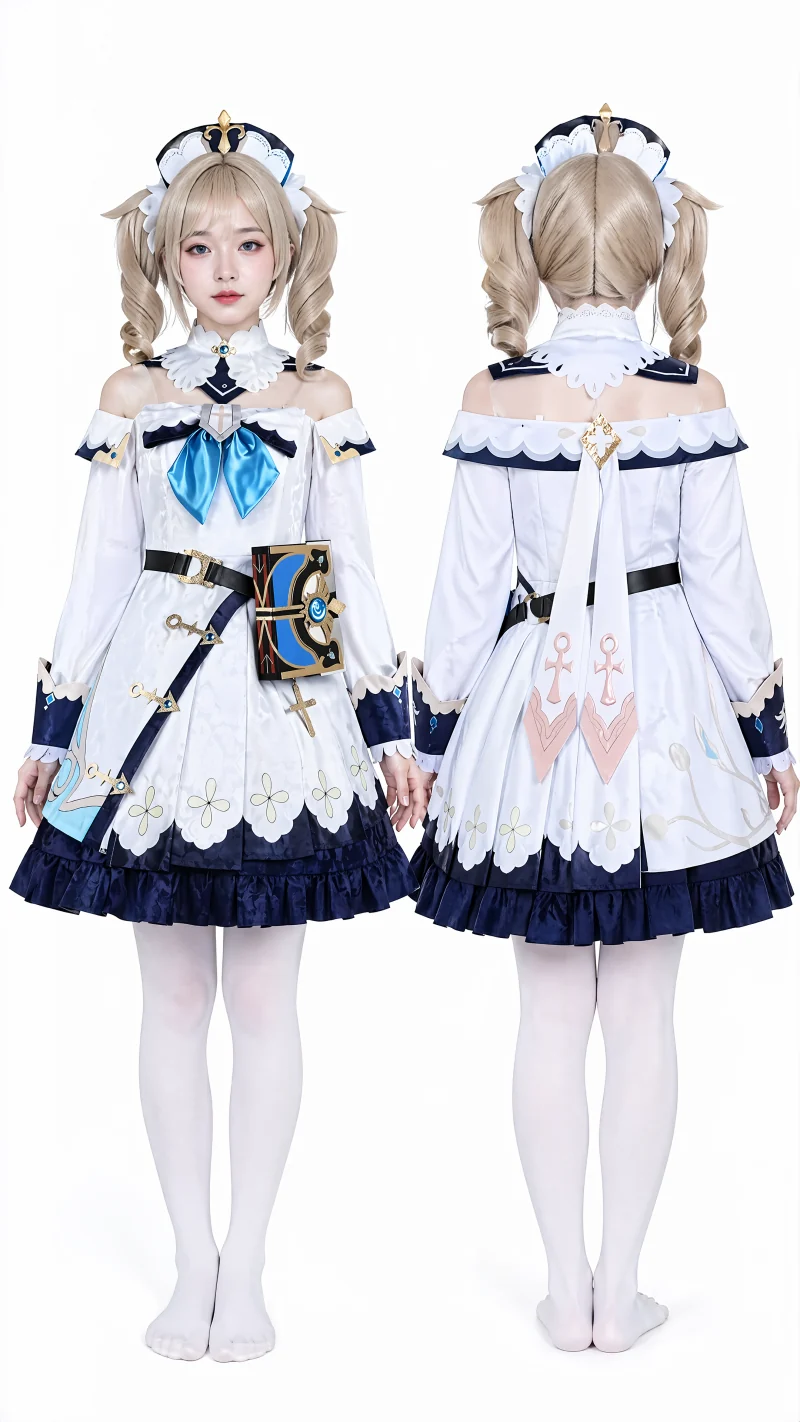
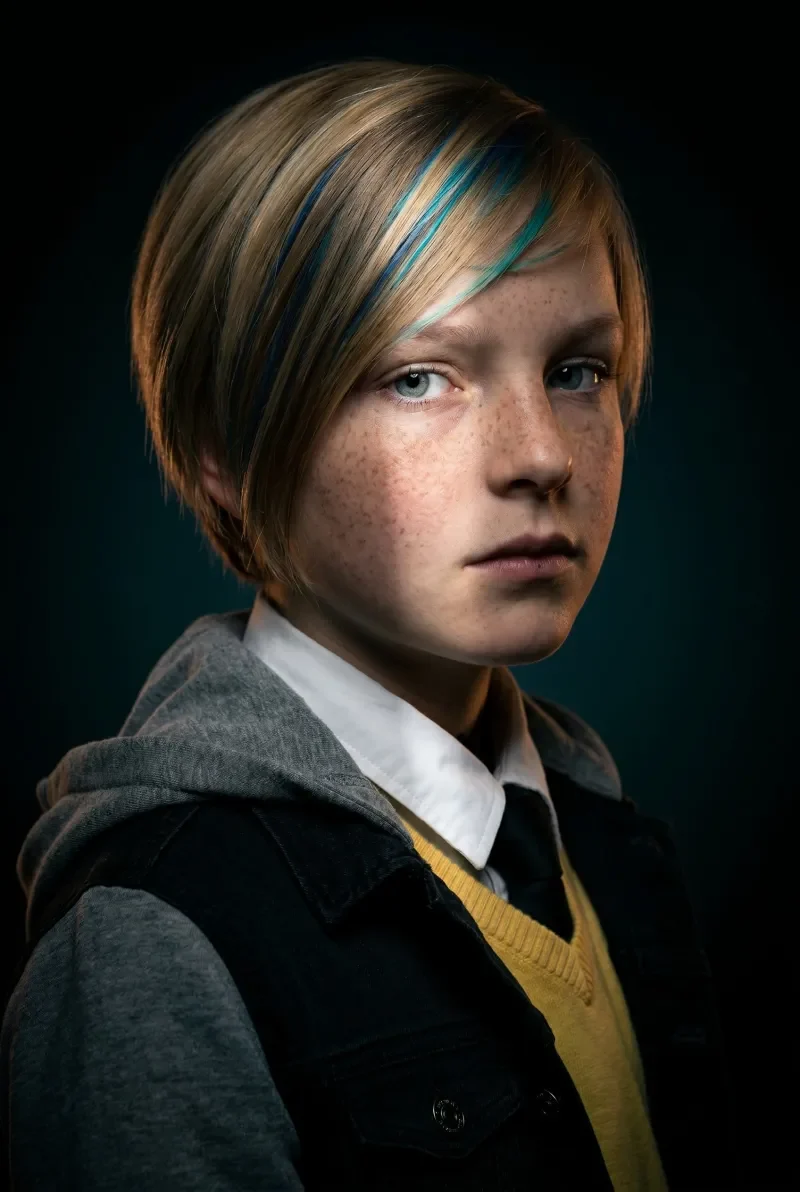
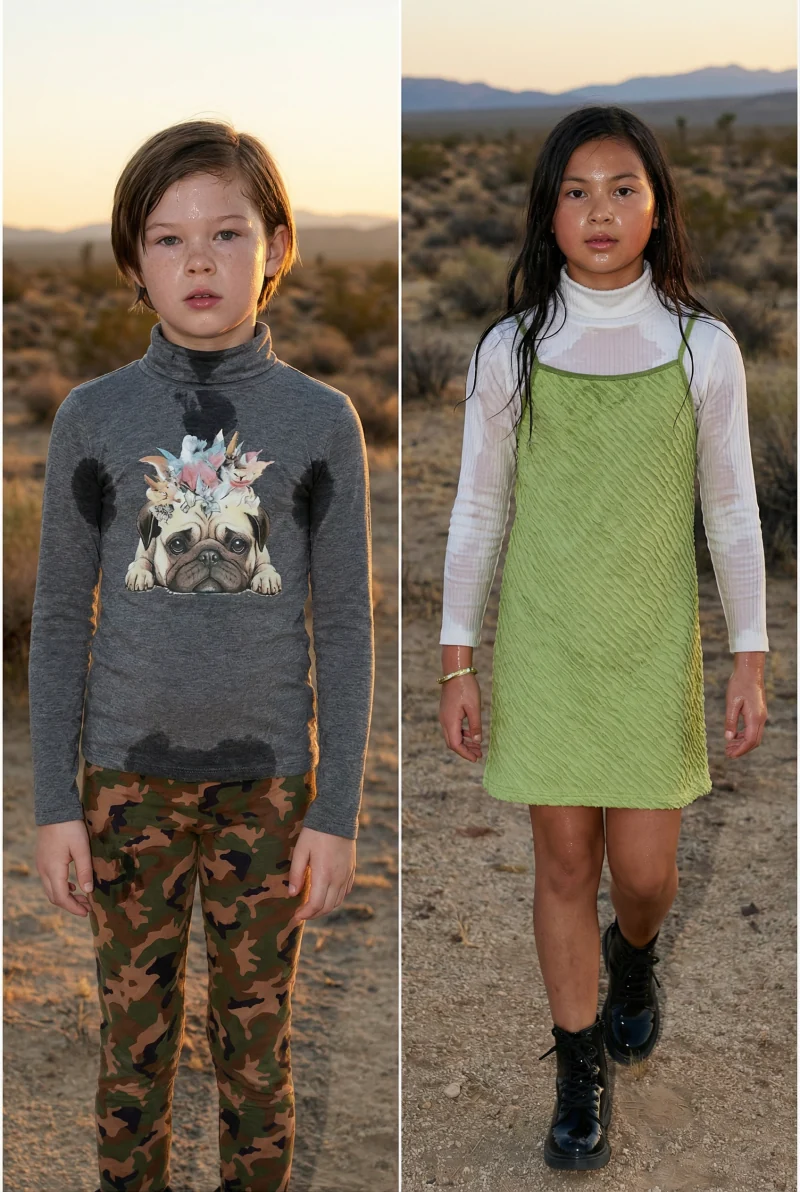
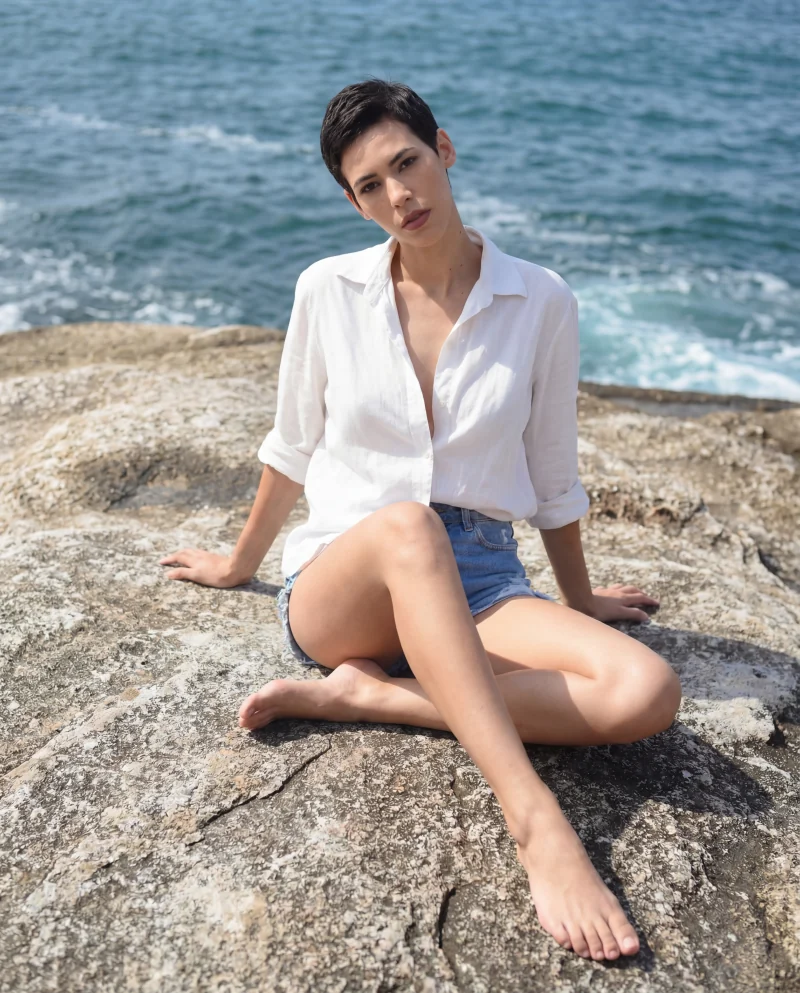
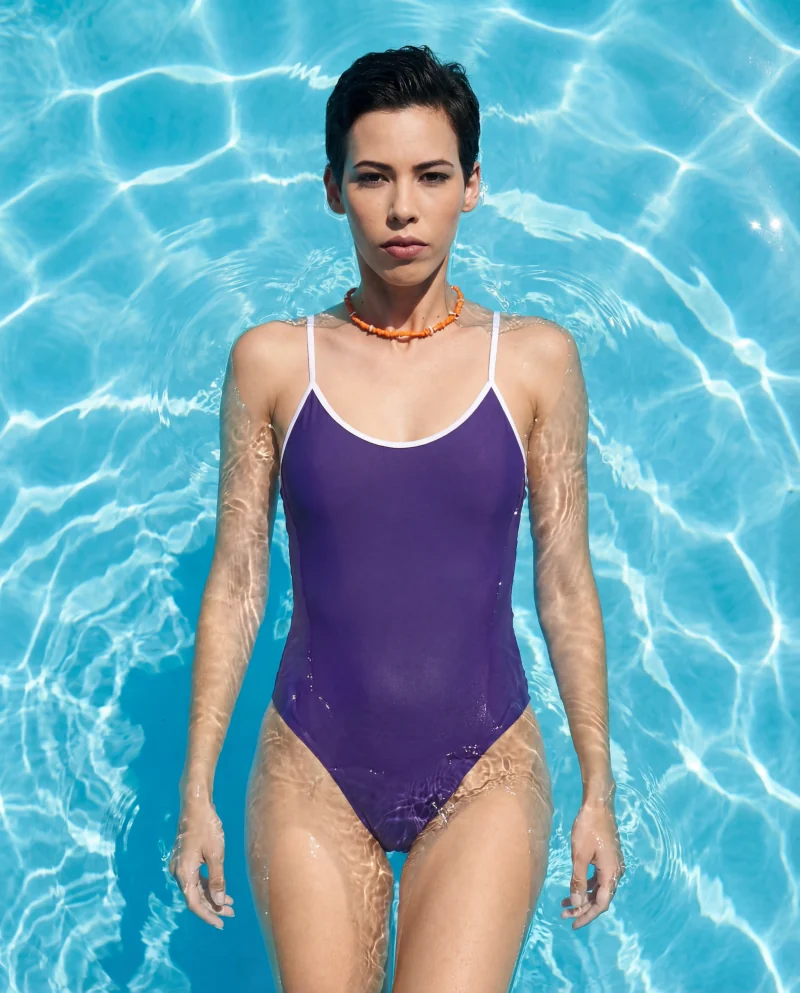
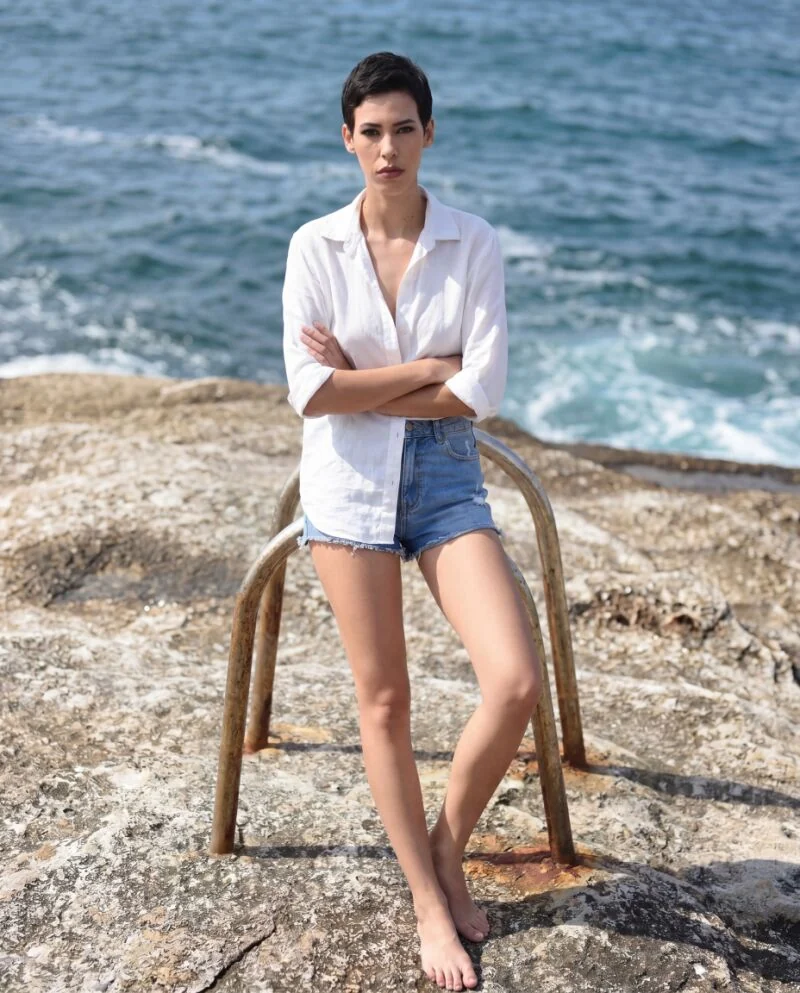
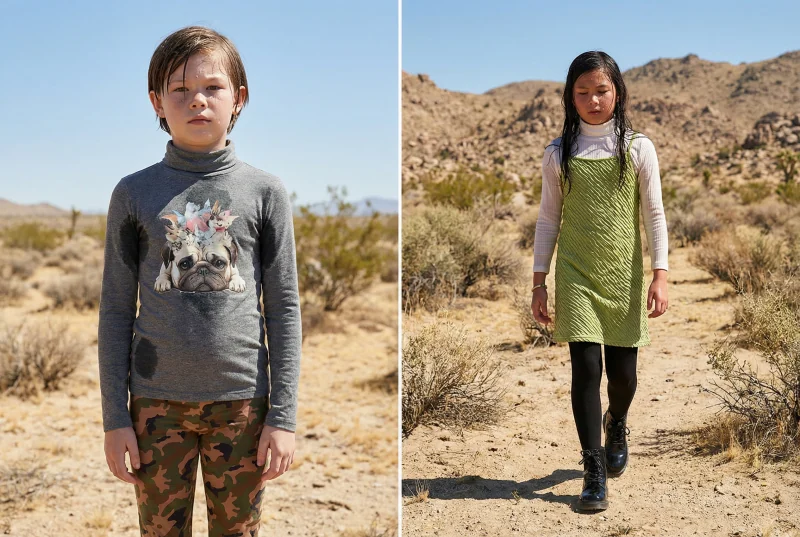
Start apparel shootCreate model sets for different regions, age groups, styles, and seasonal campaigns without booking separate shoots.
Start apparel shoot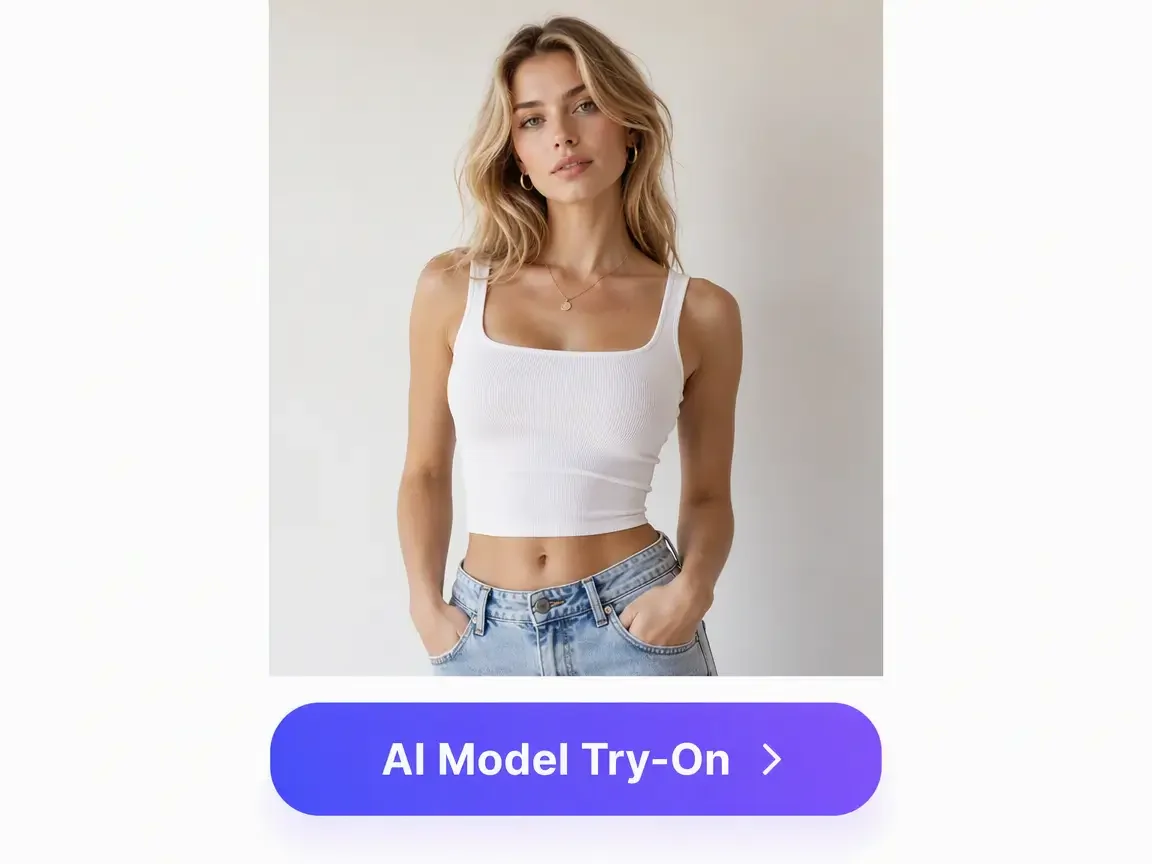
Generate square marketplace images, vertical social ads, and lookbook compositions from the same garment reference.
Start apparel shootDescribe an adult model, pose and background appropriate to your garment. Use a clear reference with visible seams and patterns.
Start apparel shootUse this workflow when one garment needs to become many sellable contexts, from marketplace listings to campaign tests, without losing product truth.
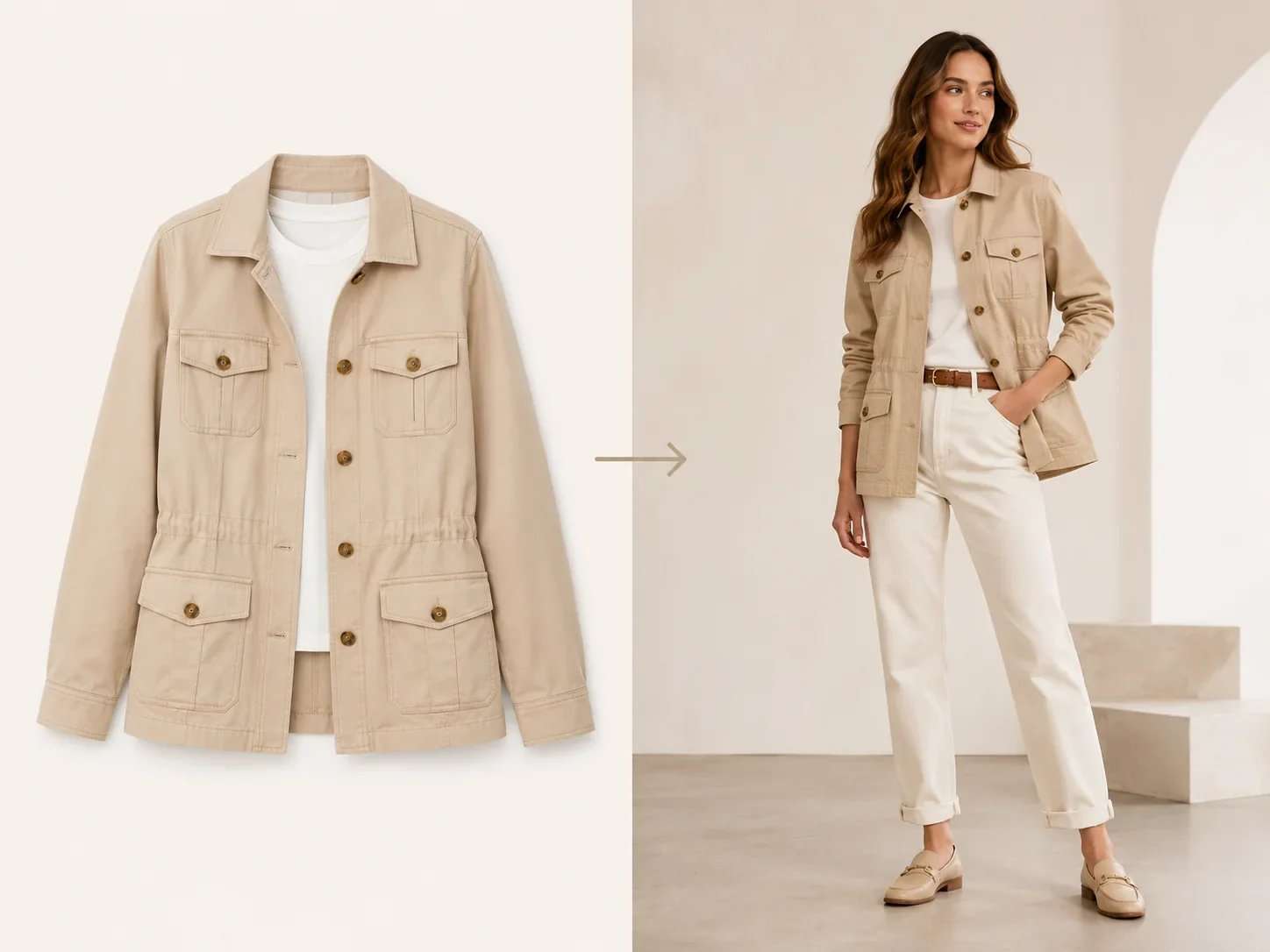
Turn product-only shots into model-worn images for Shopify, Amazon, TikTok Shop, Etsy, and marketplace catalogs.
Try this workflow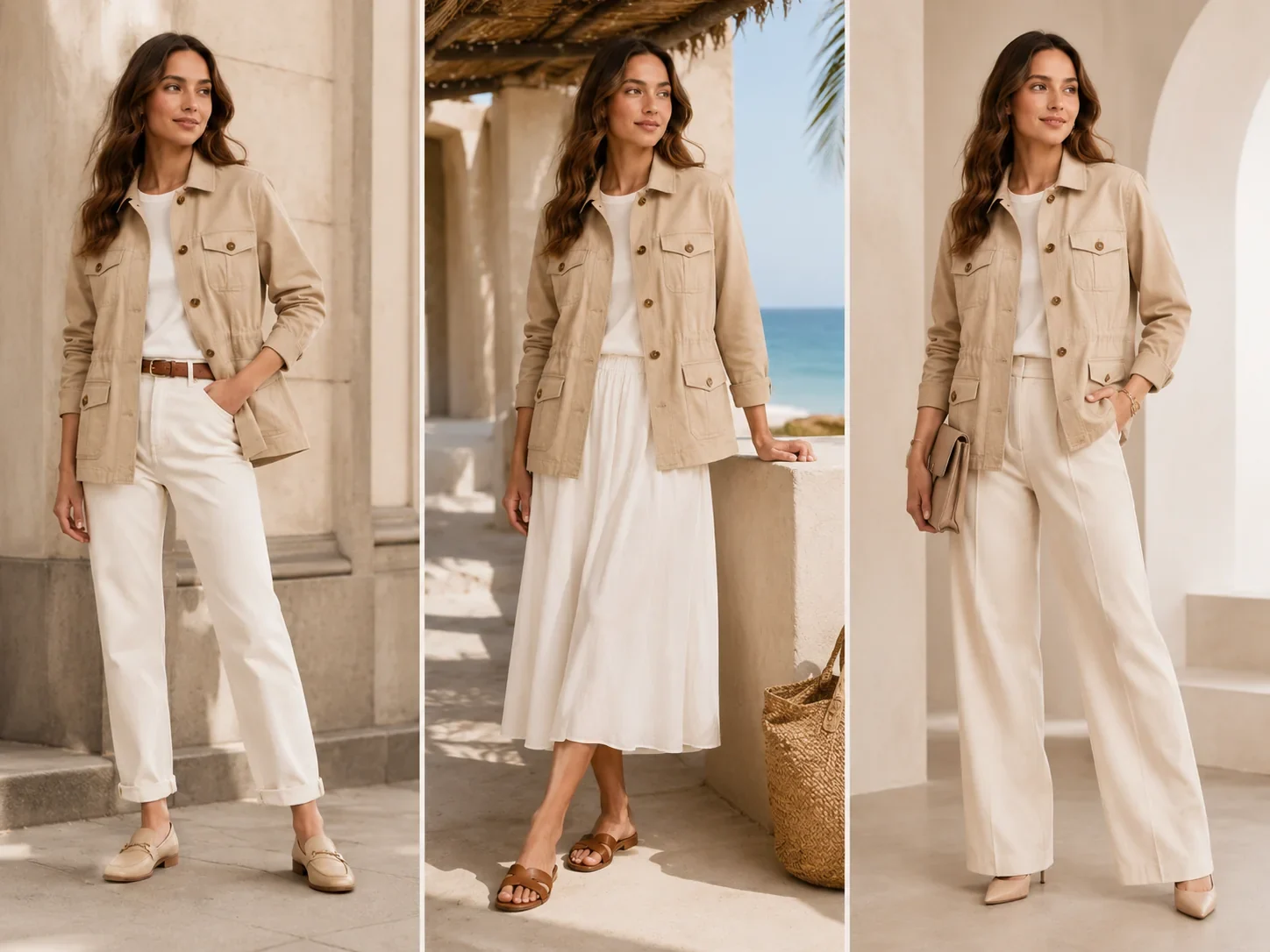
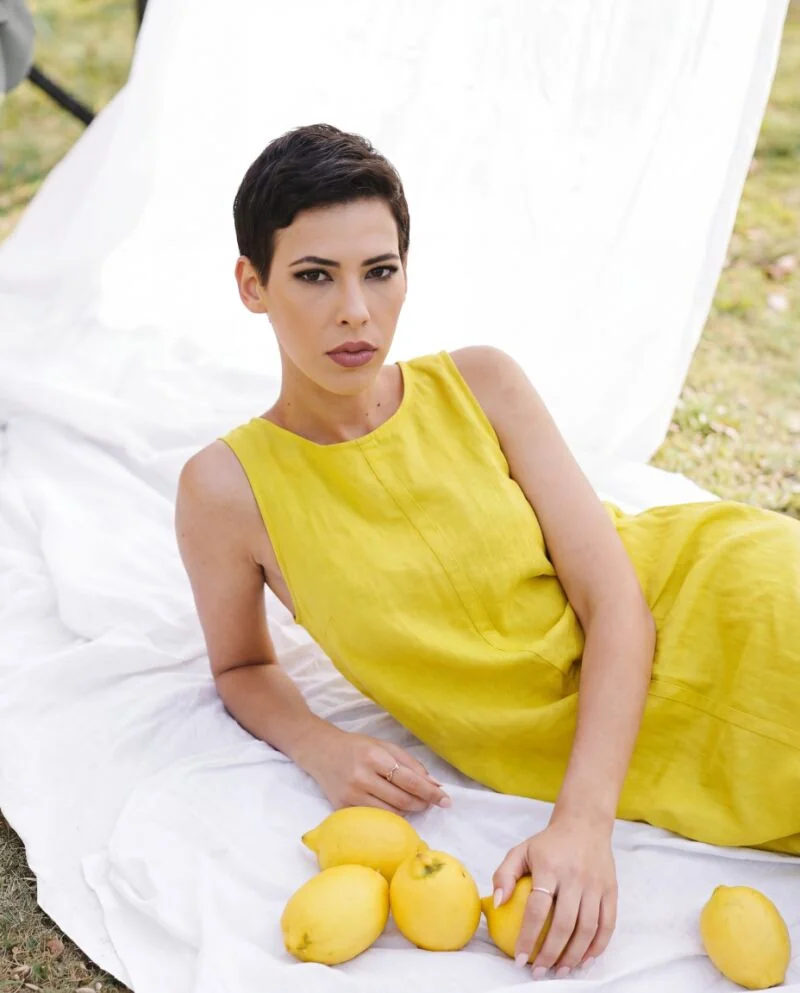
Generate localized visuals for different regions, seasons, and customer segments while keeping the same garment design consistent.
Try this workflow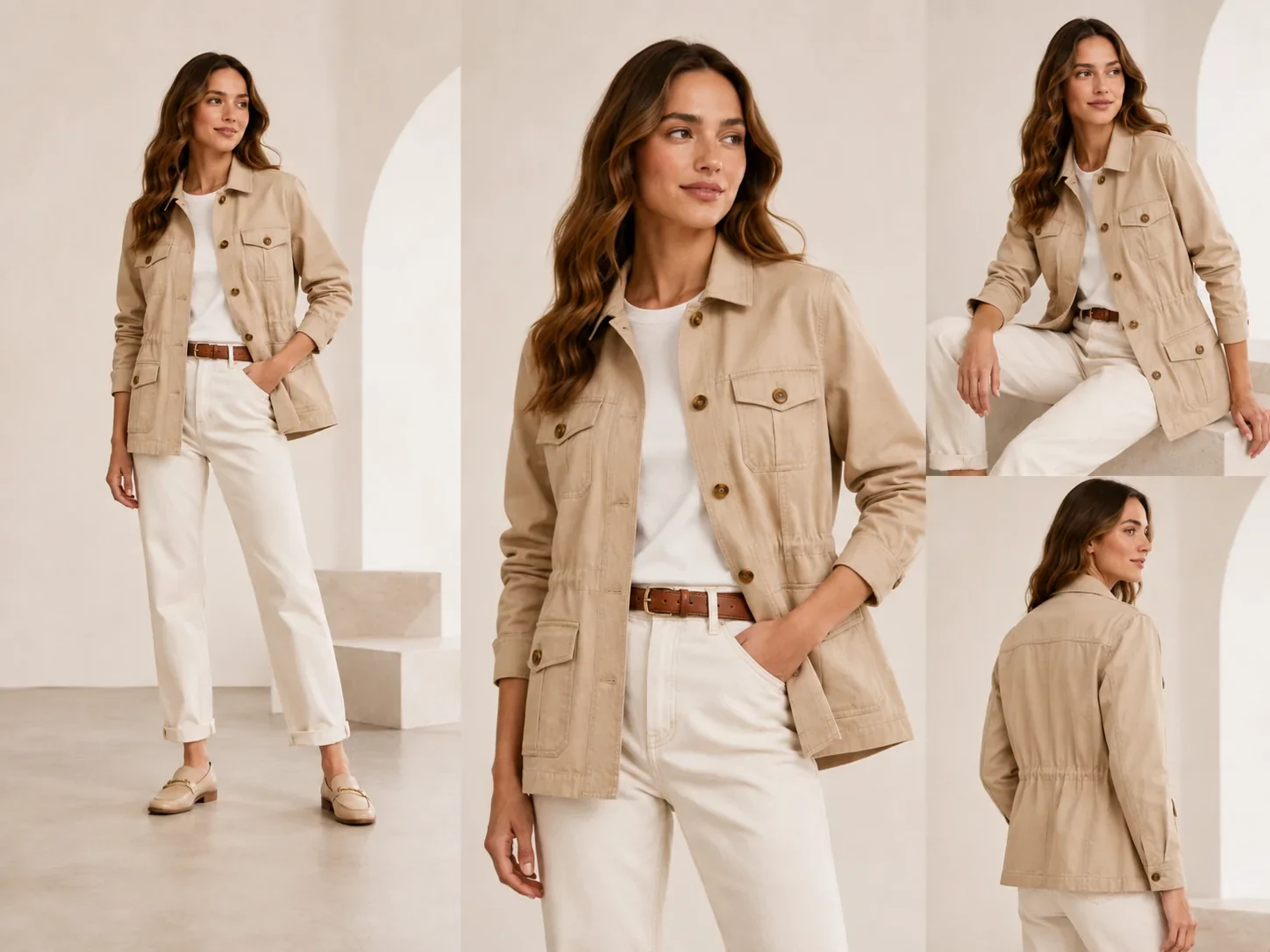
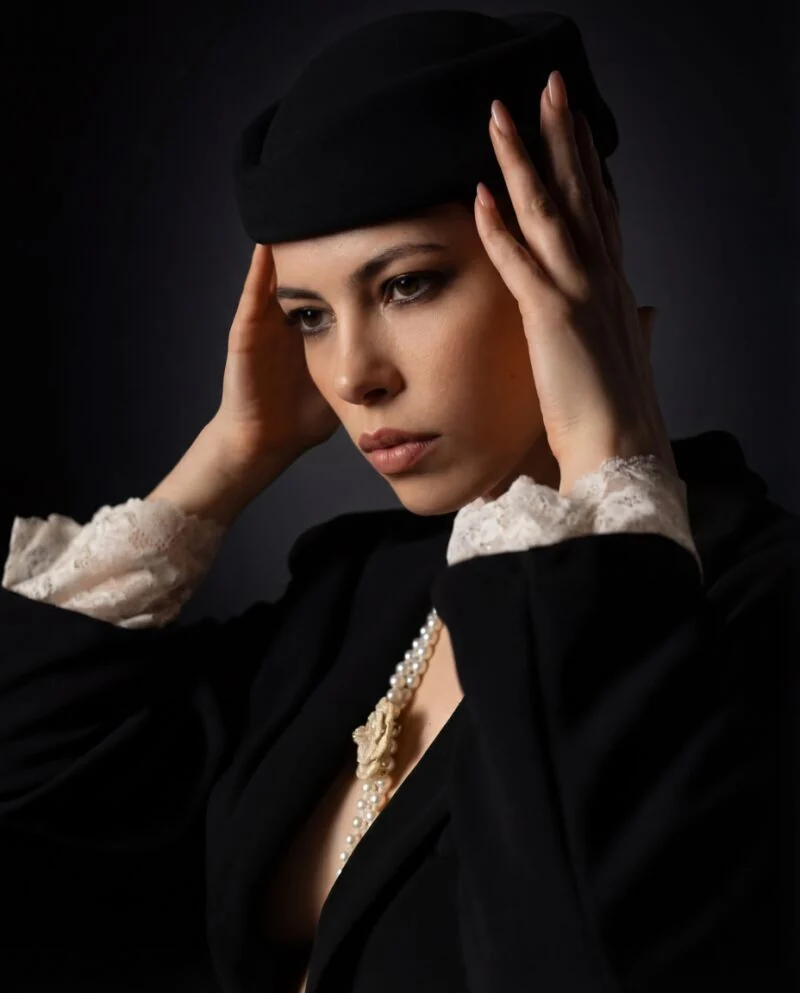
Create coordinated model images for multiple items so a new drop feels like a complete editorial shoot.
Try this workflow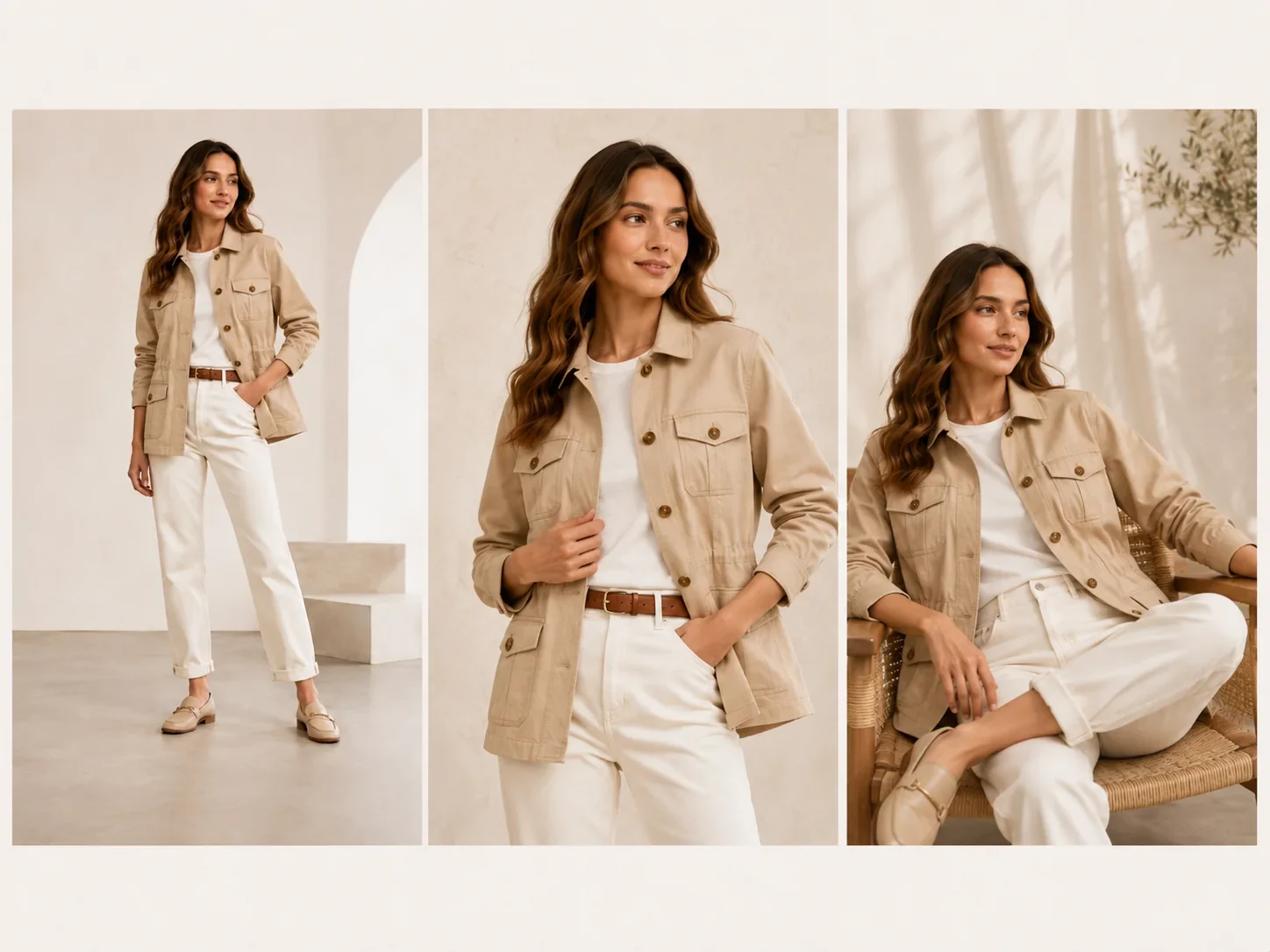
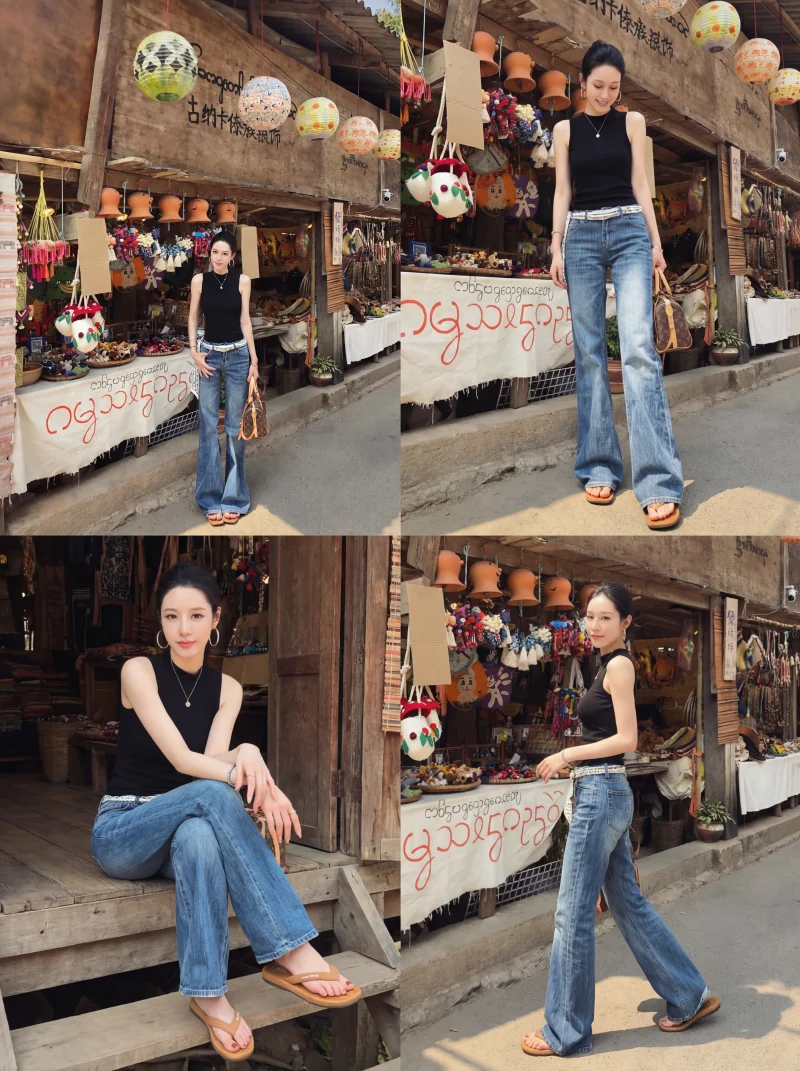
Produce pose, background, and model variations for paid social testing without waiting for another production cycle.
Try this workflow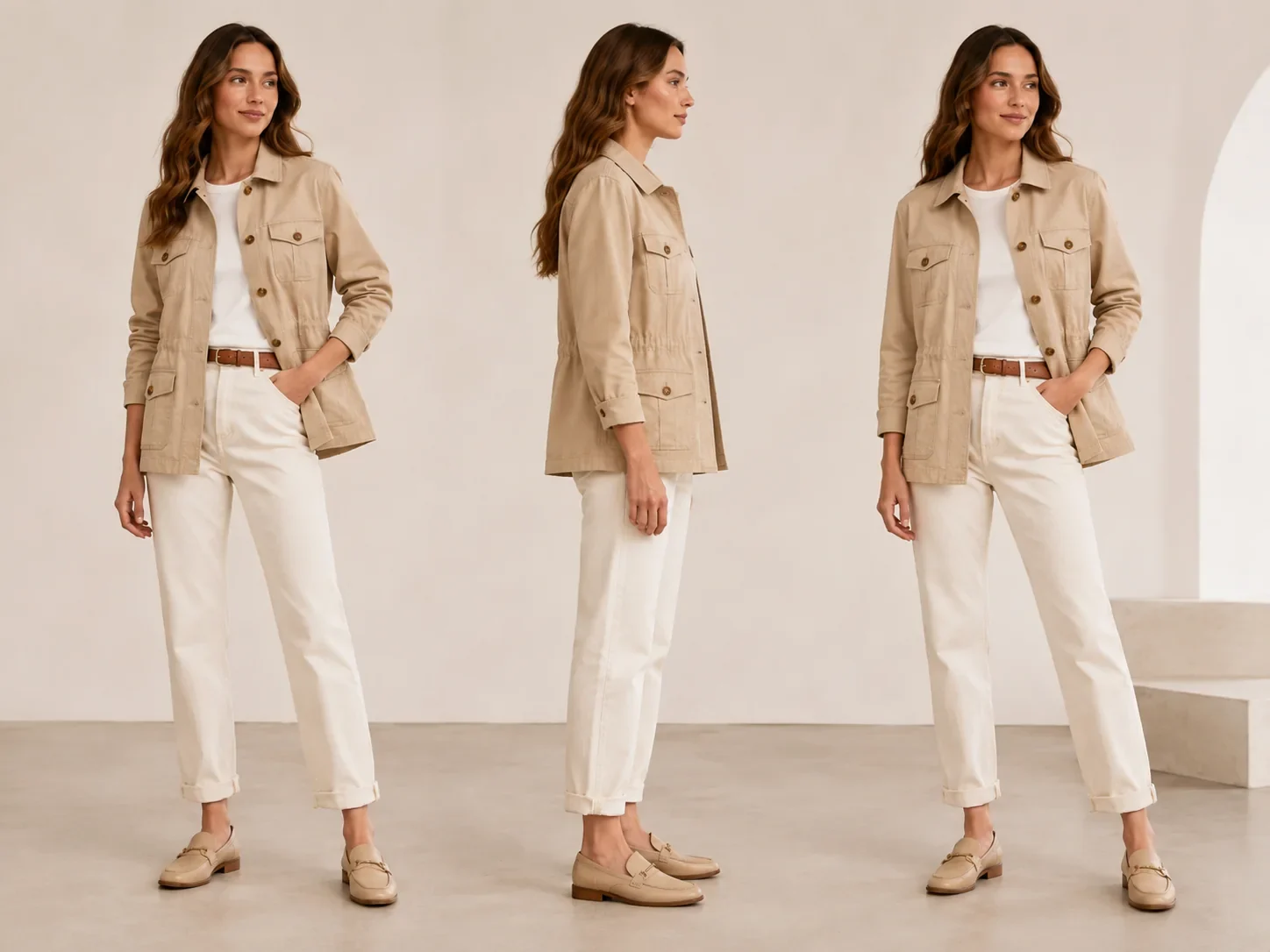
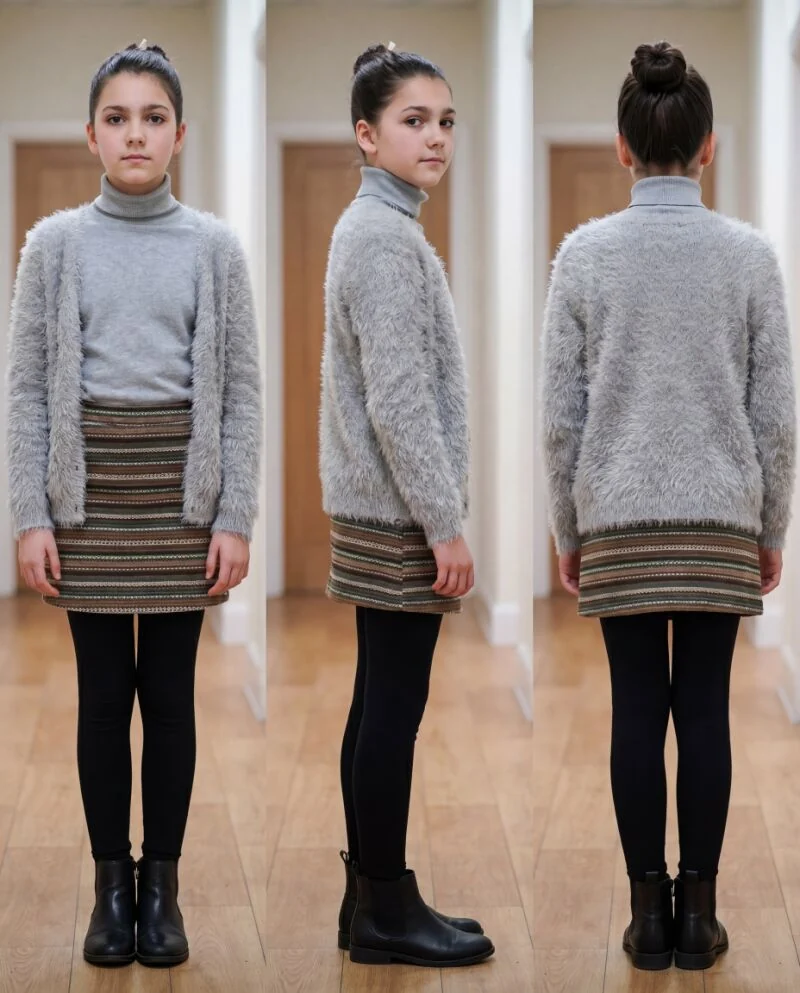
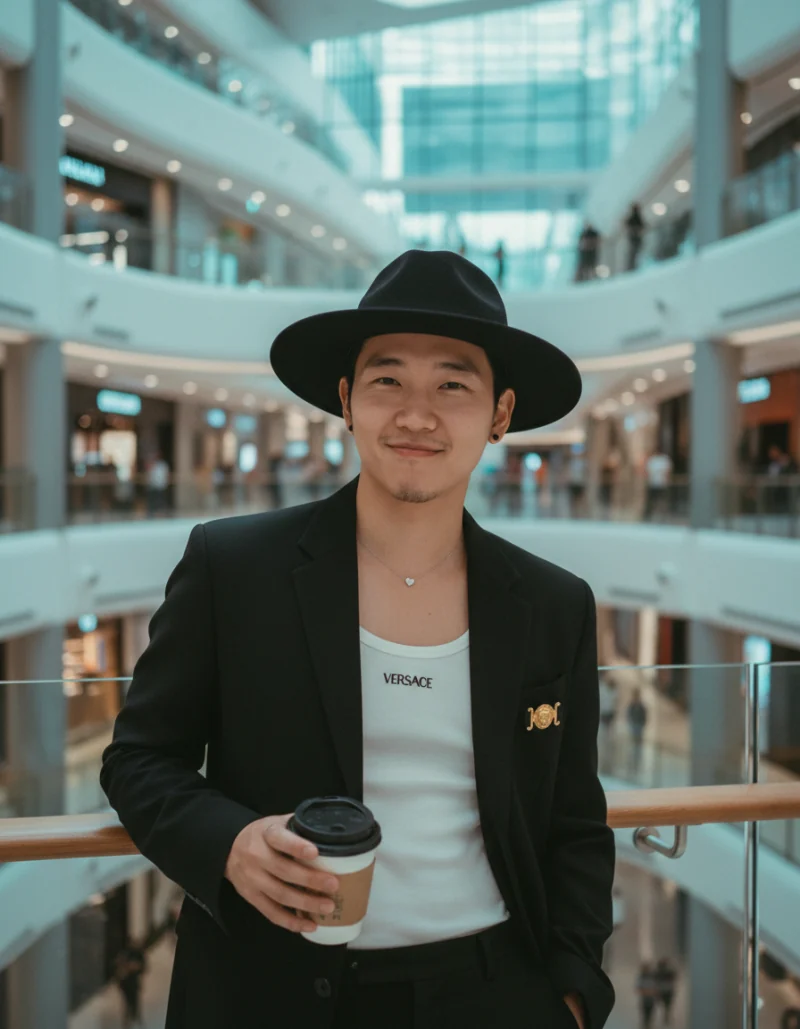
Show how jackets, tops, dresses, activewear, and accessories look in realistic poses and outfit combinations.
Try this workflow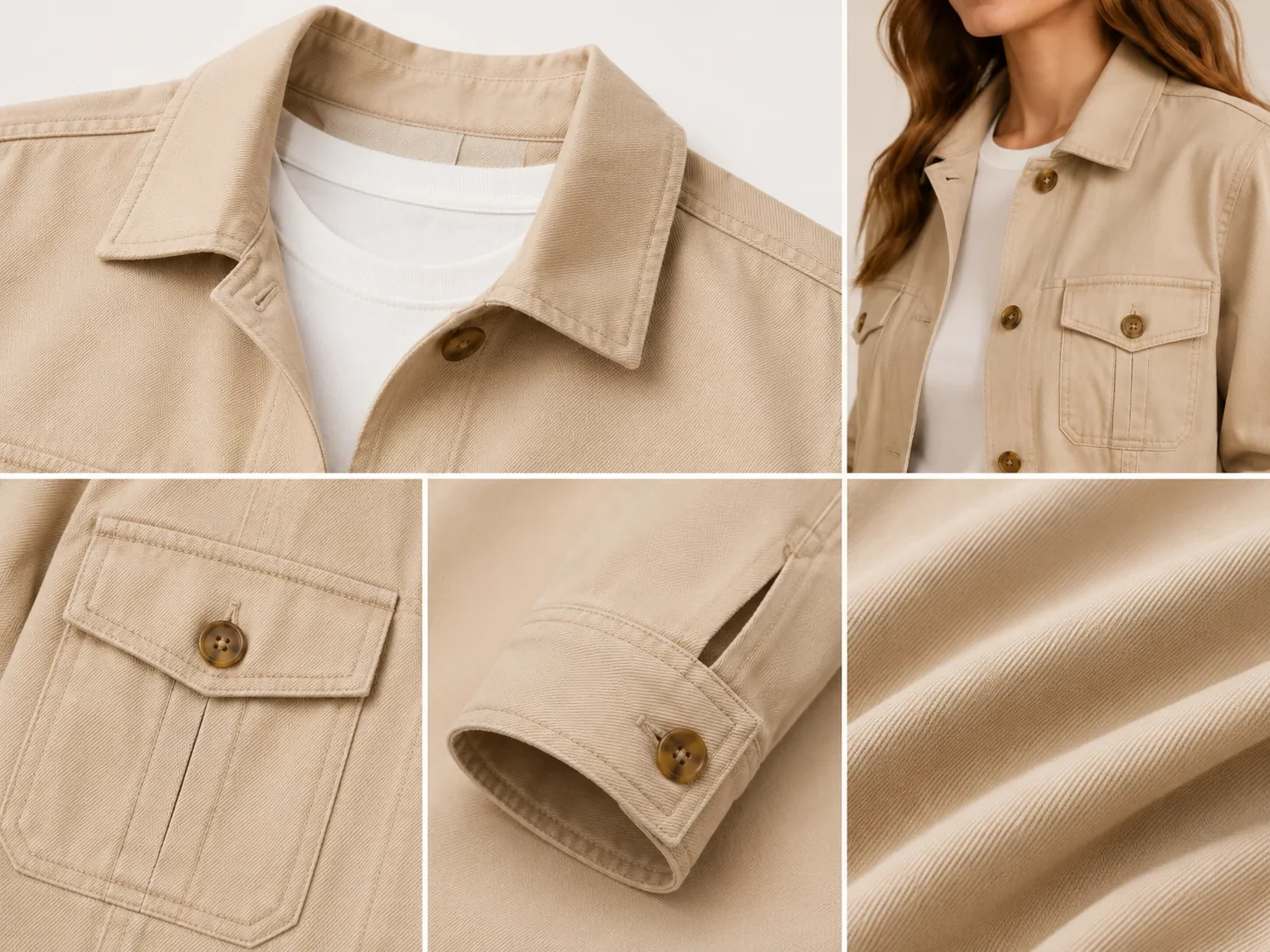
Build supporting images that highlight texture, silhouette, drape, stitching, or premium material cues.
Try this workflowFashion teams need both speed and product accuracy. Vove AI keeps the garment reference central while giving you a faster way to build model-ready ecommerce and campaign assets.
Reduce repeated model bookings, locations, styling, and reshoots for every colorway or campaign angle.
Keep garment details aligned across model types, backgrounds, and formats so listings feel reliable.
Launch new audience, pose, and scene variations in hours instead of waiting on production calendars.
Check the garment color, print placement and proportions against your source. Generated apparel imagery does not establish actual fit.
Upload a garment image, define the model direction, and generate fashion visuals ready for listings, lookbooks, and paid campaigns.