
Text-to-image and image-to-image
Start with a prompt or reference image, then create new directions while keeping the subject, style, or composition that works.
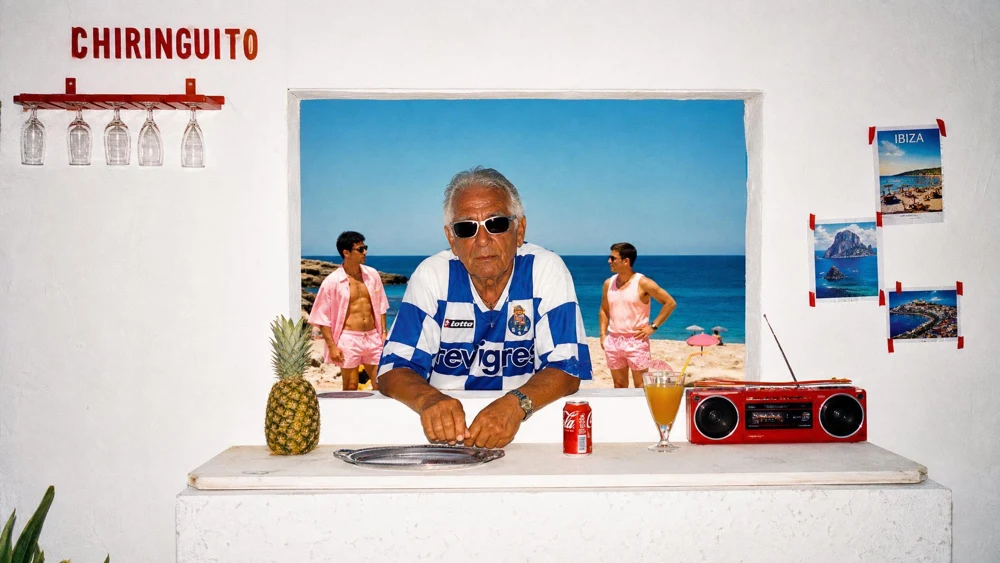
Create original visuals from a prompt or reference image.
CreateEXPLORE IMAGE DIRECTIONS
Generate more directions, test more prompts, and refine stronger results without restarting your workflow.
Start with a prompt or reference image, then create new directions while keeping the subject, style, or composition that works.
Compare model strengths for speed, detail, layout, reference handling, and commercial image quality without rebuilding your brief.
Save the direction that works, change what does not, and continue generating until the visual is ready to use.
MORE WAYS TO GENERATE
Move between fast drafting, high-detail rendering, structured layout, product visuals, and reliable baseline models in the same workflow.
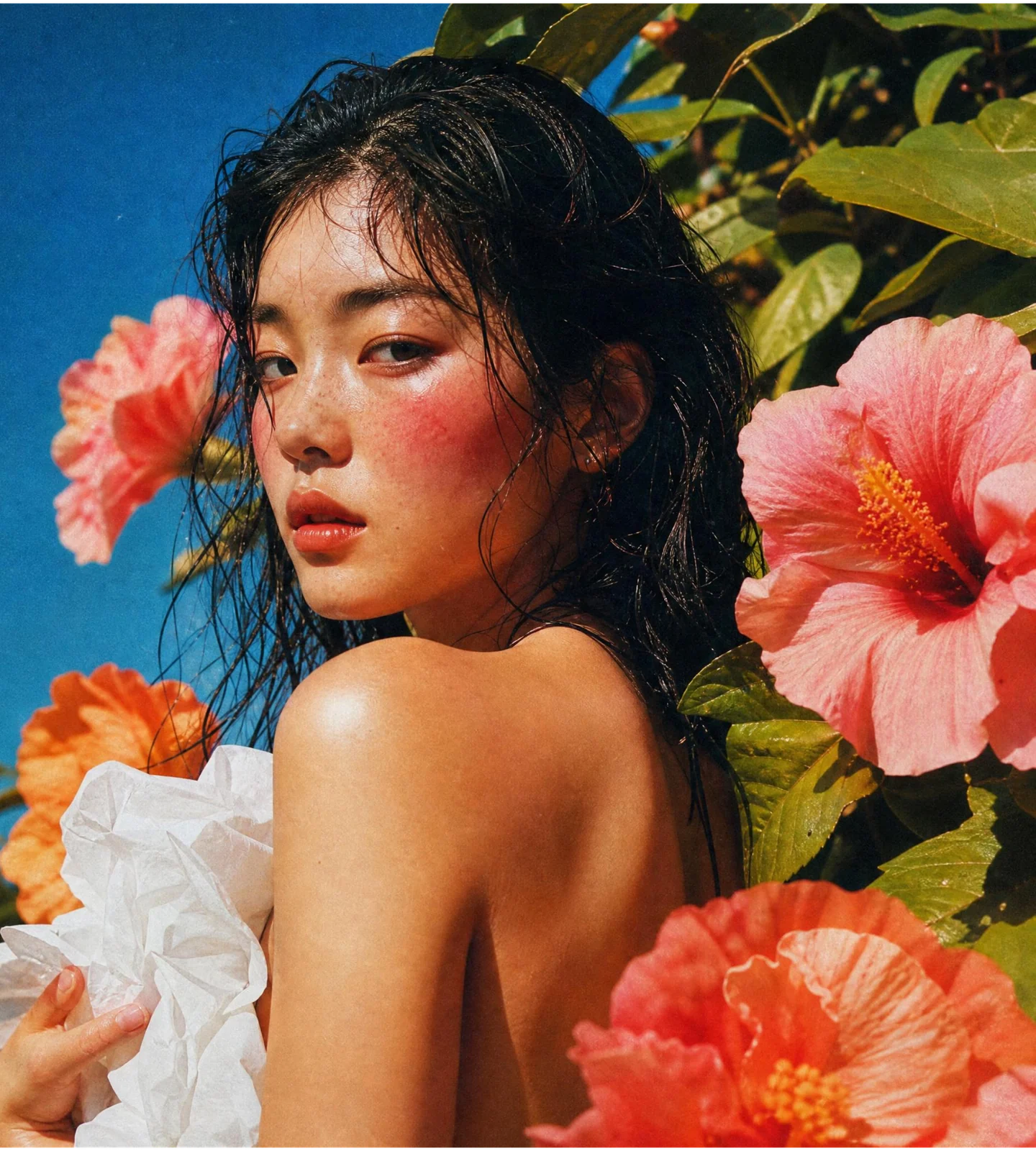 GPT Image 2Try this model
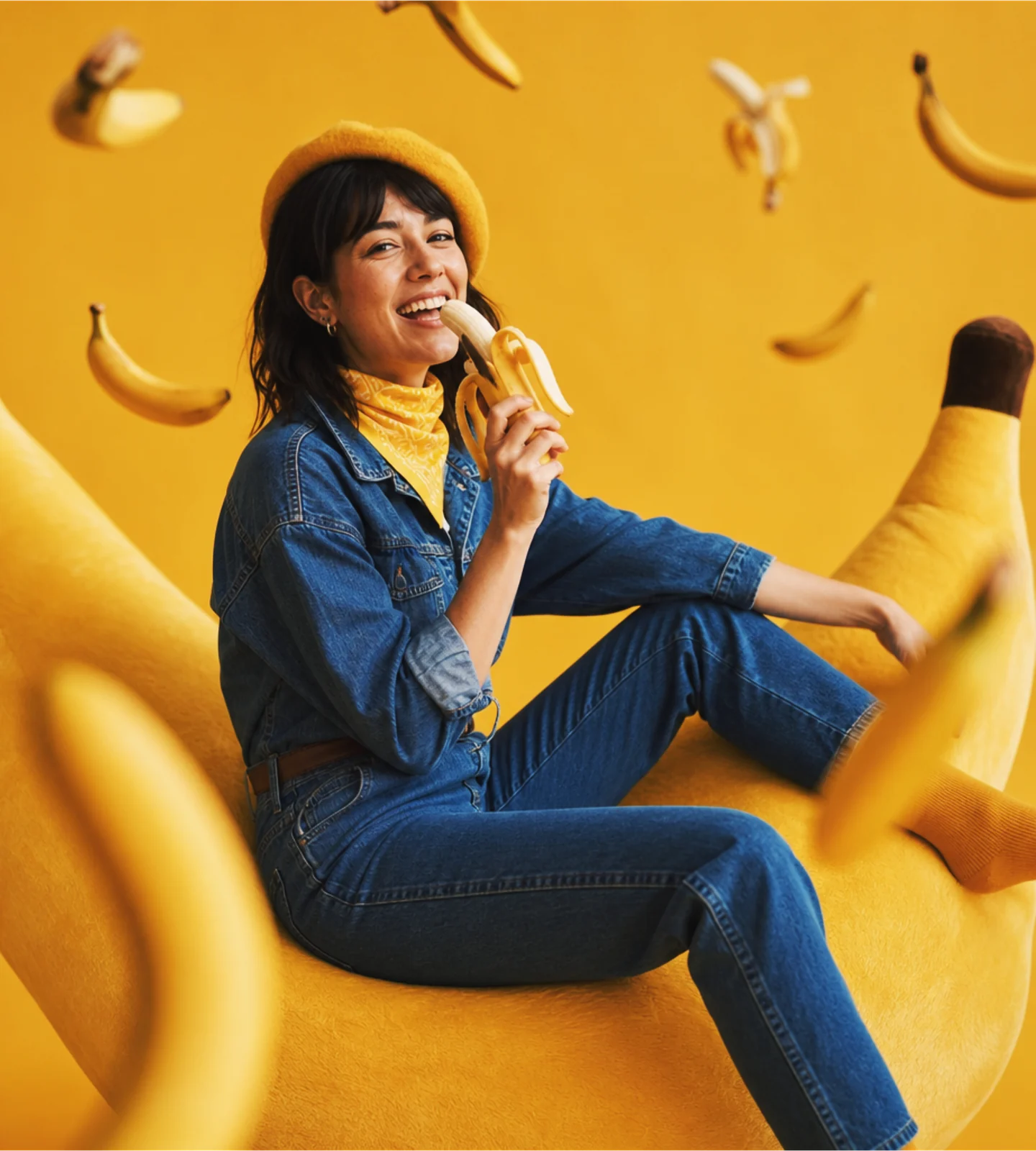 Nano Banana 2Try this model
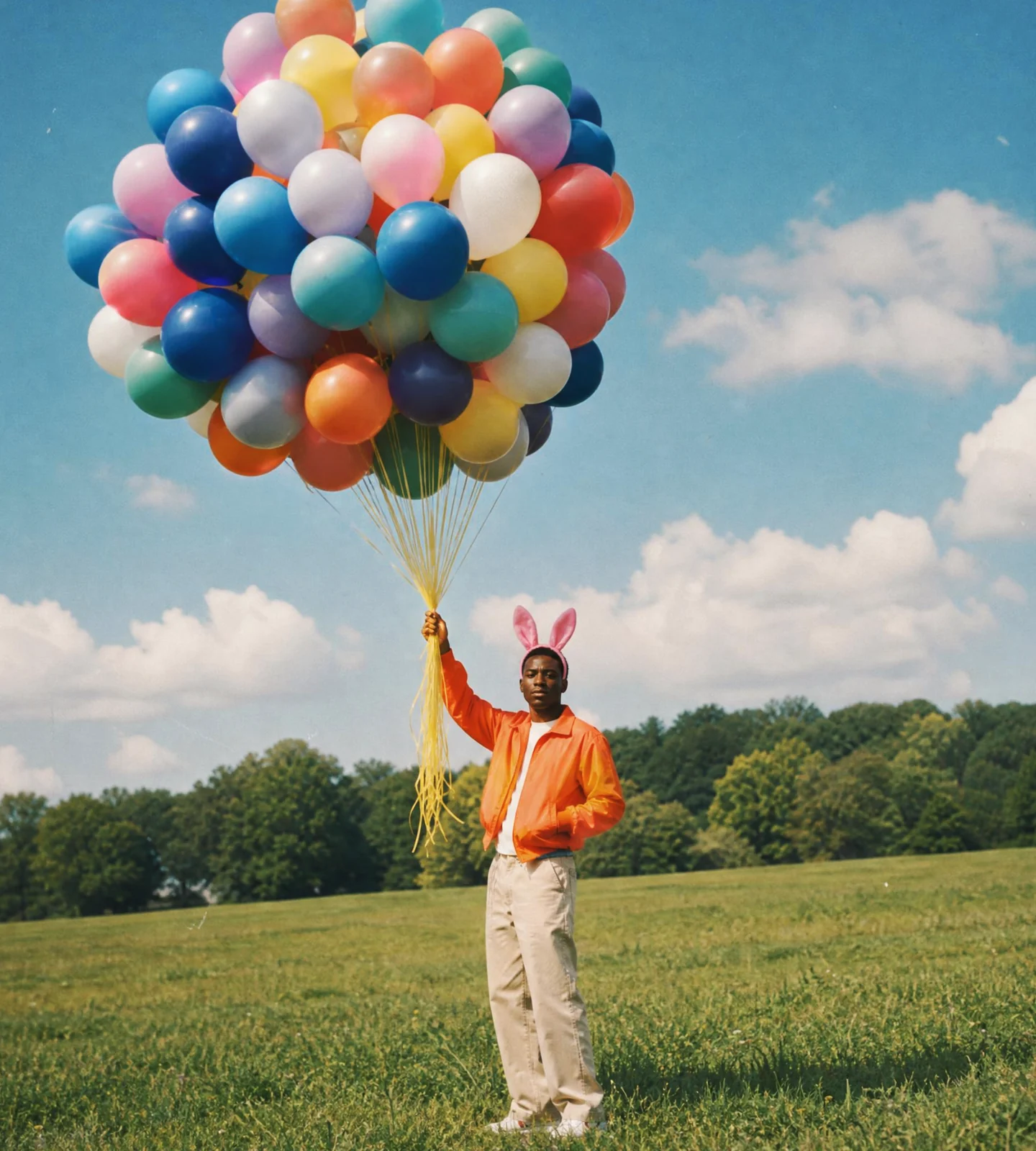 Nano Banana ProTry this model
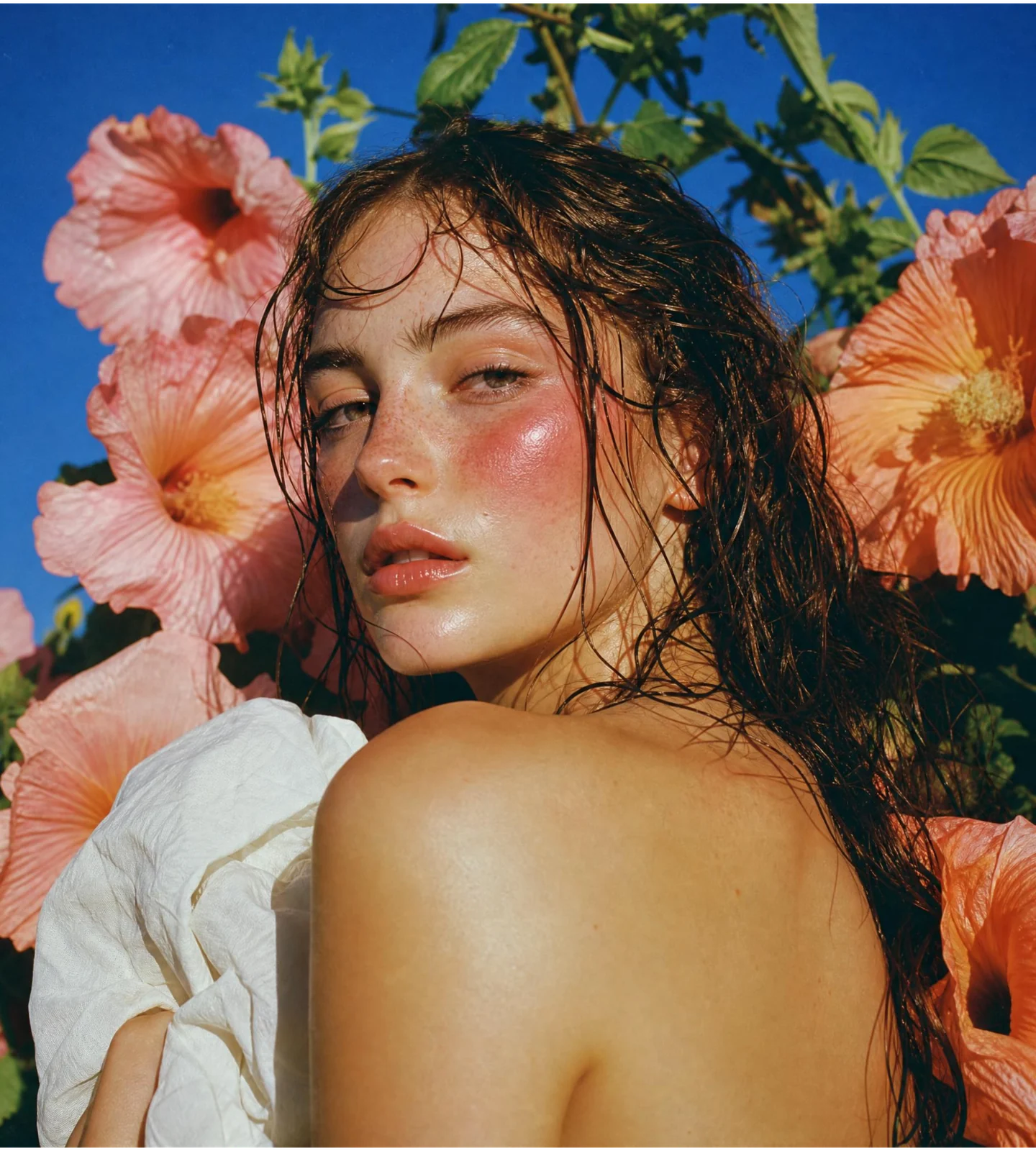 Qwen Image 3.0Try this model
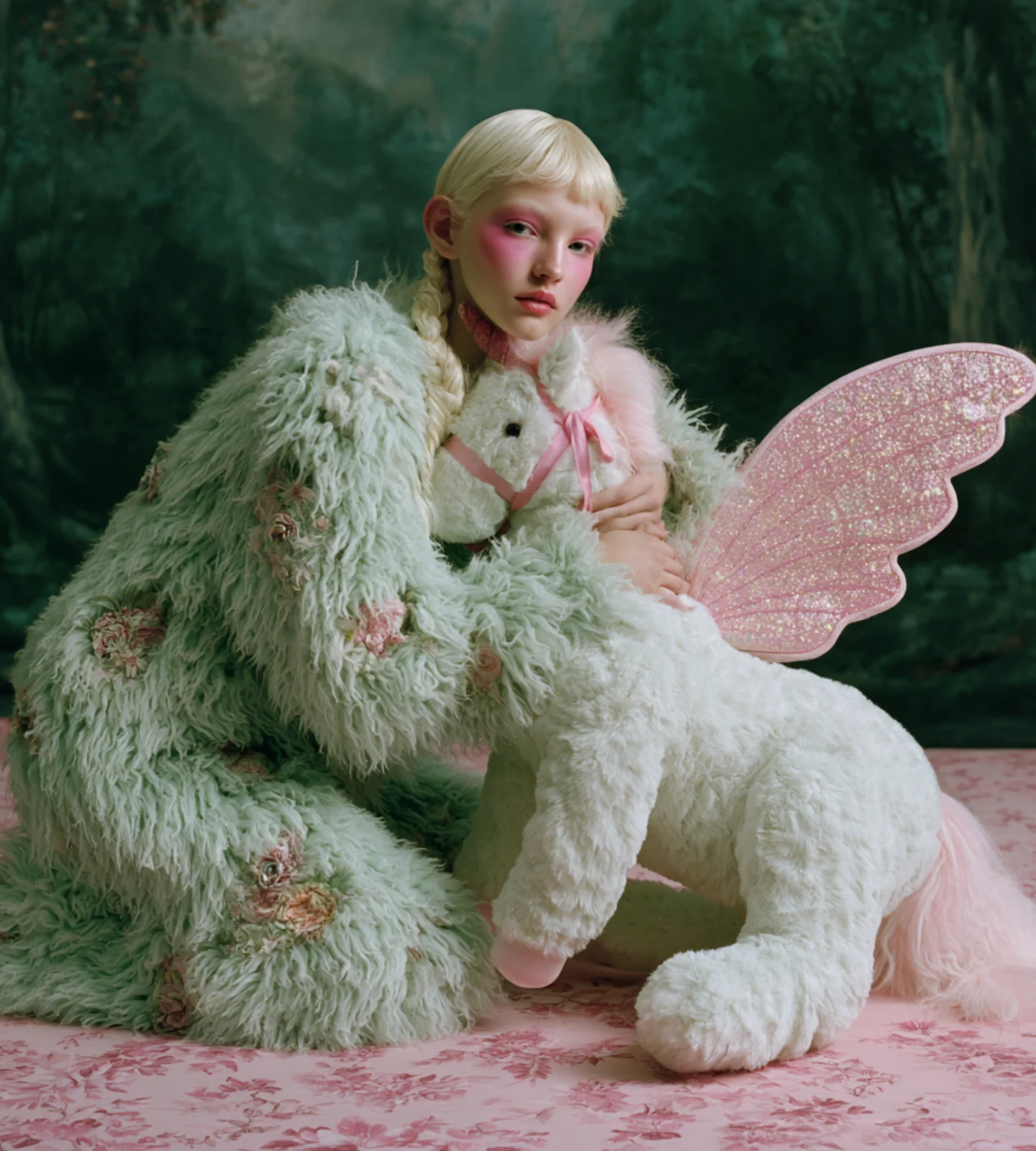 Seedream 5.0 ProTry this model
Exact parameters, credit cost, and availability are shown in the workspace.
IMAGE USE CASES
Keep generating launch visuals, ads, thumbnails, backgrounds, design directions, and campaign concepts from the same starting point.
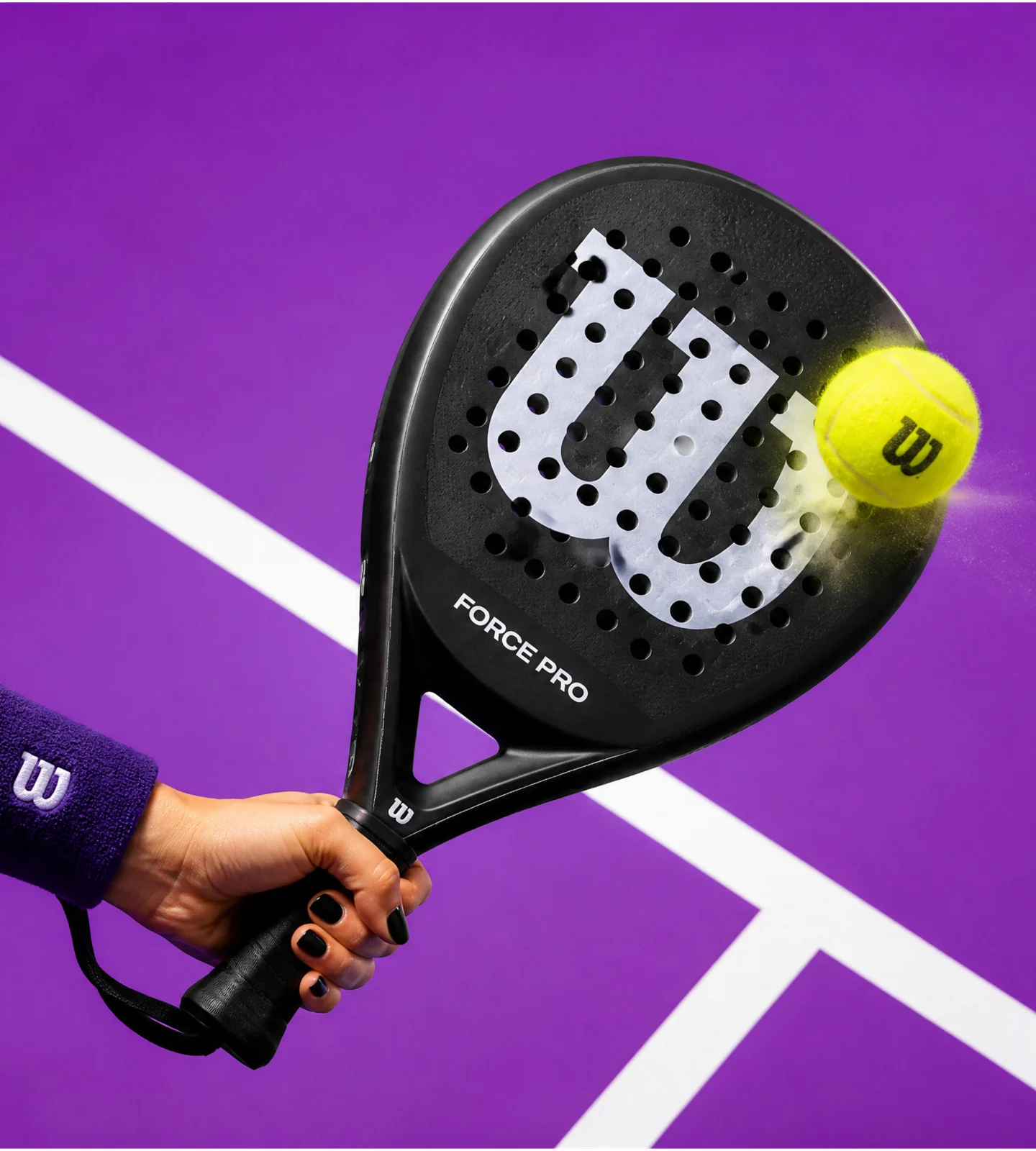
Create launch-ready product visuals without arranging a new shoot.
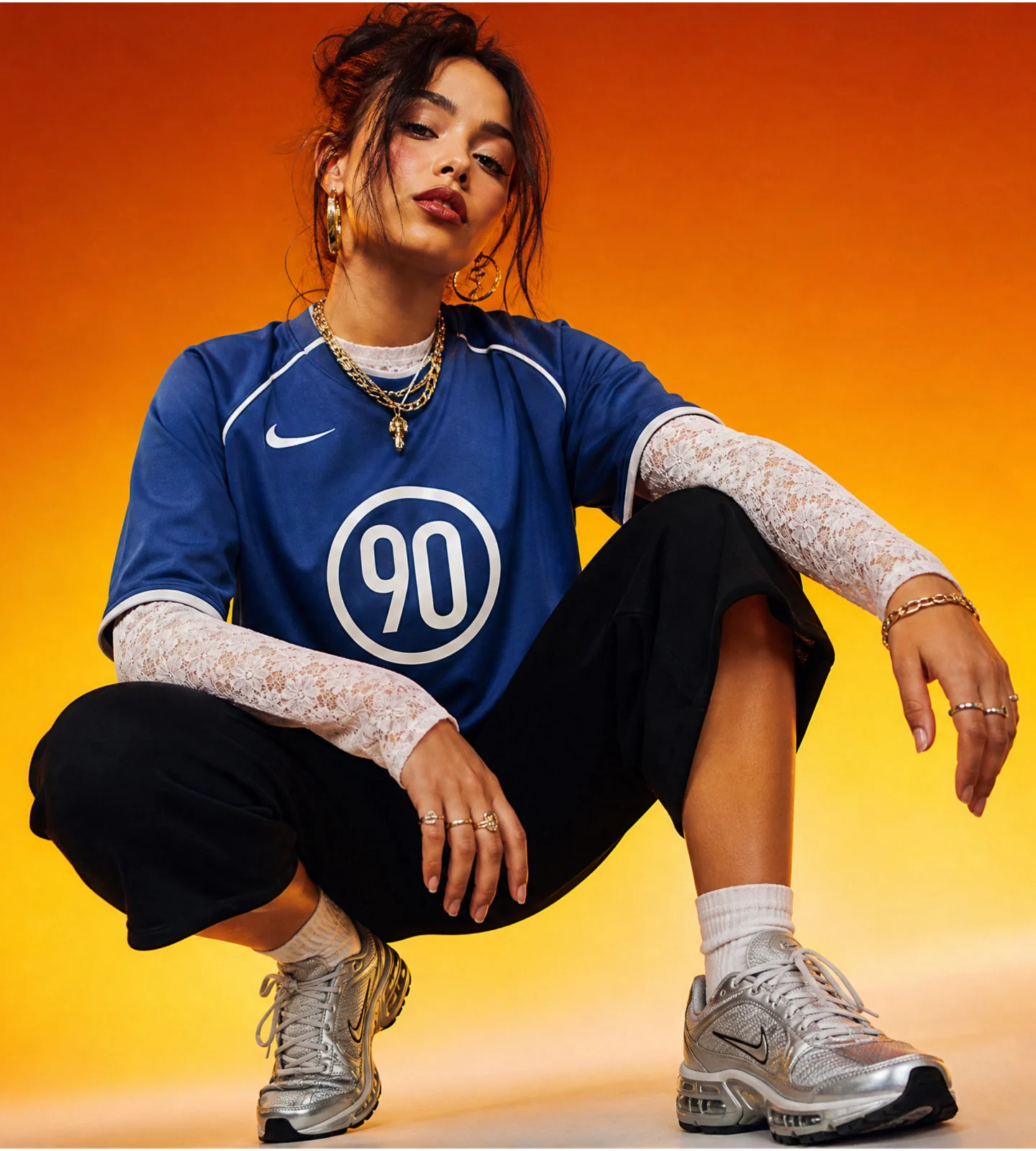
Explore styling, mood, location, and lighting before production.
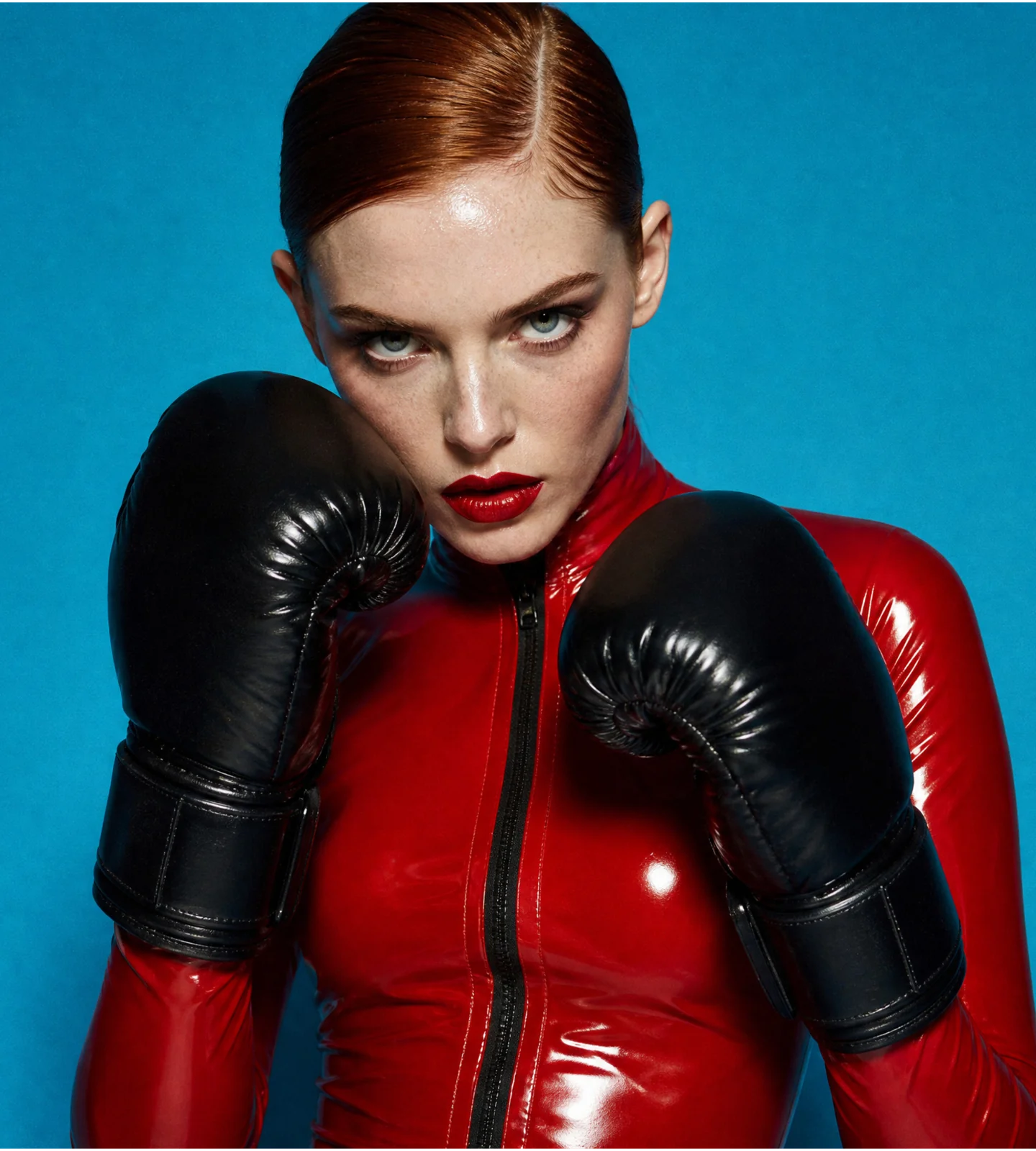
Explore scroll-stopping visuals for videos, feeds, ads, and campaigns.
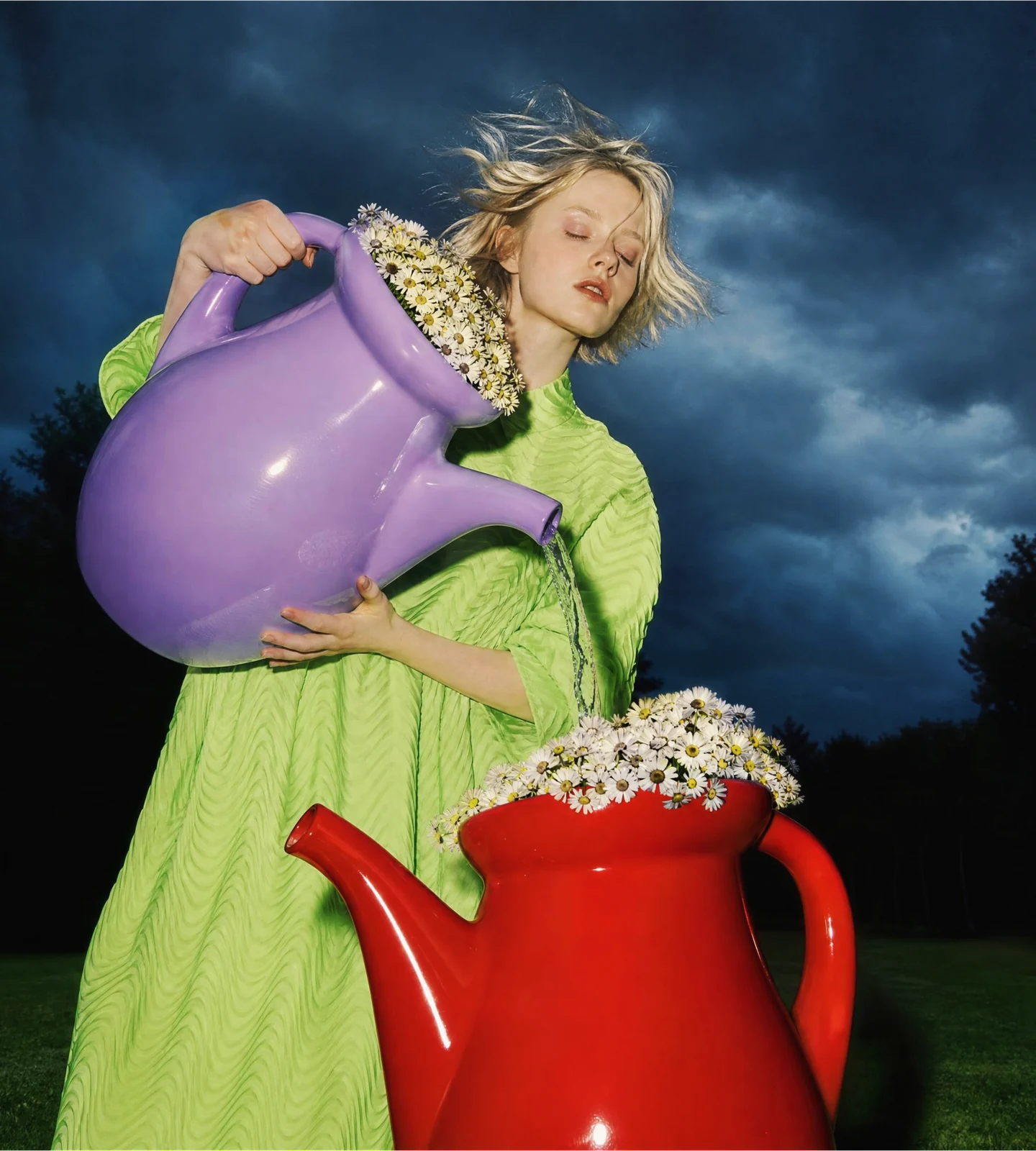
Turn rough briefs into visual options clients and teams can review.
FAQ
What to know about credits, image references and refining your results.