
Loading…
One creative workspace for images, video and product ideas.Explore tools
English
Start with a small, soft or compressed image. Choose a model and output settings, then review the result for product pages, artwork, social posts and presentations.
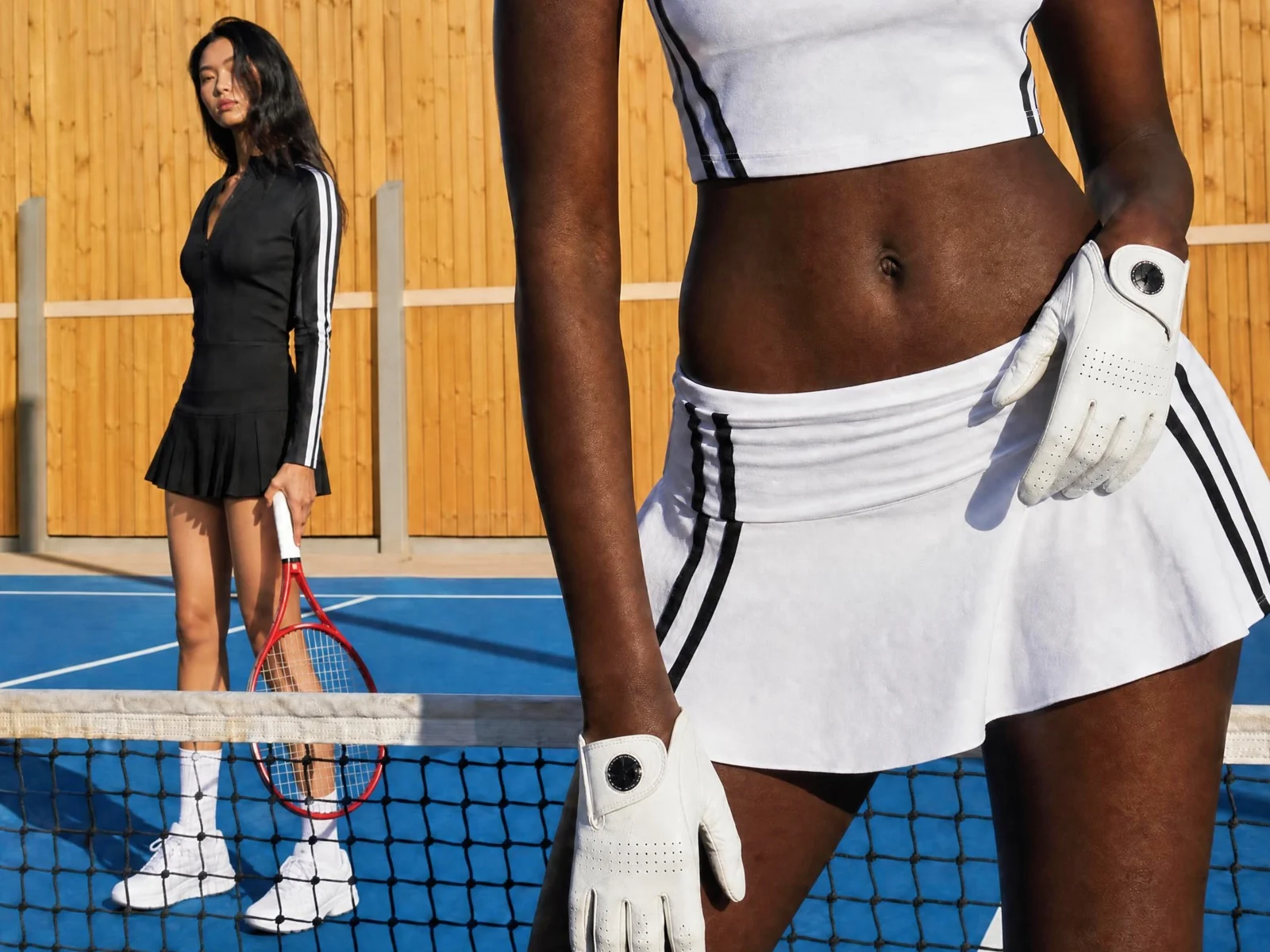
Use AI upscaling when the problem is not creating a new image, but making an existing one cleaner, larger, and more usable. These are the most common image types and output scenarios where an upscaler gives clearer value.
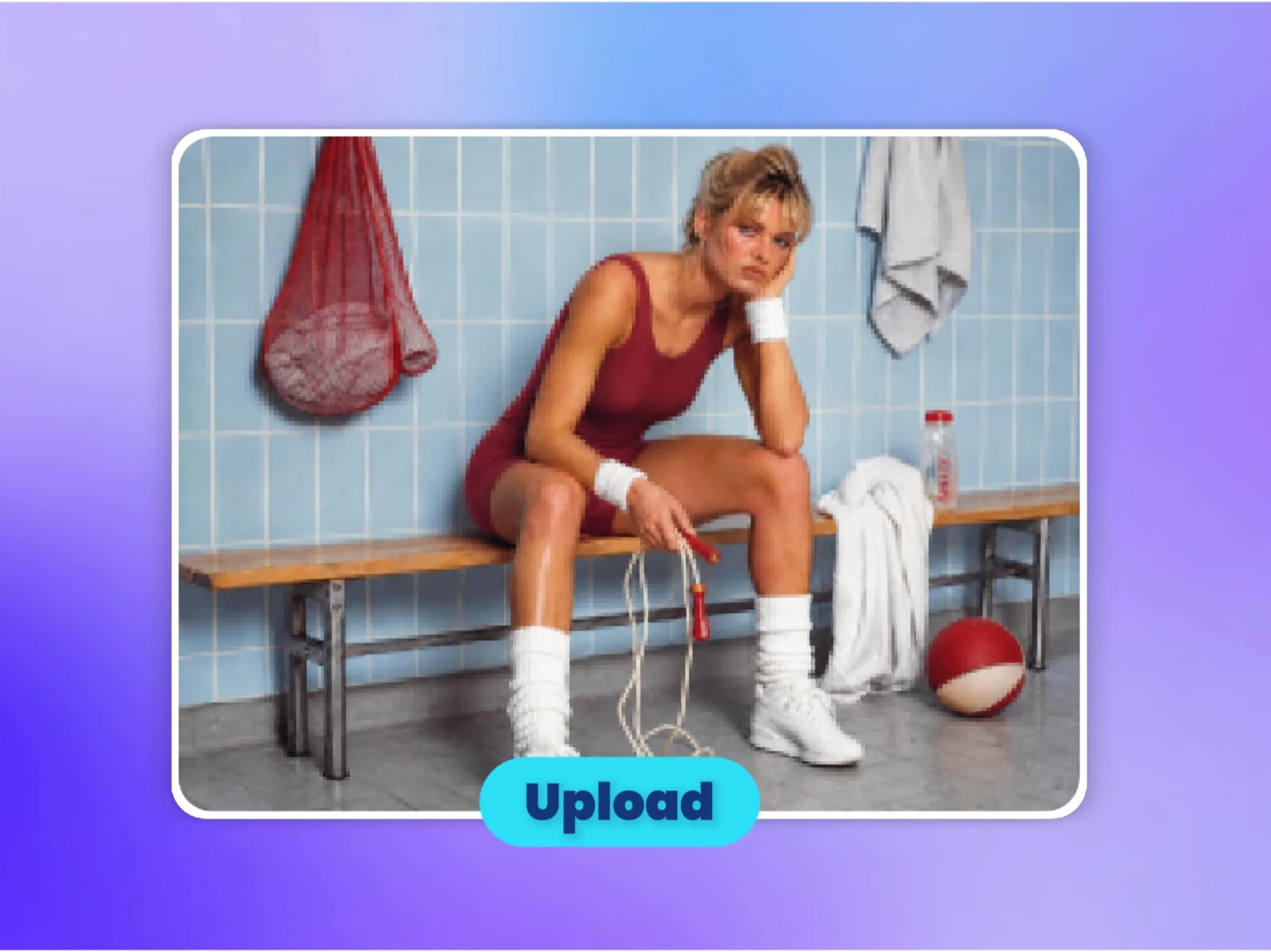
Start with a low-resolution photo, compressed web image, AI artwork, product shot, portrait, or design asset that needs more clarity.
Sharpen edges, improve textures, reduce visible blur, and keep the original subject and style recognizable.
Download a cleaner, sharper image for ecommerce, social media, ads, websites, presentations, wallpapers, or large-format creative work.
Improve soft photos, AI-generated artwork, product visuals, portraits, thumbnails, and campaign assets without recreating the image from scratch.
Prepare sharper versions for ecommerce listings, social platforms, ad creative, presentations, wallpapers, print mockups, or website visuals.
Improve clarity while keeping the subject, composition, style, and overall look close to the original image.
Choose a model and supported resolution, then check the displayed credit estimate before generating an enhanced image.
Turn low-resolution images into sharper, high-resolution visuals for bigger surfaces and more demanding layouts.
Restore edges, textures, faces, and product details with AI while keeping the original image recognizable.
Upload your image privately and process it inside Vove AI's workspace.
Download and inspect the image before using it in social posts, ecommerce or client work.
Turn low-resolution photos, AI art, and product shots into sharper, ready-to-use assets.