
Choose your model
Select a model suited to your image or video.
Explore text-to-video and image-to-video in one workspace.
Select a model suited to your image or video.
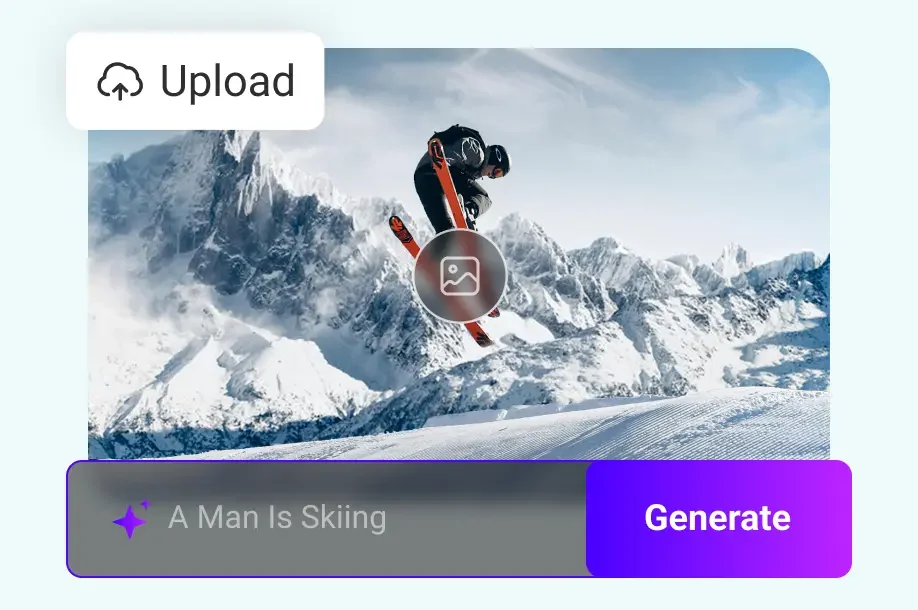
Add a clear prompt and optional reference images.
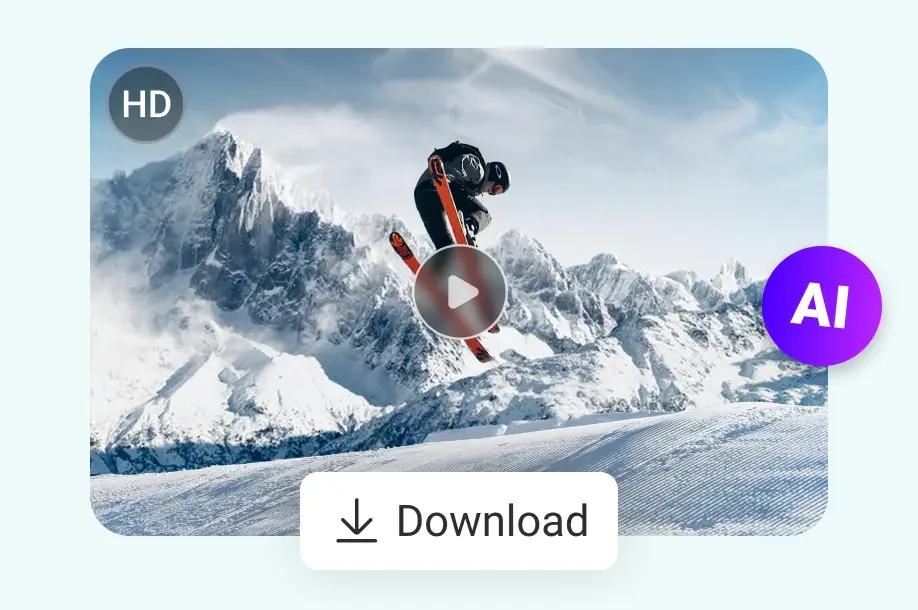
Review your result in Assets, then reuse or download it.
Give your subject, camera movement and visual style a direction before generating.
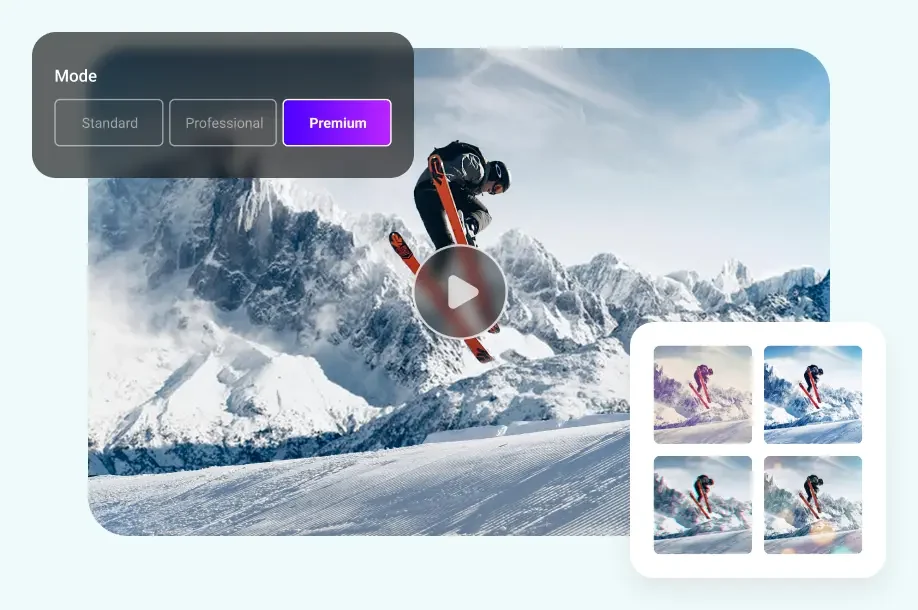
Compare the available models and choose the settings that fit your project.
Check motion, product details and any text before using your video.
Return to your account history to review results and reuse a brief.
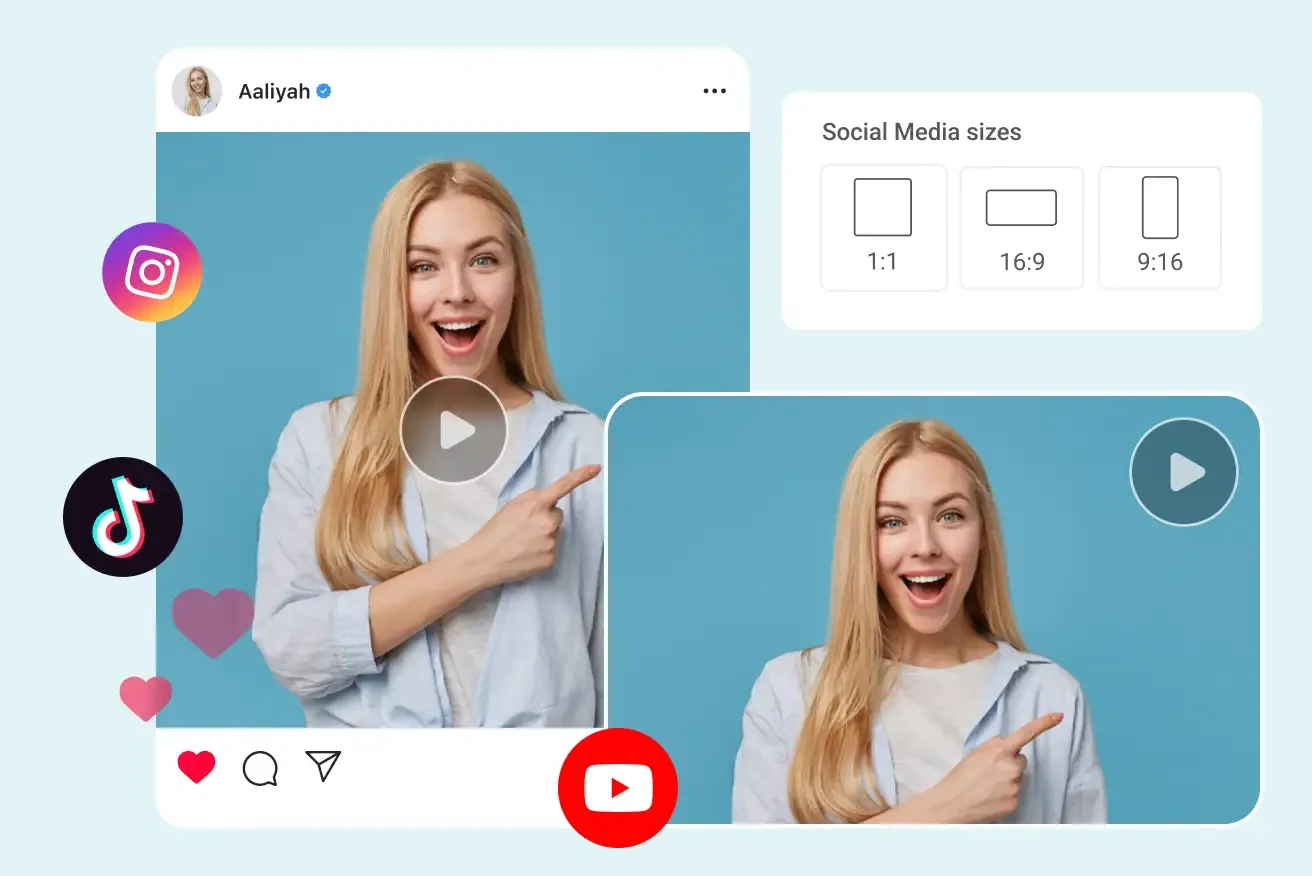
Explore a hook, a short scene or a product story with a focused prompt.
Create
Use a product image and describe the movement that presents its details clearly.
Create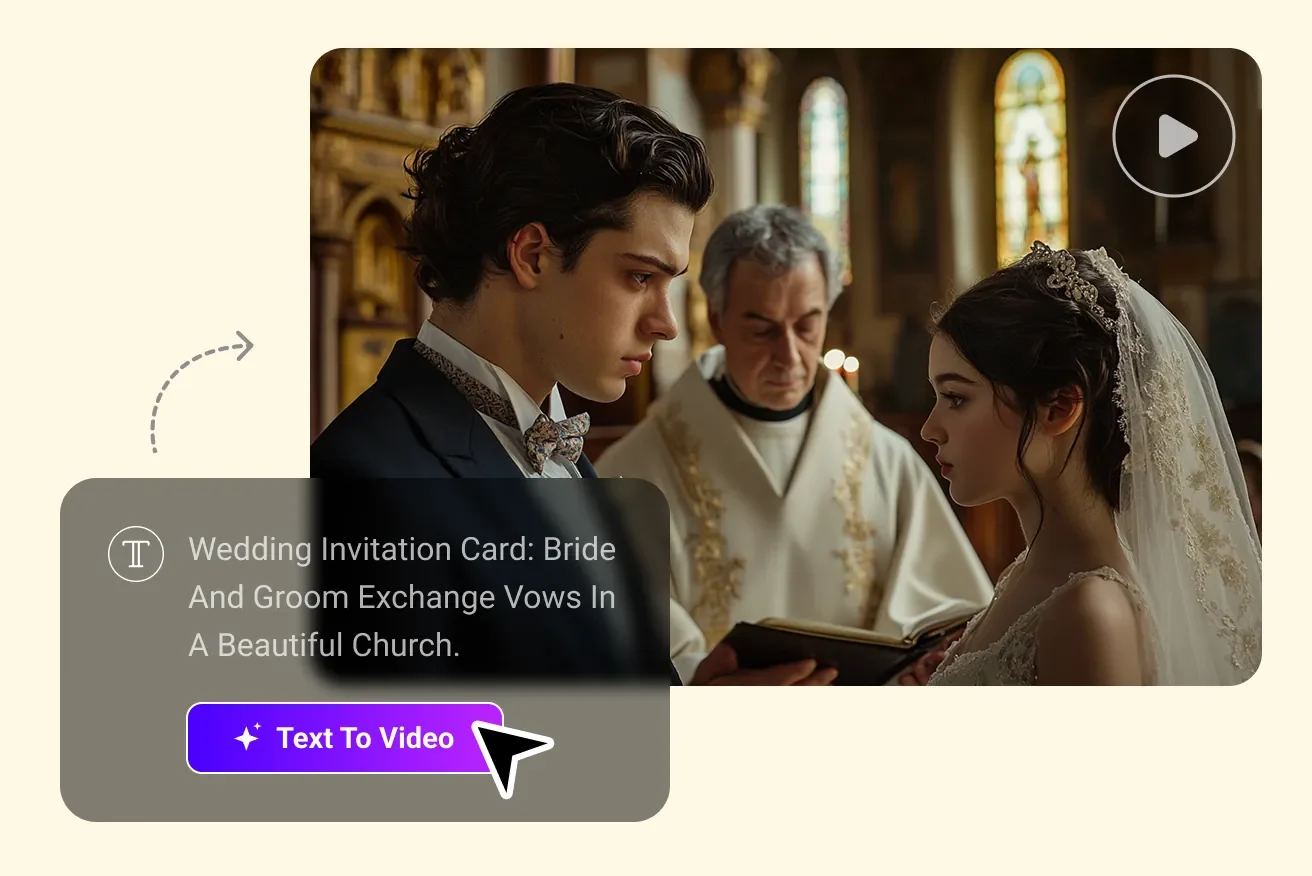
Start with your own image and describe a subtle, natural movement.
Create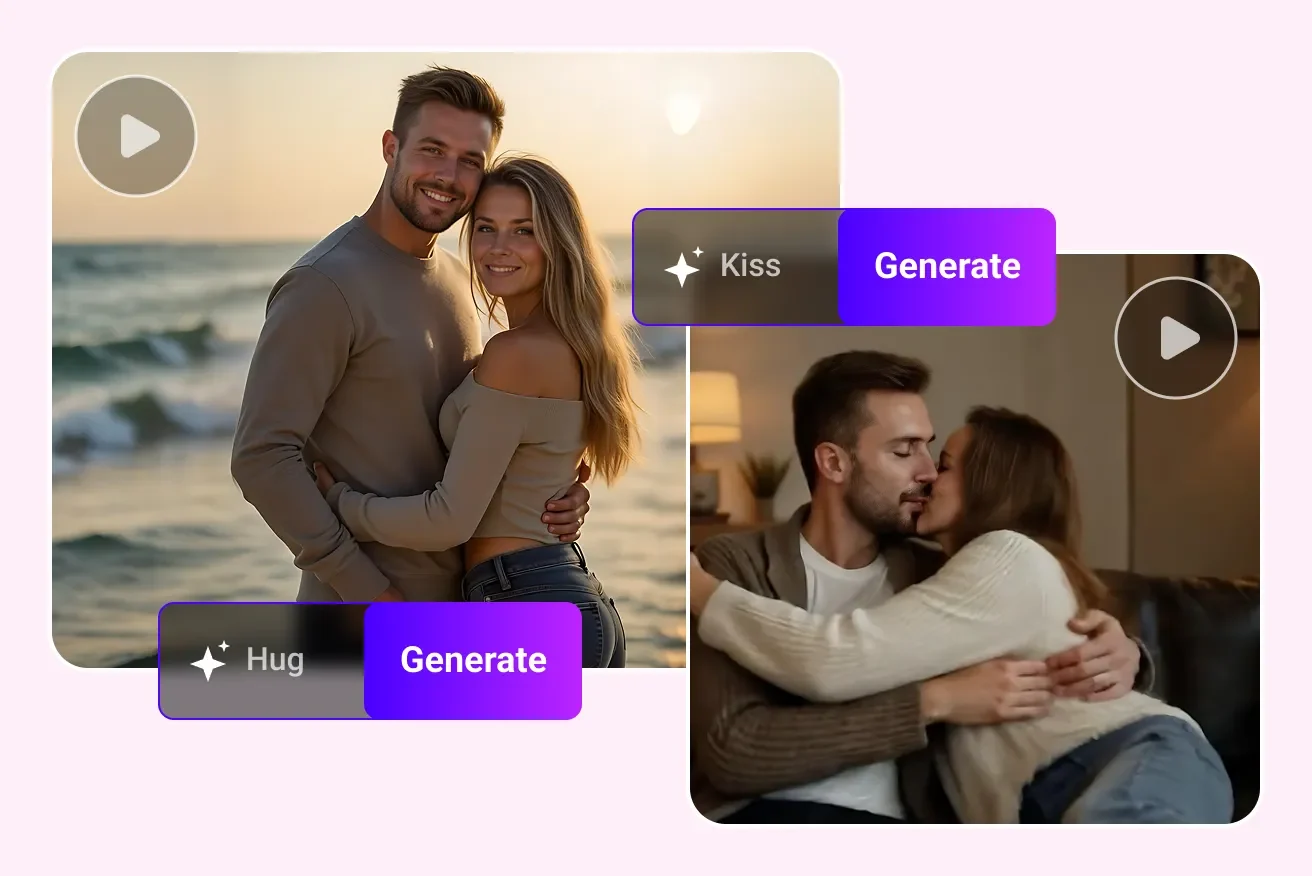
Each model and setting has a credit cost shown before you generate. Your balance and usage history are available in your account.
Sign in to view your generated images and videos in Assets. Active tasks appear in Creation history.
Open Subscription in your account to manage renewal. The current subscription status is shown there.
Check the task status and error message, then review your credit history. Contact support with your task ID if the issue continues.
Use Contact us to send an order reference and describe the issue. Requests are reviewed according to the applicable purchase terms and statutory rights.