
01
Product Launch Posters
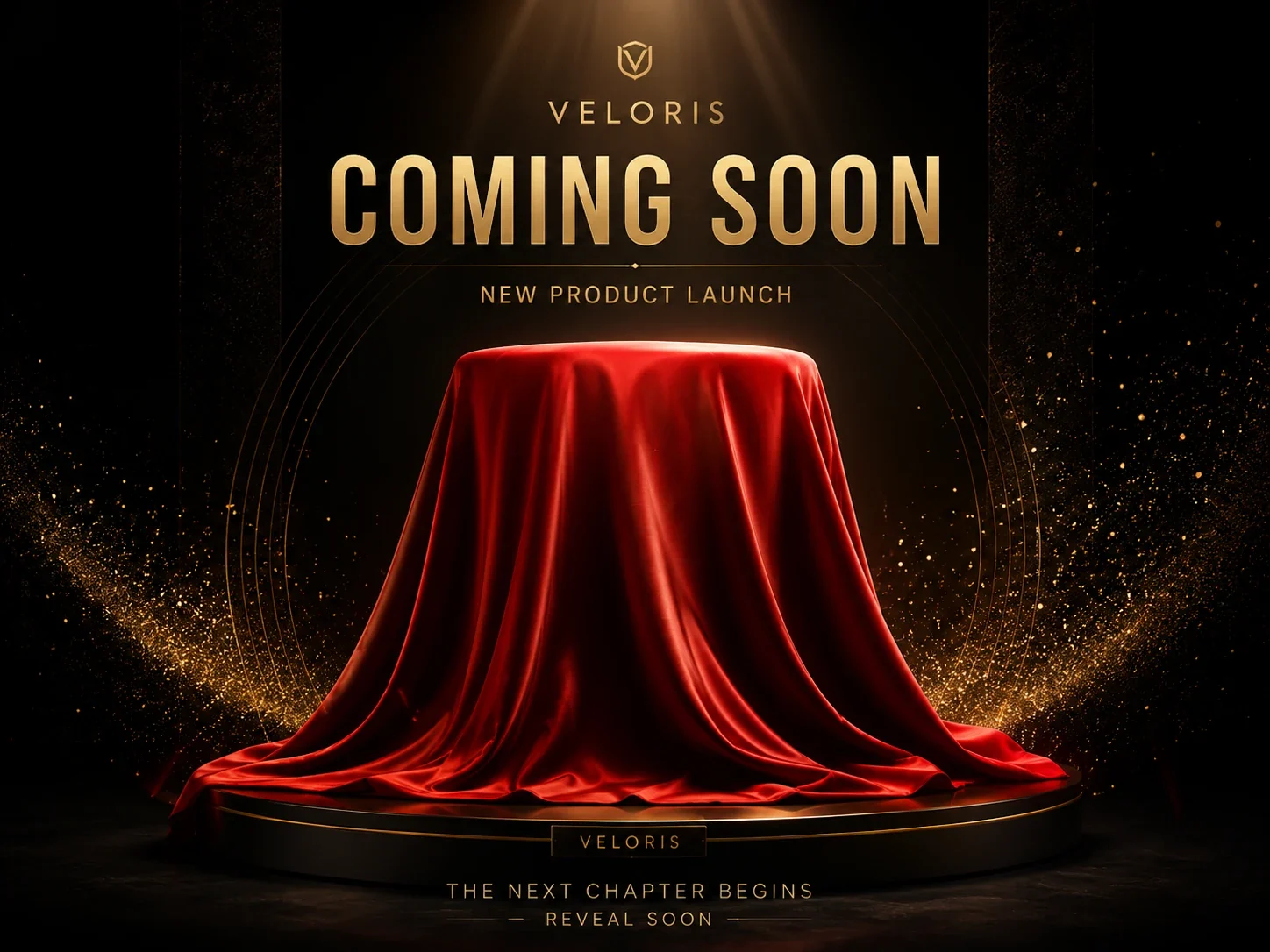
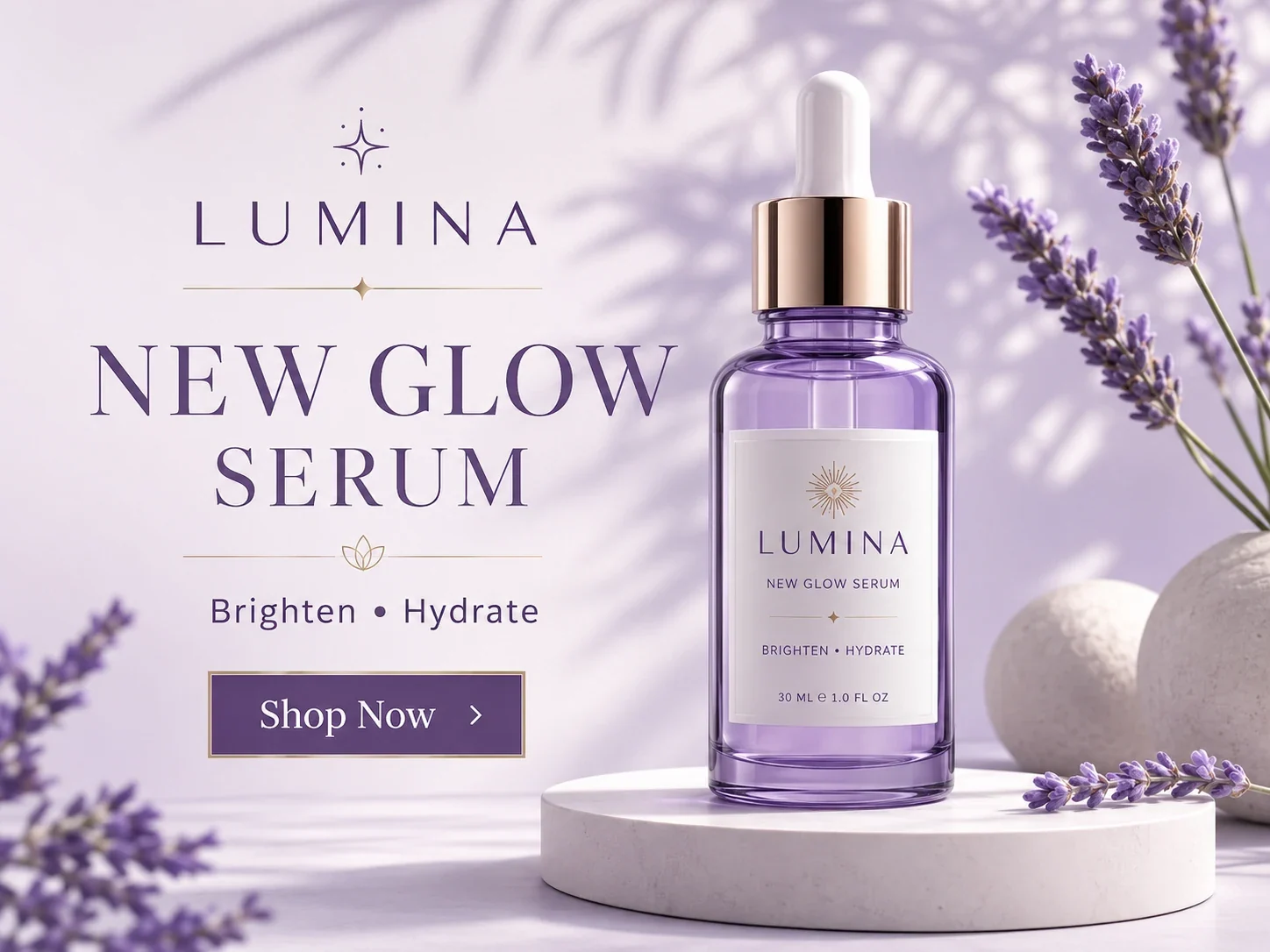
Turn a hero product shot into a launch poster with a clear headline, value line, and call to action.
Turn a product reference into a poster direction. Choose the format, add your headline and selling points, and guide the layout for your campaign.
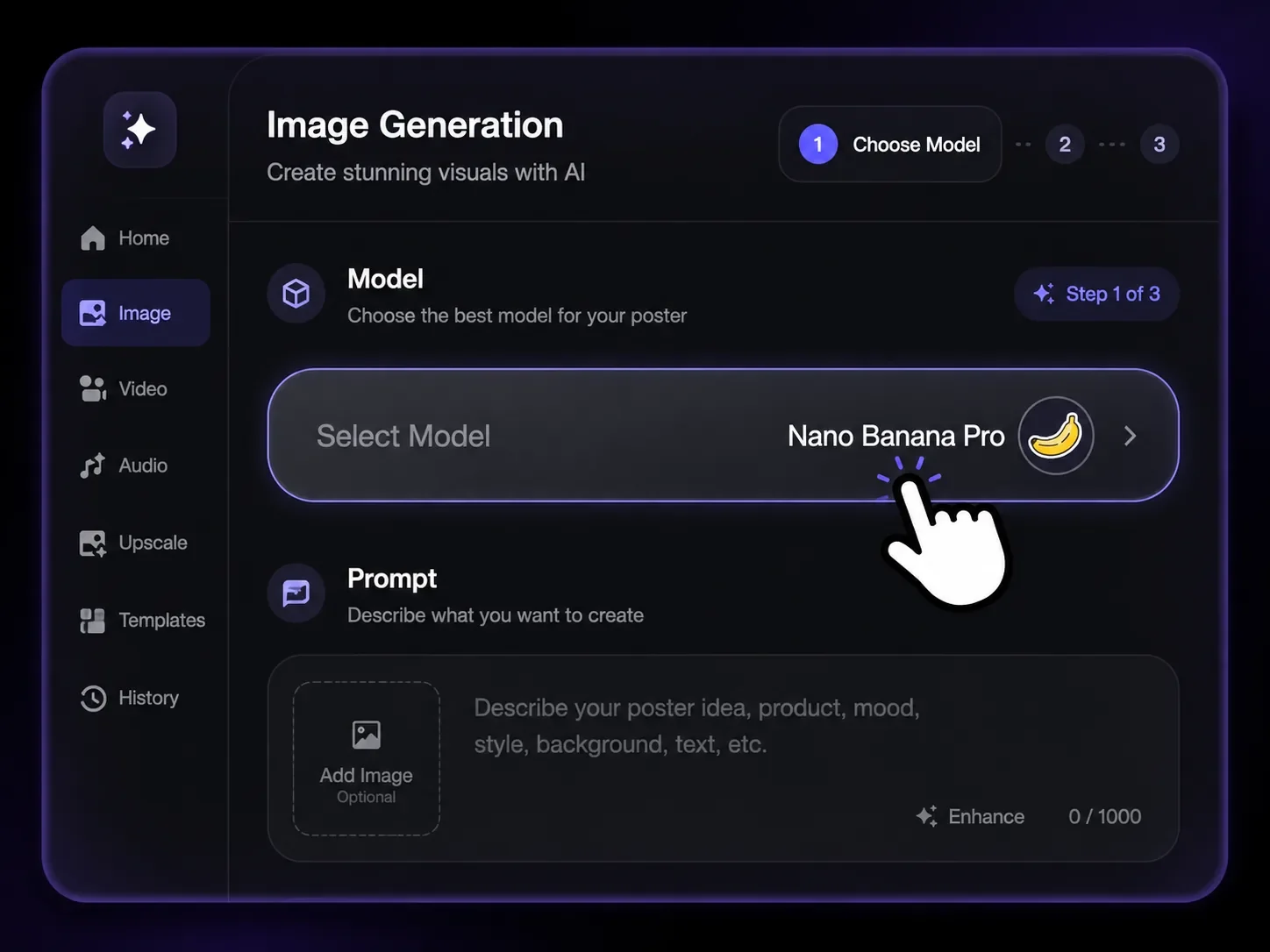
Start from the image workspace and select a model that fits poster creation, such as Nano Banana Pro for polished product visuals.
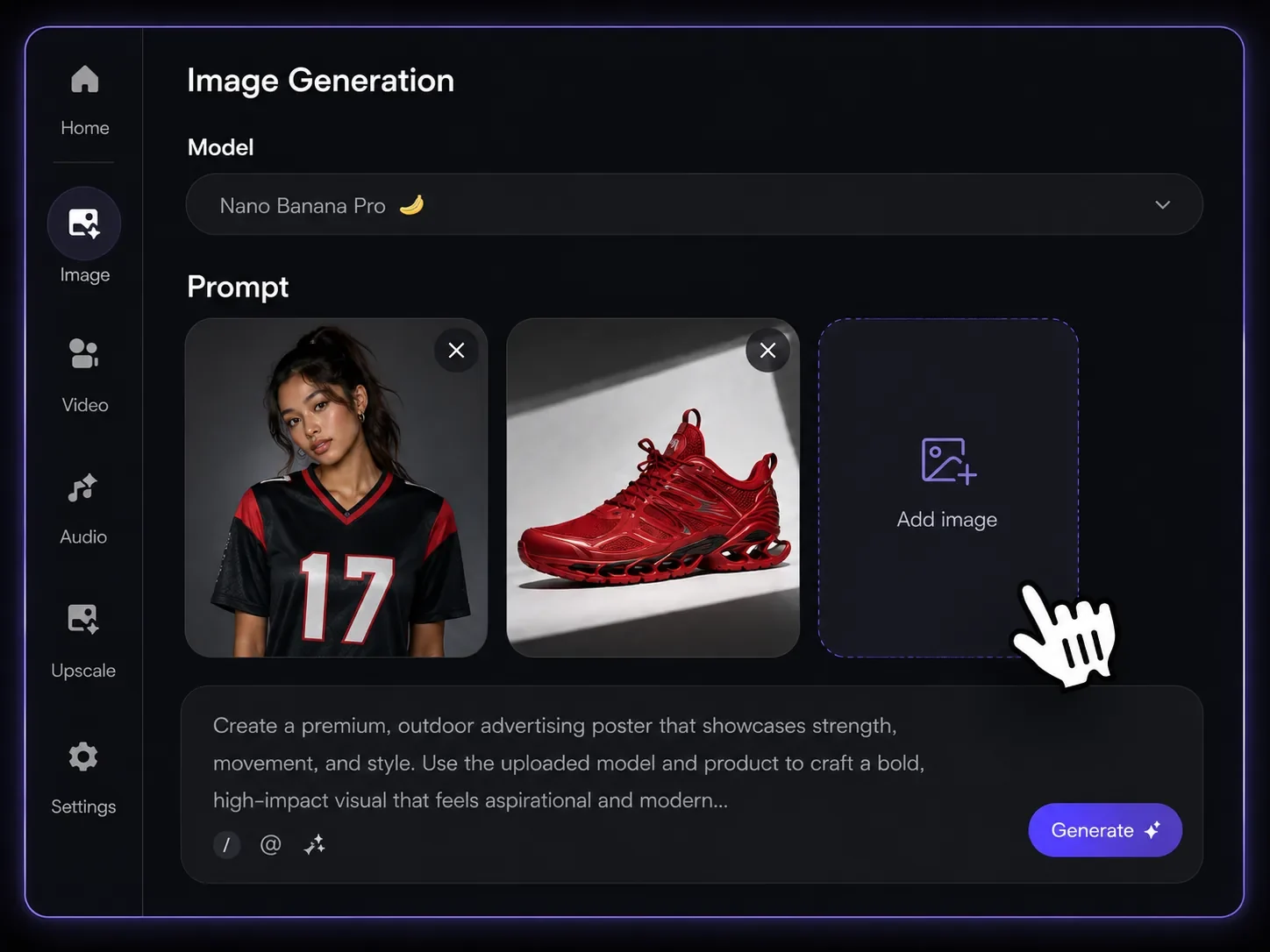
Add the product photo, optional model or scene references, and a short poster brief so the agent understands the campaign direction.
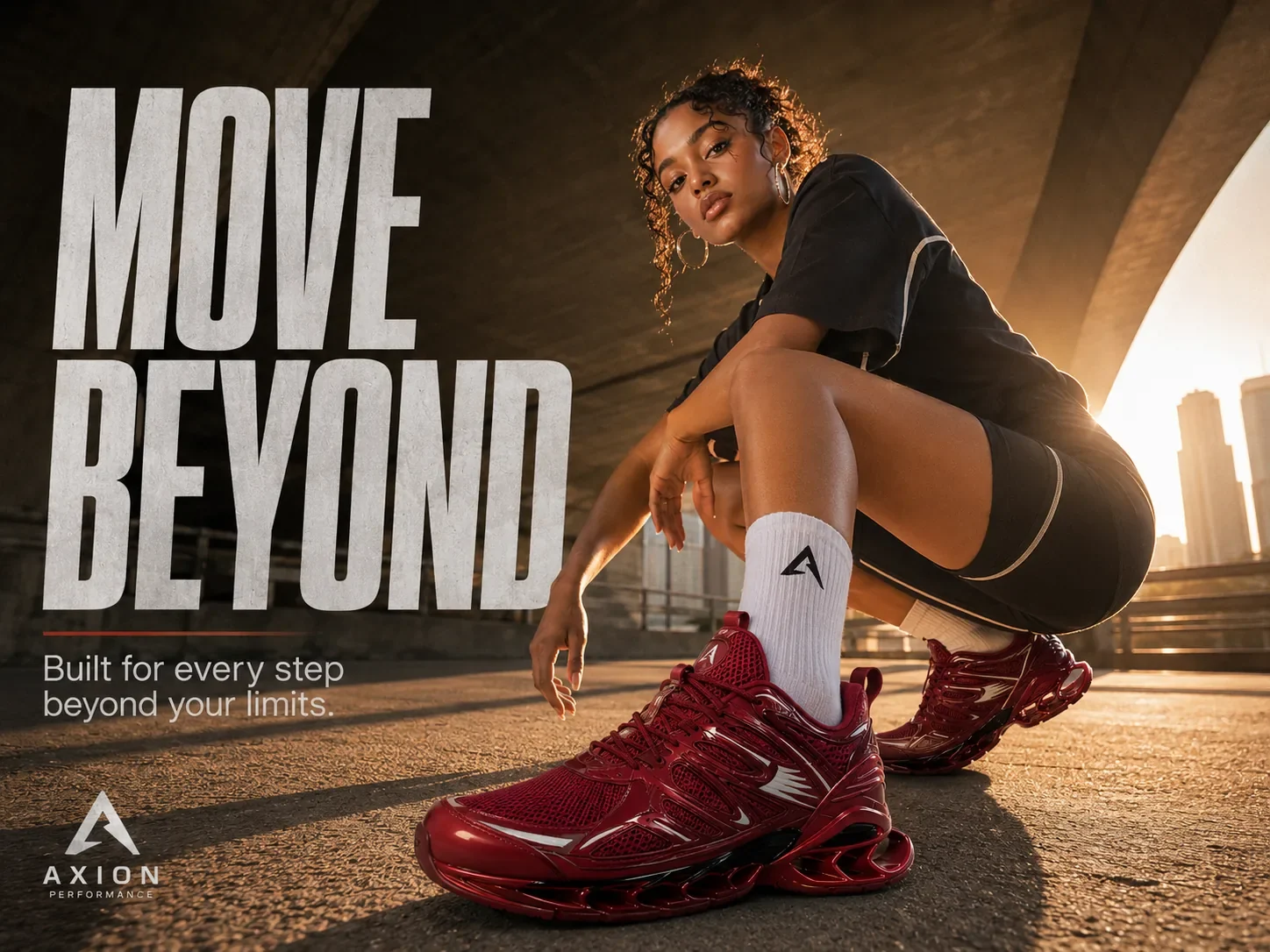
Review and download the generated image. For manual image-and-text composition, open Canvas separately and add the image; Canvas exports a PNG.
Upload the product image first, then add optional poster, model, scene, or style references. Vove AI builds the poster around the real product asset so you can explore new backgrounds, layouts, and campaign angles without relying on a blank prompt.
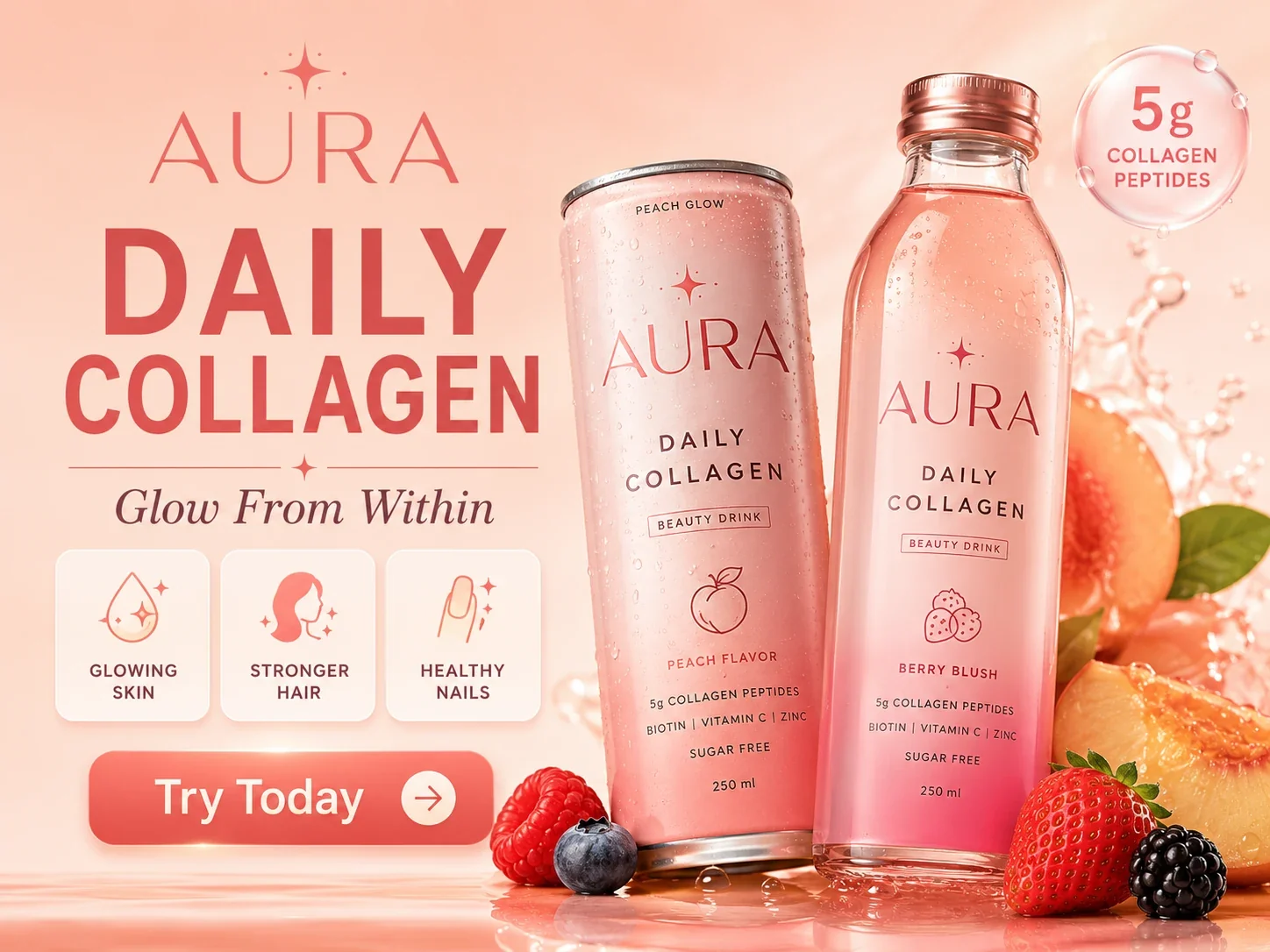
Choose Product Poster, Social Ad, Banner, or Brand Promo before generation. The selected type gives the agent a clearer target for composition, copy hierarchy, aspect ratio, and channel use, whether the result is for Shopify, Amazon, TikTok Shop, email, or paid social.
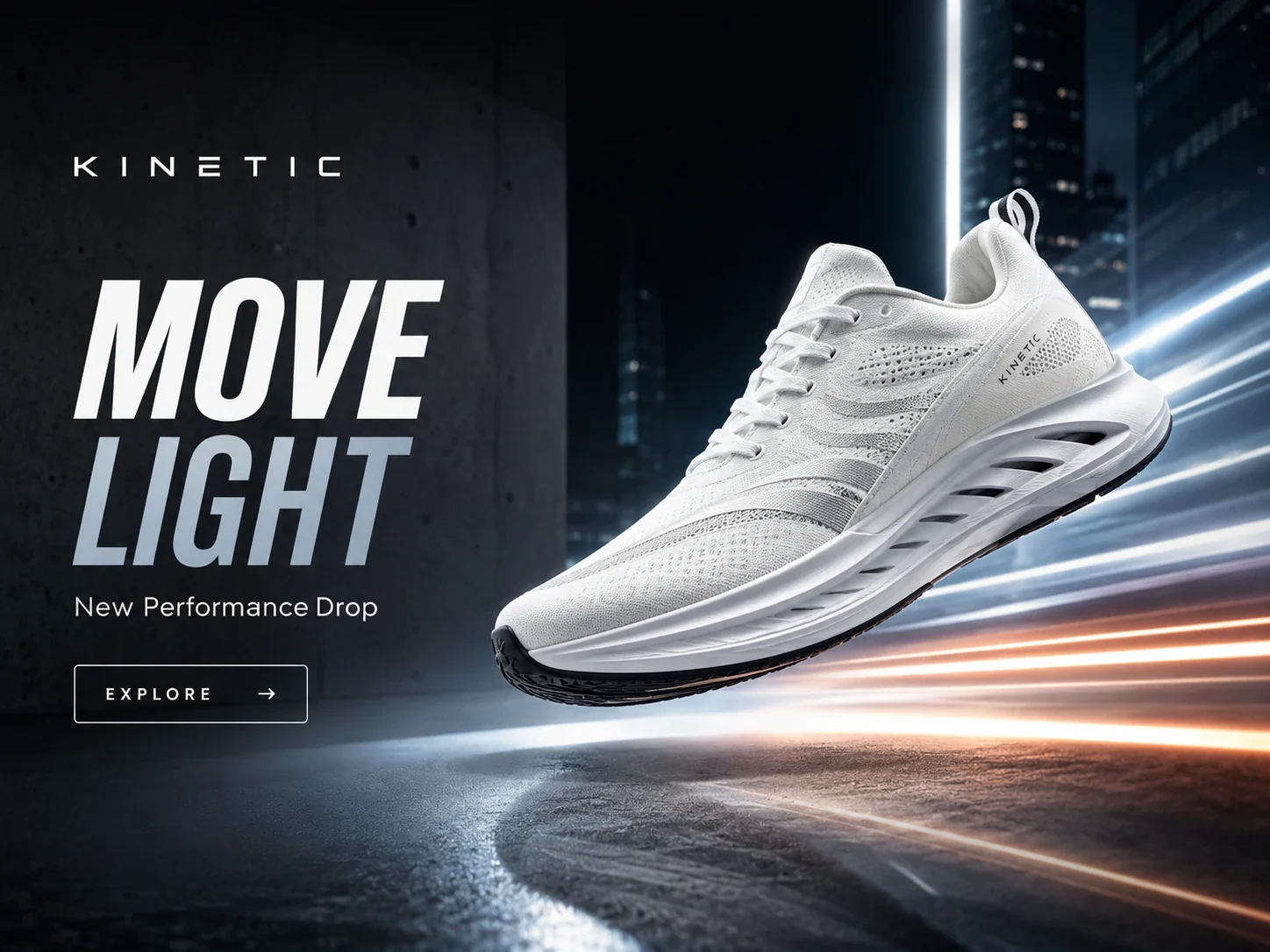
Add a headline, selling points, promotion, audience notes, and channel requirements in the brief. The agent uses that structured input to place product emphasis, message hierarchy, CTA direction, and visual mood into a poster draft you can review.
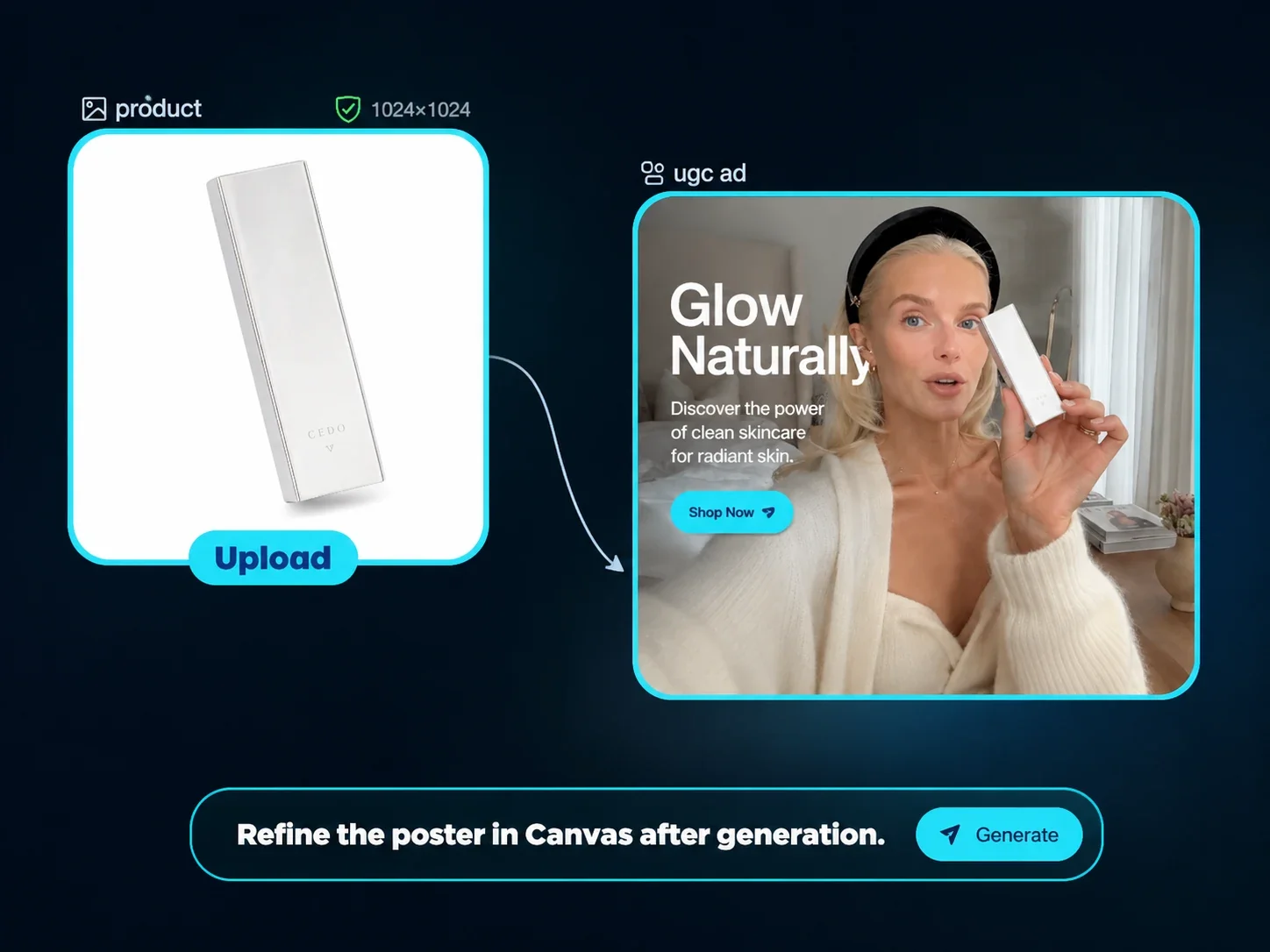
Describe the campaign layout and leave space for a short headline. Keep product details and any offer information accurate.
Generated lettering can be wrong. Proofread it and use a manual text layer when the final wording and position must be exact.
Turn a hero product shot into a launch poster with a clear headline, value line, and call to action.
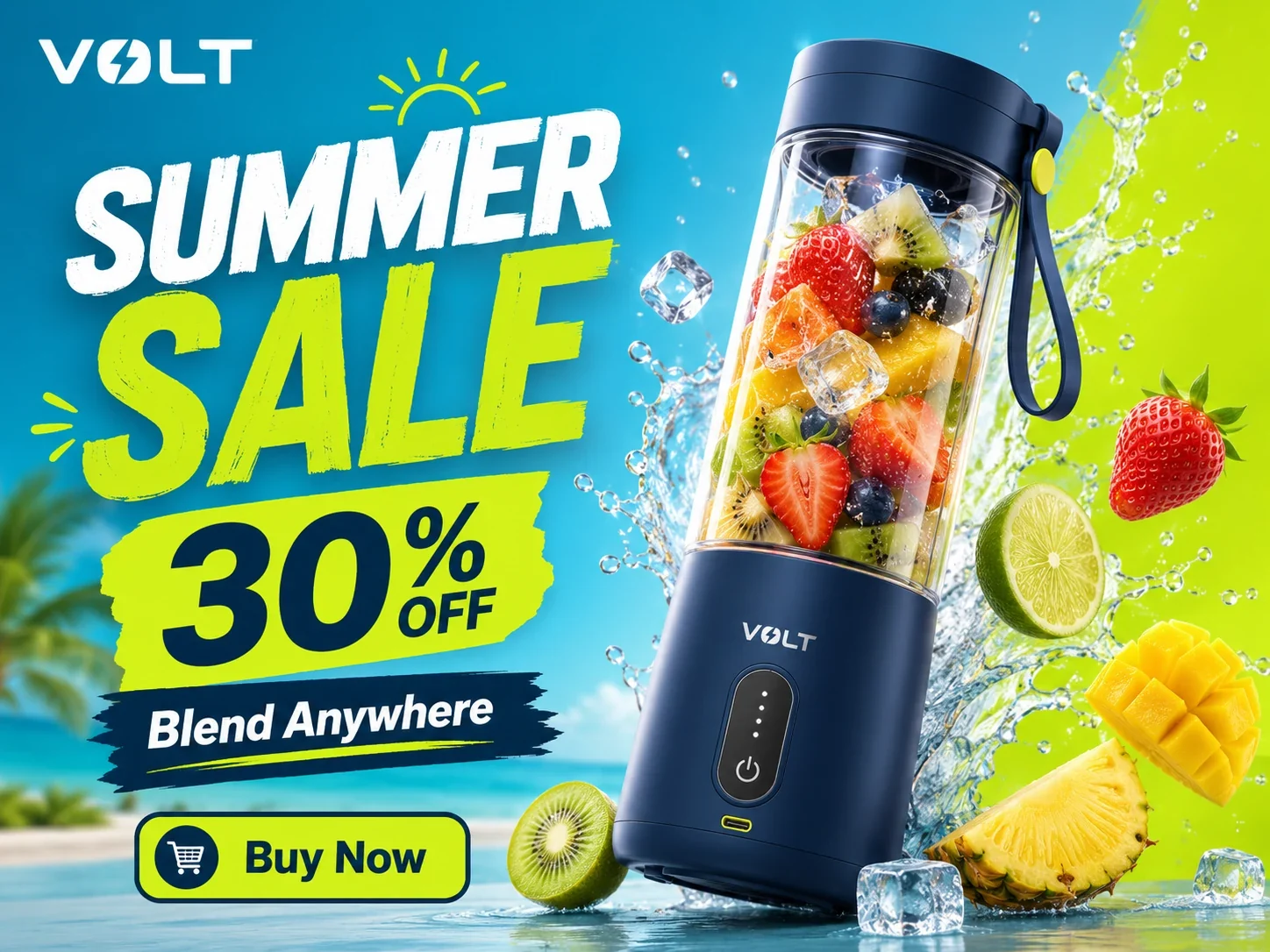
Build discount creatives for flash sales, seasonal campaigns, limited-time offers, and new drops.
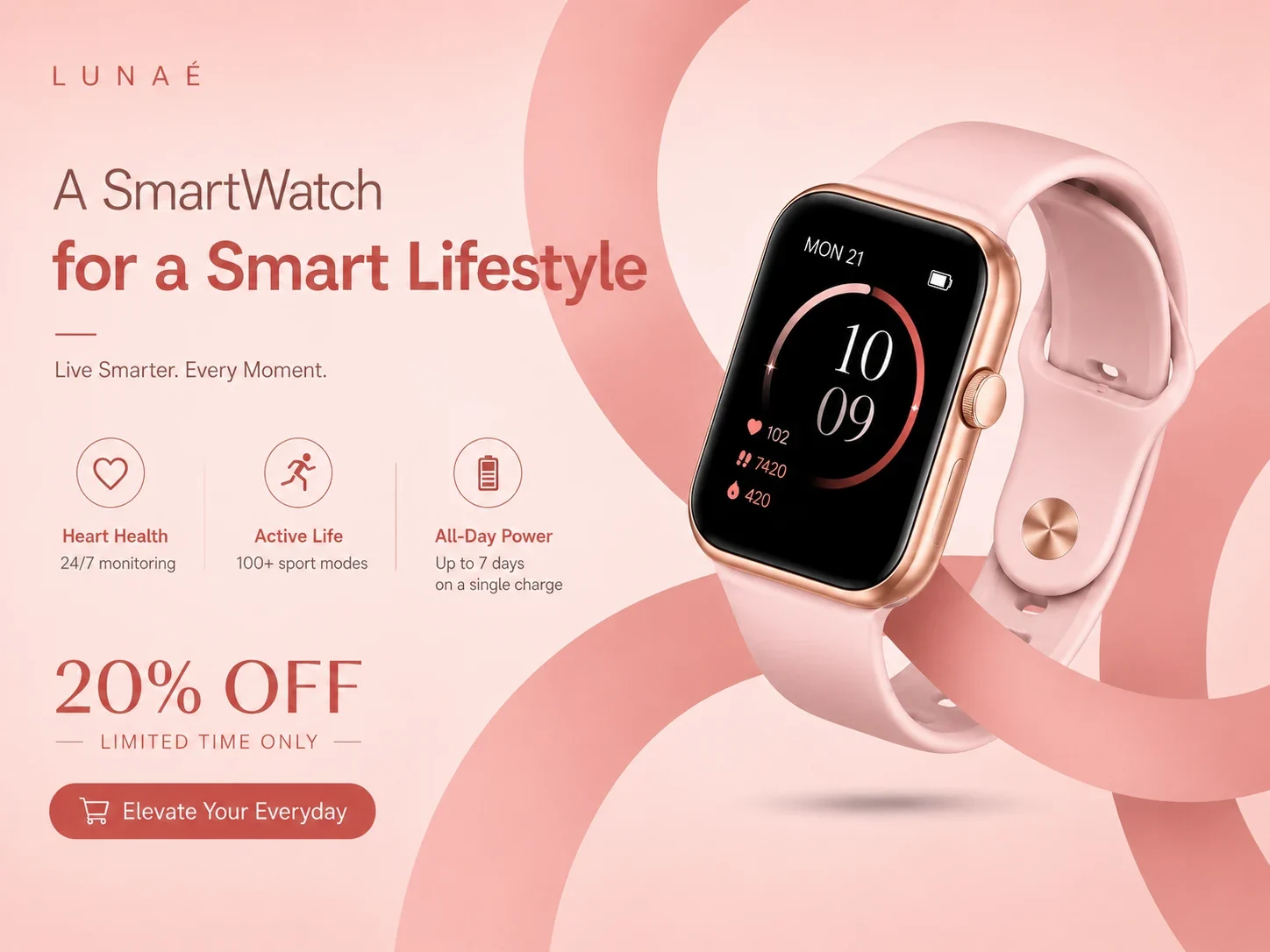
Create square or vertical creatives for Instagram, TikTok, Pinterest, and paid social.
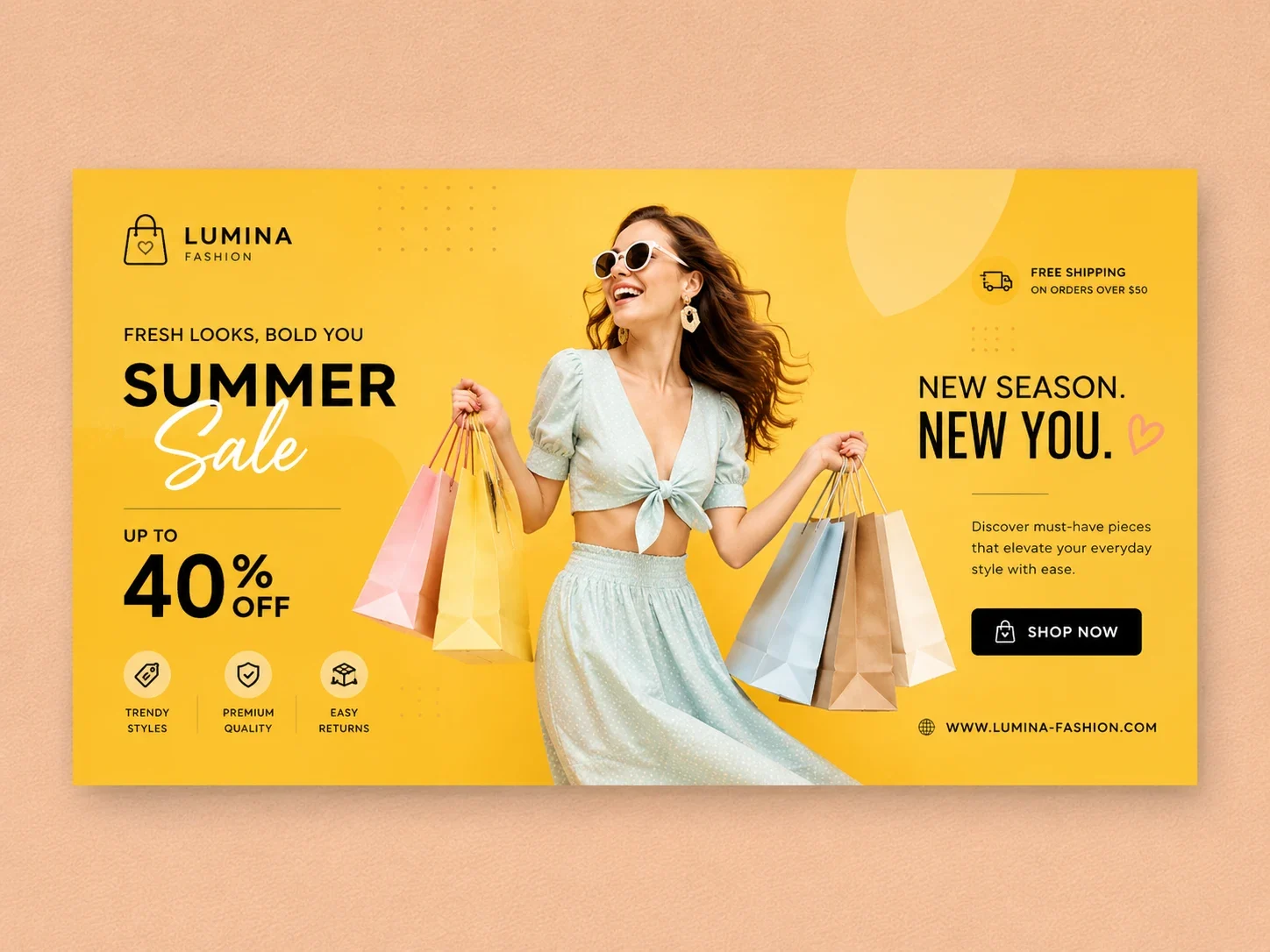
Make wide banners for Shopify stores, landing pages, and email headers.
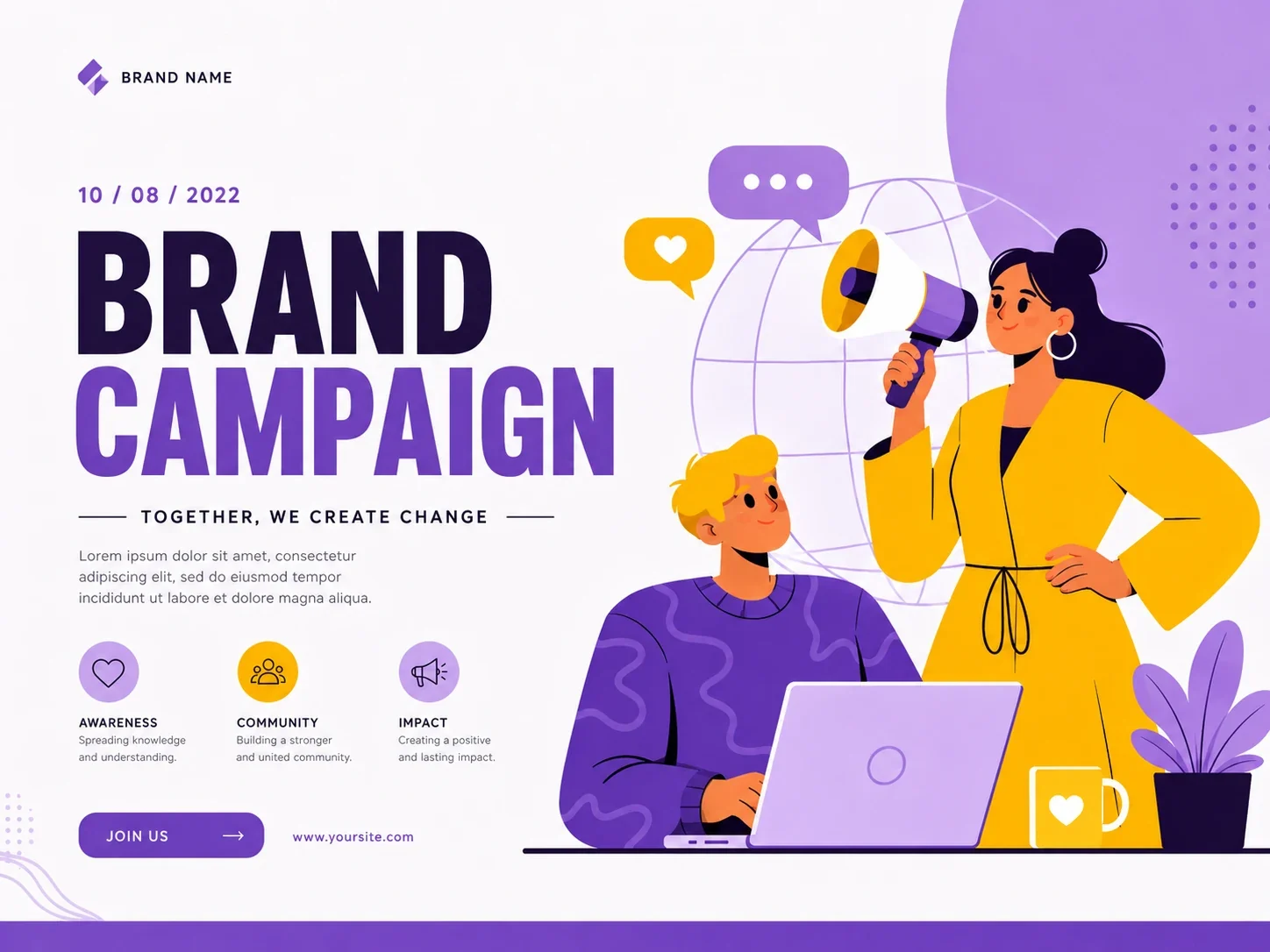
Generate cleaner posters for product launches, creator collaborations, and seasonal campaigns.
Create another variation by changing one element such as background, framing or color. Compare both versions before choosing a final image.
Start with the actual item, packaging, label, or hero product photo, then build campaign visuals around it instead of writing a prompt from a blank page.
Pick the target format early so the layout is planned for launch posters, paid social, store banners, landing pages, email headers, or marketplace visuals.
Generate several poster directions to compare headlines, value propositions, background treatments, product scale, and CTA placement before choosing the version to refine.
Continue from the generated poster with the same product and brief in memory, then revise layout, copy, background, color direction, or output size in plain language.
Upload a product photo, choose a format, and generate posters, ads, and banners for your next campaign.