Loading…
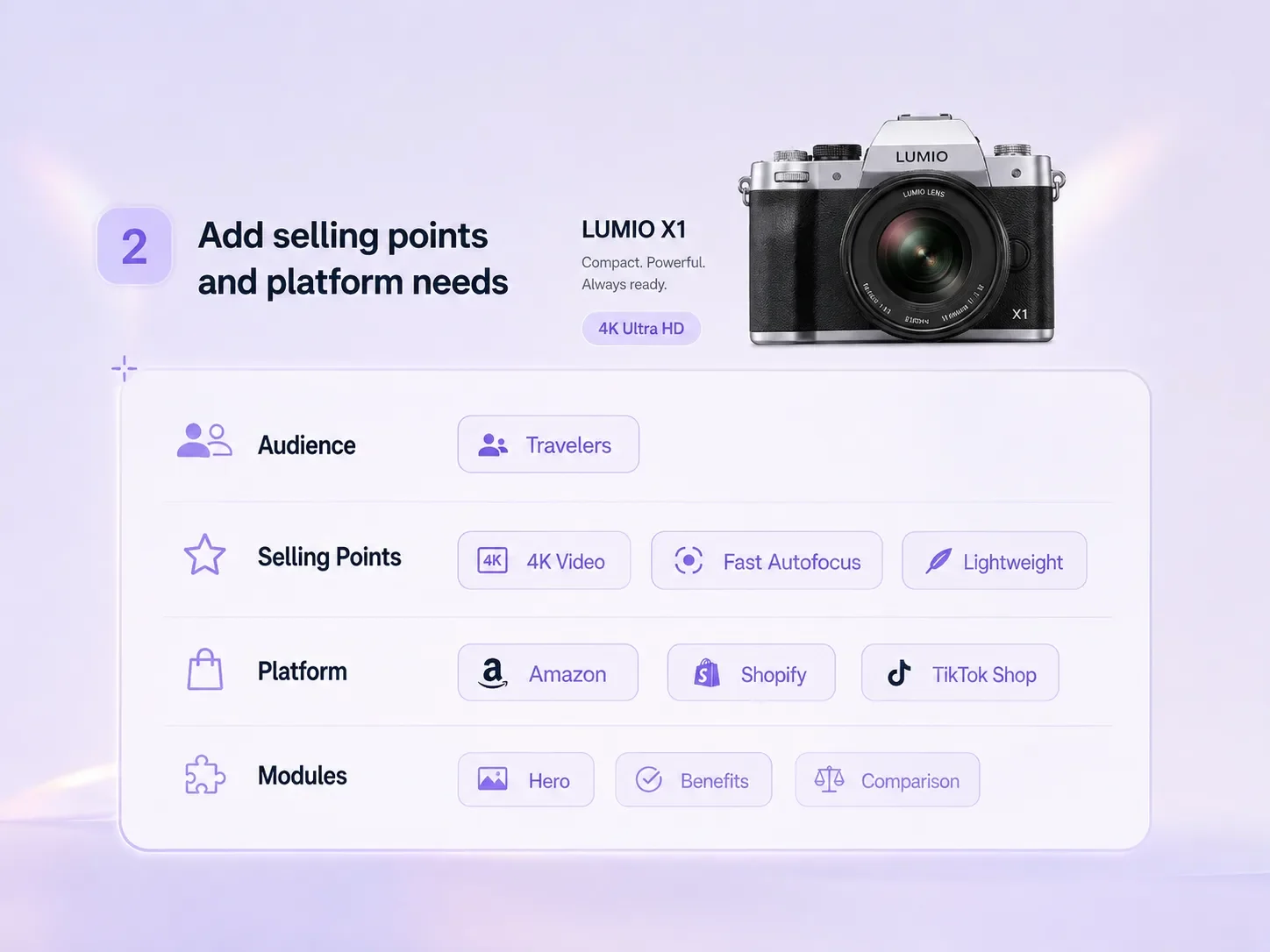
Upload product references, choose the publishing platform, and describe your verified selling points. Create a visual brief for listing images, closeups and detail modules.
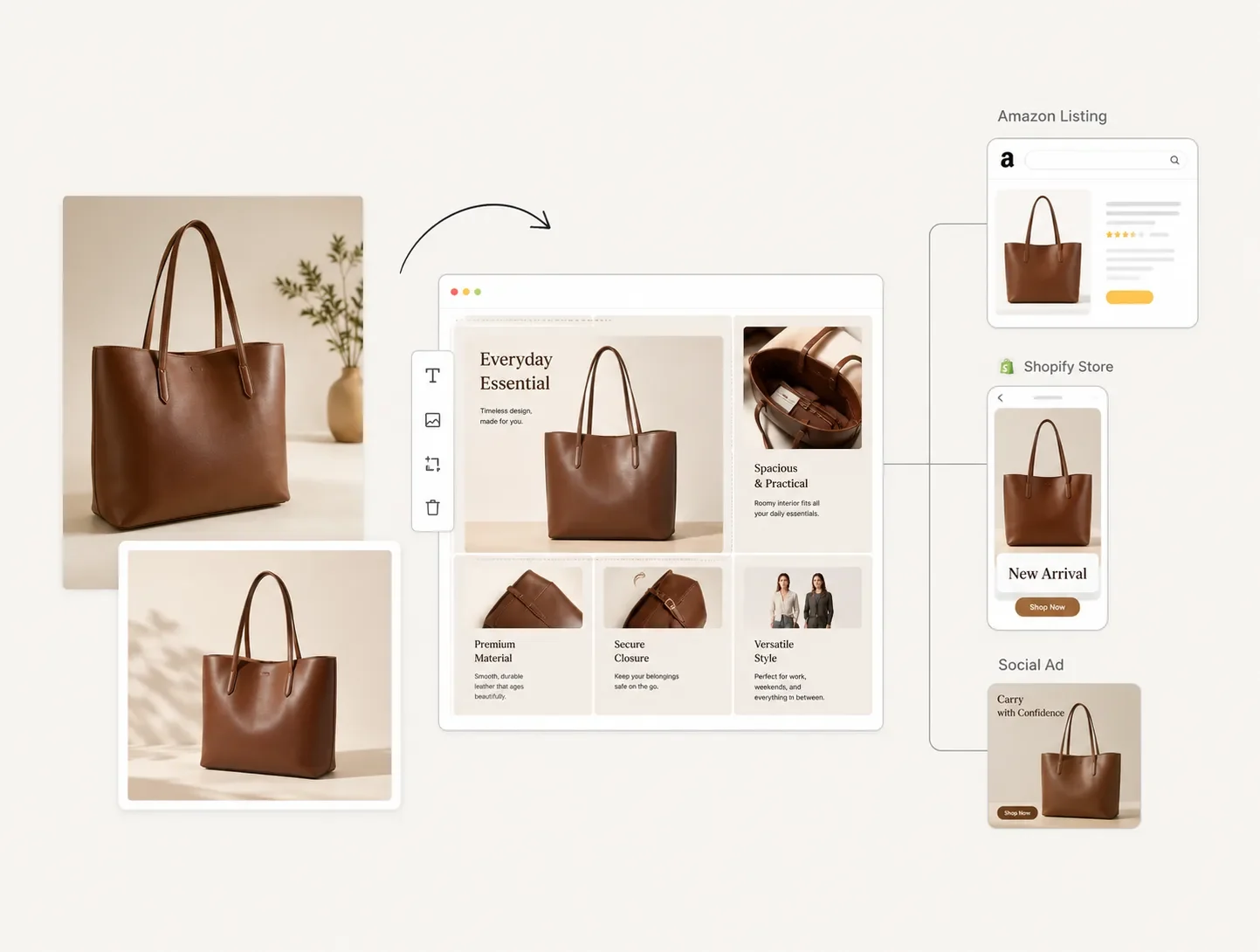
Select a reference to apply its image and creative brief to the generator. Review the inputs before starting your own generation.
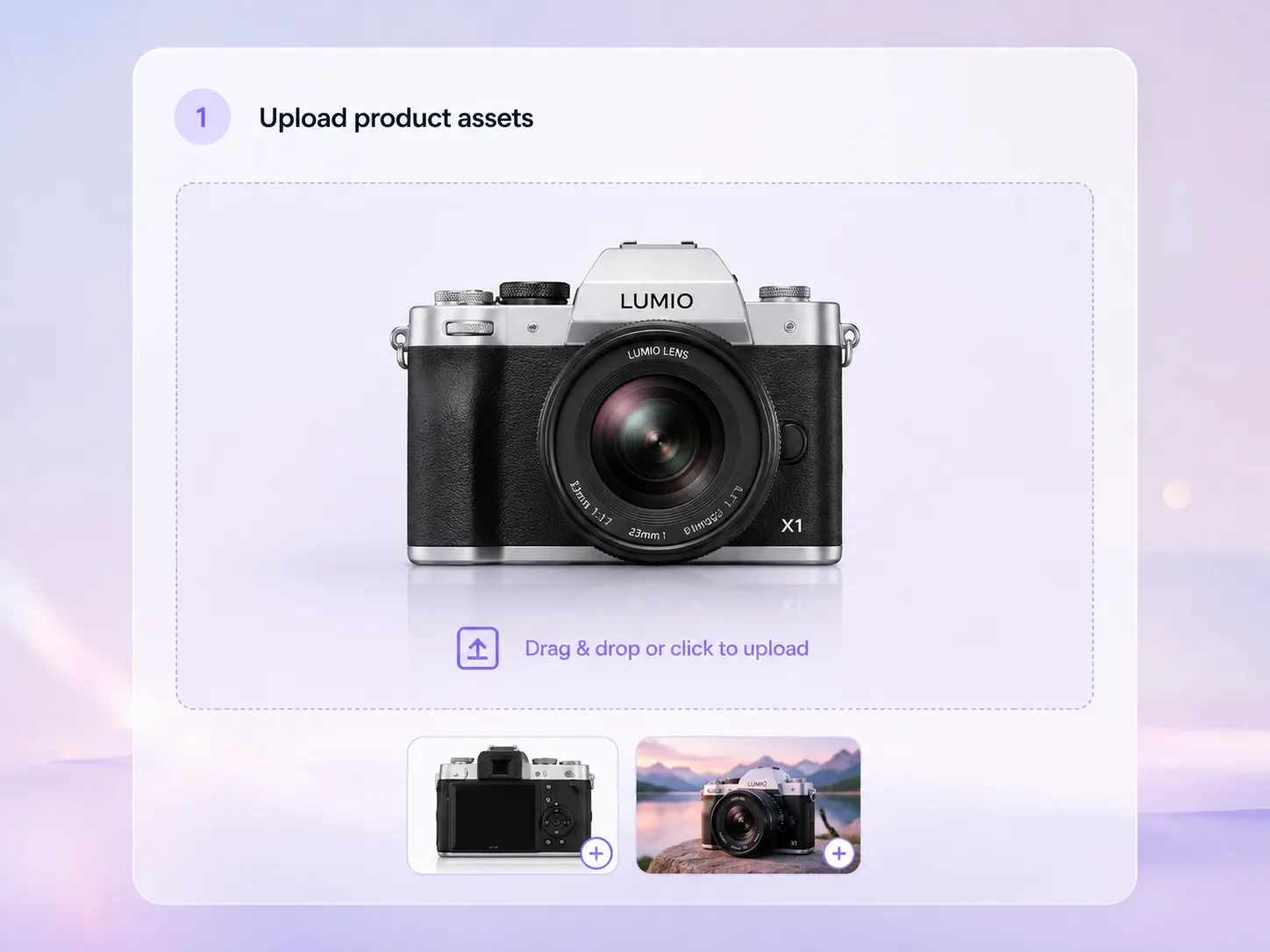
Add product photos, packshots, packaging, closeups, lifestyle references, or competitor layout references. Clear source assets help preserve product identity while giving the page enough material to explain the offer.
Generate a product detail image with a layout and verified product information supplied in your brief. It does not create a live web page, editable module system or marketplace listing.
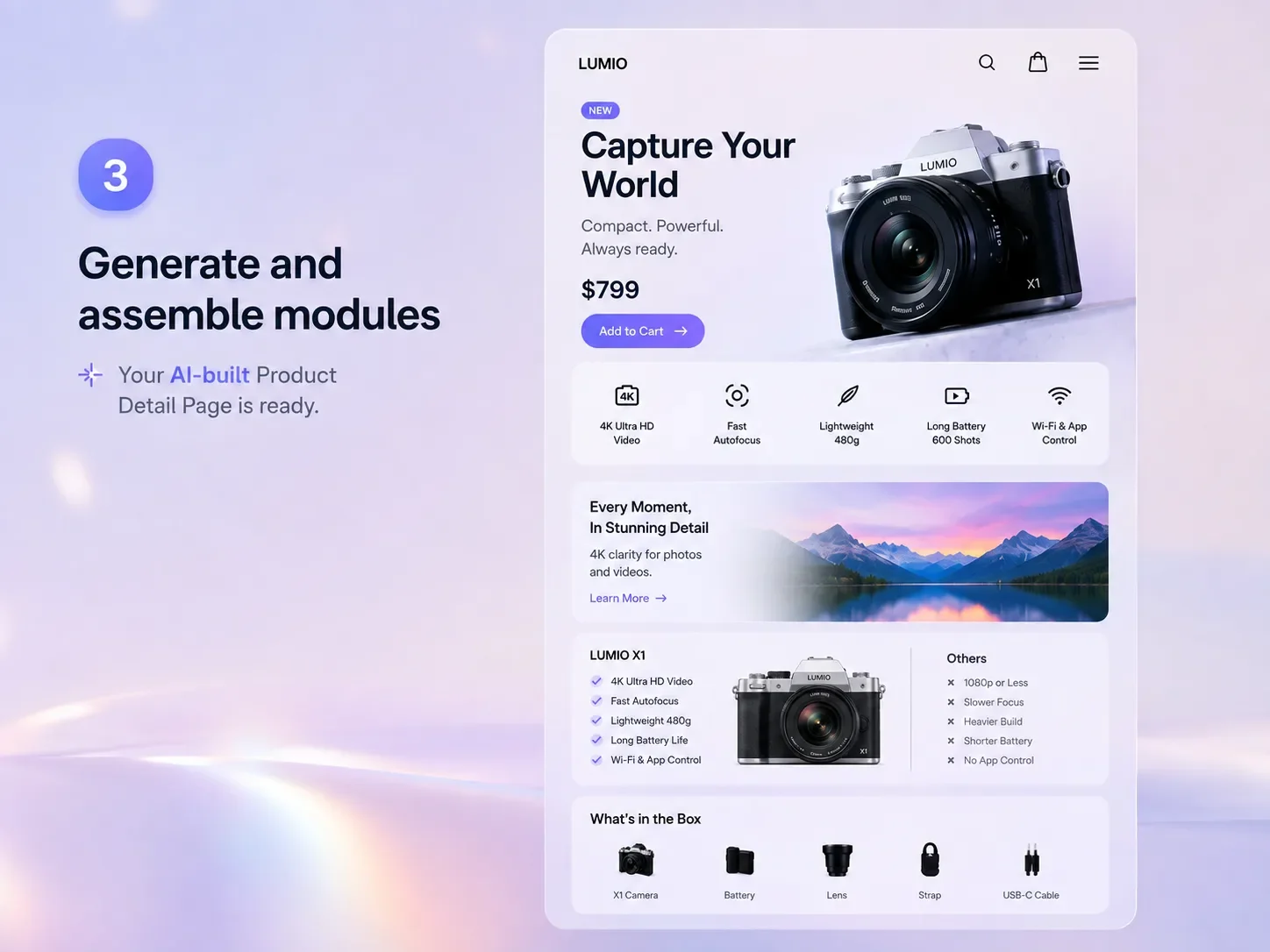
Specify which product features the image should explain. Include only details you can verify from the real product.
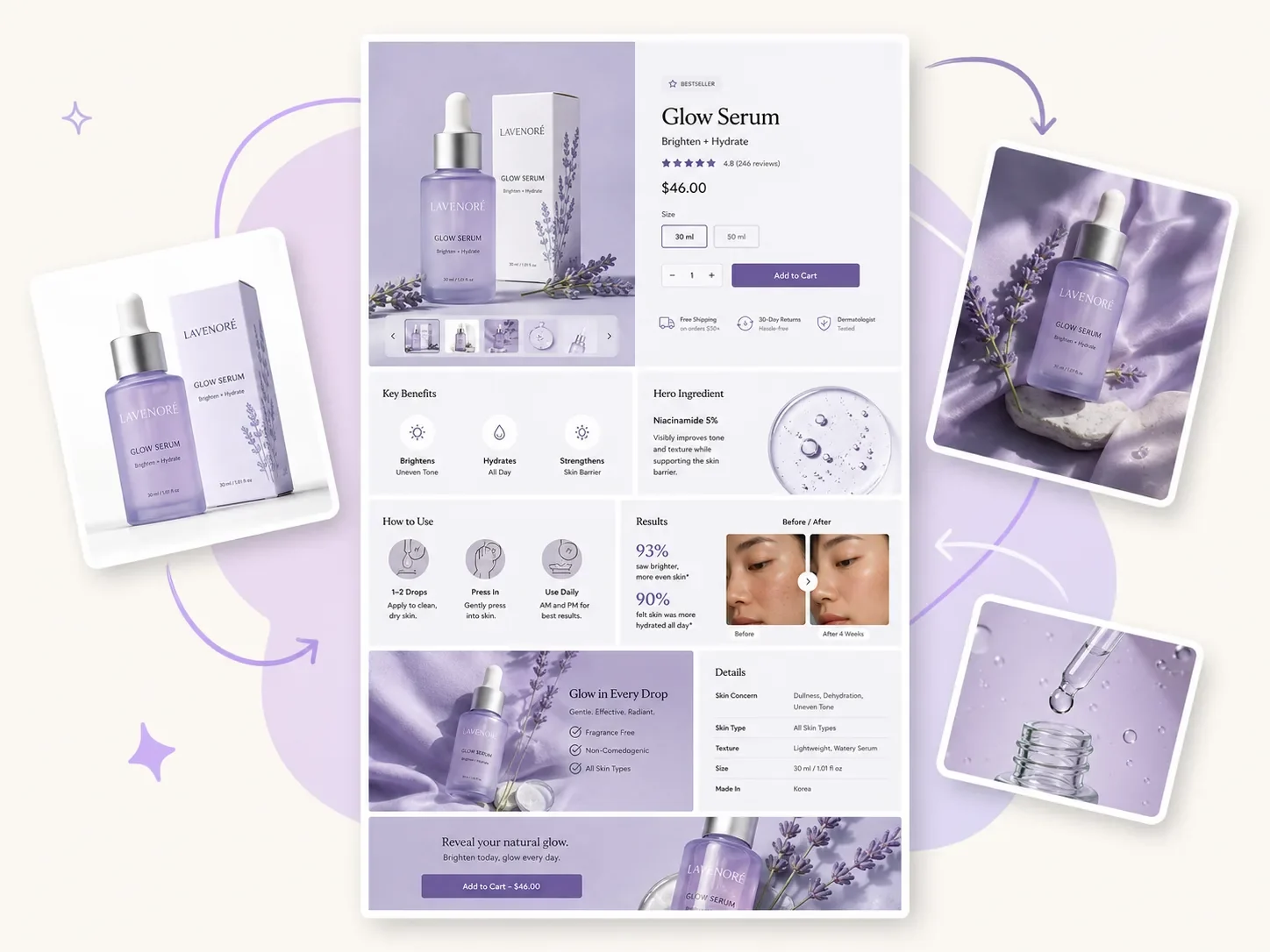
Product detail pages need more than one attractive image. Use Vove AI to turn a product photo and selling points into a connected set of hero images, benefit tiles, usage explainers, ingredient or material callouts, comparison sections, social proof blocks, and lifestyle visuals. The result gives shoppers a clearer path from first impression to purchase decision.
Create product photos
Describe the visual hierarchy: a clear product, a short headline area and a few feature zones. The output is one generated image.
Design product posters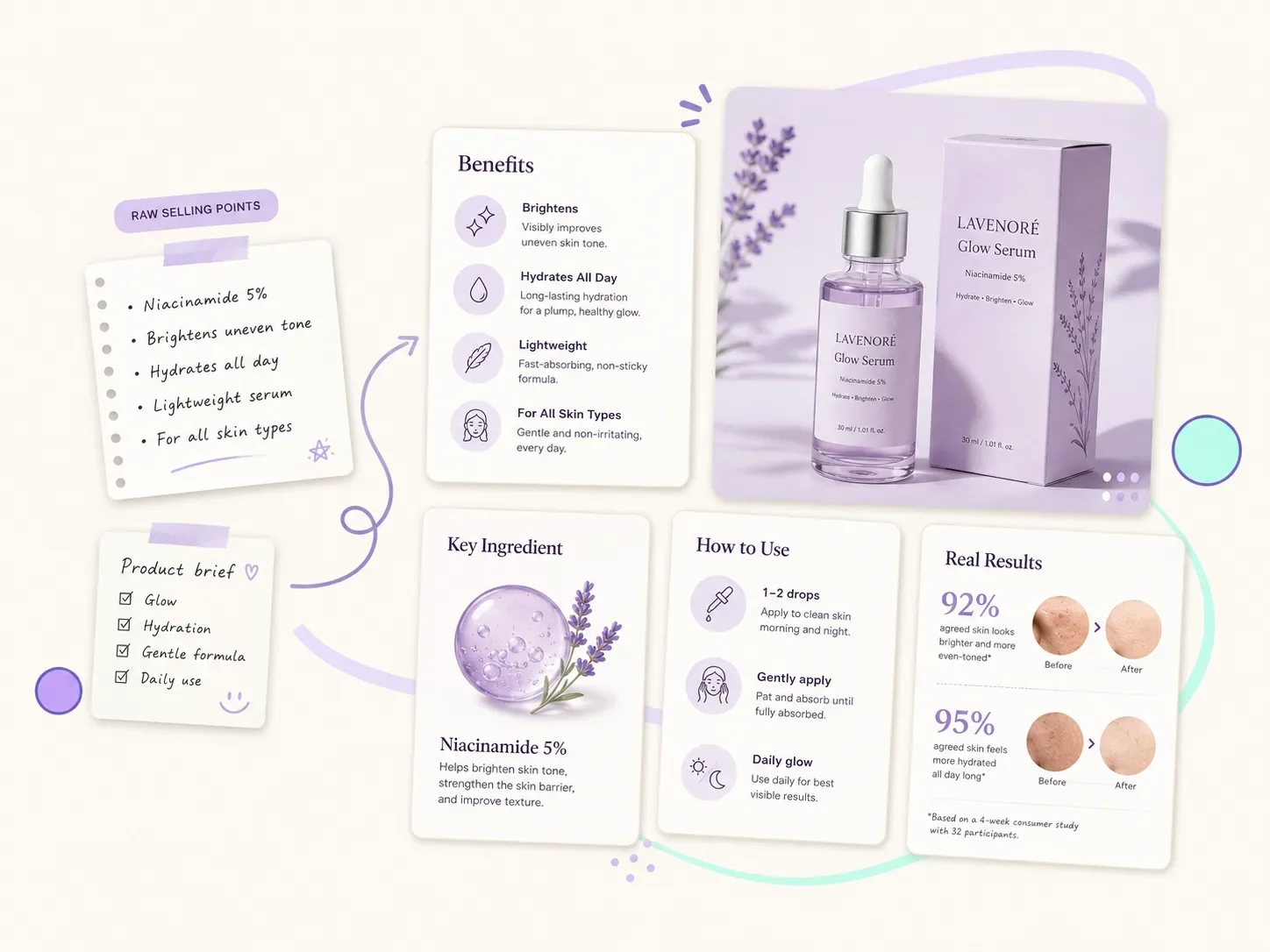
Paste rough product notes, feature lists, audience details, proof, and objections, then guide the AI toward clear visual hierarchy: problem, solution, benefit, usage, proof, comparison, and CTA. This helps ecommerce teams explain the product without asking shoppers to read a dense paragraph.
Create ecommerce ads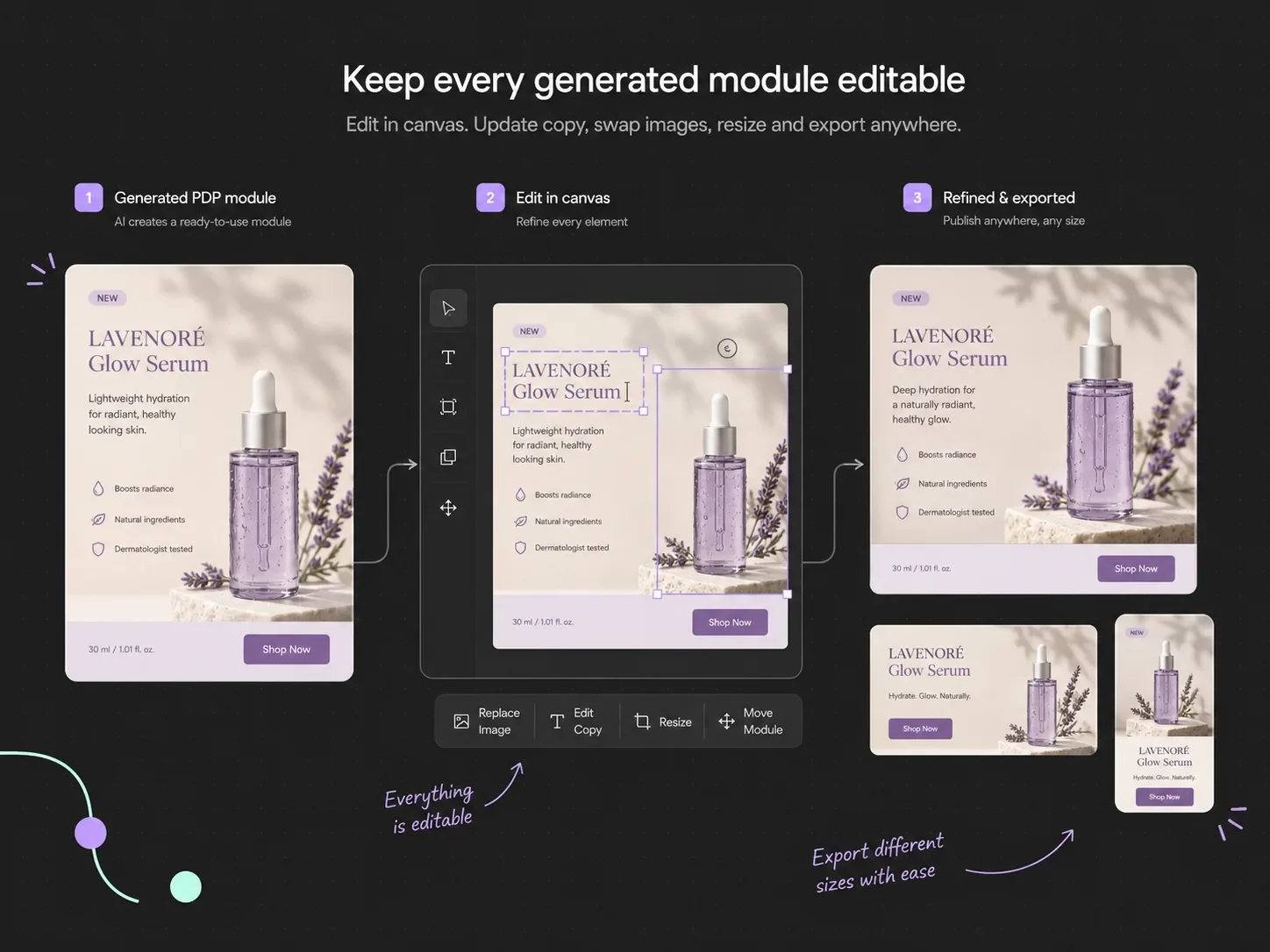
Choose a layout and language for the intended audience. Check every piece of generated lettering before using it.
Edit in canvasReview and download the generated image. For manual image-and-text composition, open Canvas separately and add the image; Canvas exports a PNG.
Explain value, usage, features, proof, and comparison points visually so shoppers understand the offer before they leave the page.
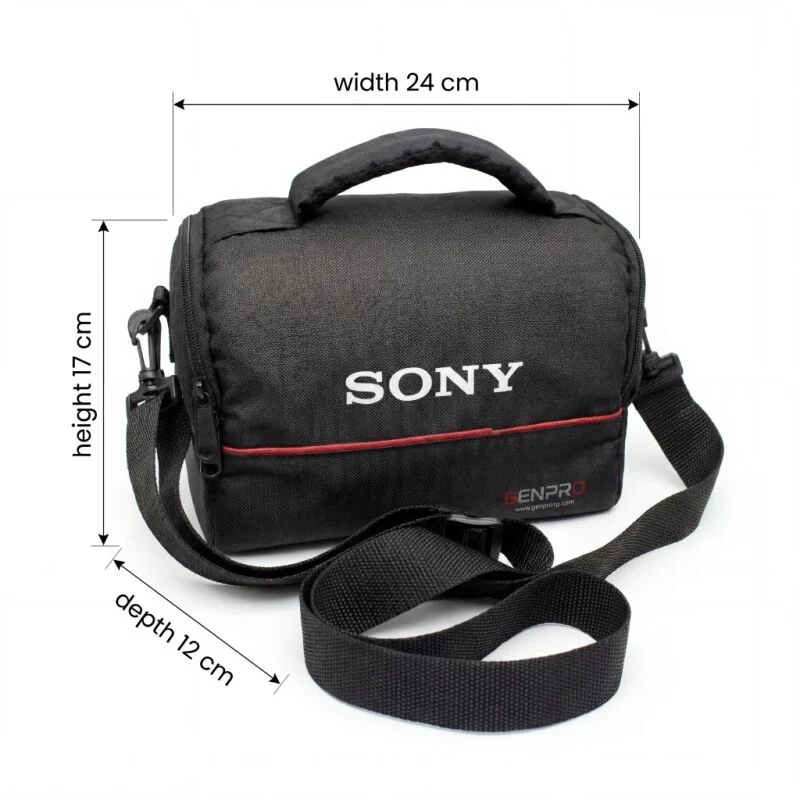
Keep measurements, materials and included items accurate. A model should not be relied on to invent specifications.
Standardize layouts, benefit blocks, icon treatment, comparison logic, and visual hierarchy across a product line or storefront.
A generated detail image does not update a storefront. Download it, check its dimensions and add it to your product page yourself.
Use separate generations for alternative compositions. Compare readability and product accuracy across the images.