Loading…
Bring product photos, brand references and a focused campaign brief. Explore product-led ads, creator-style visuals and promotional compositions with the selected image model.
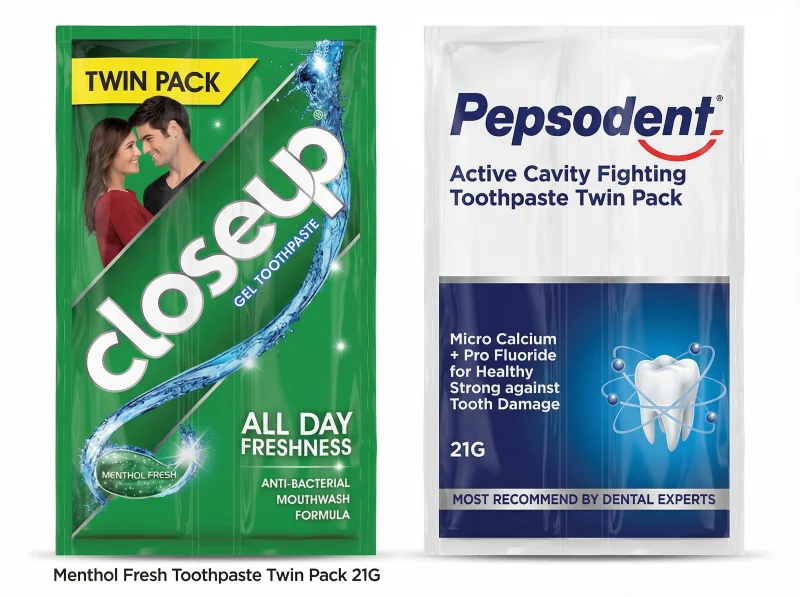
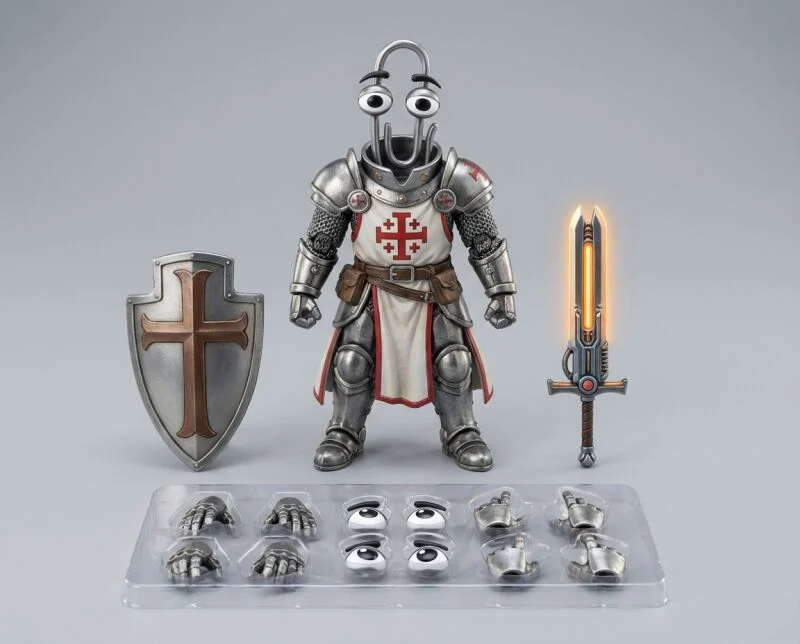
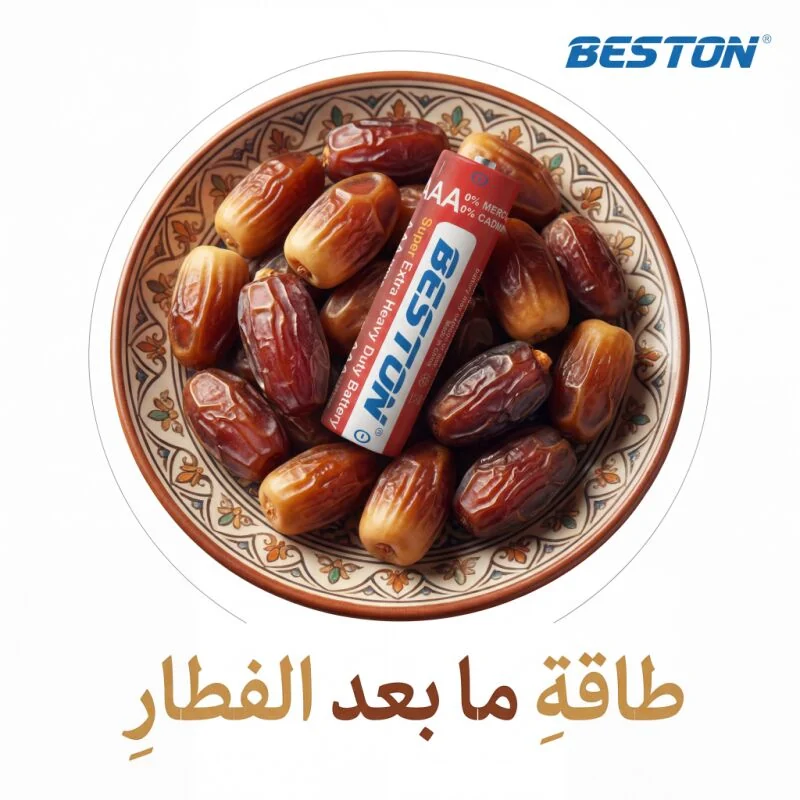
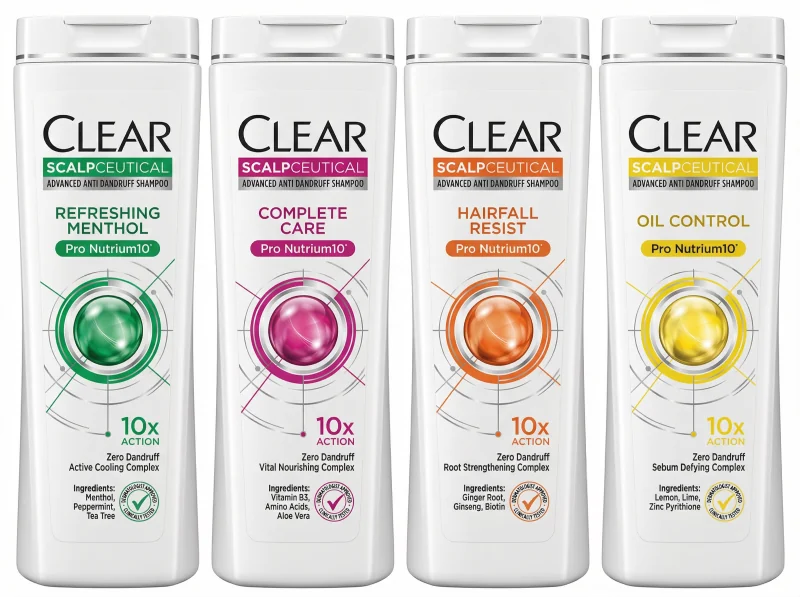
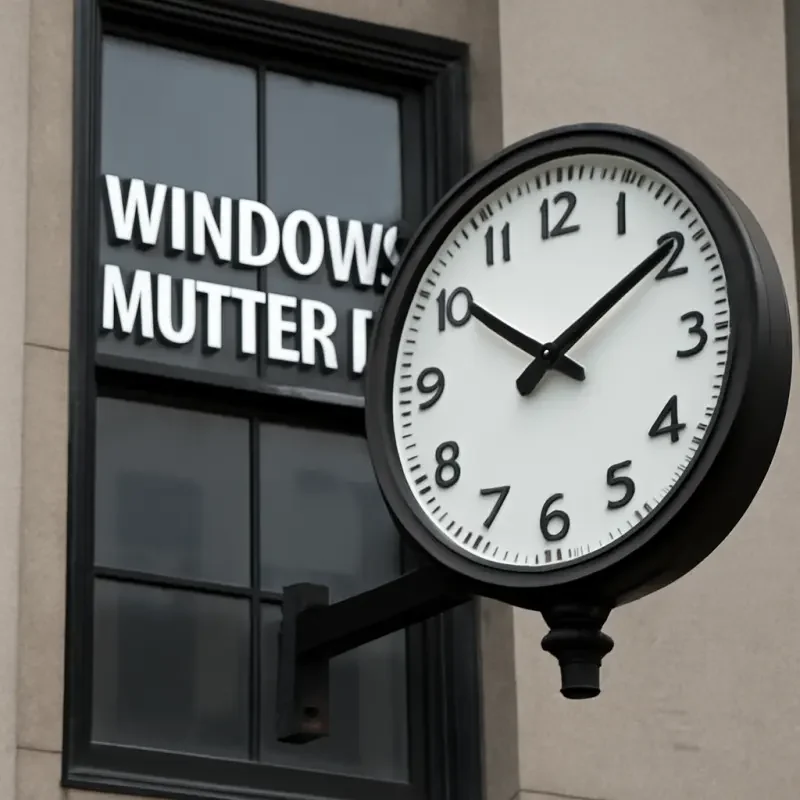
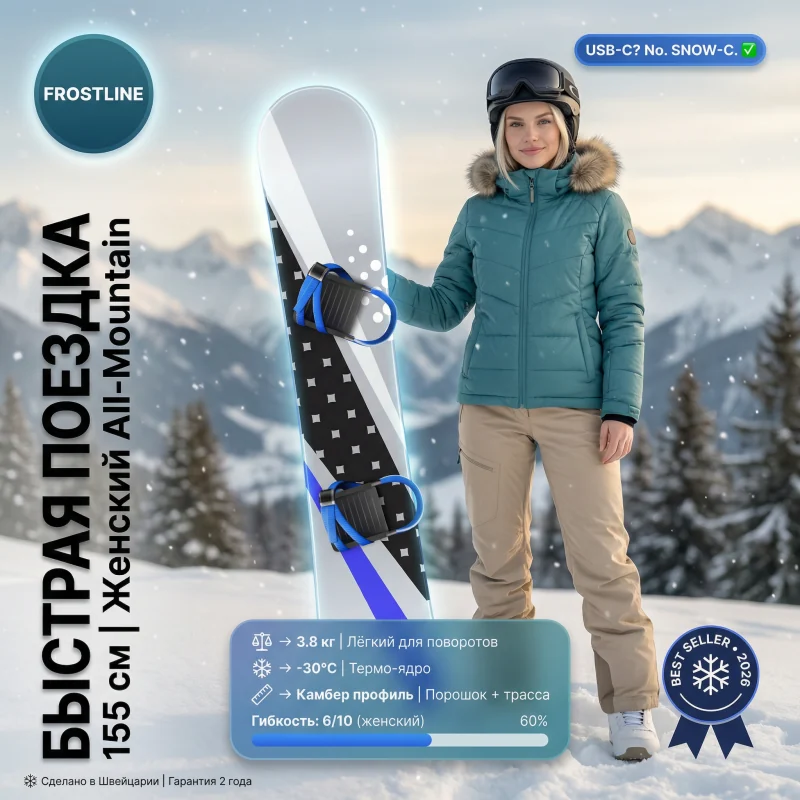
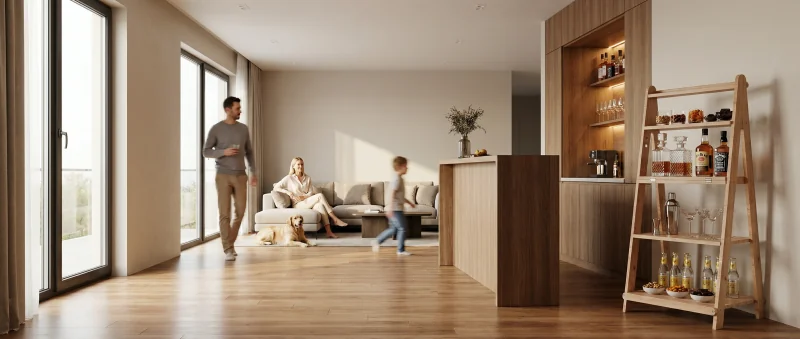
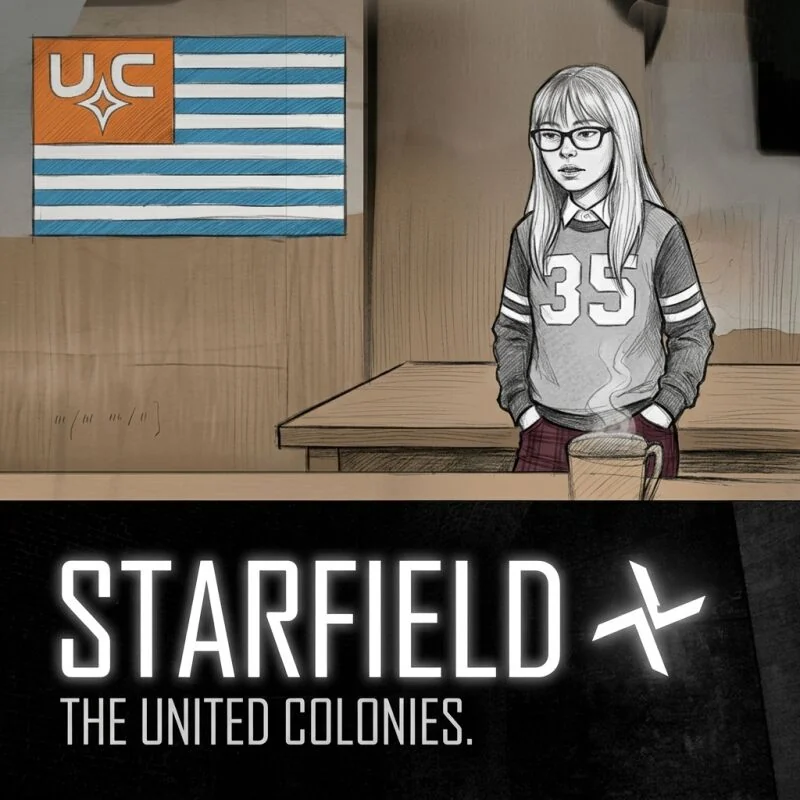
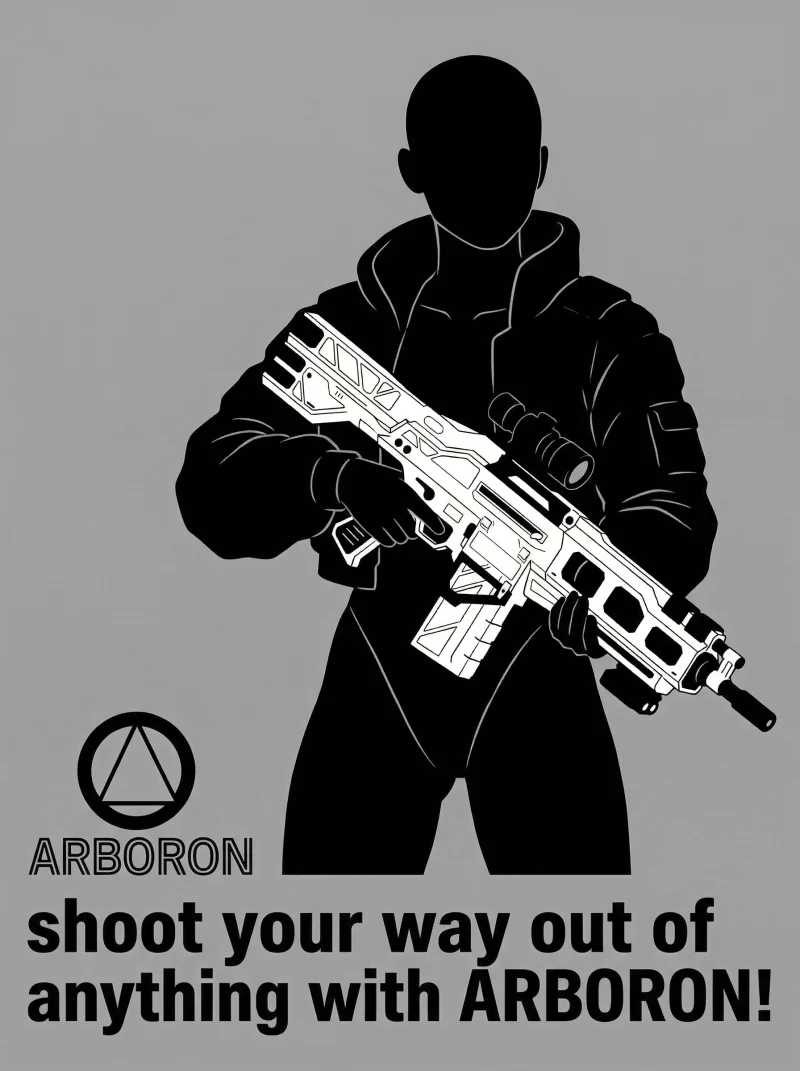
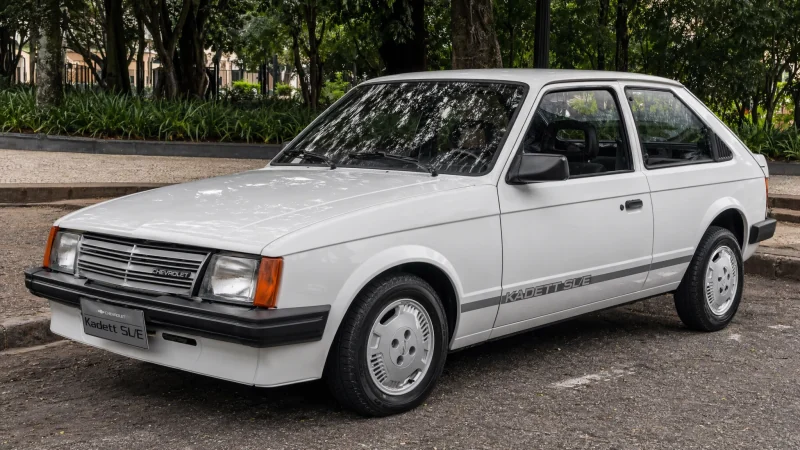
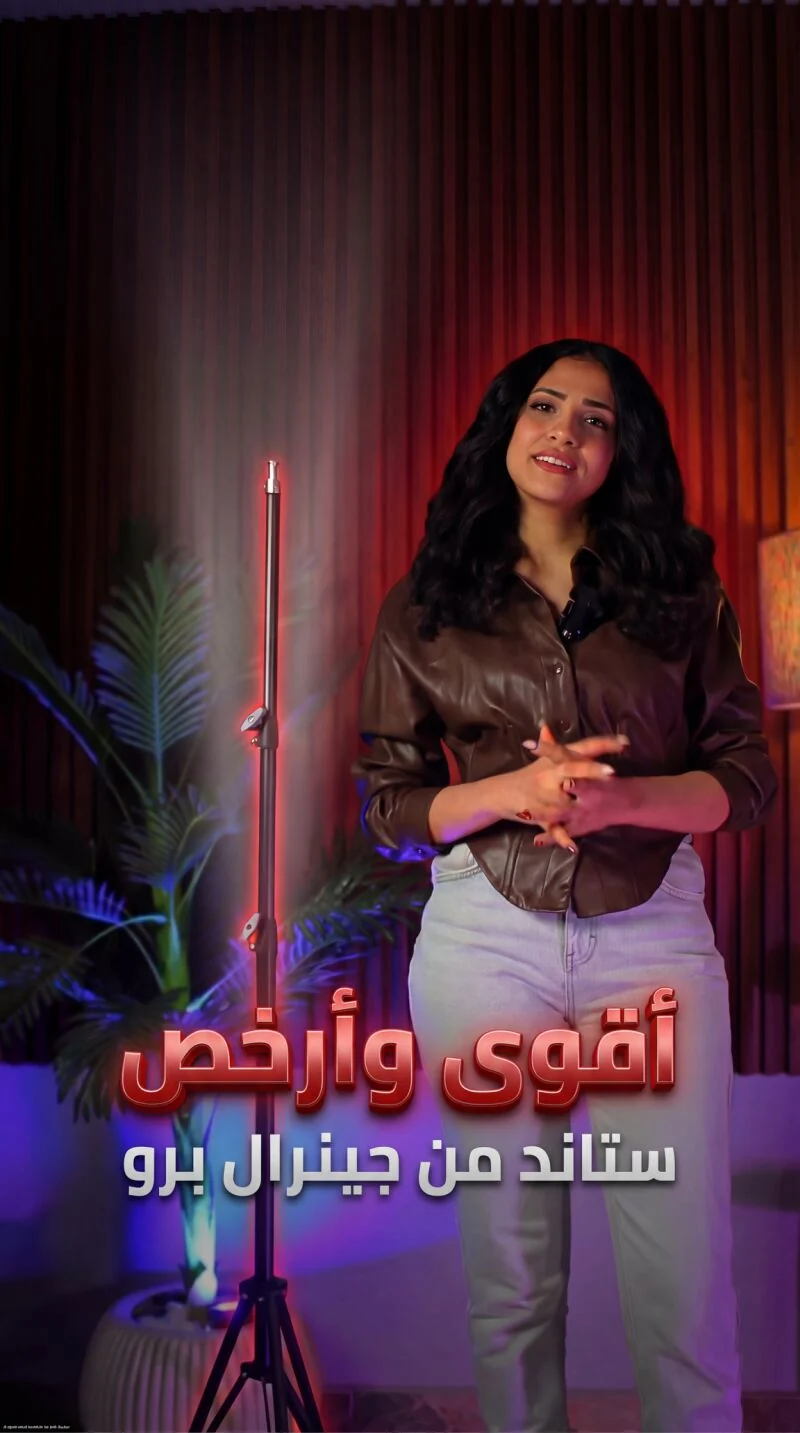
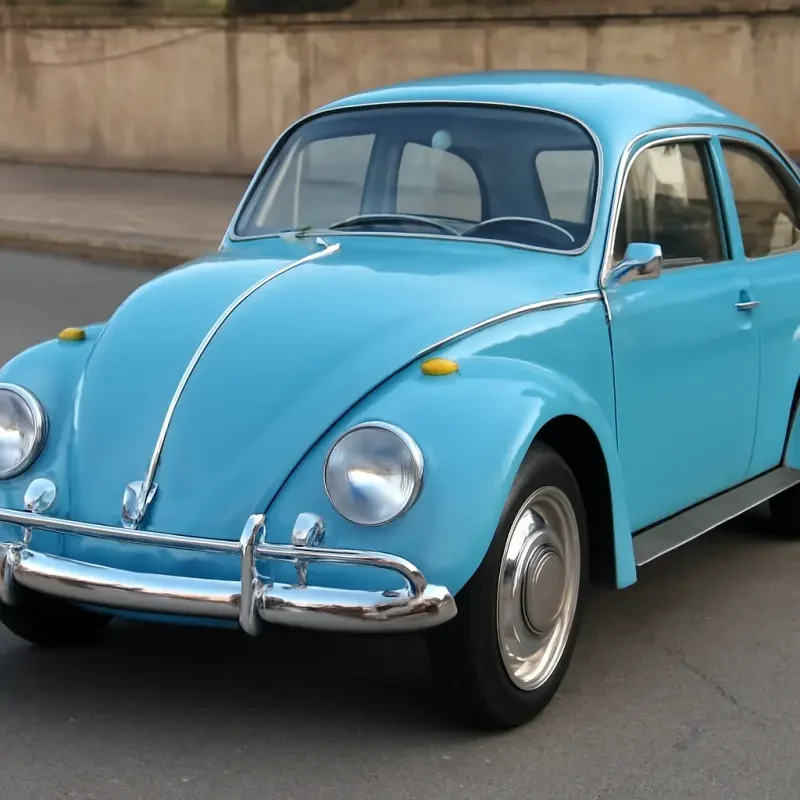
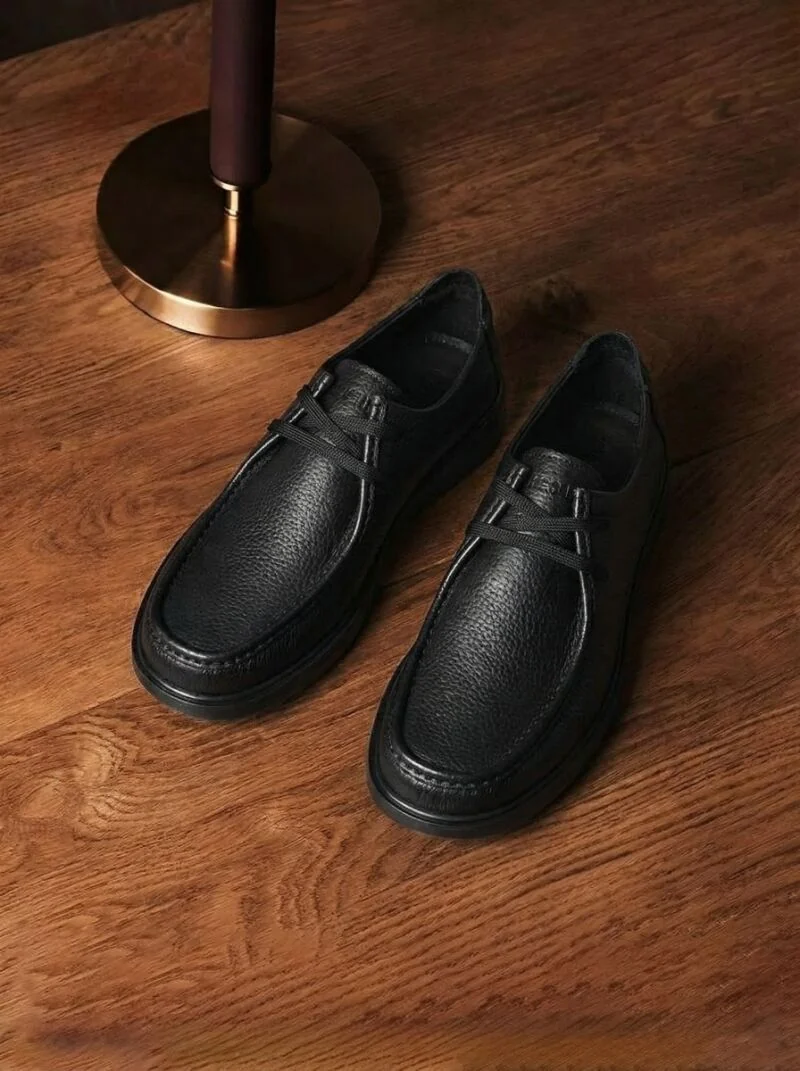
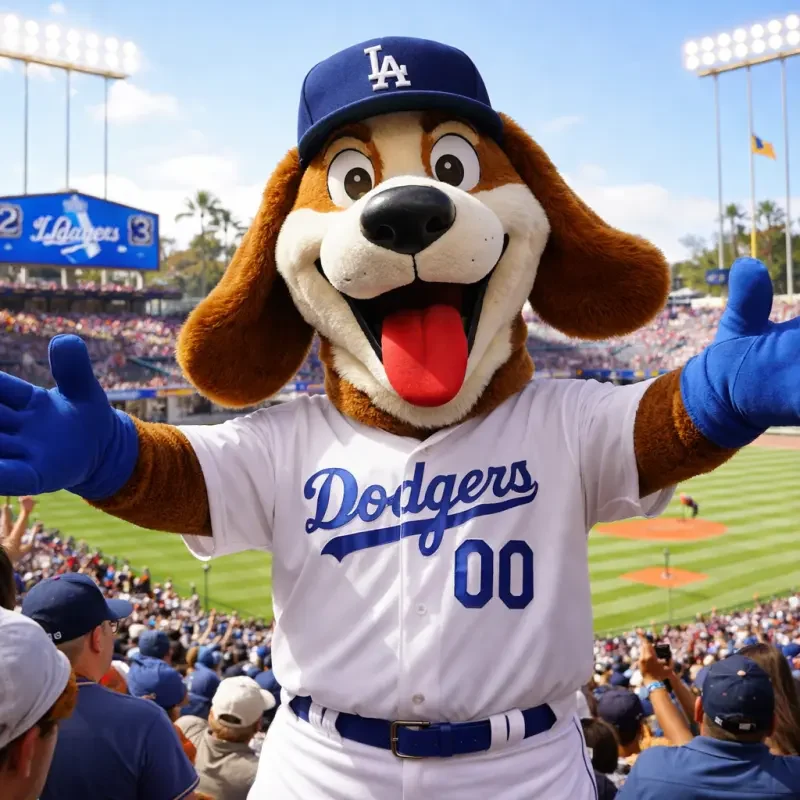
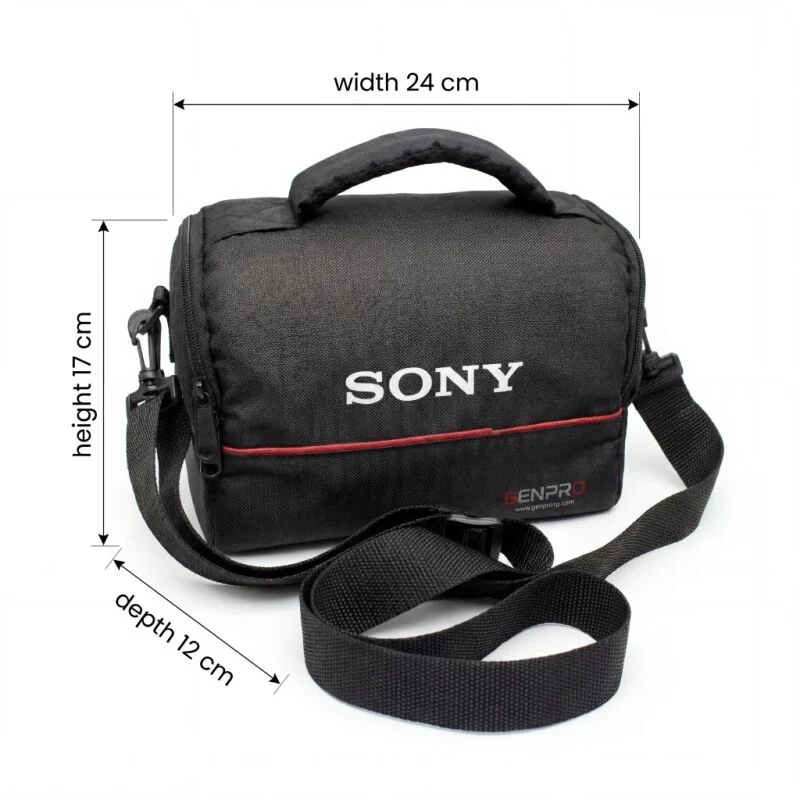
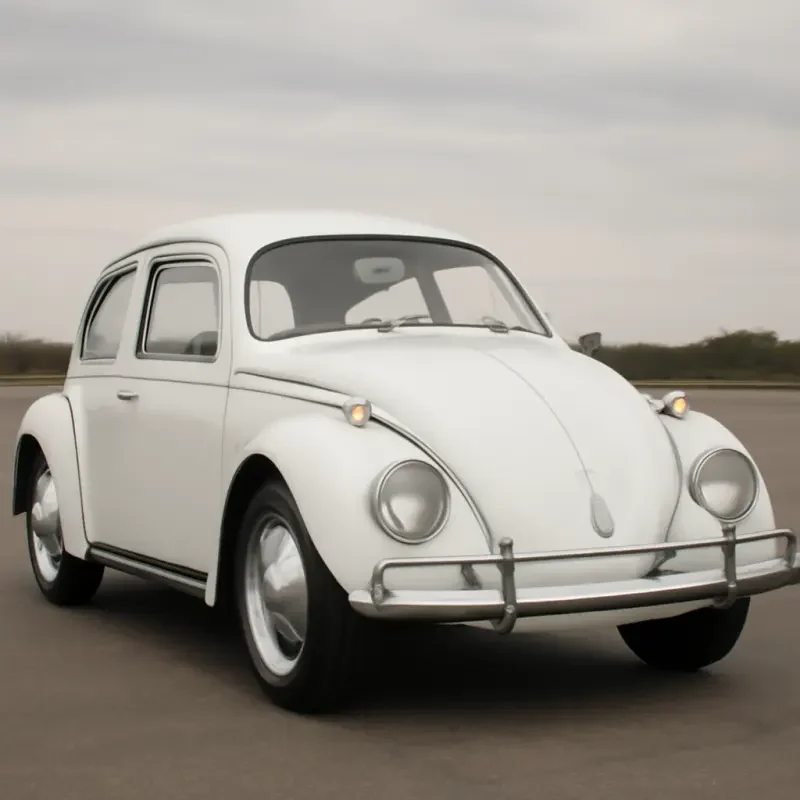
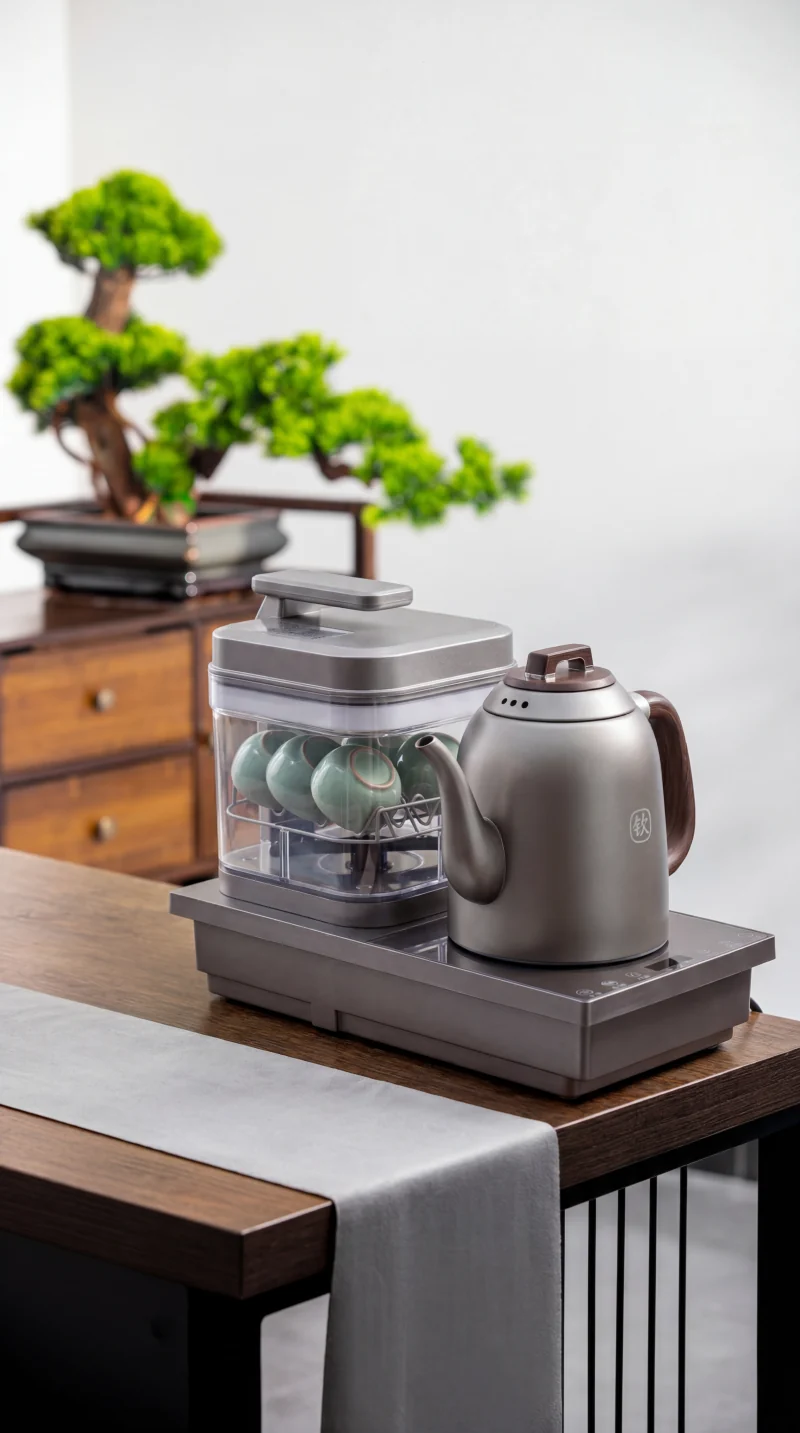
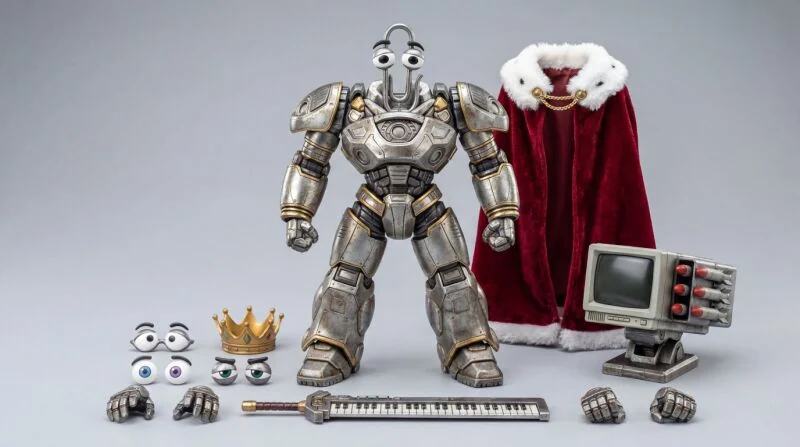
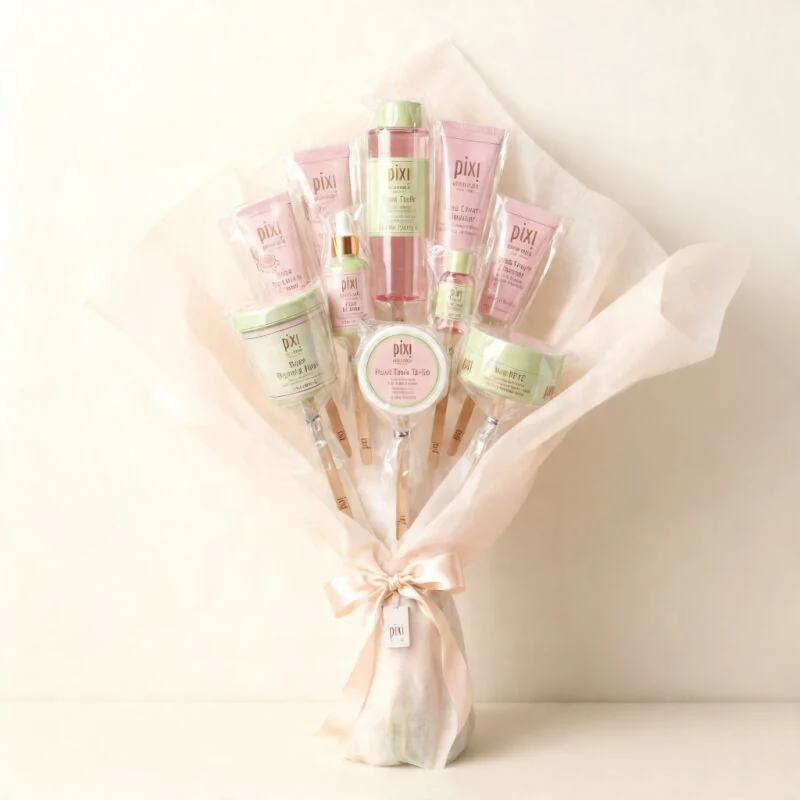
Browse reference examples product ads, ecommerce posters, UGC-style stills, campaign concepts, and social creatives. Open any card to inspect the result and reuse the idea.
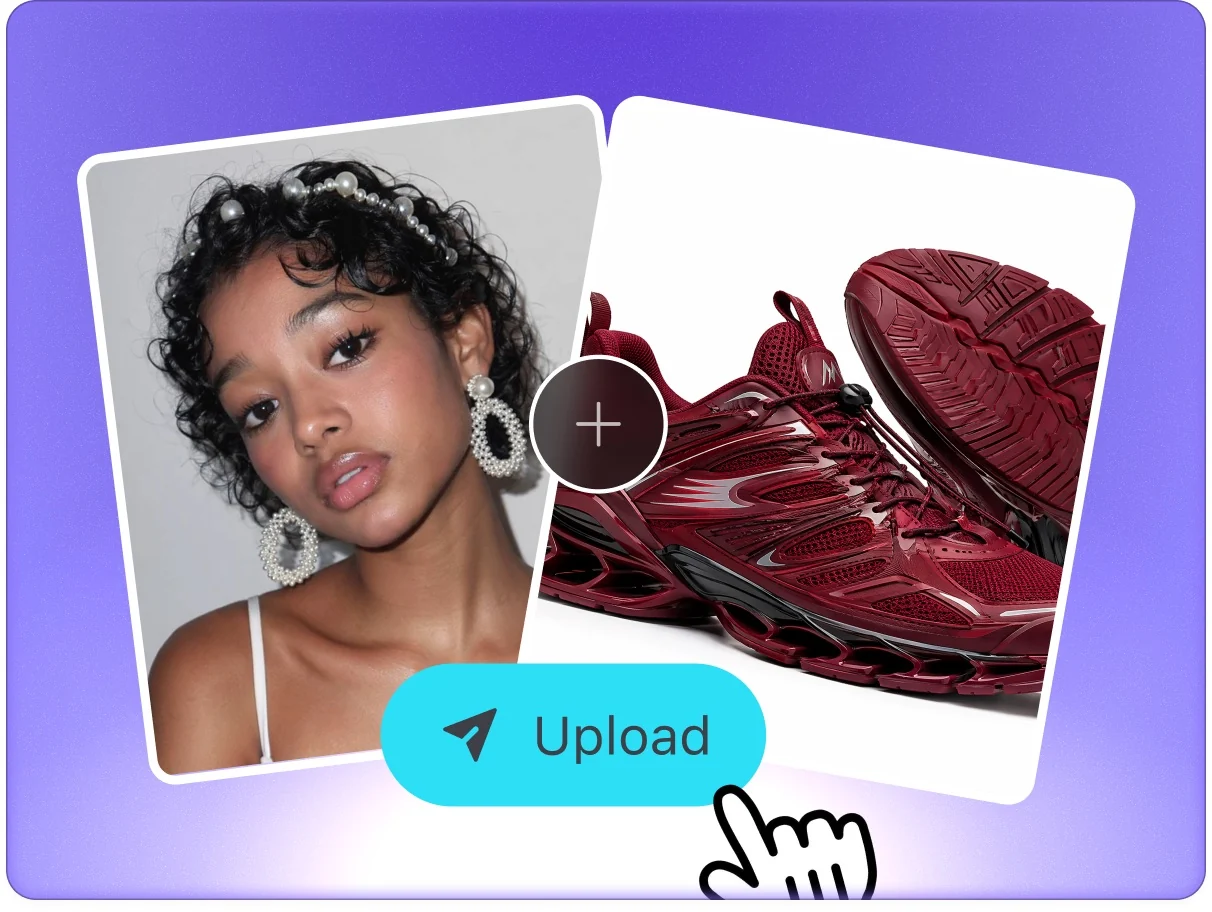
Start with product photos, packaging, brand references, or a short campaign brief. Add the audience, offer, platform, and visual direction so the agent understands what must stay accurate.
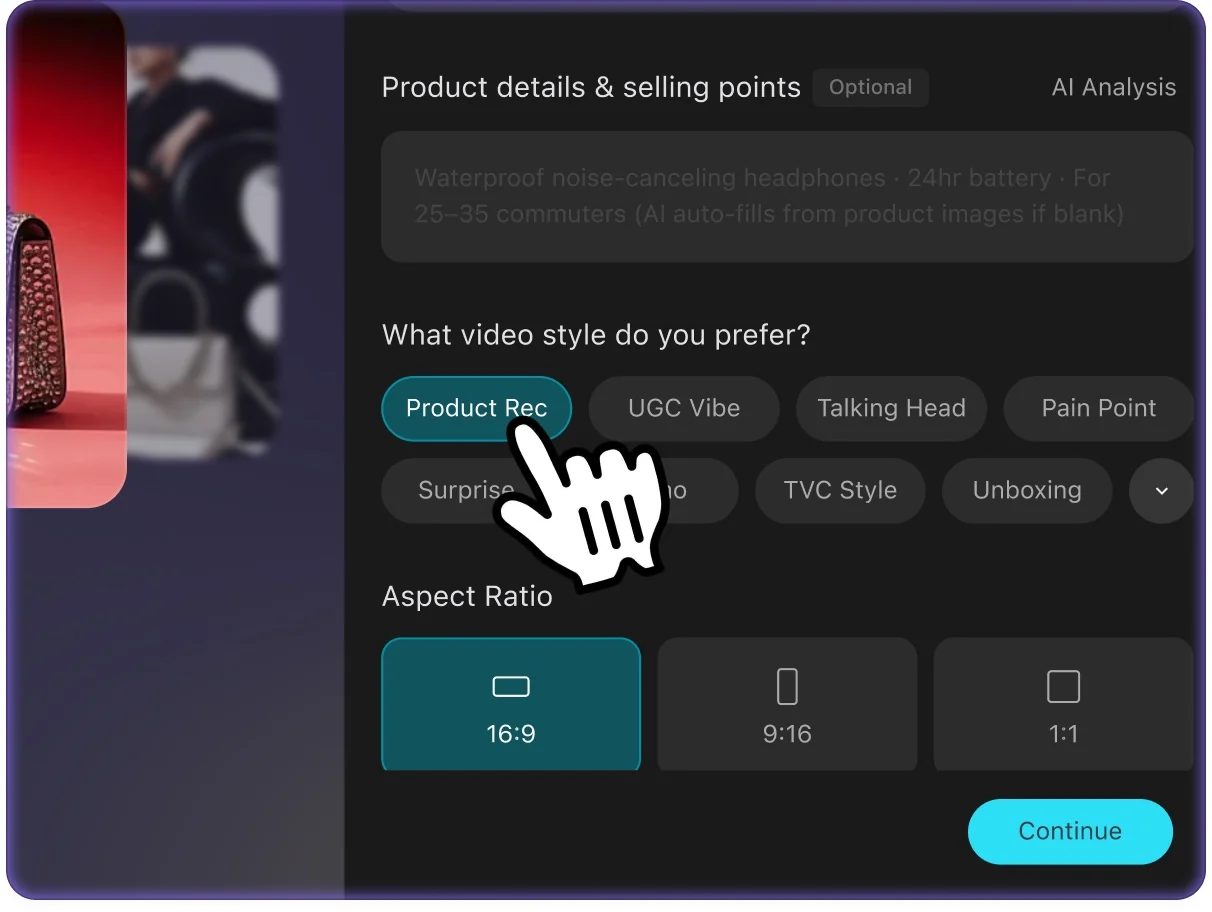
Vove AI routes your brief through an ad-focused agent workflow to create campaign-ready layouts, UGC-style stills, ecommerce posters, social creatives, and motion-ready concepts.
Browse reference examples for composition and style ideas. Select a card to apply its reference image and brief, then adapt the inputs to your own project.
Create clean ecommerce ads, product posters, launch banners, and benefit-led campaign visuals from a product description or uploaded image.
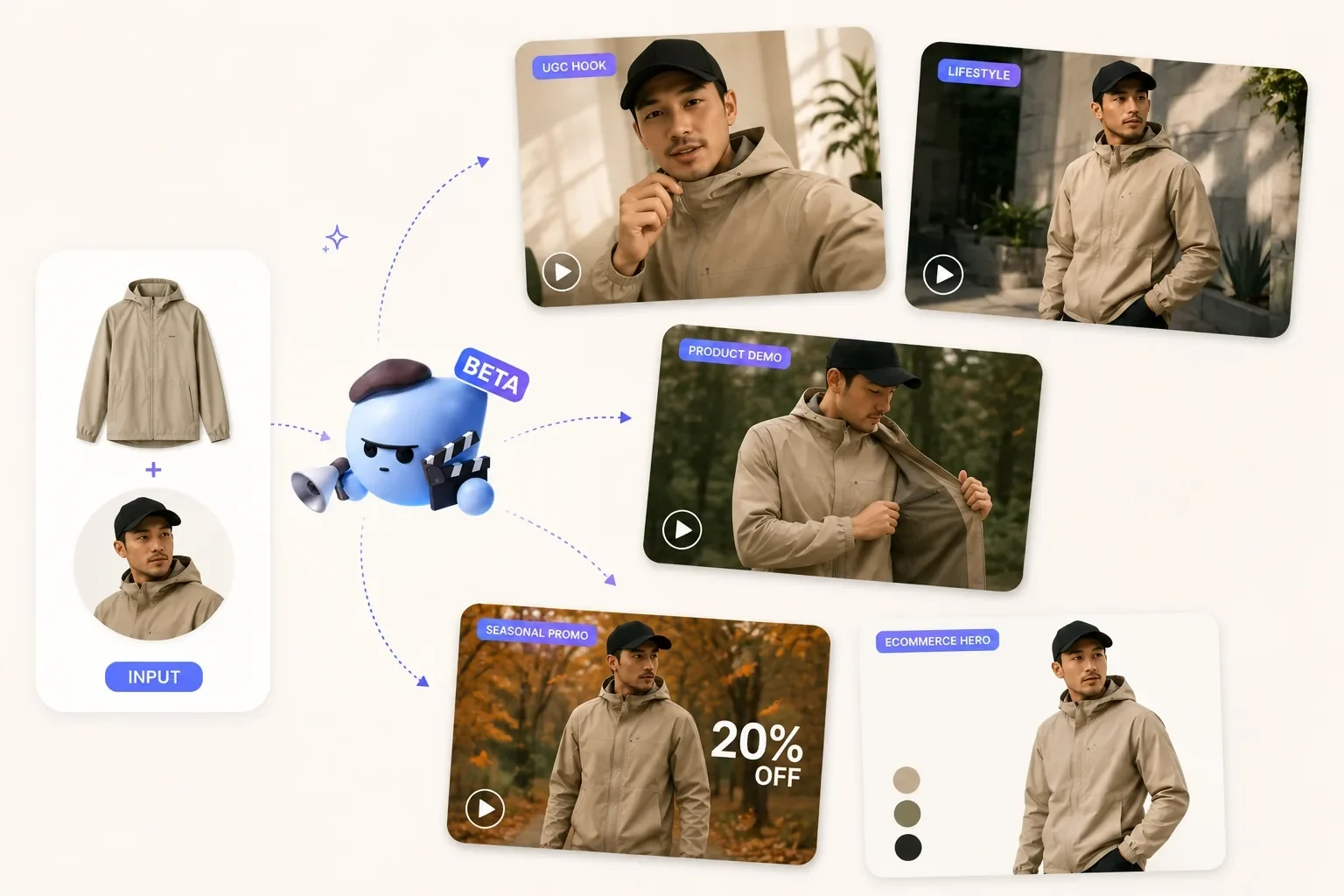
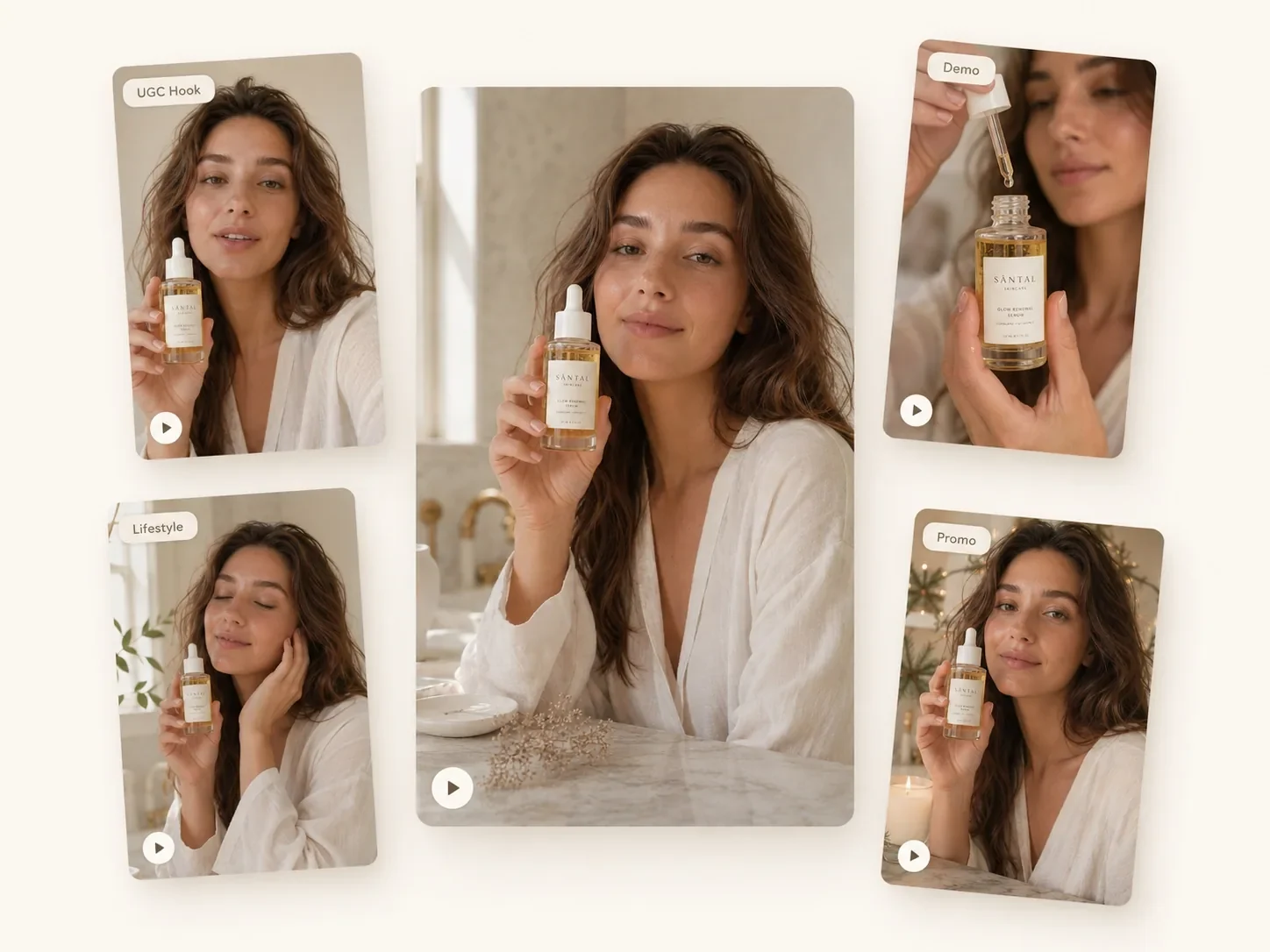
Generate testimonial-style stills, creator-style product shots, hook overlays, and native-looking social concepts for fast creative testing.
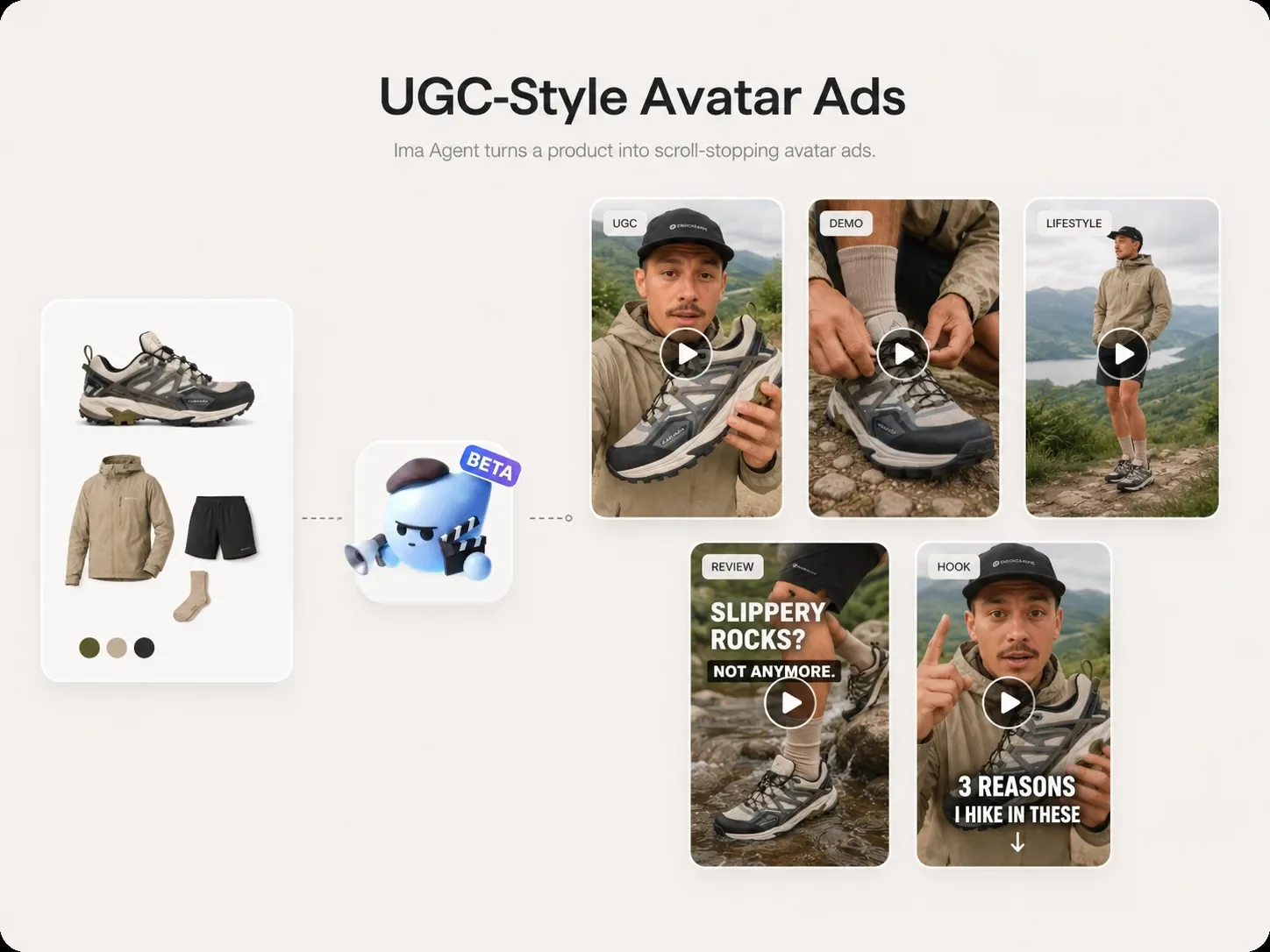
Plan creative variations for feed, story, reels covers, display placements, landing page hero images, and marketplace product launches.

Turn strong static ad directions into video prompts, shot sequences, caption ideas, and short-form campaign concepts for the next production step.
Choose a model from the current selector. Review its available settings and credit estimate, then compare the generated result with your brief.
Reference uploads keep packaging, shape, logo, and key product details visible while the agent explores new scenes, formats, and campaign angles.
Generate square, vertical, and landscape ideas for TikTok, Instagram, Meta, Google display, ecommerce listings, landing pages, and launch campaigns.
Use image ad winners as the starting point for UGC-style videos, product demos, hooks, captions, and short motion variants in the same creative workspace.
Select a reference to apply its image and creative brief to the generator. Review the inputs before starting your own generation.
Upload your product, describe the campaign, and generate ad concepts you can test, reuse, and extend into social-ready creative workflows.